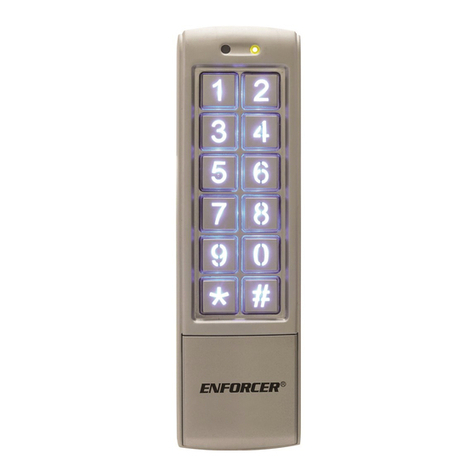
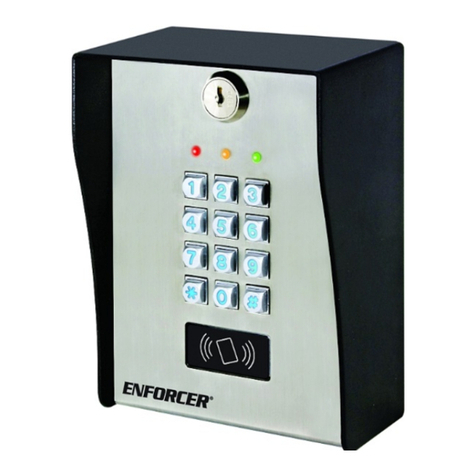
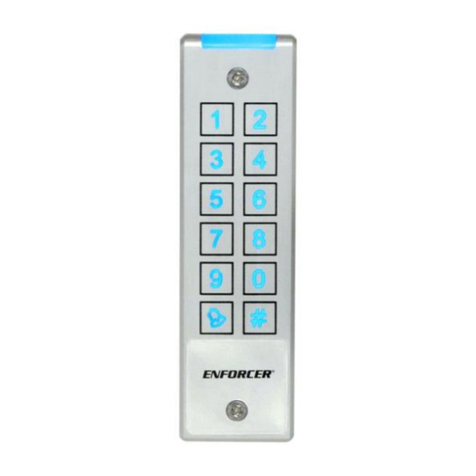
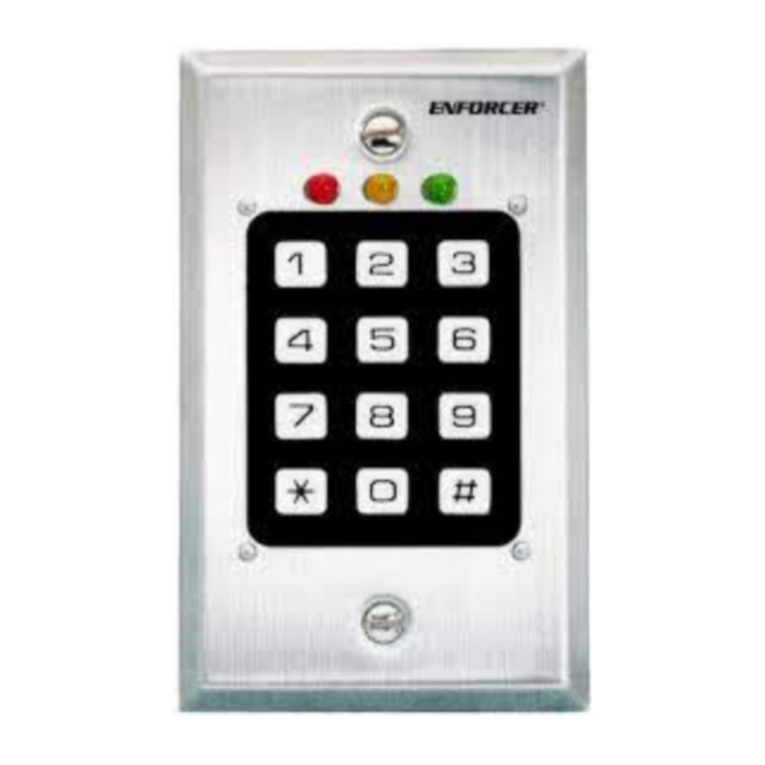
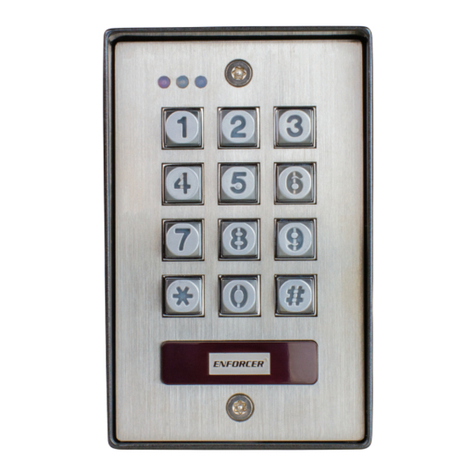
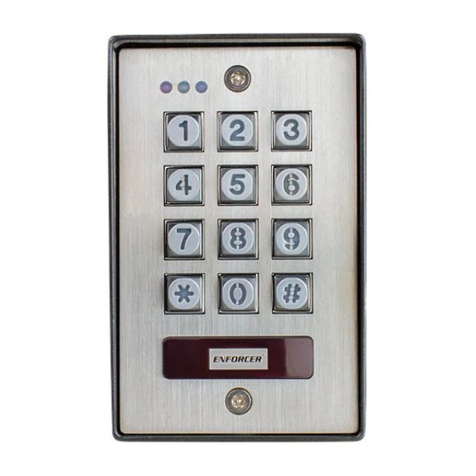
ENFORCER Outdoor Stand-Alone/Wiegand Keypad with Proximity Reader
10 SECO-LARM U.S.A., Inc.
Programming User Proximity Cards (Continued):
Individually by Reading Cards:
Read Card – After a short beep, you may continue to add cards by repeating
these steps, but without repeating the function code .
– Add Users function code (a short beep will sound and the LED will change to steady orange)
– to – 998 unique User IDs to trigger the device (if
is omitted, the device will
assign the user card to the first available User ID.)
Individually by Card Numbers (If Using Cards with Printed Numbers):
– After a short beep, you may continue to add cards by repeating
these steps, but without repeating the function code .
– Add Users function code (a short beep will sound and the LED will change to steady orange)
– 8~10 card number (the device will assign the user code to the first available User ID)
Adding Cards in a Large Batch (If Using Cards with Printed Numbers):
This method allows the addition of up to 998 cards in a single batch. This is especially useful in the
initial setup. This process adds the cards in consecutive order, assigned to available user IDs
consecutively.
– The process will take up to 2 minutes
– Add Users function code (a short beep will sound and the LED will change to steady orange)
– to – the beginning user ID
–the number of cards/fobs to be added
– the card number (8~10 digits) for the first card (or read the first card in the sequence)
NOTES:
Note that in the step above, you may add the first card number, or you can read the first card.
The user IDs will be assigned in consecutive order beginning from the beginning user ID.
The card numbers must be in consecutive order with no gaps in the numbering sequence and
must start with the lowest number.
With the Master Add Card:
The Master Add Card allows you to enter cards quickly without entering programming mode. It takes
you directly into the "add user" function mode without needing to enter the master programming code
and the add user function code. Once in this mode, you made add cards using any of the methods
described above, but omitting the . When complete, present the Master Add Card again to return to
standby mode.
NOTES:
It is important to record each user ID assigned in order to simplify future user management.
A user ID can only have a single card or single code assigned (except by using the method
described in "Changing the User Code for an Existing User," on pg. 12 when in the "card+code"
security level). If you try to add a card to an existing user ID that already has a user code assigned,
the user code will be removed.