Intel ISP1100 Internet Server Quick Start Guide 3
available, you can reduce the risk of electrostatic discharge (ESD) damage
by doing the following:
•Wear an antistatic wrist strap and attach it to a metal part of the server.
•Touch the metal on the server chassis before touching the server components.
•Keep part of your body in contact with the metal server chassis to dissipate the static
charge while handling the server components.
•Avoid moving around unnecessarily.
•Hold the boards and drives only by the edges.
•Place the server components on a grounded, static-free surface. Use a conductive foam
pad if available but not the component wrappers.
Safety and Regulatory Requirements
See the Intel®ISP1100 Internet Server Product Guide for all applicable safety standards,
electromagnetic compatibility (EMC) regulations, and product certification markings.
Intended uses: This product was evaluated for use in computer racks within computer rooms and
similar locations. Other uses require further evaluation.
Site Criteria
Before beginning to unpack and prepare the server for operation, consider the following site
criteria:
•Near a properly earthed, grounded, three-pronged AC power outlet.
In the United States and Canada: a NEMA 5-15R outlet for 100-120 VAC.
In other geographic areas: a properly earthed, grounded AC power outlet in accordance
with the local electrical authorities and electrical code of the region.
•Clean and relatively free of dust.
•Well ventilated and away from sources of heat, with the ventilating openings on the server kept
free of obstructions.
•Away from sources of vibration or physical shock.
•Isolated from strong electromagnetic fields and noise caused by electrical devices such as
elevators, copy machines, air conditioners, large fans, large electric motors, radio and TV
transmitters, and high-frequency security devices. For EMI information, refer to the Intel
ISP1100 Internet Server Product Guide.
•Access space provided so the server power cord can be easily unplugged from the AC power
source (see previous “WARNINGS”).
Unpack and Inspect the Server
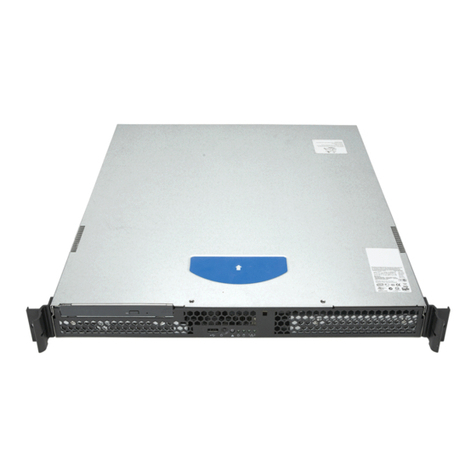
Remove the server from the packaging container and check that all the accessories are included.
Inspect the packaging container for evidence of mishandling during transit. If the packaging
container is damaged, photograph it for reference. After removing the contents, keep the damaged
container and the packing materials.
Inspect the server and accessories for damage. If the contents appear damaged, file a damage claim
with the carrier immediately.