3
Connect to Matrix Module
Stack Interface Module
AC In
100-
50H
1.5A
Connect to Matrix Module
Stack Interface Module
AC In
100-
50H
1.5A
Connect to Matrix Module
Stack Interface Module
AC In
100-
50H
1.5A
Matrix Module
AC In
100-
50H
1.5A
Switch 1 Switch 2 Switch 3
Intel
®
Express 530T Matrix Module
Optional Information
Stack the Switch
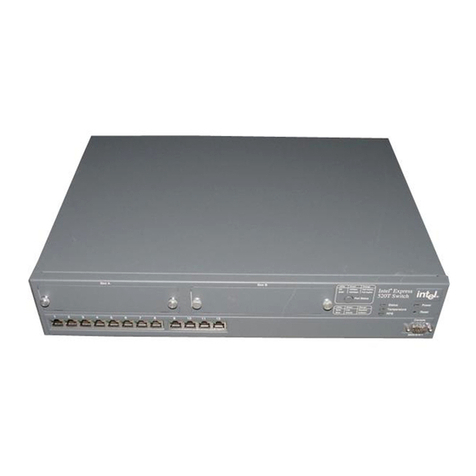
4530T Switch
(Control)
Stacking Cable
Add Optional Modules
Fiber Module (MTRJ connector)
for Express 535T Switch
(ES535MFXRJ)
5
• Unplug all power cords and use the
included stacking cable to attach the 535T
switch to one of the ports on the Intel®
Express Stack Matrix Module installed in
the 530T switch.
• Attach up to three switches to the module
for a total stack height of four switches
(one 530T and three 535T switches).
• The 535T switch must be connected to a
stack matrix module (in a 530T switch) in
order to form a stack. You cannot stack
two 535T switches together.
• The 530T or 535T switches do not stack
with the Intel®Express 510T or 520T
Switches or the Intel®Express 550F or
550T Routing Switches.
• Use optional modules to provide 100FX
connectivity for the stack, or to extend the
network beyond 100 meters.
• Unplug the power cord and remove the
10/100Base-TX module from the Module A
expansion slot on the front of the switch.
• Align the new module with the card guides
inside the switch and slide the module into
the slot. Press firmly to connect the module.
• Secure the module using the retaining
screws and plug in the power cord.
100Base-FX - MTRJ Module
Port 1 Port 2
100Base-FX - SC Module
Port 1
Tx Rx
535T Switch
(Member)
535T Switch
(Member)
535T Switch
(Member)
1357911 13 15 1719 21
246810 12 14 16 18 20 22
Link\Activity
Link= Solid Green
Activity= Blinking Green
Port1Port2
12345678910 11 12 13 14 15 16 17 18 19 20 21 22
Switch
Status
StatusLink
Stacking
Module
Module A
ModuleA
Intel
®
Expre ss535TSwitch
100Base-TModule
Port1 Port 2
Fiber Module (SC connector)
for Express 535T Switch
(ES535MFXSC)
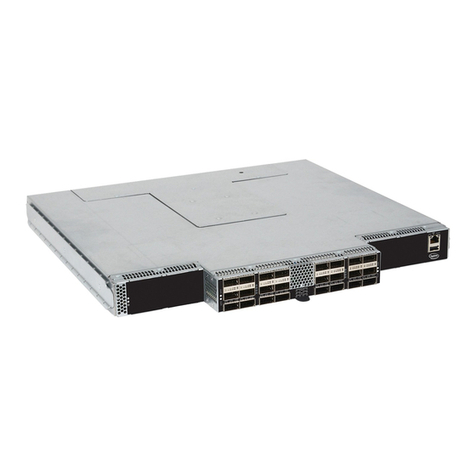
Stack Matrix Module
Figure 4: Connect switches to the stack matrix module
Figure 5: Install optional modules in the 535T switch.
Remove the 10/100 Module before installing a 100FX
module in the Module A slot on the 535T switch.
Note: You cannot use the stacking cables or stacking
modules from the 510T, 520T, 550T, and 550F switches
to connect the 530T and 535T switches together.
English