manuals.online logo
Brands
  1. Home
  2. •
  3. Brands
  4. •
  5. Invacare
  6. •
  7. Wheelchair
  8. •
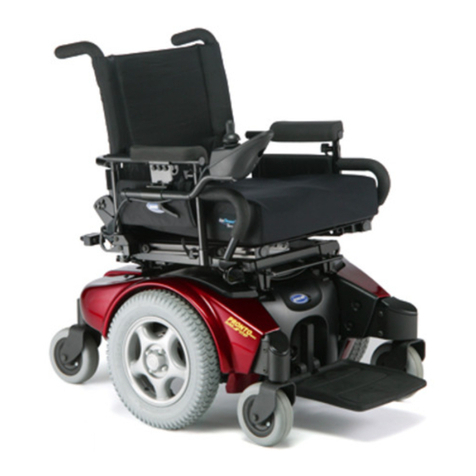
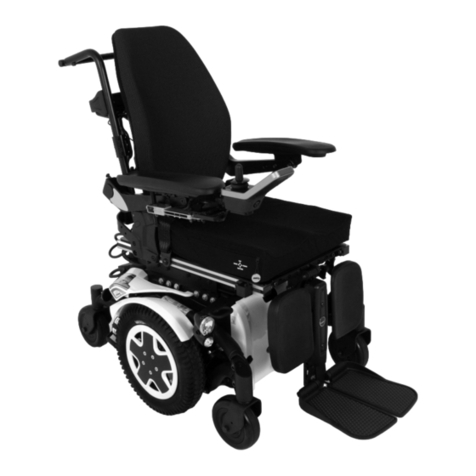
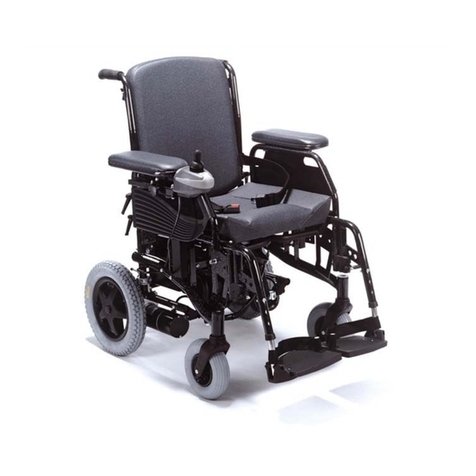
  9. Invacare Pronto Air User manual

Invacare Pronto Air User manual

Other manuals for Pronto Air

1

Other Invacare Wheelchair manuals

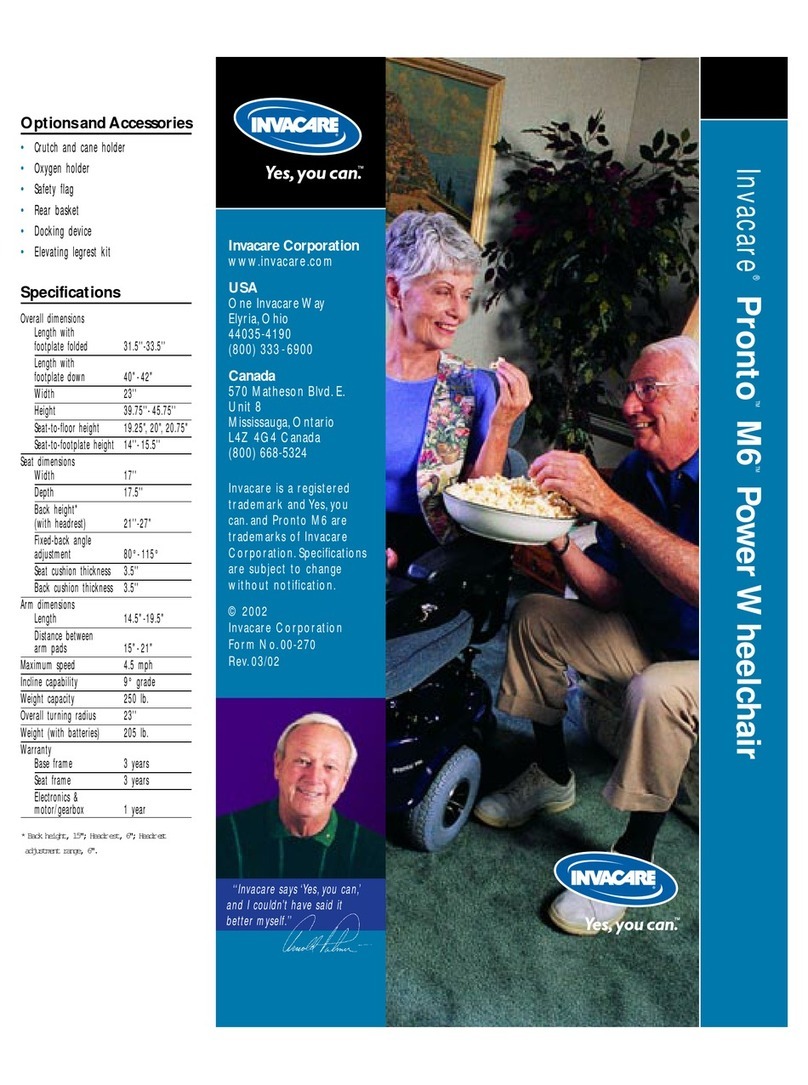
Invacare Pronto M51 User manual

Invacare

Invacare Pronto M51 User manual

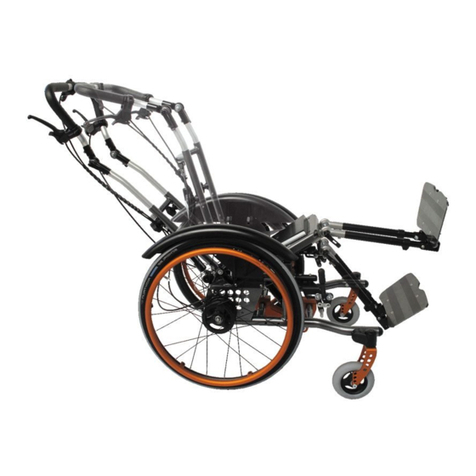
Invacare R2 jr. User manual

Invacare

Invacare R2 jr. User manual

Invacare Aquatec Ocean VIP User manual

Invacare

Invacare Aquatec Ocean VIP User manual

Invacare Pronto M50 Instruction Manual

Invacare

Invacare Pronto M50 Instruction Manual

Invacare Action2 NG User manual

Invacare

Invacare Action2 NG User manual

Invacare Aquatec Ocean User manual

Invacare

Invacare Aquatec Ocean User manual

Invacare H3160 User manual

Invacare

Invacare H3160 User manual

Invacare Ranger X User manual

Invacare

Invacare Ranger X User manual

Invacare MX Manual

Invacare

Invacare MX Manual

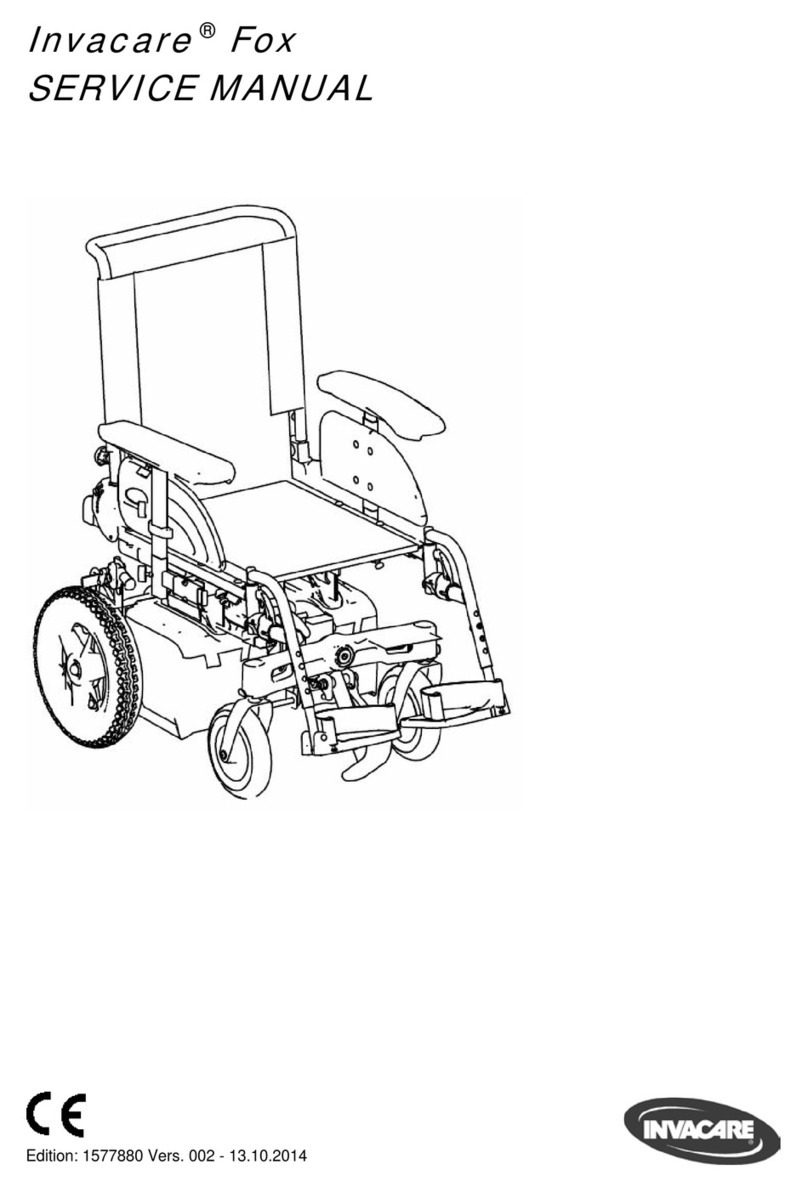
Invacare Fox User manual

Invacare

Invacare Fox User manual

Invacare Motion Concepts MaTRx Seating Series User manual

Invacare

Invacare Motion Concepts MaTRx Seating Series User manual

Invacare Pronto 31 User manual

Invacare

Invacare Pronto 31 User manual

Invacare Zipper 2 User manual

Invacare

Invacare Zipper 2 User manual

Invacare P9000 XDT Manual

Invacare

Invacare P9000 XDT Manual

Invacare TRACER EX2 Manual

Invacare

Invacare TRACER EX2 Manual

Invacare 6375 User manual

Invacare

Invacare 6375 User manual

Invacare Veranda User manual

Invacare

Invacare Veranda User manual

Invacare Lima H263 User manual

Invacare

Invacare Lima H263 User manual

Invacare Arrow RWD Manual

Invacare

Invacare Arrow RWD Manual

Invacare Kite User manual

Invacare

Invacare Kite User manual

Invacare LiNX DLX-ACU200 User manual

Invacare

Invacare LiNX DLX-ACU200 User manual

Invacare Ben NG Series User manual

Invacare

Invacare Ben NG Series User manual

Invacare Pronto M50 User manual

Invacare

Invacare Pronto M50 User manual

Invacare Action 1 R User manual

Invacare

Invacare Action 1 R User manual

Popular Wheelchair manuals by other brands

Handicare IBIS user manual

Handicare

Handicare IBIS user manual

Neatech JOB User and maintenance manual

Neatech

Neatech JOB User and maintenance manual

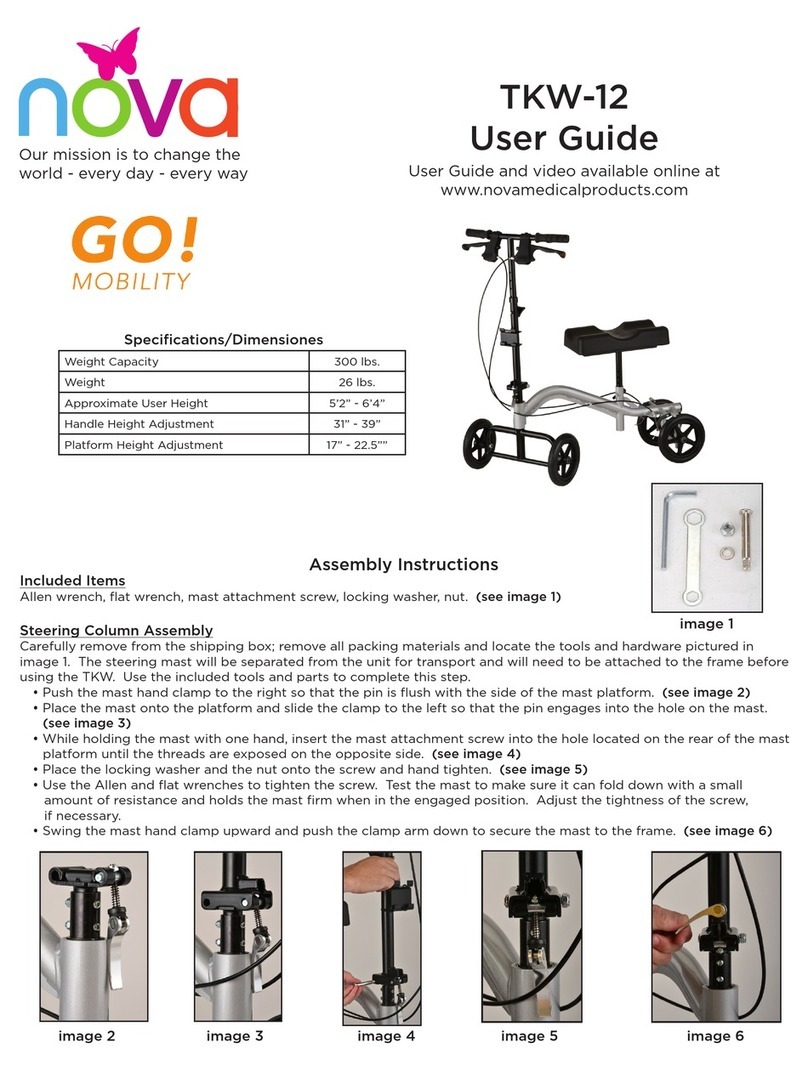
Nova TKW-12 user guide

Nova

Nova TKW-12 user guide

Drive Medical Titan owner's manual

Drive Medical

Drive Medical Titan owner's manual

Autoadapt Carolift 40 user manual

Autoadapt

Autoadapt Carolift 40 user manual

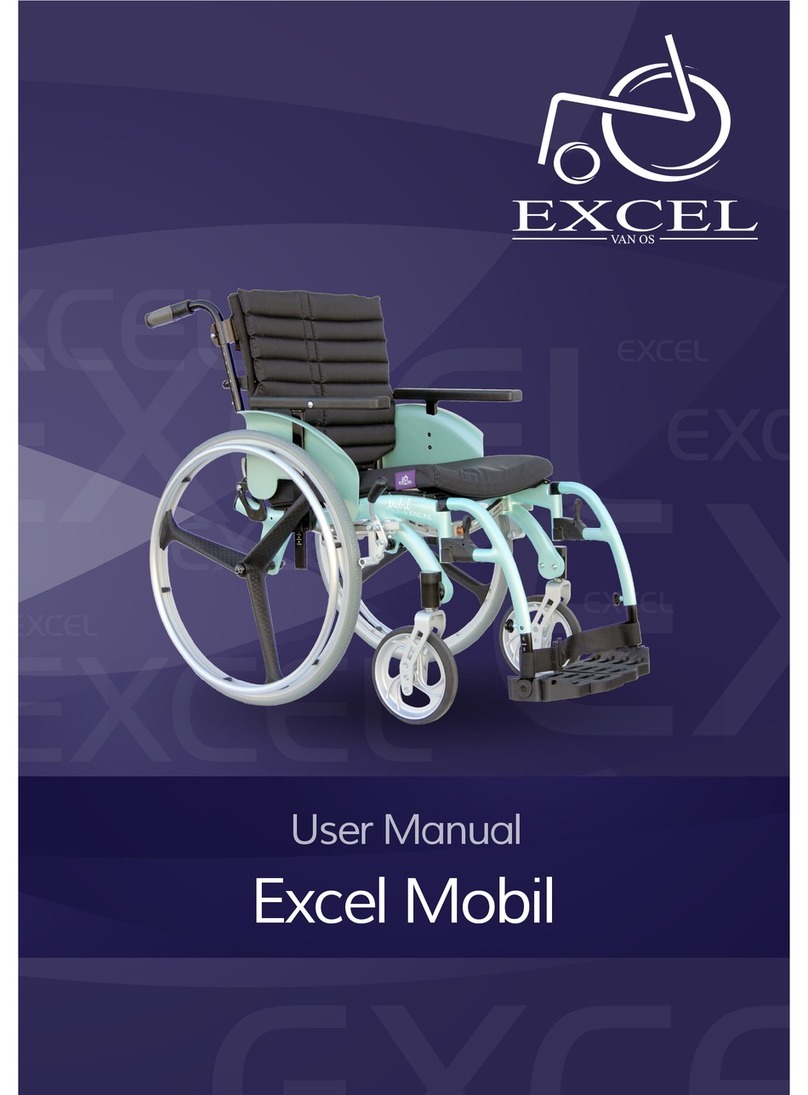
Excel Mobil user manual

Excel

Excel Mobil user manual

Valex M-MU 18-MULTI ONE instruction manual

Valex

Valex M-MU 18-MULTI ONE instruction manual

Sunrise Medical Guardian Escort User instruction manual & warranty

Sunrise Medical

Sunrise Medical Guardian Escort User instruction manual & warranty

REA Clematis Service manual

REA

REA Clematis Service manual

Vicair VECTOR O2 Important notice

Vicair

Vicair VECTOR O2 Important notice

Küschall K-SERIES Service manual

Küschall

Küschall K-SERIES Service manual

dynarex DynaRide 10233 manual

dynarex

dynarex DynaRide 10233 manual

Monarch Ezi-Fold D10 operating manual

Monarch

Monarch Ezi-Fold D10 operating manual

Quickie One-Arm Drive Quickie 2 owner's manual

Quickie

Quickie One-Arm Drive Quickie 2 owner's manual

R82 Wombat Living 1 user guide

R82

R82 Wombat Living 1 user guide

GRIT GRITJunior Assembly guide & user's manual

GRIT

GRIT GRITJunior Assembly guide & user's manual

Vermeiren Eclips X4 kids instruction manual

Vermeiren

Vermeiren Eclips X4 kids instruction manual

Vermeiren V300 ACTIVE user manual

Vermeiren

Vermeiren V300 ACTIVE user manual

manuals.online logo
manuals.online logoBrands
  • About & Mission
  • Contact us
  • Privacy Policy
  • Terms and Conditions

Copyright 2025 Manuals.Online. All Rights Reserved.

DEALER:Keepthismanual.TheproceduresinthismanualMUSTbeperformedbyaqualifiedtechnician.
IENI
1General
1.1Symbols
Signalwordsareusedinthismanualandapplytohazardsorunsafe
practiceswhichcouldresultinpersonalinjuryorpropertydamage.
Seetheinformationbelowfordefinitionsofthesignalwords.
WARNING!
–Warningindicatesapotentiallyhazardoussituation
which,ifnotavoided,couldresultindeathorserious
injury.
CAUTION!
–Cautionindicatesapotentiallyhazardoussituation
which,ifnotavoided,mayresultinpropertydamage
orminorinjuryorboth.
Givesusefultips,recommendationsandinformationfor
efficient,trouble-freeuse.
1.2KitInformation
Toinstallthekitsperformthetasksintheorderlistedinthetable.
TaskProcedure
Disconnectthejoystick.3.1Disconnecting/Connecting
theJoystick,page2
FoldtheBack.3.2Folding/UnfoldingtheBack,
page2
Removetheseat.3.3Removing/InstallingtheSeat,
page3
Replacethedrivewheel.3.4ReplacingtheDriveWheel
Assembly,page3
Reinstalltheseat.3.3Removing/InstallingtheSeat,
page3
Unfoldtheback.3.2Folding/UnfoldingtheBack,
page2
Connectthejoystick.3.1Disconnecting/Connecting
theJoystick,page2
Invacare®Pronto®AirPersonal
Transporter
KitNo.1179371—DriveWheelAssembly,KitNo.1179369
—DriveWheelAttachingHardware
ENPowerWheelchair
ServiceManual
Pronto®AirPersonalTransporter
1.3KitContents
Thiskitcontains:
1179371—DriveWheelAssembly
PartNumberQuantityDescription
N/A1DriveWheel
Assembly
11761471DriveWheel
ReplacementService
Manual
1179369—DriveWheelAttachingHardware
PartNumberQuantityDescription
2InvacareLogoDecal
2DriveWheel
Hubcap
2Locknut,1/2–20
N/A
2PlainWasher,.510x
.875x.055
11761471DriveWheel
ReplacementService
Manual
2Safety
2.1GeneralGuidelines
WARNING!
–DONOTusethisproductoranyavailableoptional
equipmentwithoutfirstcompletelyreadingand
understandingtheseinstructionsandanyadditional
instructionalmaterialsuchasowner’smanuals,service
manualsorinstructionsheetssuppliedwiththis
productoroptionalequipment.Ifyouareunableto
understandthewarnings,cautionsorinstructions,
contactahealthcareprofessional,dealerortechnical
personnelbeforeattemptingtousethisequipment-
otherwise,injuryordamagemayoccur.
–TheproceduresinthismanualMUSTbeperformed
byaqualifiedtechnician.
–AfterANYadjustments,repairorserviceandbefore
use,makesurethatallattachinghardwareistightened
securely—otherwiseinjuryordamagemayresult.
–Beforeperforminganymaintenance,adjustmentor
service,verifythatON/OFFswitchonthejoystickis
intheOFFposition.
ACCESSORIESWARNING
–Invacareproductsarespecificallydesignedand
manufacturedforuseinconjunctionwithInvacare
accessories.Accessoriesdesignedbyother
manufacturershavenotbeentestedbyInvacareand
arenotrecommendedforusewithInvacareproducts.
NOTICE
–Theinformationcontainedinthisdocumentissubject
tochangewithoutnotice.
Checkallpartsforshippingdamagebeforeusing.Incaseofdamage,
DONOTusetheequipment.ContacttheDealerforfurther
instructions.
3Service
3.1Disconnecting/ConnectingtheJoystick
Thejoystickconnectorislocatedattherearoftheseat
frame.
Disconnecting
1.HoldthelightgreycollarAportionofthejoystickconnectorB
withonehandandthecontrollerconnectorConthepersonal
transporterintheotheranddisconnectthembypullingthem
apart.
Connecting
CAUTION!
–Thejoystickconnectorandcontrollerconnectorfit
togetherinonewayonly.DONOTforcethem
together.Otherwise,damagewilloccur.
1.Holdthelightgreycollarportionofthejoystickconnector
withonehandandthecontrollerconnectoronthepersonal
transporterintheotherandalignthem.
2.Lightlypushtoengagethejoystickconnectorandthecontroller
connector.
3.2Folding/UnfoldingtheBack
•Tofoldthebackassemblydown,performthefollowing:
1.Holdbothsidesofthebackandpullup.
2.Pushthebackforwardtowardstheseat,whilemaintaining
upwardtensiononback.
•Tounfoldthebackassembly,performthefollowing:
1.Holdingbothsidesoftheback,andwhileliftingup,rotate
thebackassemblyintotheuprightposition.
2.Lowerthebackassemblydown,ensuringthebackengages
thelockingpinsandwillnotfoldifpushedforward.
21176147A

3.3Removing/InstallingtheSeat
Removing
1.Disconnectthejoystick.Referto3.1Disconnecting/Connecting
theJoystick,page2.
2.Folddowntheseatback.Referto3.2Folding/Unfoldingthe
Back,page2.
3.LifttheseatleverAuptoreleasetheseat.
4.Whileholdingtheseatlever,lifttherearoftheseatassembly
Btotilttheseatassemblyup.
WARNING!
–DONOTusearmreststoliftseat,otherwise
injuryordamagemayoccur.Useliftinglocations
showninillustration.
5.Pullseatupwardtowardstherearofthepersonaltransporter
andremovetheseatassemblyfromtheseatpostmountingpins.
Installing
1.PlacetheseatmountingbracketContotheseatmountingpins
andslidetheseatassemblyforwarduntilthefrontseatmounting
pinDengagesthefrontslotintheseatmountingbracket.
2.LowertherearoftheseatuntiltherearseatmountingpinE
clicksandlocksintotheseatmountbracket.
3.Pulltheseatassemblyuptoensurethatitislockedinplace.
4.Unfoldtheback.Referto3.2Folding/UnfoldingtheBack,page2.
5.Connectthejoystick.Referto3.1Disconnecting/Connectingthe
Joystick,page2.
3.4ReplacingtheDriveWheelAssembly
RemovingtheDriveWheel
1.Placethepersonaltransporterinawellventilatedareawhere
workcanbeperformedwithoutriskingdamagetocarpetingor
floorcovering.
2.VerifythejoystickOn/OffswitchisintheOffposition.
3.Placetwo5inchblocksunderbatteryframetoliftframeoffthe
groundforeaseinperformingthisprocedure.
4.UseaflatscrewdrivertoprythehubcapAoffofthewheel.
5.RemovethelocknutBandwasherCthatsecuresthewheel
Dtothemotor.
6.Pullthewheeloffofthemotor.
InstallingtheDriveWheel
1.InstallthewheelDontothemotor.
2.SecurethewheeltothemotorusingthewasherCandlocknut
B.Torquethelocknutto7.3ft-lbs(10Nm±20%).
3.InstallthehubcapA,pressfirmlyintoplace.
1176147A3
©2012InvacareCorporation.
Allrightsreserved.Republication,duplicationormodificationinwholeorinpartisprohibitedwithoutpriorwrittenpermissionfromInvacare.
Trademarksareidentifiedby™and®.AlltrademarksareownedbyorlicensedtoInvacareCorporationoritssubsidiariesunlessotherwisenoted.
InvacareCorporation
USA
OneInvacareWay
Elyria,OhioUSA
44036–2125
440–329–6000
800–333–6900
Canada
570MathesonBlvdEUnit8
MississaugaOntario,L4Z4G4
Canada
800–668–5324
www.invacare.comwww.invacare.ca
1176147-A2012-10-16
*1176147A*
MakingLife’sExperiencesPossible™