6
2) Download and save PolaeMaster polar
alignment application software on your
computer. Install it by double click on the
downloaded file. There will be a
PoleMaster icon on your computer desktop
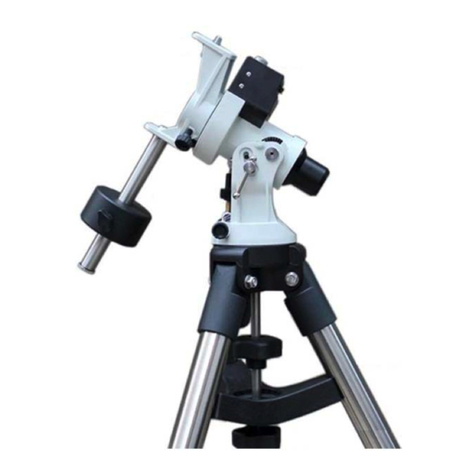
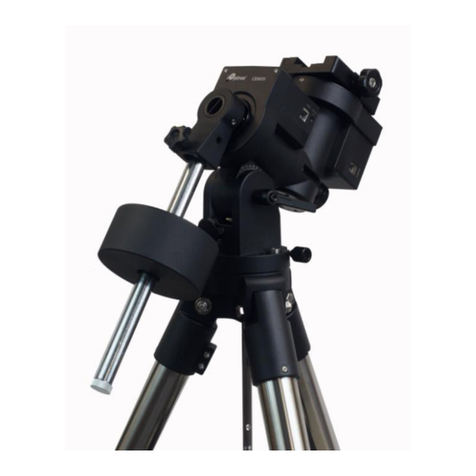
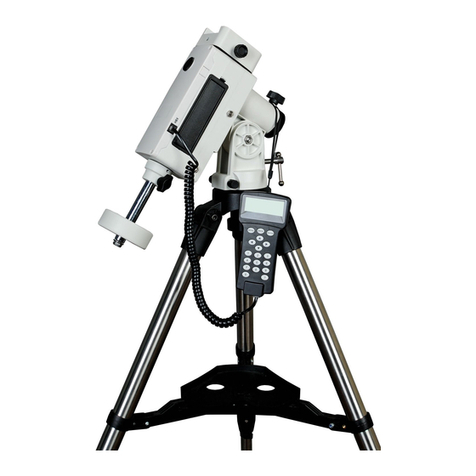
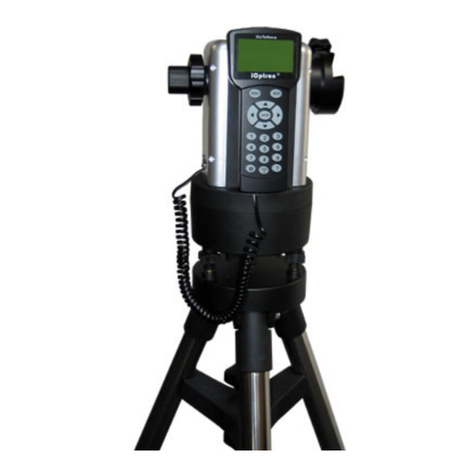
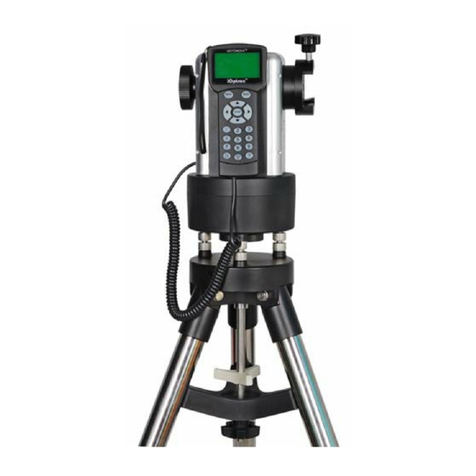
3) Setup your equatorial mount at Zero
Position (or Up North Park Position).
Roughly level the mount (precise leveling
via bubble is not needed). Point towards
the north as you normally do during polar
alignment process, if you are located in
northern hemisphere. Adjust the mount
latitude to match your location.
4) Launch PoleMaster application. Click on
the Connect button on the top menu bar. If
the PoleMaster is connected to the
computer correctly, the other function
buttons, such as Region Selection, will be
turning active. Select your region and
adjust the camera Exposure and Gain to
display many stars near the Polaris. As
PoleMaster has a very large field of view
(FOV) of 11ºX8°, Polaris should be readily
shown on screen which should the
brightest star in the FOV;
5) The application will assist you to confirm
the Polaris (or Sigma Octane) using the
Template from the Tools pull-down menu.
6) Follow the on screen instructions to
perform coarse (Rough) polar alignment.
The accuracy achievable in this stage is
around a few arcminutes. Now you can
start to observe;
7) If a higher alignment precision is needed,
follow the on-screen instructions to perform
fine polar alignment. The maximum
alignment accuracy achievable after this
stage is 30 arcseconds.
Note:
1) Current version is suitable for use from
November 2015 till June 2016.
2) The software has an option to correct
the atmospheric refraction effect at low
latitude. If you are at latitude lower than
30°, you may activate the correction
from Tools pull-down menu.
3) The software supports the southern
hemisphere. You may display a star
template for either northern or southern
hemisphere by pulling down the Tool
menu.
4) Under severe light pollution sky or
when transparency is low, PoleMaster
may fail to perform plate solving when
some faint target stars are invisible.
4. Maintenance and Servicing
4.1. Maintenance
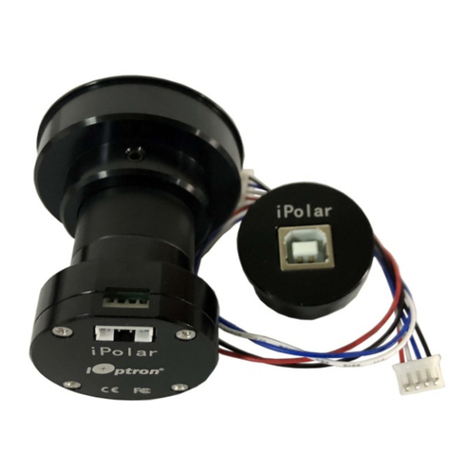
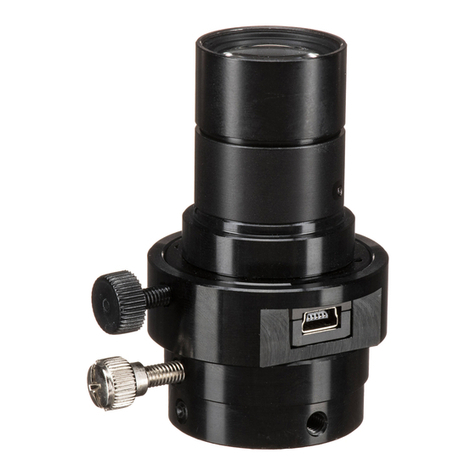
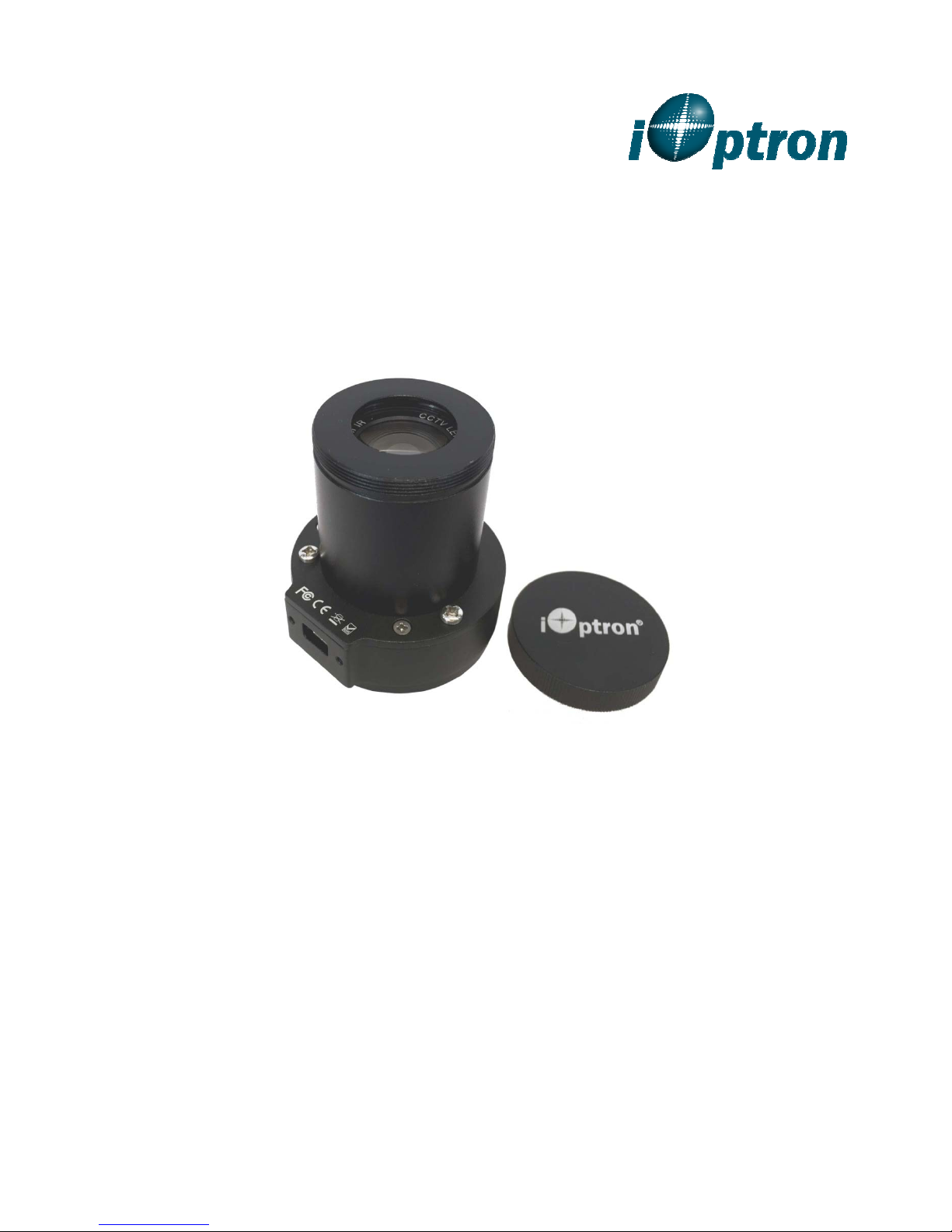
The PoleMasterTM electronic polar scope is
designed to be maintenance free, except the
camera driver and/or application firmware
upgrade. Do not drop the camera. Do not plug
the camera using a different cable. Clean the
lens only with lint-free cloth and optical lens
cleaner, when needed. Use a damp cloth to
clean the camera outside. Do not use solvent.
4.2. iOptron Customer Service
If you have any question concerning your
mount, contact iOptron Customer Service
Department. Customer Service hours are 9:00
AM to 5:00 PM, Eastern Time, Monday
through Friday. In the unlikely event that the
mount requires factory servicing or repairing,
write or call iOptron Customer Service
Department first to receive a RMA# before
returning the mount to the factory. Please
provide details as to the nature of the problem
as well as your name, address, e-mail
address, purchase info and daytime telephone
number. We have found that most problems
can be resolved by e-mails or telephone calls.
So please contact iOptron first to avoid
returning the mount for repair.
It is recommended to send technical questions
1.781.569.0200.
5. Product End of Life Disposal
Instructions
This electronic product is subject to disposal
and recycling regulations that vary by country
and region. It is your responsibility to recycle
your electronic equipment per your local