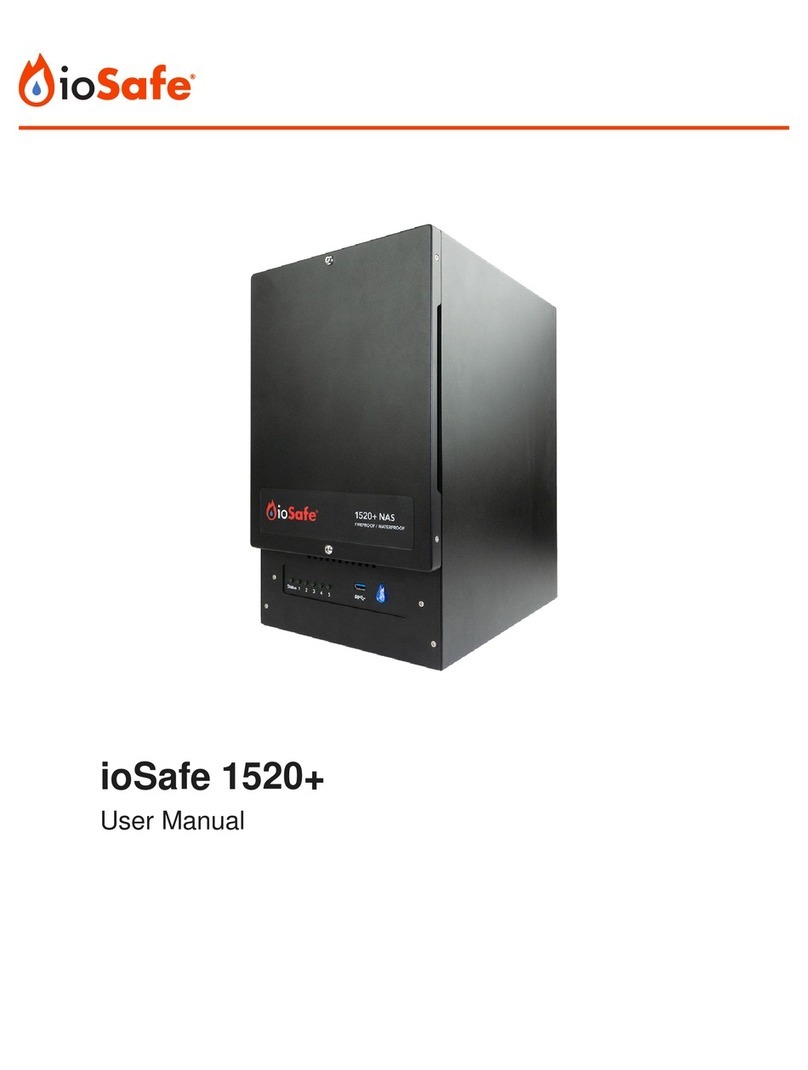
ioSafe 1019+ User manual

ioSafe®1019+
Network-Attached Storage Device
User Manual

ioSafe 1019+ User Manual
2
Table of Contents
Section Page Number
1 General Information 3
1.1 Package Contents 3
1.2 Identifying Parts 4
1.3 LED Behavior 5
1.4 Warnings and Notices 5
2 Hardware Installation 6
2.1 Tools and Parts for Drive Installation 6
2.2 SATA Drive Installation 6
2.3 M.2 NVMe SSD Installation 11
2.4 Replace Memory Modules 11
2.5 Connecting the ioSafe 1019+ 13
3 Install Synology DiskStation Manager 14
4 Connect and Log in to Synology DiskStation Manager 15
5 Replace System Fan Assembly 16
6 Product Support 17
6.1 Activate Data Recovery Service Protection 17
6.2 ioSafe No-Hassle Warranty 17
6.3 Data Recovery Procedure 17
6.4 Contact Us 18
7 Technical Specifications 19

ioSafe 1019+ User Manual
1 General Information
1.1 Package Contents
Check the package contents to verify that you have received the items below. Please contact CRU®
if any items are missing or damaged.
3
1x
1x
1x
1x
24x*
1x
1x**
*Only included with unpopulated units
**Power cable is localized to the region you purchased your product for, whether North America, European Union/United Kingdom, or Australia.
European Union and United Kingdom units are packaged with two power cables, one for each region.

ioSafe 1019+ User Manual
1.2 Identifying Parts
Power Button
USB 3.0
Port
Drive
Status
Indictators
System Status
Indicator
Reset Button
LAN
Ports
Power In
eSATA
Port
USB 3.0
Port
System Fan
System Fan
Front
Rear
4
Kensington®Security Slot

ioSafe 1019+ User Manual 5
1.3 LED Behavior
LED Name Color State Description
Status
Green Solid The unit is operating normally.
Amber
Blinking Indicates one of the following states:
• Volume degraded
• Volume crashed
• Volume not created
• DSM not installed
Off The hard drives are in hibernation.
Drive Activity
LEDs #1-5
Green Solid The corresponding drive is ready and idle.
Blinking The corresponding drive is being accessed
Amber Solid Indicates a drive error for the corresponding drive
Off No internal drive installed in the corresponding drive bay,
or the drive is in hibernation.
Power Blue
Solid Indicates that the unit is powered on.
Blinking The unit is booting up or shutting down.
Off The unit is powered off.
1.4 Warnings and Notices
Please read the following before using the product.
General Care
• The internal components in the ioSafe 1019+ unit are susceptible to static electricity. Proper
grounding is strongly recommended to prevent electrical damage to the unit or other connected
devices. Avoid all dramatic movement, tapping on the unit, and vibration.
• Avoid placing the unit close to large magnetic devices, high voltage devices, or near a heat
source. This includes any place where the product will be subject to direct sunlight. Do not
allow water to make contact with the unit.
• Before starting any type of hardware installation, ensure that all power switches have been
turned off and all power cords have been disconnected to prevent personal injury and damage
to the hardware.
• To avoid overheating, the unit should be operated in a well-ventilated area. Do not place the
unit on a soft surface, such as carpet, that will obstruct air flow into the vents on the underside
of the product.

ioSafe 1019+ User Manual
2 Hardware Installation
2.1 Tools and Parts for Drive Installation
• A Phillips screwdriver
• 3mm hex tool (included)
• At least one 3.5-inch or 2.5-inch SATA hard drive or SSD (please visit iosafe.com for a list of
compatible drive models)
Formatting a drive will result in data loss, so be sure to back up your data before beginning this
operation.
2.2 SATA Drive Installation
If you purchased an ioSafe 1019+ that was shipped with hard drives pre-installed, skip Section 3 and
continue on to Section 4.
a. Use the included 3mm hex tool to remove the screws on the top and bottom of the front cover.
Then remove the front cover.
6

ioSafe 1019+ User Manual
b. Remove the waterproof drive cover with the 3mm hex tool.
c. Remove the drive trays with the 3mm hex tool.
7

ioSafe 1019+ User Manual
d. Install a compatible drive into each drive tray using (4x) drive screws and a Phillips screwdriver.
Please visit iosafe.com for a list of compatible drive models.
When setting up a RAID set, it is recommended that all installed drives should be the same size in order
to make the best use of drive capacity.
e. Insert each loaded drive tray into an empty drive bay, ensuring that each one is pushed in all the
way. Then tighten the screws using the 3mm hex tool.
8

ioSafe 1019+ User Manual
f. Replace the waterproof drive cover and securely tighten it using the 3mm hex tool.
Avoid using tools other than the supplied hex tool to secure the waterproof drive cover as you could
under-tighten or break the screw. The hex tool has been designed to flex slightly when the screw is
sufficiently tight and the wateproof gasket is properly compressed.
9

ioSafe 1019+ User Manual
g. Install the front cover to finish installation and protect the drives from fire.
h. You may optionally use the round magnet provided to attach and store the hex tool on the back
of the unit.
10
Table of contents
Other ioSafe Storage manuals

ioSafe
ioSafe SoloPRO eSATA/USB 2.0 User manual
ioSafe
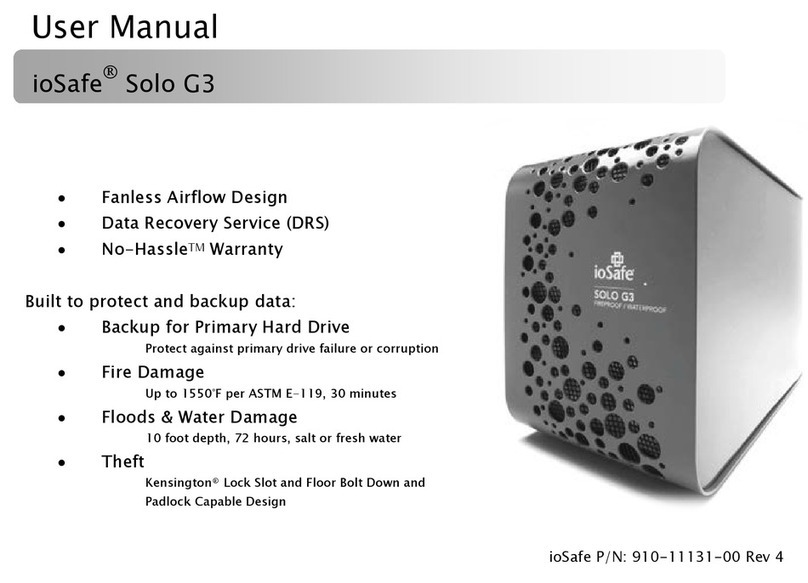
ioSafe Solo G3 User manual
ioSafe
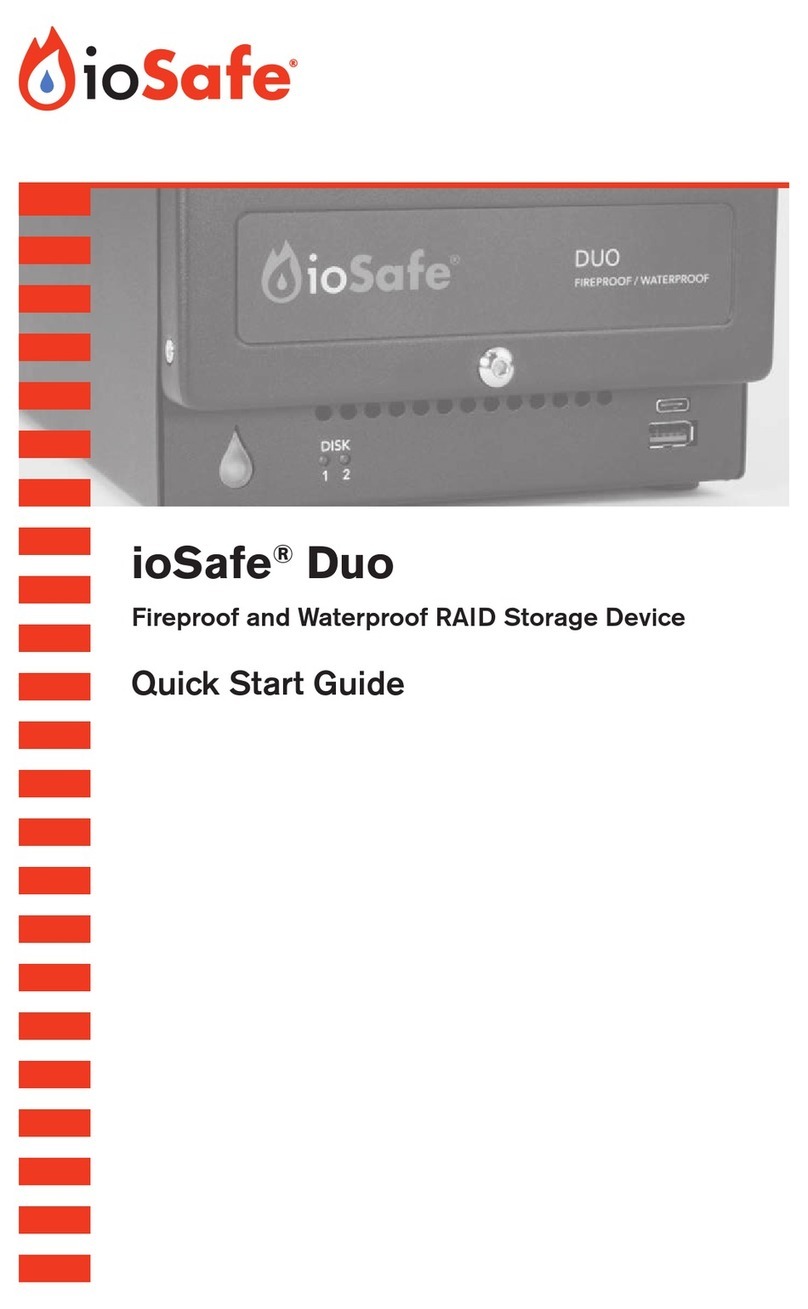
ioSafe Duo User manual
ioSafe
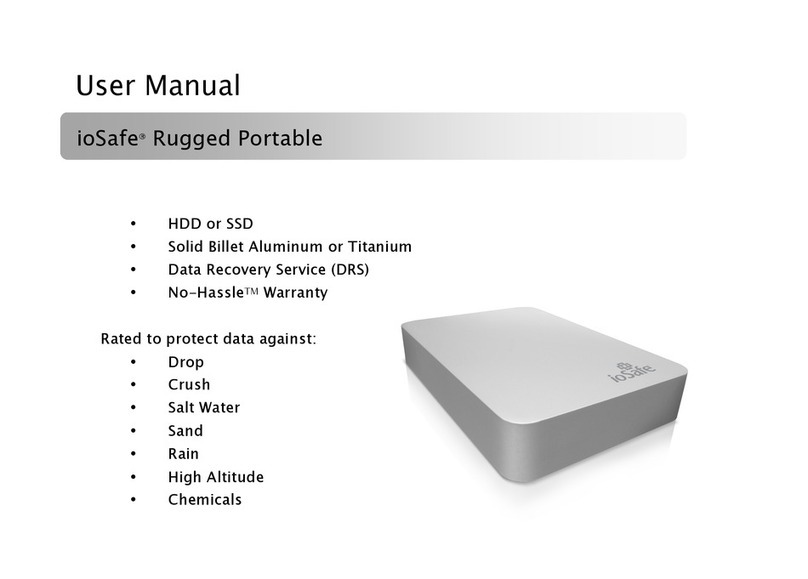
ioSafe Rugged Portable User manual
ioSafe
ioSafe BDR515 Installation instructions
ioSafe
ioSafe Solo G3 Secure User manual
ioSafe
ioSafe SoloPRO USB 3.0 User manual
ioSafe
ioSafe Solo G3 User manual
ioSafe
ioSafe 910-10841-00 User manual
ioSafe
ioSafe Solo 1TB User manual