ioSafe Duo Quick Start Guide 5
1.3 LED Behavior
LED Name Color State Description
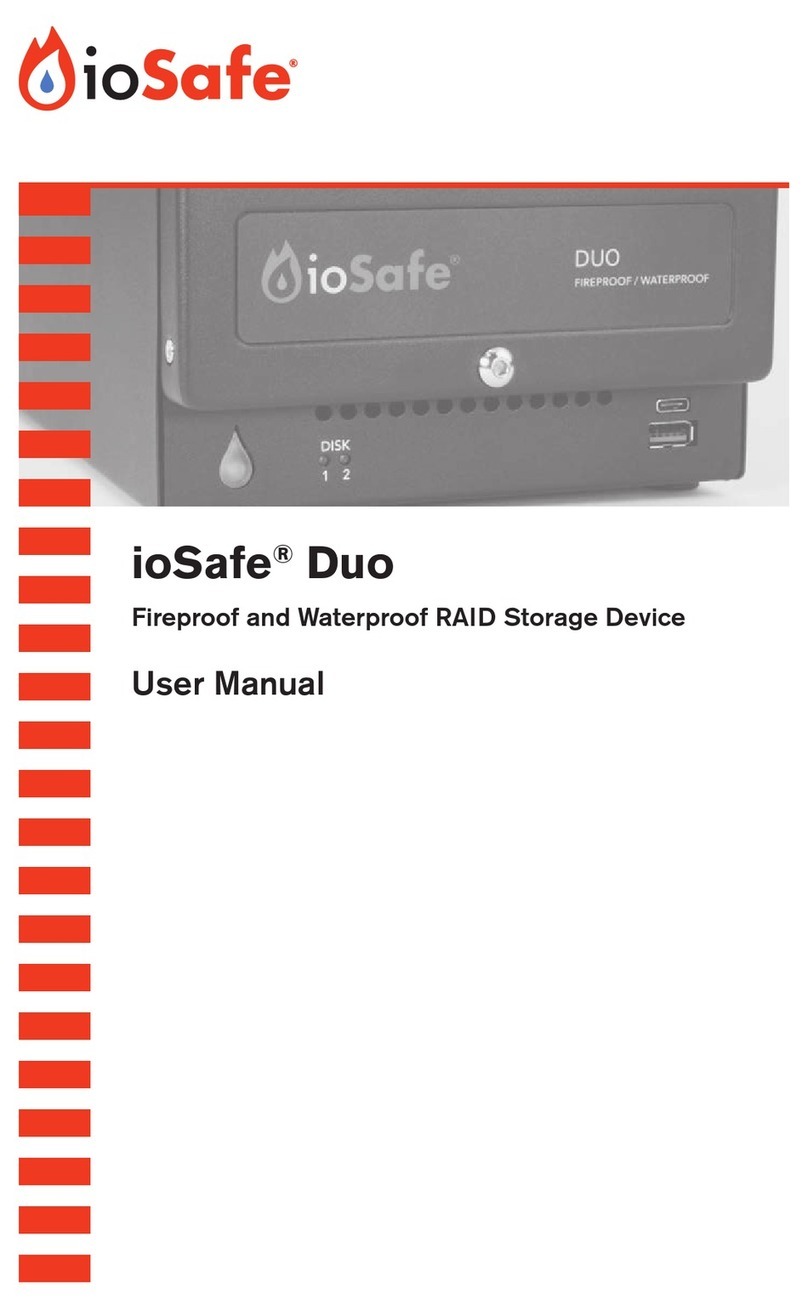
Disk Activity
LEDs #1-2
Green Solid The corresponding drive is ready and idle.
Blinking The corresponding drive is being accessed.
Amber Solid One or both drives’ temperatures is over 131° F/55° C. Ensure the
unit is being stored in a properly ventilated area.
Red Blinking Indicates a drive error for the corresponding drive.
Alternating
Green/
Amber
Blinking The RAID array is being created. Both drives will be unavailable
while this process completes.
Orange Pulsating
The RAID array is being rebuilt. The disk with the orange LED is the
disk that is being overwritten. Both drives will be unavailable while
this process completes.
Power LED
Blue Solid The unit is powered on.
Off The unit is powered off.
Red Solid Indicates a fan failure. Please contact Technical Support to obtain a
replacement fan (see Section 7).
1.4 Warnings and Notices
Please read the following before using the product.
General
• The circuit boards within the product are susceptible to static electricity. Proper grounding
is strongly recommended to prevent electrical damage to the product or other connected
devices, including the computer host. Avoid all dramatic movement, tapping on the unit, and
vibration.
• Avoid placing the drive carrier close to magnetic devices or high voltage devices.
• Before starting any type of hardware installation, please ensure that all power switches
have been turned off and all power cords have been disconnected to prevent personal
injury and damage to the hardware.
• To avoid overheating, the ioSafe Duo should be operated in a well-ventilated area.
RAID
• ioSafe recommends that you use this product as a RAID 1 device. RAID 1 invisibly provides
you an exact copy of all data stored on the Duo and protects you against the loss of a
single drive. If you purchased an ioSafe Duo with pre-installed drives, no additional steps
are necessary to use it in this mode. The Duo works as a RAID 1 device right out of the box.
• RAID level 0 will allow you to use the full combined capacity of the drives and offers the
best data transfer speeds. However, RAID 0 offers no protection for the data. If one drive