Cellular CAT (CDMA) Service Provisioning
Overview
Upon installation, the Cellular CAT must be registered with Verizon
Cellular. The Product can obtain the credentials needed by its
Over-The-Air Provisioning (OTAP). During an OTAP, the Cellular
CAT obtains an IP address with the nearest cell towers and
provides IP connectivity for the Product.
Pre-Provisioned
All new Cellular CAT’s are pre-provisioned with Verizon, which means
they are linked to the network and no additional steps are required for
this Product to come online initially. If you are installing a Cellular CAT
that was previously installed, you may need to perform a re-
provisioning of the OTAP, which is required by Verizon to make the
Product come online. If a Cellular CAT is removed or deactivated from
an account, you will need to make sure it is re-provision. To re-
provision the Cellular CAT, please follow these steps:
Re-Provisioning
OTAP Steps (If Needed)
1. To begin, ensure that the Product is
powered appropriately with 12- volts
either from a battery or the control
panel.
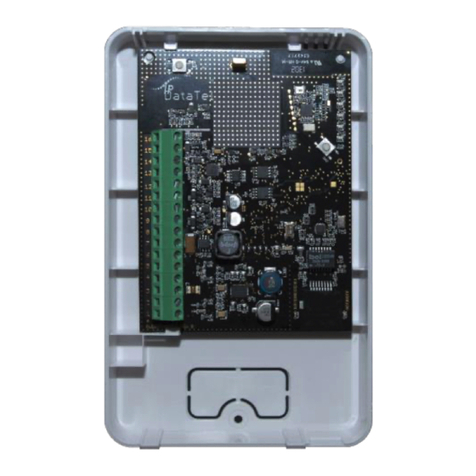
2. Press and release the SW1 switch 3
times (i.e. triple click the switch),
3. Once released, the Product will auto
power cycle. When it re-initializes you
should see LEDs 3 –6 scrolling,
4. Once acquired into the network, you
will see the signal strength indicated
on the board via LEDs 3 –6.
5. Wait approximately 5 minutes before
sending signals.
Wiring & Programming for Popular Panels
The following pages are organized by alarm panel type. Wiring
and programming instructions are provided for:
Digital Security Control (DSC) Alarm Panels
Honeywell Vista Alarm Panels
GE NetworX Alarm Panels