manuals.online logo
Brands
  1. Home
  2. •
  3. Brands
  4. •
  5. Iridex
  6. •
  7. Medical Equipment
  8. •
  9. Iridex Cyclo G6 User manual

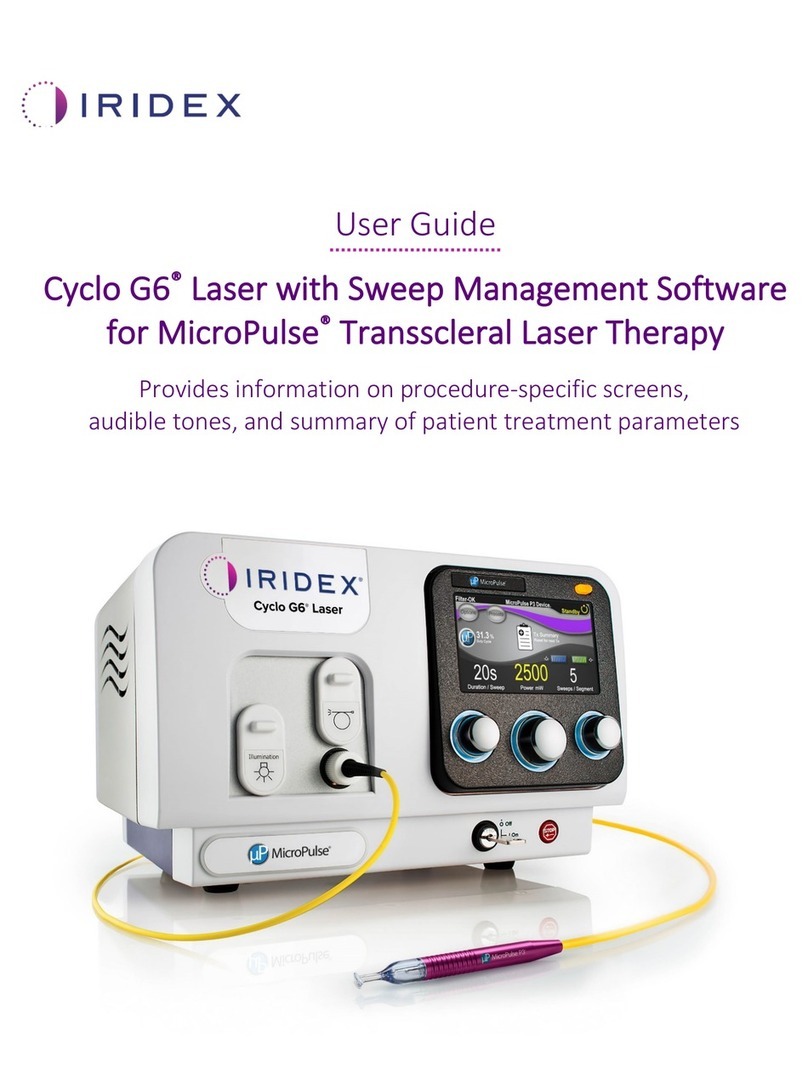
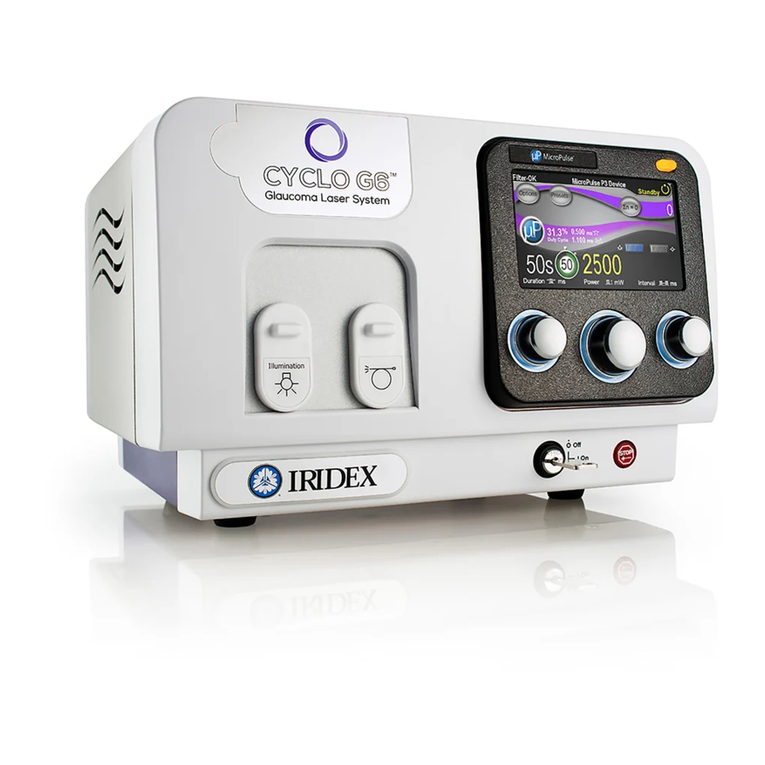
Iridex Cyclo G6 User manual

Other manuals for Cyclo G6

2

Other Iridex Medical Equipment manuals
Iridex OcuLight SL User manual

Iridex

Iridex OcuLight SL User manual

Iridex CYCLO G6T User manual

Iridex

Iridex CYCLO G6T User manual

Iridex OcuLight Symphony User manual

Iridex

Iridex OcuLight Symphony User manual

Iridex PASCAL Synthesis TwinStar User manual

Iridex

Iridex PASCAL Synthesis TwinStar User manual

Iridex IQ 577 User manual

Iridex

Iridex IQ 577 User manual

Iridex G-Probe User manual

Iridex

Iridex G-Probe User manual

Iridex MicroPulse P3 User manual

Iridex

Iridex MicroPulse P3 User manual

Iridex TruFocus LIO+ User manual

Iridex

Iridex TruFocus LIO+ User manual

Iridex EndoProbe Series User manual

Iridex

Iridex EndoProbe Series User manual

Iridex PASCAL LIO User manual

Iridex

Iridex PASCAL LIO User manual

Iridex LIO Plus User manual

Iridex

Iridex LIO Plus User manual

Iridex Cyclo G6 User manual

Iridex

Iridex Cyclo G6 User manual

Iridex IRIS Medical OcuLight SL User manual

Iridex

Iridex IRIS Medical OcuLight SL User manual

Iridex EndoProbe User manual

Iridex

Iridex EndoProbe User manual

Iridex PASCAL Synthesis User manual

Iridex

Iridex PASCAL Synthesis User manual

Iridex IRIS Medical OcuLight SL User manual

Iridex

Iridex IRIS Medical OcuLight SL User manual

Iridex TxCell SSLA User manual

Iridex

Iridex TxCell SSLA User manual

Iridex OcuLight GL User manual

Iridex

Iridex OcuLight GL User manual
Iridex OcuLight SL User manual

Iridex

Iridex OcuLight SL User manual

Iridex G-Probe Illuminate User manual

Iridex

Iridex G-Probe Illuminate User manual

Iridex MicroPulse P3 User manual

Iridex

Iridex MicroPulse P3 User manual

Popular Medical Equipment manuals by other brands

Itamar Medical WatchPAT Operation manual

Itamar Medical

Itamar Medical WatchPAT Operation manual

PROTEOR 1P650 KNEE Assembling and adjustment instructions

PROTEOR

PROTEOR 1P650 KNEE Assembling and adjustment instructions

Liberate Medical VentFree user manual

Liberate Medical

Liberate Medical VentFree user manual

Dicarre DA20 user guide

Dicarre

Dicarre DA20 user guide

Stryker Medical M Series Operation manual

Stryker Medical

Stryker Medical M Series Operation manual

Invacare ScanBed 750 user manual

Invacare

Invacare ScanBed 750 user manual

Getinge Arjohuntleigh Nimbus 3 Professional Instructions for use

Getinge

Getinge Arjohuntleigh Nimbus 3 Professional Instructions for use

Mettler Electronics Sonicator 730 Maintenance manual

Mettler Electronics

Mettler Electronics Sonicator 730 Maintenance manual

Pressalit Care R1100 Mounting instruction

Pressalit Care

Pressalit Care R1100 Mounting instruction

Denas MS DENAS-T operating manual

Denas MS

Denas MS DENAS-T operating manual

bort medical ActiveColor quick guide

bort medical

bort medical ActiveColor quick guide

AccuVein AV400 user manual

AccuVein

AccuVein AV400 user manual

agiliti NP Trio user manual

agiliti

agiliti NP Trio user manual

Rocket Medical Rocket Digital Oocyte Aspiration Pump Service manual

Rocket Medical

Rocket Medical Rocket Digital Oocyte Aspiration Pump Service manual

Monteris Medical Neuroblate Instructions for use

Monteris Medical

Monteris Medical Neuroblate Instructions for use

Otto Block 8E33 7 manual

Otto Block

Otto Block 8E33 7 manual

ADVANCED HOME CARE Helios Guide

ADVANCED HOME CARE

ADVANCED HOME CARE Helios Guide

NeuLog NUL-208 Guide

NeuLog

NeuLog NUL-208 Guide

manuals.online logo
manuals.online logoBrands
  • About & Mission
  • Contact us
  • Privacy Policy
  • Terms and Conditions

Copyright 2025 Manuals.Online. All Rights Reserved.

Quick-Guide: Using the Cyclo G6® Laser with Sweep
Management Software and the MicroPulse P3® Delivery Device*
Manual OptionPreset Option
SEE MORE STEPS
ON BACK PAGE
* Before delivering treatment, please refer to the “User Guide: Cyclo G6
Software Upgrade for MicroPulse TLT,” the “Cyclo G6 Laser System
Operator Manual,” and the “MicroPulse P3 Delivery Device Instructions for
Use” for delivery instructions, including safety, warnings, and cautions.
A
B
C
4Setting Treatment Parameters
Set parameters using the Preset Menu or by manual entry.
AB
1
Turn key to “ON“.
Wait for the initialization
to complete. Connect
MicroPulse P3 Probe.
Select “CANCEL“ to retain parameters used in prior
treatment. A pop-up screen will appear (Step 3).
2
3
Select “OK“ to set new
parameters. A pop-up
screen will appear (Step 3).
Press “OK“.
To set new parameters,
go to Step 4.
To retain your parameters,
go to Step 5.
PAGE 1 OF 2
Iridex • [email protected] • iridexglaucoma.com
© 2022 Iridex. All rights reserved. Iridex, the Iridex logo, MicroPulse,
MicroPulse P3, and Cyclo G6 are registered trademarks of Iridex.
88305-EN.A 02.2022
6
Confirm “Total Segments“,
“Total Duration“ and “Total Sweeps“
values are reset to zero.
12
Review treatment summary.
PATIENT
FILE
13
Log treatment information.
11
Press to view treatment summary.
14
Reset for next treatment.
5
Select “Tx Summary“.
Press this button to
enter Treat Mode
(enable laser).
7
8
Deliver treatment to desired segment.
At completion of treatment,
press this button to enter
Standby Mode (disable laser).
10
9
Press to reset values. To treat next segment,
repeat Step 8. When treatment is completed,
continue to Step 10.
PAGE 2 OF 2
Emergo Europe
Prinsessegracht 20
2514 AP The Hague
The Netherlands