6
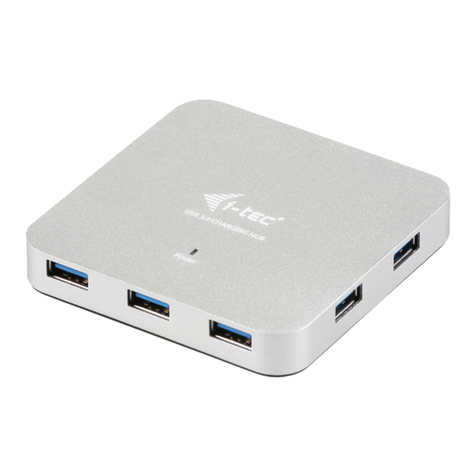
Quick Start / USB 3.0 Metal Charging HUB 10 PortEN
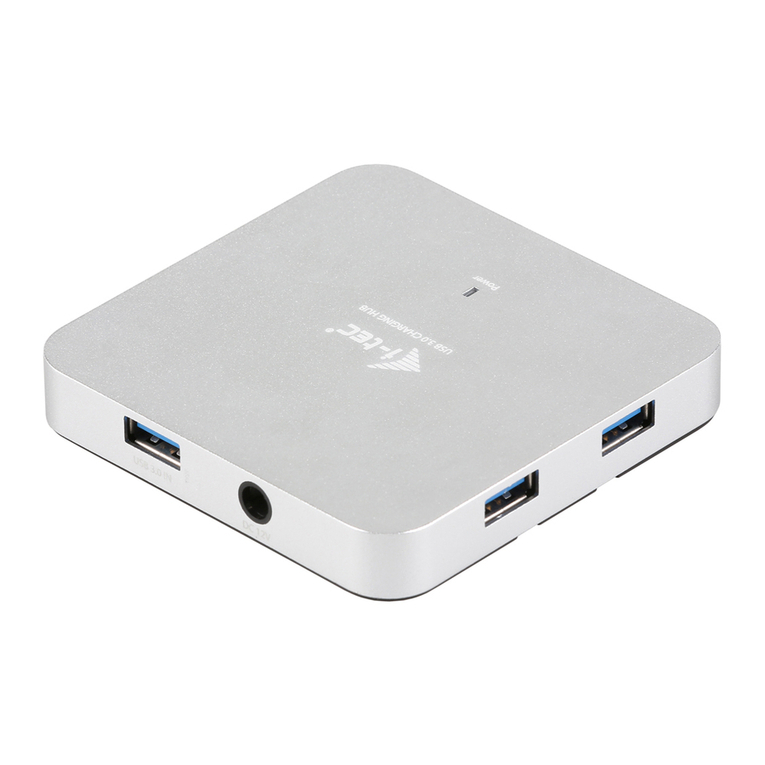
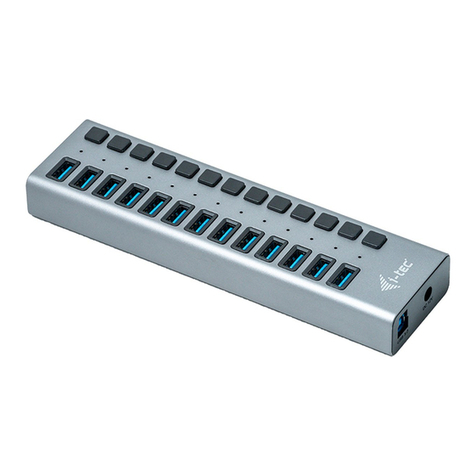
DESCRIPTION
1.
Input for connecting the power adaptor
2.
1x input USB 3.0 port type A for connecting to a notebook / PC
3.
10x output USB 3.0 ports for connecting USB equipment
4.
LED diode – the diode is ON when the HUB is connected to the power adaptor or
to a USB port of a notebook / PC
CHARGING
You can use external power adapter, if you connect printer, scanner or other high
power consumption devices to USB ports in HUB (power adapter is included).
Respect the basic rules while using this power adapter (for ex. do not let in reach
of children, if the adapter is in 230 V circuit, do not put it into the water and so on).
CHARGING
The HUB supports charging of the connected USB mobile equipment such as
smartphones (including iPhone and Samsung phones), ebook readers, mul-
timedia players, GPS navigators, and tablets (e.g., Asus, Toshiba, GoClever,
Prestigio, Emgeton, Sencor). The HUB does not support charging of iPad and
Samsung tablets which require special identication circuits. Using the original
cable connect the equipment to be charged to the USB port of the HUB. At the
same time the power adaptor needs to be connected to the HUB as well.
SYSTEM REQUIREMENTS
Hardware requirements
Notebook / PC with one available USB port
Operating system
Windows 7 / 8 / 8.1 / 10 32/64bit, macOS X 10.x or higher
SPECIFICATION
• 10x USB 3.0 port for connecting USB equipment
• 1x USB 3.0 port for connecting the HUB to a notebook / PC
• Transfer rate up to 5 Gbps
• USB charging detection mechanism for mobile devices
• Plug & Play function
• Overload and overcurrent protection
• LED diode
• Storage temperature -10~85 °C
• Working temperature 0-40 °C
• Power adapter: input AC 100-240 V, 50-60 Hz, 1.5 A; output DC 12 V, 4 A