EN
07
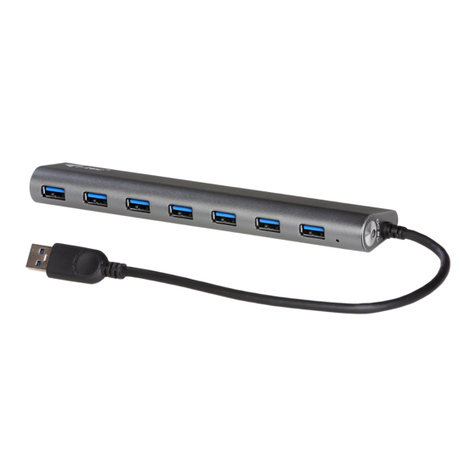
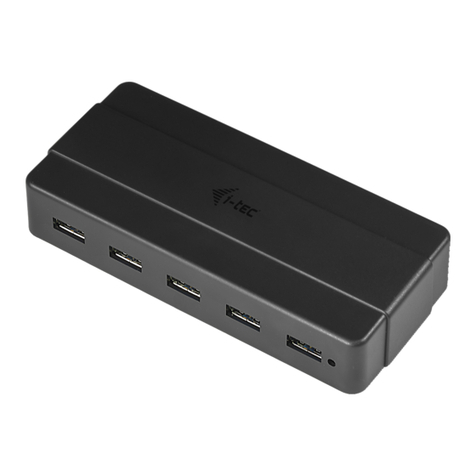
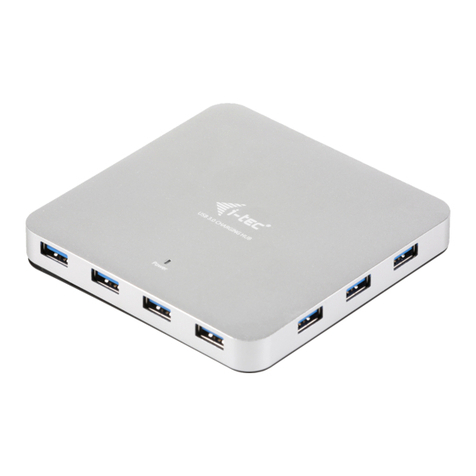
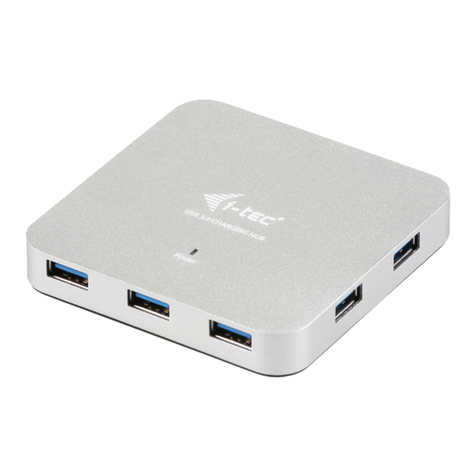
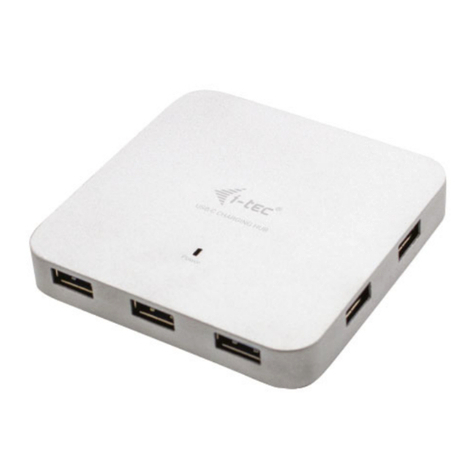
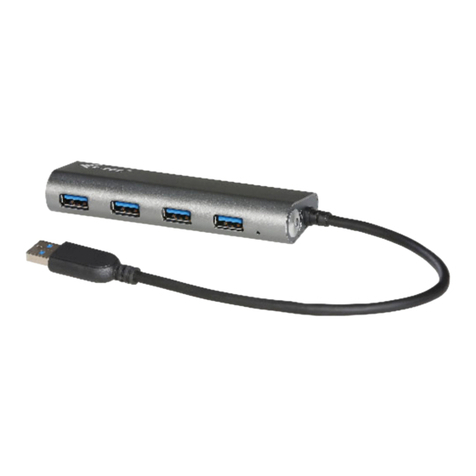
i-tec USB 3.0 Metal Charging HUB
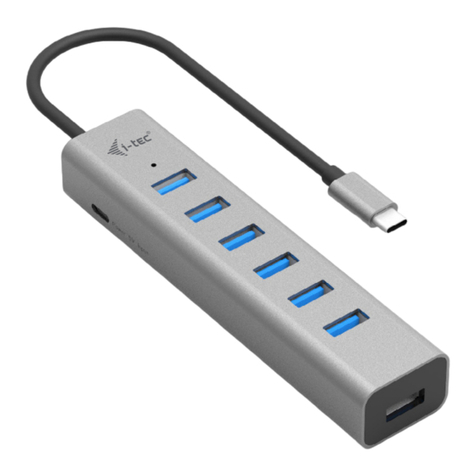
DESCRIPTION
1.Inputforconnectingthepoweradaptor
2.1xinputUSB3.0porttypeAfor connecting to a notebook / PC
3.7xoutputUSB3.0portsforconnectingUSBequipment
4. LED diode – the diode is ON when the HUB is connected to the power adaptor or to a USB port of
anotebook/PC
CHARGING
You can use external power adapter, if you connect printer, scanner or other high power consumption
devices to USB ports in HUB (power adapter is included). Respect the basic rules while using this
power adapter (for ex. do not let in reach of children, if the adapter is in 230 V circuit, do not put it into
thewaterandsoon).
CHARGING
The HUB supports charging of the connected USB mobile equipment such as smartphones
(including iPhone and Samsung phones), e-book readers, multi-media players, GPS navigators, and
tablets (e.g., Asus, Toshiba, GoClever, Prestigio, Emgeton, Sencor). The HUB does not support
charging of iPad and Samsung tablets which require special identification circuits. Using the
original cable connect the equipment to be charged to the USB port of the HUB.At the same time the
poweradaptorneedstobeconnectedtotheHUBaswell.
SYSTEMREQUIREMENTS
Hardwarerequirements
Notebook/PCwithoneavailableUSBport
Operatingsystem
Windows XP, Windows Vista, Windows 7 32/64bit, Windows 8 32/64bit, Windows 8.1 32/64bit, Mac
OSX10.xorhigher
SPECIFICATION
?7xUSB3.0portforconnectingUSBequipment
?1xUSB3.0portforconnectingtheHUBtoanotebook/PC
?Transfer rate up to 5 Gbps
?USBchargingdetectionmechanismformobiledevices
?Plug&Playfunction
?Overloadandovercurrentprotection
?LEDdiode
?Storagetemperature-10~85°C
?Workingtemperature 0-40 °C
?Poweradapter:inputAC 100-240 V, 50-60 Hz, 0.8A; outputDC 12 V, 2.5A
?OSWindowsXP,Vista,7 32/64bit, 8 32/64bit, 8.1 32/64bit, Mac OS X 10.x or higher
?Productdimensions86x86x14mm
?Productweight96g
ENGLISH