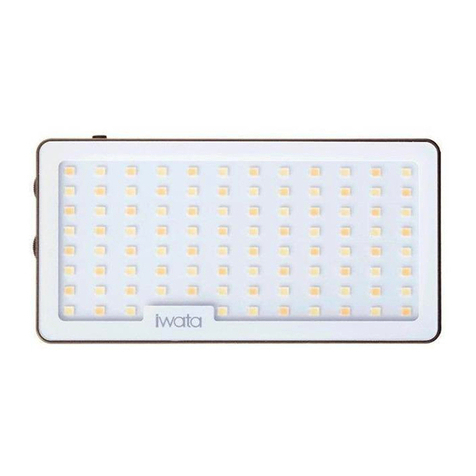
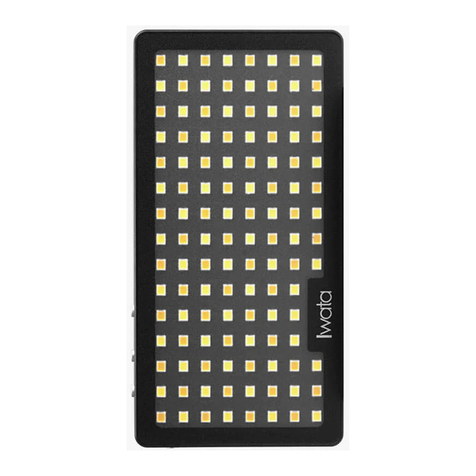
-4-
Description of Adjusting Rings
Description of Power Switch
Buttons
Brightness adjusting ring. Rotate the adjusting ring to switch the corresponding
parameter in the setting interface
Color adjusting ring. Rotate the adjusting ring to switch among color temperature,Scene
effect or preset adjustment. In the setting interface, it’s used for the columns in the list.
Slide the power switch to the "green"/"red" to turn on/off the power.
Preset Button, tap to load, press and hold to save.
Mode Button, press and hold to switch between CCT,and Scene effect modes; tap to
switch among parameters in current mode.
Light Button/Funtion, press and hold to enter setting menu, tap to turn on/off the light.