Five-year warranty
Contact us for complete terms
and conditions.
Joyolight reserves the rights change our products and specifications
at anytime without prior notice and such modification shall be effective
immediately. Contact Joyolight for the latest product information.
JOYOLIGHT GROUP INC.
#12, 5200 Dixie road
Mississauga, ON, L4W 1E4
www.joyolight.ca
1-877-849-1942 (US)
647-496-8107 (CA)
INS 2022-05
CON-WH-1Z
Technical Parameters
Voltage: 3V (2* AAA battery)
RF Frequency: 2.4GHz
Remote Control Distance: up to 30m
Dimension: L140mm*W20mm*H18
Net weight: 46g
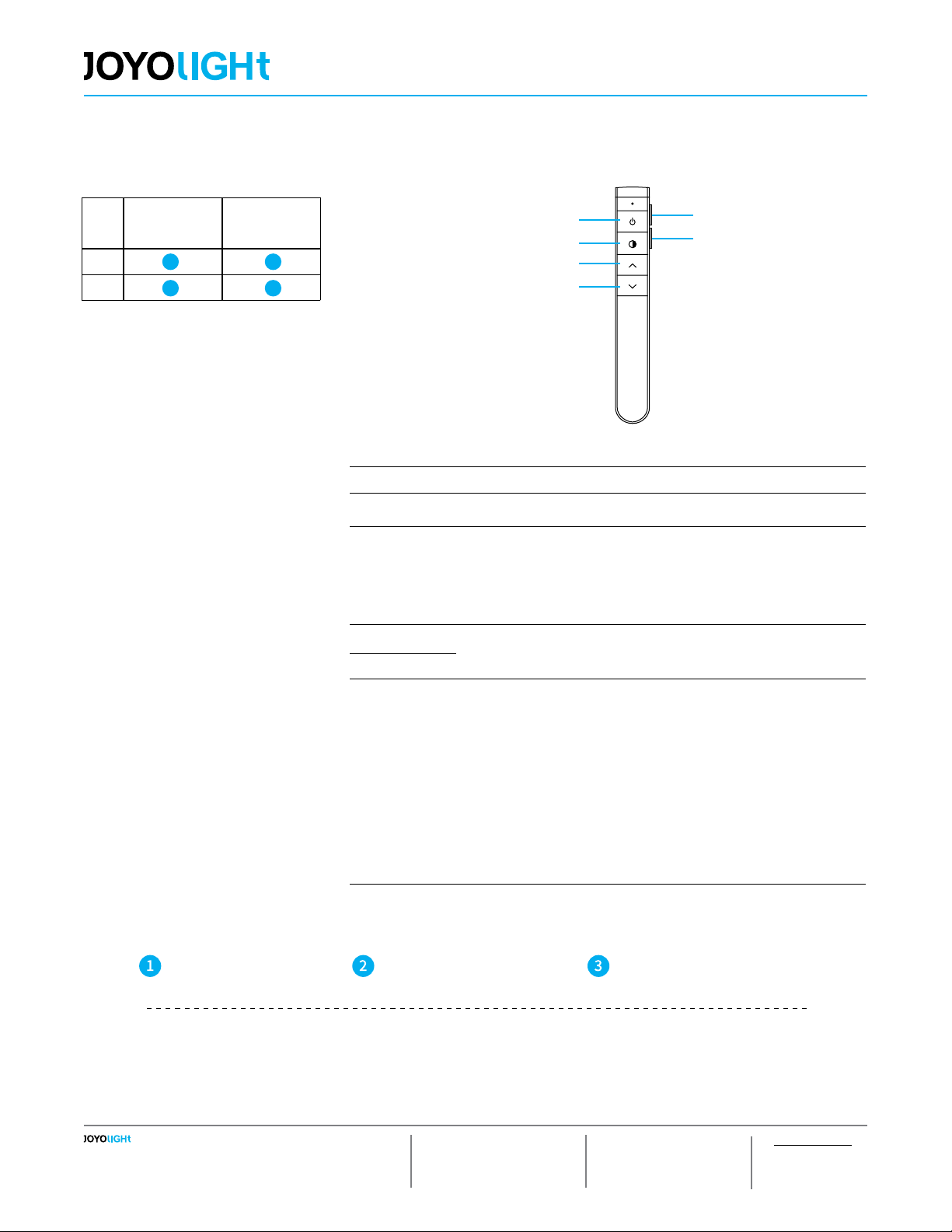
ON/OFF DIY 1
DIY 2
Brightness+
DIM/CCT
Brightness-
CONTROLLER 3
CON-WH-1Zone
For DIM/CCT
RECEIVER
RE-501-WIFI
RECEIVER
RE-401-2.4G
DIM
CCT
Name of Key Description
ON/OFF on/off at any time
DIM/CCT
For single color: 20%, 50%, 100% brightness hot key
For CCT: 1)Short pressing: 100%CW, 50%CW+50%WW, 100%WW
hot key
2)Long pressing: Color temperature increase/reduce stepless in
turn
Brightness+ Short press for fast adjustment, long press for ne adjustment
Brightness-
DIY 1- DIY 2
Short press once to call out the previously stored light state;
DIY lighting operation (take DIY1 key as an example):
1) Short press the DIY1 key three times within 3 seconds to
enter the custom operation;
2)Customize the light setting through the “DIM/CCT/Bright-
ness+/Brightness -” key
3)After the lighting is set, press the DIY1 button once to save, or
press the “ONOFF/DIY2 button” to exit without saving.
Note: The entire DIY setting process needs to be completed within 30S,
it will automatically exit after timeout.
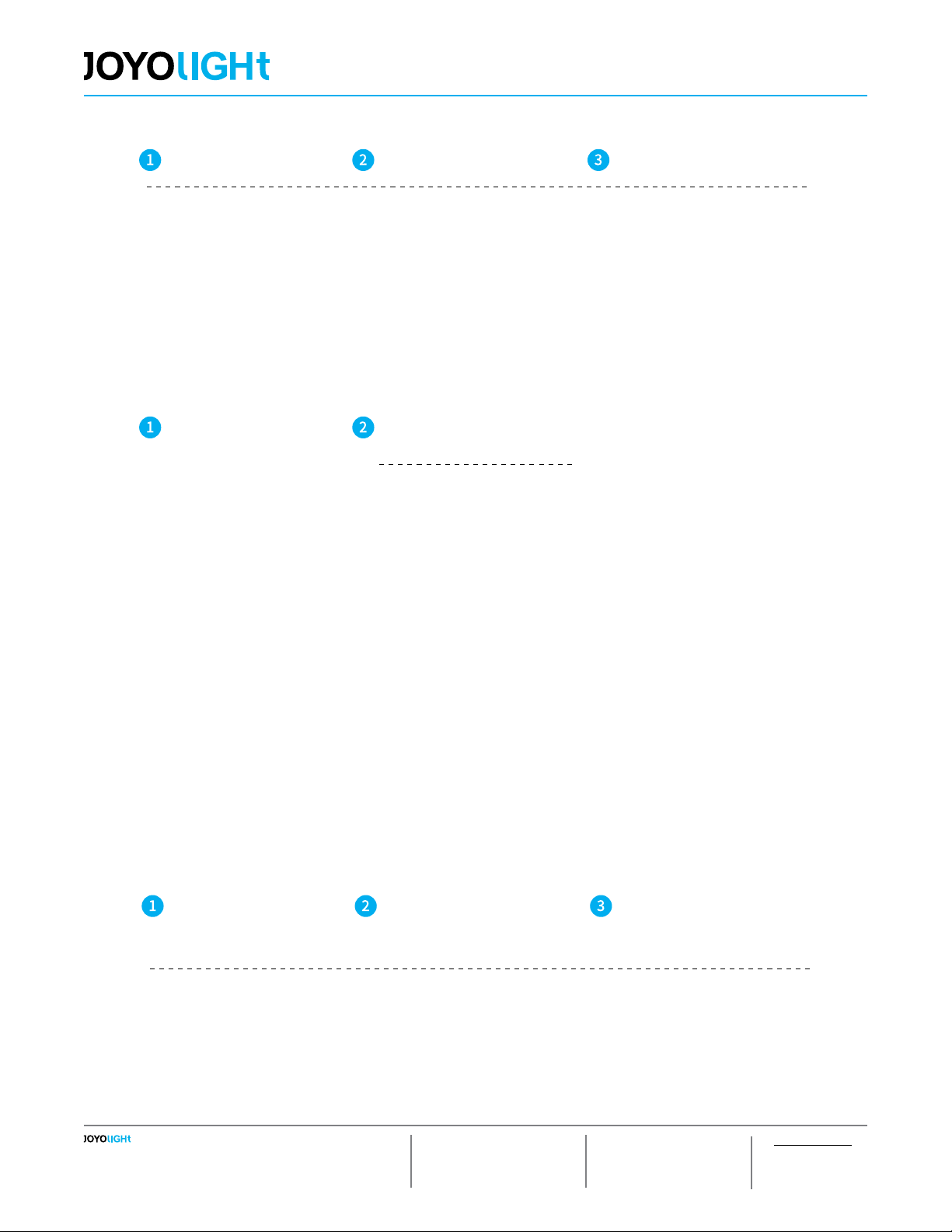
Please pay attention to the following 3
points before operation:
1) All equipment in the complete system after
installation should have a unied and unique
code value, so as to achieve the security and
stability of the system.
2) The receiver can only store one code value
and cannot be overwritten. Before learning
the new code value, it is necessary to clear
the original code of the receiver; the remote
controller can only save one code value but
can be overwritten and can also restore the
factory settings. In order to facilitate the later
maintenance, the three components that may
be involved in the system (including receivers,
hand-held remote controllers, and panel re-
mote controllers) can realize mutual learning
of code values.
3) Since the receiver performs code value
learning in the power-on state, in order to
avoid confusion in the area, it is recommend-
ed that each area has an independent power
switch so that the power of other areas can
be easily cut off when the code is being
operated.
Code Pairing
Connecting the load to
the receiver and power
on it.
1.It is necessary to clear the
code rst, if the receiver was
coded before.
2.Batch operation can be
performed within the remote
control range.
Press and hold “DIY 1“ on
the remote control for 5
sec.
Once the indicator of the
remote control ashed quickly,
and the load light ashed 3
times and returned to the ini-
tial state, it enters the pairing
code transmission status.
Press any key to exit and
end the operation.
It will automatically exit code
transmission status after
60 sec.
the receiver will only be controlled by the value code remote controller.