manuals.online logo
Brands
  1. Home
  2. •
  3. Brands
  4. •
  5. Juice
  6. •
  7. Batteries Charger
  8. •
  9. Juice Charger Easy User manual

Juice Charger Easy User manual

This manual suits for next models

1

Other Juice Batteries Charger manuals

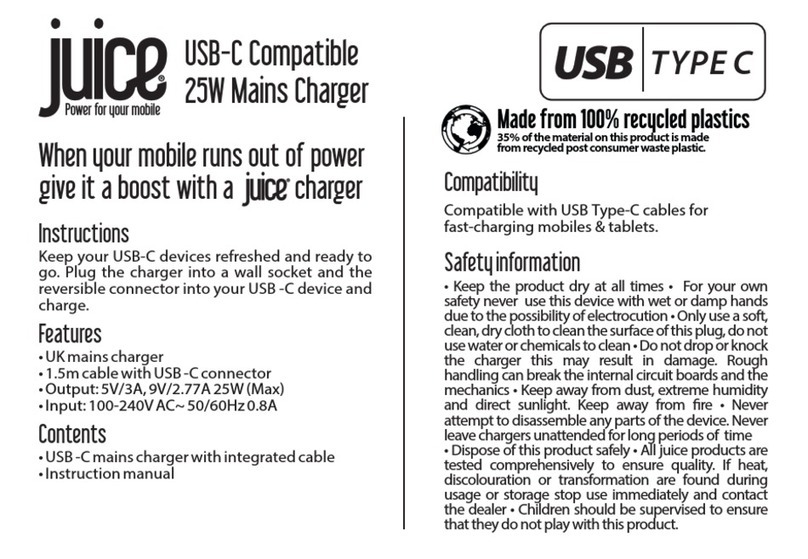
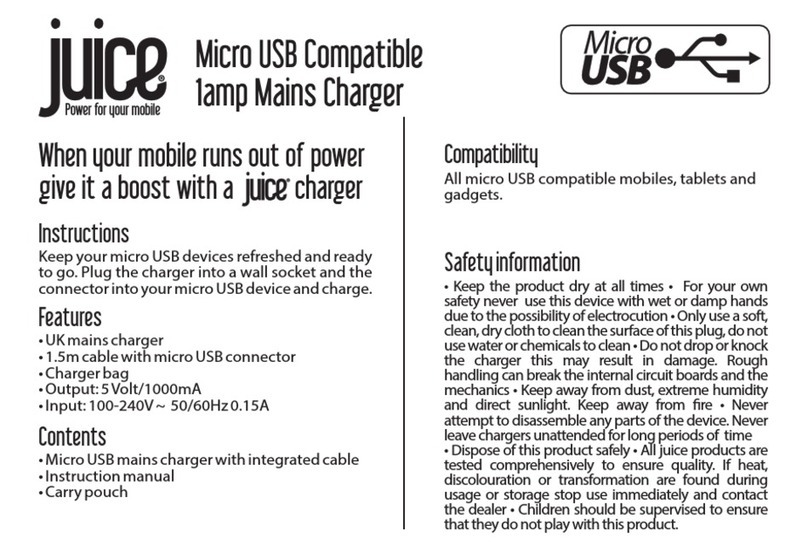
Juice JUI-MAINS-TYPEC-25W-ECO User manual

Juice

Juice JUI-MAINS-TYPEC-25W-ECO User manual

Juice ULTRA User manual

Juice

Juice ULTRA User manual

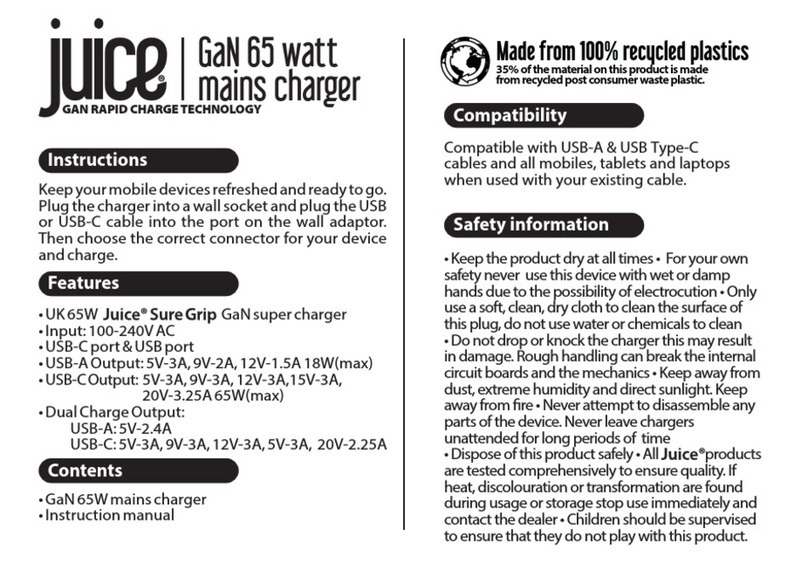
Juice JUI-MAINS-PD-GAN-USBA/C-65W User manual

Juice

Juice JUI-MAINS-PD-GAN-USBA/C-65W User manual

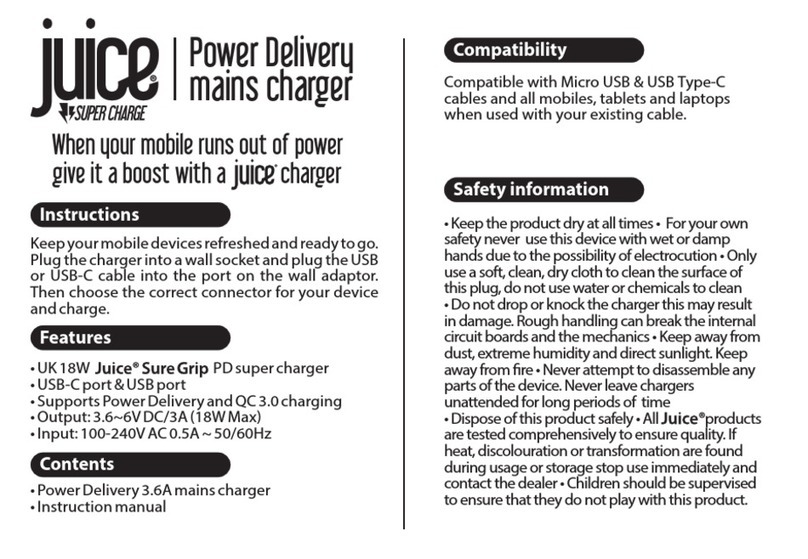
Juice JUI-MAINS-PD-PLUG-3.6A User manual

Juice

Juice JUI-MAINS-PD-PLUG-3.6A User manual

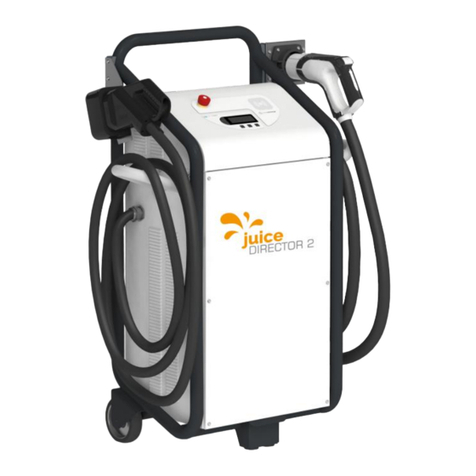
Juice DIRECTOR 2 User manual

Juice

Juice DIRECTOR 2 User manual

Juice JUI-MAINS-MICRO-1A User manual

Juice

Juice JUI-MAINS-MICRO-1A User manual

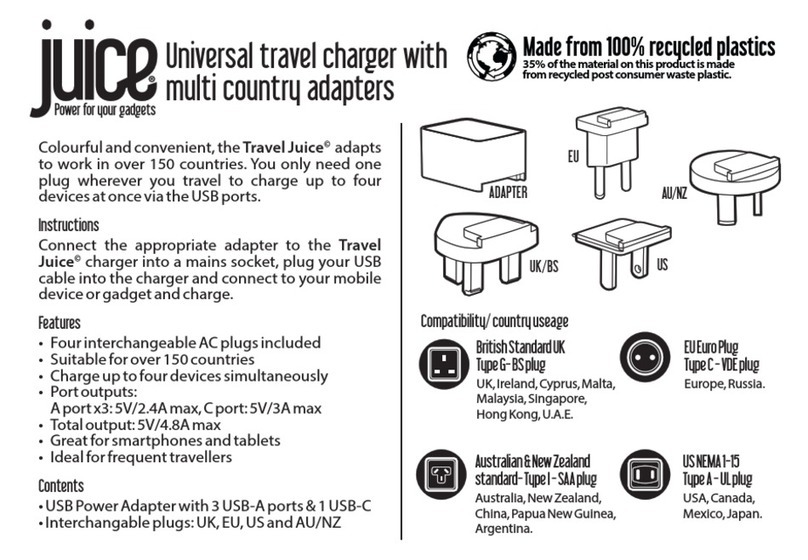
Juice Travel User manual

Juice

Juice Travel User manual

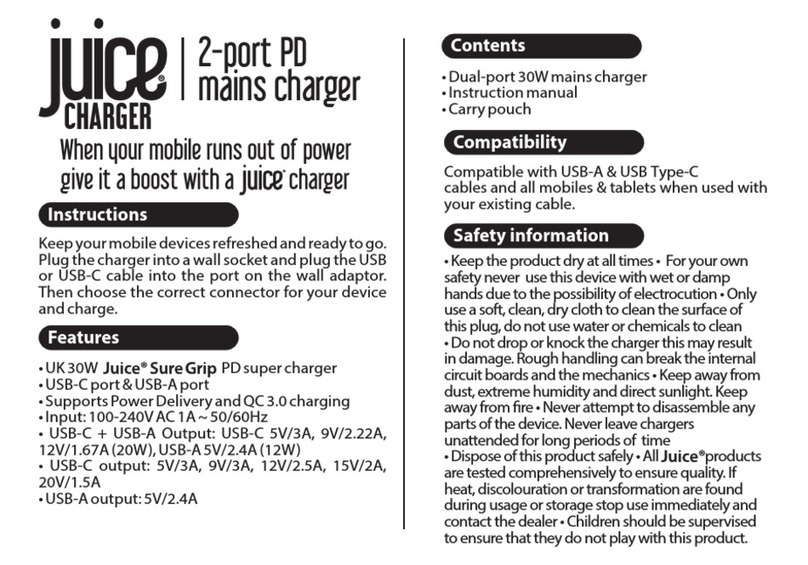
Juice JUI-MAINS-PD-PLUG-USBA/C-30W User manual

Juice

Juice JUI-MAINS-PD-PLUG-USBA/C-30W User manual

Juice EL-JCME User manual

Juice

Juice EL-JCME User manual

Popular Batteries Charger manuals by other brands

EVBox BusinessLine manual

EVBox

EVBox BusinessLine manual

Goobay 71808 user manual

Goobay

Goobay 71808 user manual

Kogan KACRDQIS4XA user manual

Kogan

Kogan KACRDQIS4XA user manual

Sealey WCB3 quick start guide

Sealey

Sealey WCB3 quick start guide

Vanner SP00143/181 owner's manual

Vanner

Vanner SP00143/181 owner's manual

KeyOuest KO037515 quick start guide

KeyOuest

KeyOuest KO037515 quick start guide

Enplus Silk Series user manual

Enplus

Enplus Silk Series user manual

Intermec SF51 user guide

Intermec

Intermec SF51 user guide

Colorovo PowerBox 6800 user guide

Colorovo

Colorovo PowerBox 6800 user guide

Smartech WBC-250 Operator's manual

Smartech

Smartech WBC-250 Operator's manual

PIXO C-USB instruction manual

PIXO

PIXO C-USB instruction manual

Gunson G4104 quick start guide

Gunson

Gunson G4104 quick start guide

Dometic NDS SCE320 Short Operating Manual

Dometic

Dometic NDS SCE320 Short Operating Manual

ABB HT572708 Operation manual

ABB

ABB HT572708 Operation manual

EVOline Square80 manual

EVOline

EVOline Square80 manual

Redarc SBC24025 Operating instructions and owner's manual

Redarc

Redarc SBC24025 Operating instructions and owner's manual

Absaar HV04 manual

Absaar

Absaar HV04 manual

DazeTechnology Cover Dazebox Home installation manual

DazeTechnology

DazeTechnology Cover Dazebox Home installation manual

manuals.online logo
manuals.online logoBrands
  • About & Mission
  • Contact us
  • Privacy Policy
  • Terms and Conditions

Copyright 2025 Manuals.Online. All Rights Reserved.

START NOW!
QUICK START GUIDE
Start charging right away without need for prior charge activation at the JUICE
CHARGER easy. Simply plug in and recharge.
FREE CHARGE
Only permit selected persons to charge at your JUICE CHARGER easy. Always maintain full,
restricted control of your RFID activation. Functions with most standard RFID cards.
RFID
Audio Signal Guide
Description
Confirmation
Rejection
Master mode
Teach-in
Deletion
Start-up completed
Sound sequence
RFID card management
1. Hold RFID card up to device
2. Audio signal sounds
Teach-in the master card
The first card held up to the device
after installation automatically
becomes the master card.
i
1. Hold RFID master card up to device
2.
3. Hold user card to be taught-in up to
device
4.
Teach-in user card
Delete user card
1. Hold RFID master card up to device
2.
3. Hold RFID user card to be deleted up to
device
4.
1. Press the Delete button as
marked in Step 6 of the Installation
Guide
2.
Delete all cards
May only be performed by electrically
skilled persons
i
You can set the charging mode (Free Charge or RFID Activation) as
described in Step 7 of the Installation Guide.
How to use
Variant A
1. Plug in vehicle end
2. Hold RFID card up to device
3. Charging starts
Variant B
1. Hold RFID card up to device
(activated for 60s)
2. Plug in vehicle end
3. Charging starts
Download the JUICE CHARGER easy Update App now. This will enable you to
bring your device up to date in just a few steps.
juice-world.com/installieren/juice-charger-easy
Variant

IMPORTANT: May only be installed by an electrically skilled person
Clampable cross-sections
Fine-wire conductor 0.5 - 10 mm² / 20 - 8
AWGFine-wire conductor, wire-end ferrule with plastic collar 2.5 - 6 mm² / 16 - 10 AWG
Ø 6 x 35
100 mm
400 mm
120 mm
Ø 6 x 50
1
2
4
3
5
6
L1 L2 L3 N
PE
1
5
6
0
7
2
3
4
Rotary witch
Current
0
1
2
3
4
5
6
7
150 mm
Charging mode
Description
Switch position
Free Charge
Charging always
activated
Switch 1 down
RFID
Charging with RFID
activation
Switch 1 up
8
1
2
3
4
9
13 - 15 mm
RJ45 communication
interface*
Delete button
Cable connection
Connector cable Type min. 3 x 2.5 mm² - L1/N/PE
Connector cable Type max. 5 x 10 mm² - L1/L2/L3/N/PE
Connector cable Ø dia. 16 - 21mm
*The power provider may demand that it be possible to reduce the
charging station power or the station entirely disconnected via a digital
signal. This signal can be received via RJ45 communication interface or
dry-contact inputs.
The most recent version of this guide and further information can
be found online at juice-world.com/installieren/juice-charger-easy
Art. EA-JCE1 V2.05 14.04.2021
Charging
capacity
Example
calculation for 32 A
75%
Charging current 20 A
(rounded from 24 A)
50%
25%
0%
0 A (charging paused)
0%
25%
50%
75%
These inputs are dry-contact
inputs, meaning that they are
activated when electrically
connected without voltage. The
result of the calculation below is
always rounded downward to the
next lower charging power.
7
Load shedding connection
via dry contacts:
max. 6 A
max. 8 A
max. 10 A
max. 13 A
max. 16 A
max. 20 A
max. 25 A
max. 32 A