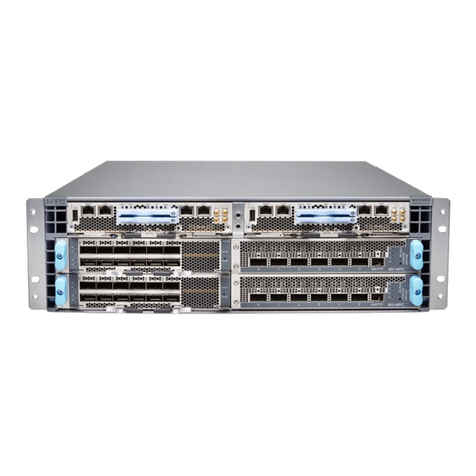
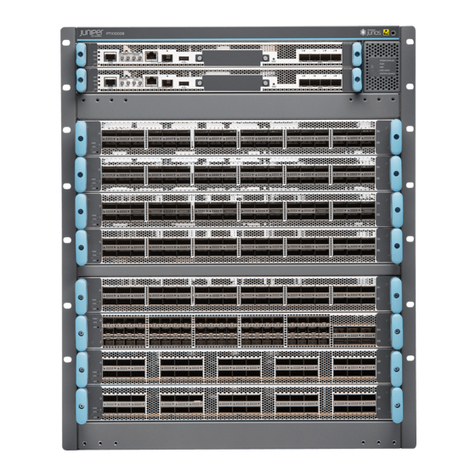
T320 Core Router Quick Start
January 2015
Part Number: 530-036370
Revision 3
This document describes how to install the Juniper Networks T320 Core Router.
Contents T320QuickStartDescription..........................................3
Step 1: Prepare the Site for T320 Installation . . . . . . . . . . . . . . . . . . . . . . . . . . . . . . 4
Rack-MountingRequirements......................................4
ToolsRequired...................................................5
Step2:InstalltheMountingHardware...................................7
Install the Mounting Hardware in a Four-Post Rack or Cabinet . . . . . . . . . . . . 7
InstallCageNuts,ifNeeded....................................8
Install the Large Mounting Shelf and Spacer Bars . . . . . . . . . . . . . . . . . . . 8
InstalltheSmallMountingShelf................................9
Remove the Center-Mounting Brackets . . . . . . . . . . . . . . . . . . . . . . . . . . . 9
Install the Mounting Hardware in an Open-Frame Rack . . . . . . . . . . . . . . . . . . 9
InstallCageNuts,ifNeeded....................................11
Install the Large Mounting Shelf and Spacer Bars . . . . . . . . . . . . . . . . . . . 11
Remove the Spacer Bars and Center-Mounting Brackets . . . . . . . . . . . . . 11
Step3:InstalltheRouter.............................................12
InstalltheRouterUsingaLift......................................12
Install the Router Without a Mechanical Lift . . . . . . . . . . . . . . . . . . . . . . . . . . 13
RemoveComponents.........................................13
LifttheRouterintotheRack...................................14
ReinstallComponents........................................16
Step4:ConnecttheGroundingCable...................................17
Step 5: Connect External Devices and PIC Cables . . . . . . . . . . . . . . . . . . . . . . . . . 18
ConnectaManagementConsole...................................18
Connect to a Network for Out-of-Band Management . . . . . . . . . . . . . . . . . . . 19
ConnectthePICCables...........................................19
Step6:PowerontheRouter..........................................20
ConnecttheDCPowerCables.....................................20
PowerOntheRouter.............................................21
Step 7: Perform Initial Software Configuration . . . . . . . . . . . . . . . . . . . . . . . . . . . . 22
EnteringConfigurationMode......................................22
Configuring User Accounts and Passwords . . . . . . . . . . . . . . . . . . . . . . . . . . . 22
ConfiguringSystemAttributes.....................................23
1Copyright © 2015, Juniper Networks, Inc.