7
J6/J600 – Quick Reference Guide
After 180 preparations or 80 switch-on rinses, the JURA will prompt
you to clean it.
If the wrong cleaning agent is used, the machine could be damaged
and/or traces could be left behind in the water.
TUse only original JURA maintenance products.
EThe cleaning programme lasts approximately 20 minutes.
EDo not interrupt the cleaning programme. The quality of
cleaning will be impaired if you do so.
EJURA cleaning tablets are available from specialised dealers.
Precondition: ‘Clean machine’ is displayed.
TPress the P button.
‘Clean’
TPress the Rotary Switch.
TPress the ‘Start’ button.
TPress the ‘Start’ button again.
‘Empty coffee grounds container’
TEmpty the drip tray and coffee grounds container and put
them back into the machine.
‘Press the Rotary Switch’
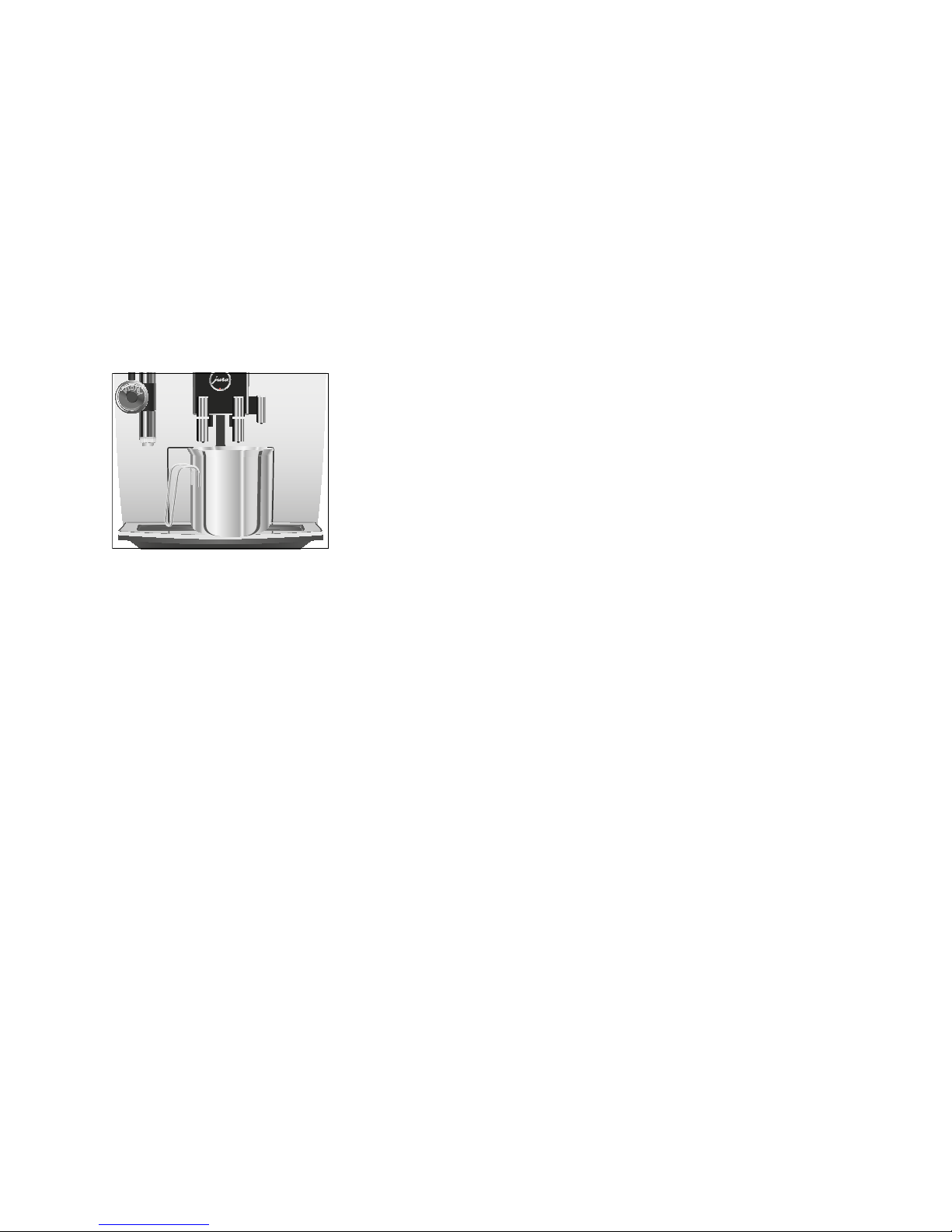
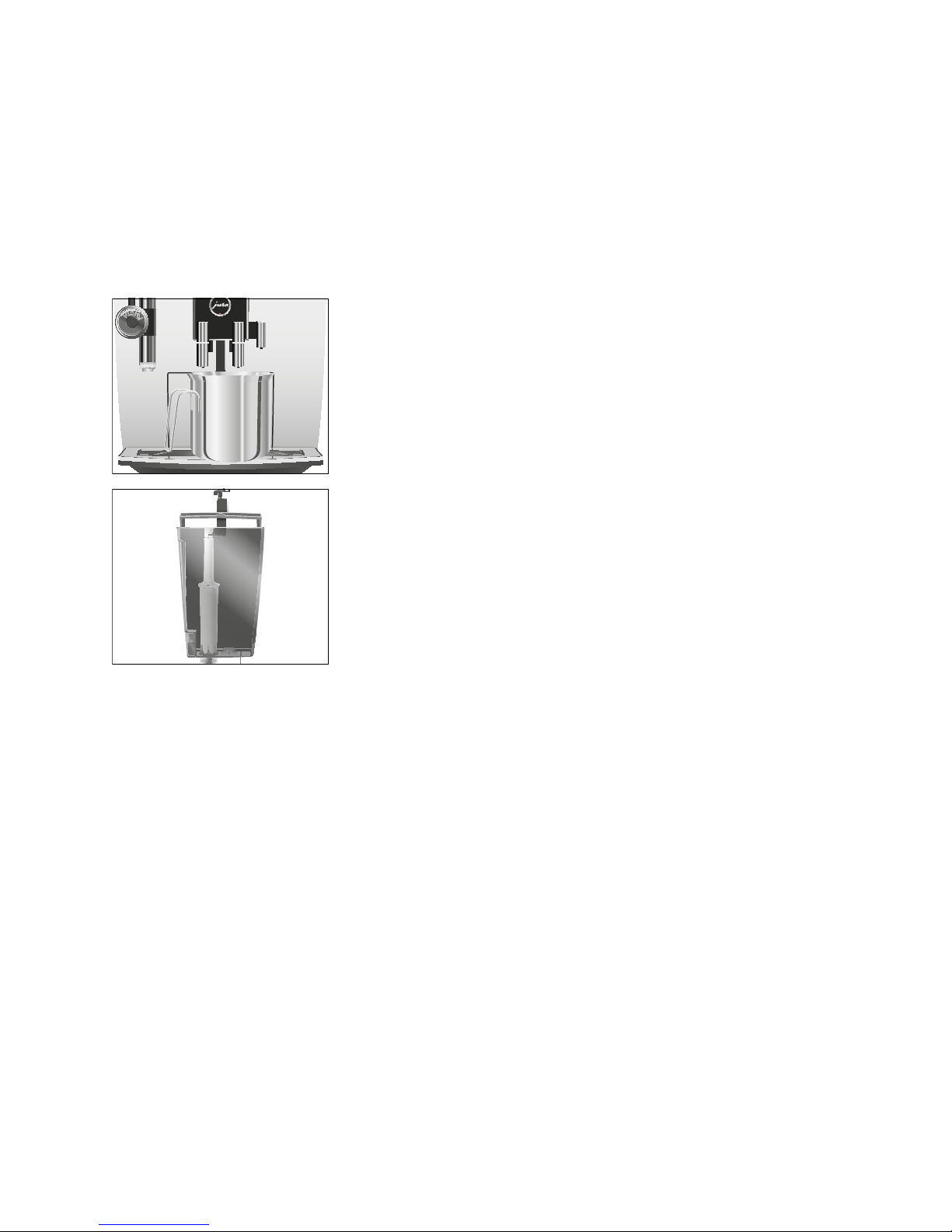
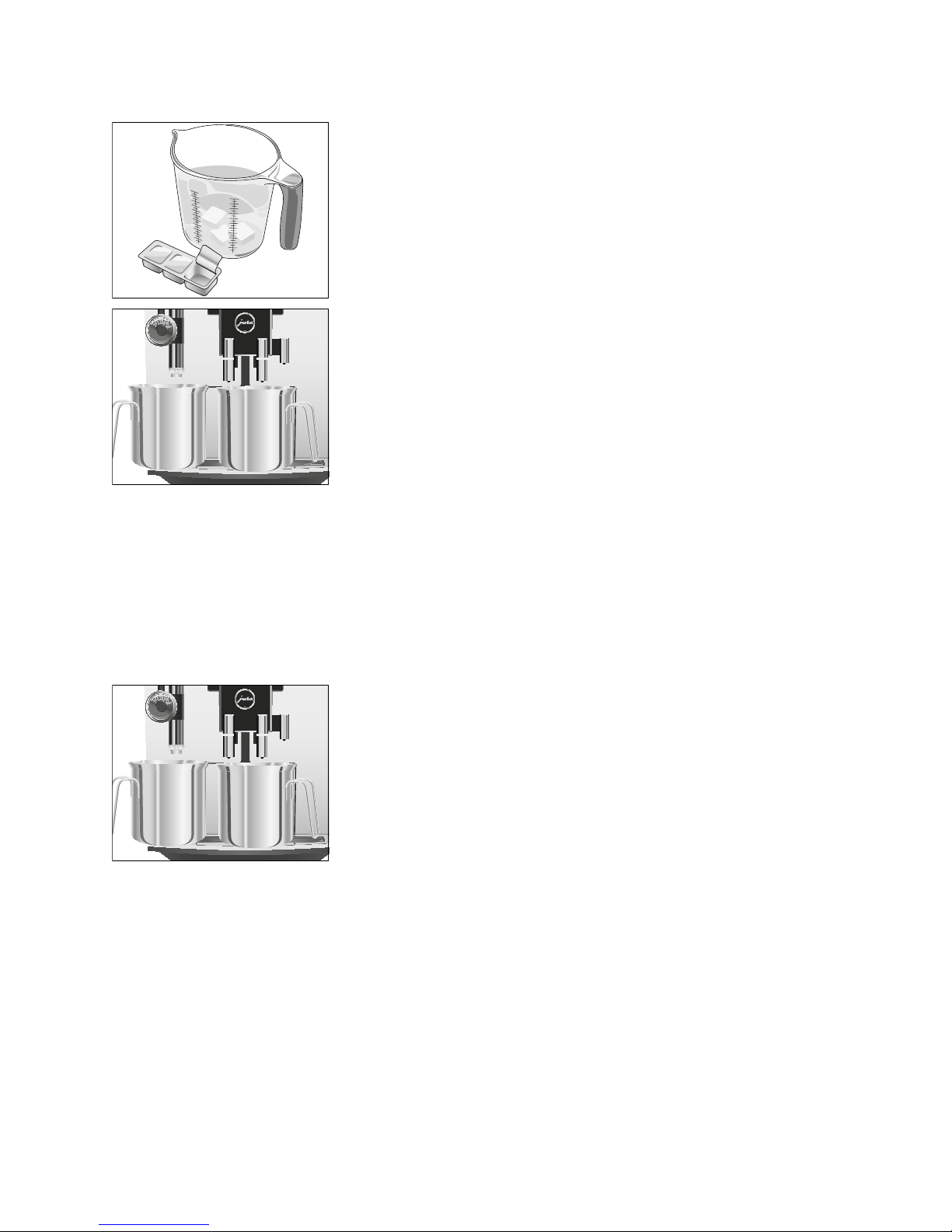
TPlace one receptacle under the coffee spout and another
under the cappuccino frother.
TPress the Rotary Switch.
‘Machine is being cleaned’, water flows out of the coffee
spout.
The operation is interrupted, ‘Add cleaning tablet’.
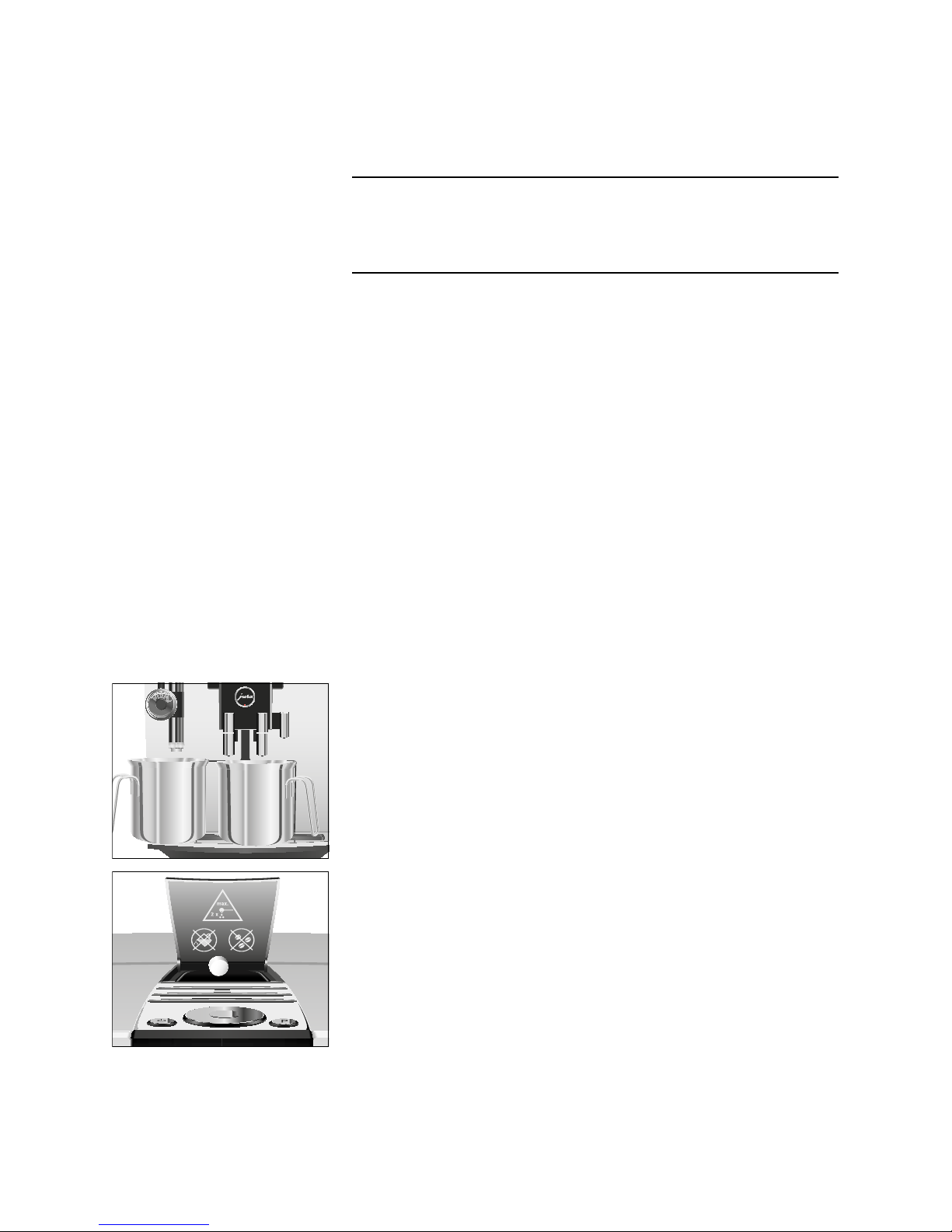
TOpen the cover of the filler funnel for ground coffee.
TInsert a JURA cleaning tablet into the filler funnel.
TClose the cover of the filler funnel.
‘Press the Rotary Switch’
TPress the Rotary Switch.
‘Machine is being cleaned’, water flows repeatedly out of the
coffee spout and the cappuccino frother.
The operation stops automatically.
‘Empty coffee grounds container’
TEmpty the drip tray and coffee grounds container and put
them back into the machine.
Cleaning is now complete. The start screen is displayed.
Cleaning the machine
CAUTION