manuals.online logo
Brands
  1. Home
  2. •
  3. Brands
  4. •
  5. Jura
  6. •
  7. Coffee Maker
  8. •
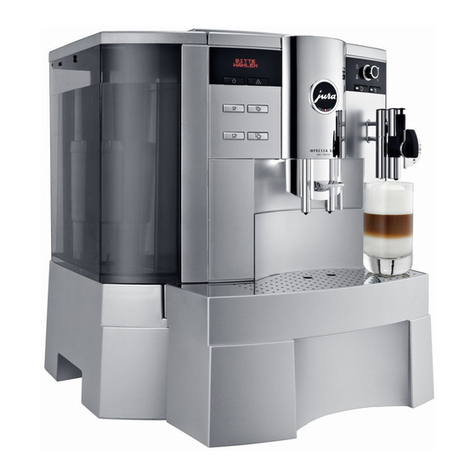
  9. Jura IMPRESSA S9 User manual

Jura IMPRESSA S9 User manual

Other manuals for IMPRESSA S9

1

This manual suits for next models

1

Other Jura Coffee Maker manuals

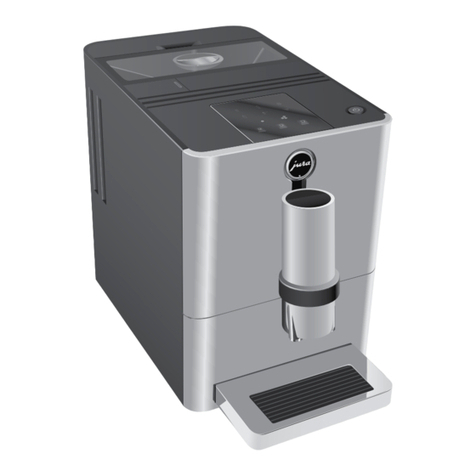
Jura ENA Micro 9 One Touch User manual

Jura

Jura ENA Micro 9 One Touch User manual

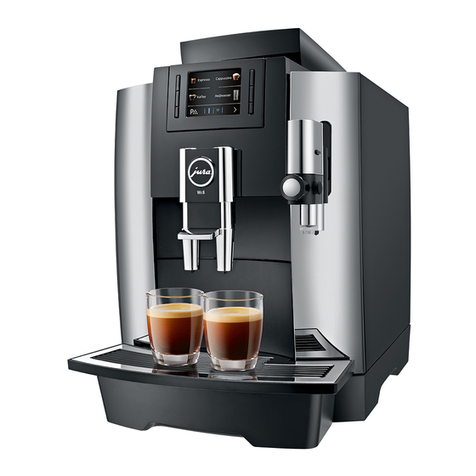
Jura E8 User manual

Jura

Jura E8 User manual

Jura 768 User manual

Jura

Jura 768 User manual

Jura IMPRESSA X7-S User manual

Jura

Jura IMPRESSA X7-S User manual

Jura Impressa J6 User manual

Jura

Jura Impressa J6 User manual

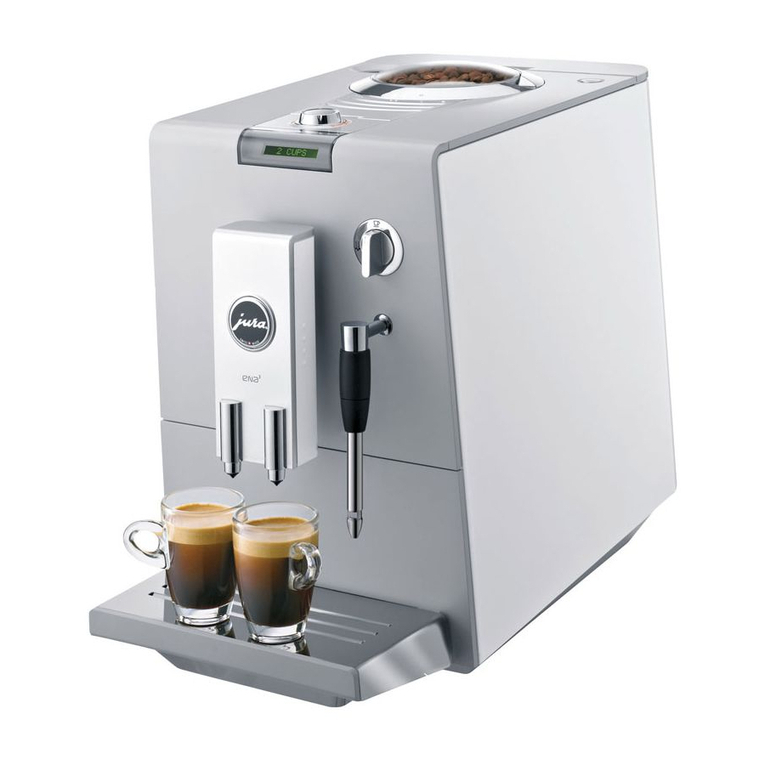
Jura ENA 8 User manual

Jura

Jura ENA 8 User manual

Jura E8 User manual

Jura

Jura E8 User manual

Jura ENA Micro 5 User manual

Jura

Jura ENA Micro 5 User manual
Jura ENA 4 User manual

Jura

Jura ENA 4 User manual

Jura Z6 User manual

Jura

Jura Z6 User manual

Jura Impressa J6 User manual

Jura

Jura Impressa J6 User manual

Jura IMPRESSA A5 One Touch User manual

Jura

Jura IMPRESSA A5 One Touch User manual

Jura ENA Micro 5 User manual

Jura

Jura ENA Micro 5 User manual
Jura WE6 Professional User manual

Jura

Jura WE6 Professional User manual

Jura IMPRESSA C9 User manual

Jura

Jura IMPRESSA C9 User manual

Jura 759 User manual

Jura

Jura 759 User manual

Jura ENA 8 User manual

Jura

Jura ENA 8 User manual

Jura GIGA X7 Professionel User manual

Jura

Jura GIGA X7 Professionel User manual

Jura D4 User manual

Jura

Jura D4 User manual

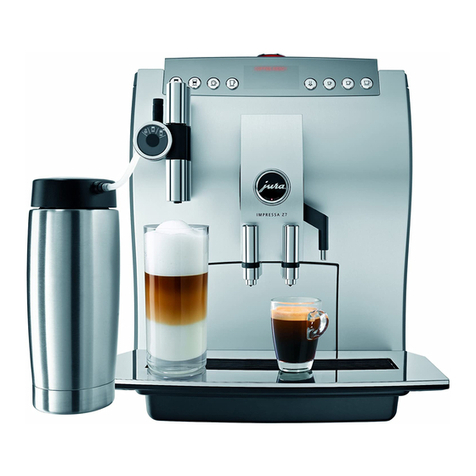
Jura IMPRESSA Z7 User manual

Jura

Jura IMPRESSA Z7 User manual
Jura IMPRESSA E50 User manual

Jura

Jura IMPRESSA E50 User manual

Jura IMPRESSA F8 User manual

Jura

Jura IMPRESSA F8 User manual

Jura IMPRESSA XF70 User manual

Jura

Jura IMPRESSA XF70 User manual

Jura IMPRESSA XJ9 Professional Configuration guide

Jura

Jura IMPRESSA XJ9 Professional Configuration guide

Popular Coffee Maker manuals by other brands

illy FrancisFrancis X7.1 user manual

illy

illy FrancisFrancis X7.1 user manual

Continental Electric CE23601 instruction manual

Continental Electric

Continental Electric CE23601 instruction manual

Electrolux EKF3 series Instruction book

Electrolux

Electrolux EKF3 series Instruction book

MIA KF 1740 instruction manual

MIA

MIA KF 1740 instruction manual

DeLonghi ECAM26455M Instructions for use

DeLonghi

DeLonghi ECAM26455M Instructions for use

Fagor CG-414 D Instructions for use

Fagor

Fagor CG-414 D Instructions for use

Bunn JDF-2S Installation & operating guide

Bunn

Bunn JDF-2S Installation & operating guide

Somogyi Elektronic Home HG PR 14 instruction manual

Somogyi Elektronic

Somogyi Elektronic Home HG PR 14 instruction manual

Morphy Richards Accents Espresso MR47580 instructions

Morphy Richards

Morphy Richards Accents Espresso MR47580 instructions

Crux 14634 instruction manual

Crux

Crux 14634 instruction manual

Taurus Livorno 6 manual

Taurus

Taurus Livorno 6 manual

Delta-q QUICK instruction manual

Delta-q

Delta-q QUICK instruction manual

Bunn LCA-1 Installation & operating guide

Bunn

Bunn LCA-1 Installation & operating guide

Chris Coffee Service Silvano owner's manual

Chris Coffee Service

Chris Coffee Service Silvano owner's manual

Black & Decker BLACK DECKER HOME DE790 Use and care book

Black & Decker

Black & Decker BLACK DECKER HOME DE790 Use and care book

Saeco Vienna Plus Sup 018M operating instructions

Saeco

Saeco Vienna Plus Sup 018M operating instructions

INCAPTO BXCO1470E Instructions for use

INCAPTO

INCAPTO BXCO1470E Instructions for use

Bosch TASSIMO finesse TAS16B Series user manual

Bosch

Bosch TASSIMO finesse TAS16B Series user manual

manuals.online logo
manuals.online logoBrands
  • About & Mission
  • Contact us
  • Privacy Policy
  • Terms and Conditions

Copyright 2025 Manuals.Online. All Rights Reserved.

IMPRESSA S9 / S7 avantgarde
Short operating instructions
Cleaning the cappuccino system
If you use milk products, you should clean the cappuccino system
daily.
Fill a container with 2.5 dl of water
Add 1 capful (max. 15 ml) of Auto-Cappuccino Cleaner
Dip milk suction tube into this mixture
Position container (approx. 0.5 litre) under the Professional
Cappuccino Frother
Press the steam key
As soon as the container is empty:
Fill a container with fresh tap water
Dip milk suction tube into the container
Press the steam key
The machine is ready for use as soon as the tap water has run
through
In addition to using the cappuccino cleaning system, you should
also remove the Professional Cappuccino Frother regularly and
rinse it under running water.
Remove the Professional Cappuccino Frother from the
IMPRESSA S9/S7 avantgarde
Dismantle the frother
Rinse all parts of the frother under running water
Reassemble the frother and reattach to machine
Please make sure that the aperture of the air supply (= red
circle) is rinsed very carefully and is free of impureness.
Please don’t clean the frother with sharp tools!
Art. 66815 – S9 GB – 10/2006 0046436/1806/1006/7000
Cleaning the Professional Cappuccino Frother
First use Insert filter (first use)
Switch on main switch (I)
Press operating button
Fill water tank
Fill bean container
Display text: SPRACHE DEUTSCH
Open the programming door
Turn Rotary Switch until desired language appears
Press Rotary Switch to confirm selection
Display text: FILL SYSTEM
/
PRESS STEAM
Place container under Professional Cappuccino Frother
Press one of the steam keys
System fills automatically
Display text: PRESS RINSE
Place container under coffee spout
Press maintenance key
The pipes are rinsed with fresh water
The machine is ready for use
Open the programming door
Press Rotary Switch until you hear an acoustic signal
Display text: FILTER NO
Press Rotary Switch to start the maintenance menu
Turn Rotary Switch until FILTER YES appears on the
display
Press Rotary Switch to confirm setting
Remove water tank and empty it
Display text: INSERT FILTER
/
PRESS STEAM
Open cartridge holder
Fix extension (1) in position on top of CLARIS plus filter
cartridge (2) (see Welcome Pack)
Use gentle pressure to insert filter cartridge in water tank
Close cartridge holder (it clicks audibly into place)
Fill the water tank and reinsert
Position container (approx. 0.5 litre) under Professional
Cappuccino Frother
Press one of the steam keys
Filter rinse stops automatically
The machine is ready for use
(1)
(2)
(1)
(2)
Changing the filter
After 50 litres of water, the filter is no longer effective.
A reminder to change the filter appears on the display.
Display text: CHANGE FILTER
Press maintenance key
Remove water tank and empty it
Open cartridge holder
Remove the used CLARIS plus filter cartridge from water tank
Fix extension (1) in position on top of CLARIS plus filter
cartridge (2)
Use gentle pressure to insert filter cartridge in water tank
Close cartridge holder (it clicks audibly into place)
Fill the water tank and reinsert
Position container (approx. 0.5 litre) under Professional
Cappuccino Frother
Press one of the steam keys
Filter rinse stops automatically
The machine is ready for use
Cleaning (duration: approx. 15 minutes)
Display text: CLEAN MACHINE
Press maintenance key
Displaytext: EMPTY TRAY
/
GROUNDS
Empty drip tray and coffee grounds container and reinsert
Place container (approx. 0.5 litre) under coffee spout
Display text: PRESS RINSE
Press maintenance key
Wait until an acoustic signal is heard
Display text:
ADD TABLET
/
PRESS RINSE
Open funnel cover for pre-ground coffee powder
Drop in an original JURA cleaning tablet and close cover
Press maintenance key
Wait until an acoustic signal is heard
Display text:
EMPTY TRAY
/
GROUNDS
Empty drip tray and coffee grounds container and reinsert
The machine is ready for use
Display text: DE-SCALE MACHINE
Press maintenance key
Display text: EMPTY TRAY
/
GROUNDS
Empty drip tray and coffee grounds container and reinsert
Display text: AGENT IN TANK
/
PRESS STEAM
Remove water tank and empty it
Completely dissolve contents of one blister (3 tablets) in
0.6 litre of water
Pour solution into water tank
Reinsert water tank
Remove the Professional Cappuccino Frother
Place container under the connecting part
Press one of the steam keys
Wait until an acoustic signal is heard
Display text: OPEN TAP
Place container under hot water spout
Open the hot water key
Wait until an acoustic signal is heard
Close the hot water key
Wait until an acoustic signal is heard
Display text: EMPTY TRAY
/
GROUNDS
Empty drip tray and coffee grounds container and reinsert
Decalcifying (duration: approx. 50 minutes)
Display text: FILL
/
RINSE WATER TANK
Rinse water tank well, fill with fresh, cold tap water and reinsert
Place container under the connecting part
Press one of the steam keys
Wait until an acoustic signal is heard
Displaytext: OPEN TAP
Place container under hot water spout
Open the hot water key
Wait until an acoustic signal is heard
Close the hot water key
Wait until an acoustic signal is heard
Display text: EMPTY TRAY
/
GROUNDS
Empty drip tray and coffee grounds container and reinsert
The machine is ready for use
Decalcifying (continuation)