manuals.online logo
Brands
  1. Home
  2. •
  3. Brands
  4. •
  5. JVC
  6. •
  7. Cassette Player
  8. •
  9. JVC RC-W410 User manual

JVC RC-W410 User manual

Other JVC Cassette Player manuals
JVC KD-V6B User manual

JVC

JVC KD-V6B User manual

JVC SR-VS30E User manual

JVC

JVC SR-VS30E User manual

JVC RC-636L User manual

JVC

JVC RC-636L User manual

JVC KD-A66 User manual

JVC

JVC KD-A66 User manual

JVC HR-J271MS User manual

JVC

JVC HR-J271MS User manual

JVC TD-W208BK User manual

JVC

JVC TD-W208BK User manual

JVC SR-W320U User manual

JVC

JVC SR-W320U User manual

JVC TD-V711 User manual

JVC

JVC TD-V711 User manual

JVC COMPU LINK TD-W304 A User manual

JVC

JVC COMPU LINK TD-W304 A User manual

JVC SR-VS30U User manual

JVC

JVC SR-VS30U User manual

JVC TD-W777A User manual

JVC

JVC TD-W777A User manual

JVC TD-W254 B User manual

JVC

JVC TD-W254 B User manual

JVC RC-550L User manual

JVC

JVC RC-550L User manual

JVC LVT1089-001B User manual

JVC

JVC LVT1089-001B User manual

JVC RC-565 JW User manual

JVC

JVC RC-565 JW User manual

JVC RC-W410B User manual

JVC

JVC RC-W410B User manual

JVC MIK-100 User manual

JVC

JVC MIK-100 User manual

JVC HR-C3 User manual

JVC

JVC HR-C3 User manual

JVC DD-9 A User manual

JVC

JVC DD-9 A User manual

JVC TD-W354 User manual

JVC

JVC TD-W354 User manual

JVC HR-VP680U User manual

JVC

JVC HR-VP680U User manual

JVC KS-F383R User manual

JVC

JVC KS-F383R User manual

JVC TD-W254BK User manual

JVC

JVC TD-W254BK User manual

JVC TD-WS305TN A User manual

JVC

JVC TD-WS305TN A User manual

Popular Cassette Player manuals by other brands
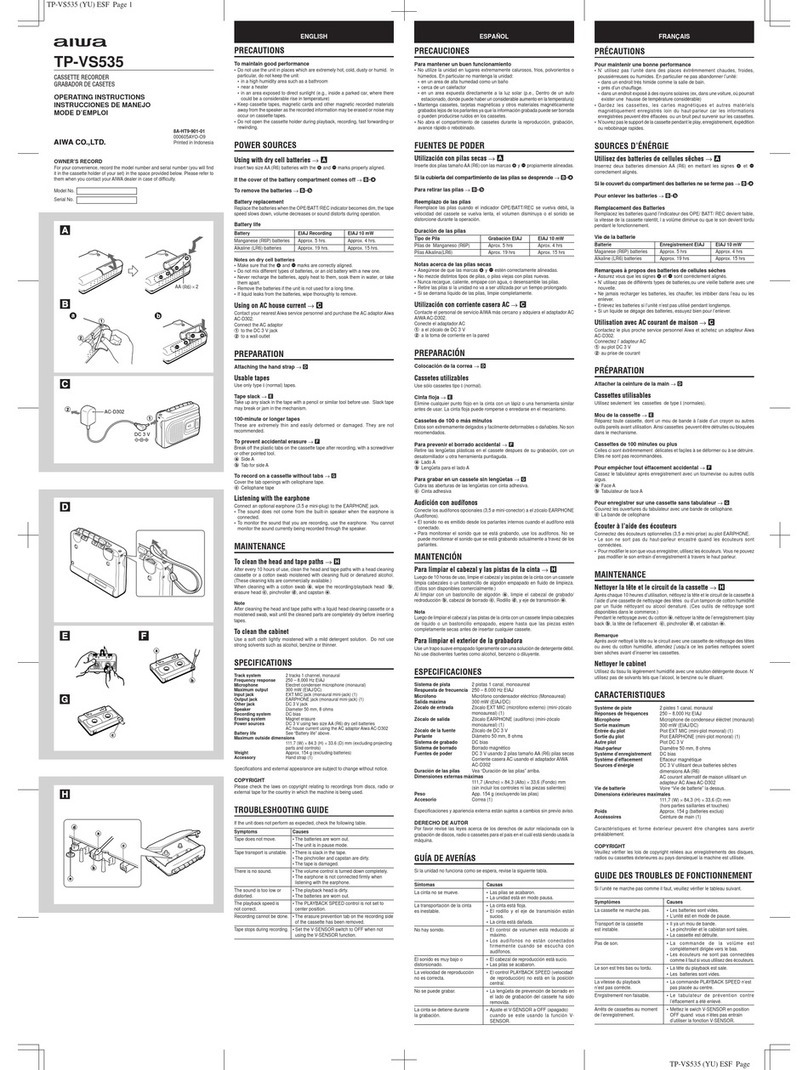
Ahuja CPA-360 Operation manual

Ahuja

Ahuja CPA-360 Operation manual

Sony Pressman TCS-60DV Specifications

Sony

Sony Pressman TCS-60DV Specifications

Philips AQ6485/14 Product information

Philips

Philips AQ6485/14 Product information

Sony TCM-200DV - Cassette Recorder operating instructions
Sony

Sony TCM-200DV - Cassette Recorder operating instructions

Nakamichi BX-300 Service manual

Nakamichi

Nakamichi BX-300 Service manual

Panasonic RQ-E25V operating instructions

Panasonic

Panasonic RQ-E25V operating instructions

Aiwa TP-VS535 operating instructions

Aiwa

Aiwa TP-VS535 operating instructions

Yamaha MT8X Operation manual

Yamaha

Yamaha MT8X Operation manual

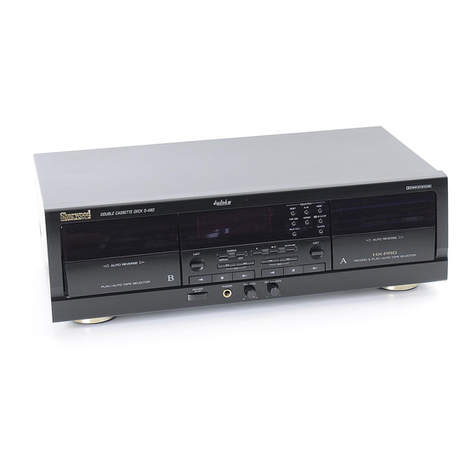
Sherwood Newcastle D-480 operating instructions

Sherwood

Sherwood Newcastle D-480 operating instructions

Manta MA408 user manual

Manta

Manta MA408 user manual

GPO W0162B user guide

GPO

GPO W0162B user guide

Marantz CP230 Service manual

Marantz

Marantz CP230 Service manual

Sony HST-471 Service manual

Sony

Sony HST-471 Service manual

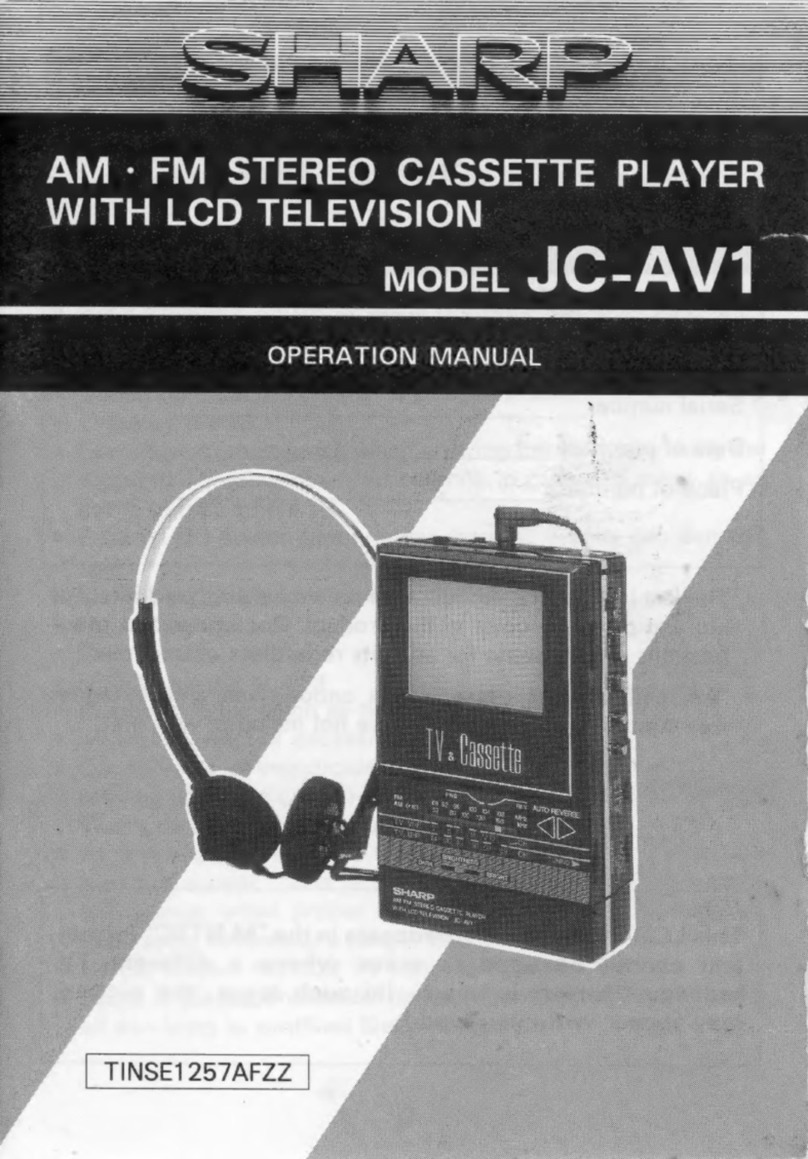
Sharp JC-AV1 Operation manual

Sharp

Sharp JC-AV1 Operation manual

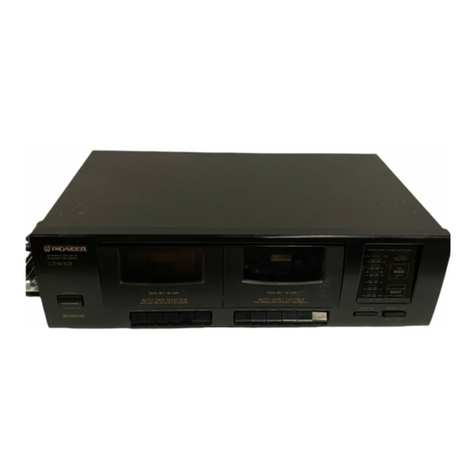
Pioneer CT-W103 Service manual

Pioneer

Pioneer CT-W103 Service manual

Sony CFS-B15 - Am/fm Stereo Cassette Recorder operating instructions

Sony

Sony CFS-B15 - Am/fm Stereo Cassette Recorder operating instructions

Sony WMFS220 - Portable Sports AM/FM Cassette... operating instructions

Sony

Sony WMFS220 - Portable Sports AM/FM Cassette... operating instructions
Aiwa HS-TA21 operating instructions

Aiwa

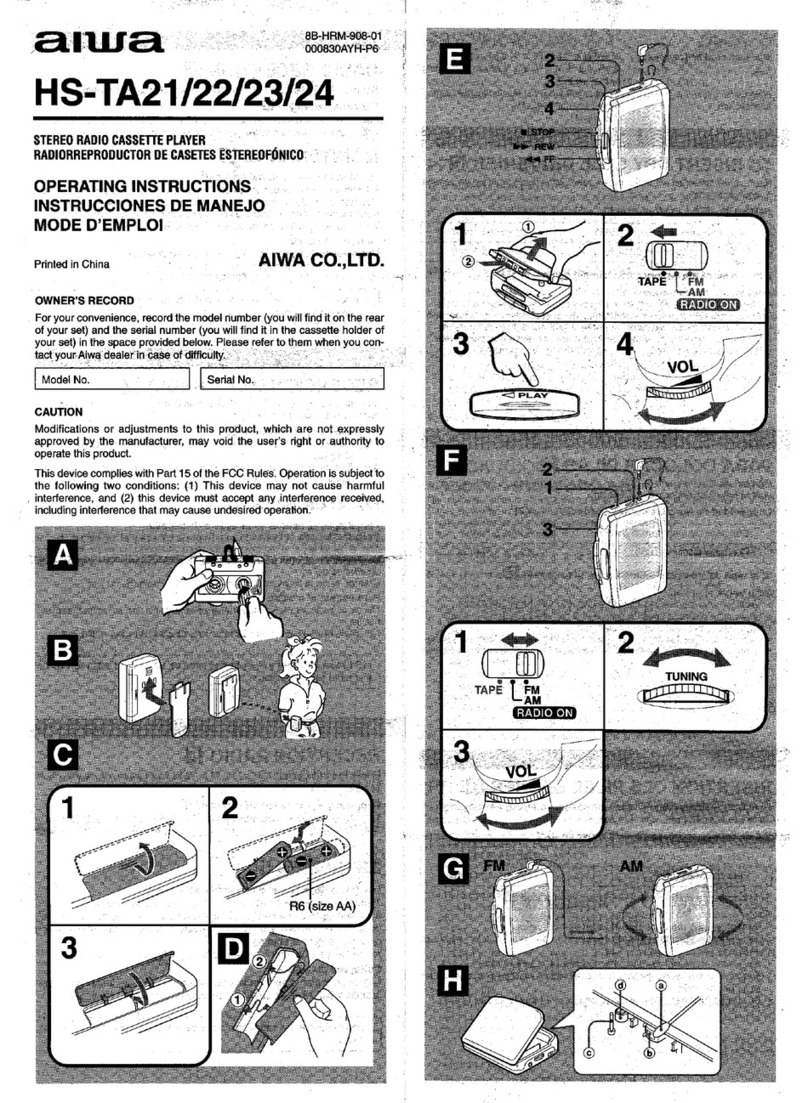
Aiwa HS-TA21 operating instructions
manuals.online logo
manuals.online logoBrands
  • About & Mission
  • Contact us
  • Privacy Policy
  • Terms and Conditions

Copyright 2025 Manuals.Online. All Rights Reserved.

RC-W410
wesaavvvx
JVC
ERVICE
MANUAL
Area
suffix
Bikes
Shieh
oad
ek
hak
&
UK
a
ae
eer
Continental
Europe
Gee
RN
a
A
eR
as
a
W.
Germany
Glo
yelaleiss
G28
AE
sok
die
Italy
VINX:
st
ee
Eastern
Europe
Contents
Page
[1]
Safety
Precautions...........
0.0000
eee
eee
2
(9!
Wiring
Connections
.....-......0.00
00000005
15
1D)
“Features:
uci
bed
an
goa
eae
ke
be
4
10,
Standard
Schematic
Diagram
................
16
(3)
Specifications
.......
0.000.000
eee
eee
4
(11)
Location
of
P.C.
Board
and
Parts
List
..........
18
[4]
Names
of
Control
and
Their
Functions.
......---
5
12]
Exploded
View
of
Enclosure
Assembly
.........--
25
{5]
Location
of
Main
Parts
...........0+00000
00
6
13)
Exploded
View
of
Mechanism
Assembly
.......
-
27
(6!
Removal
of
Main
Parts...........-0000
000005
8
14)
Packing
Illustration
and
Parts
List
.............
30
(7)
Main
Adjustment
........0....0.20222
0000s
10
(5|
Accessories...
0.0.0.0
ee
eee
31
8]
Block
Diagrams.
342-40
cae
eet
ee
RE
14
No.
1768
February
1989
RC-W410
sevcavvvx
|
'1|
Safety
Precautions
1.
OhWNH
Warning
.
This
equipment
has
been
designed
and
manufactured
to
meet
international
safety
standards.
.
It
is
the
legal
responsibility
of
the
repairer
to
ensure
that
thése
safety
standards
are
maintained.
.
Repairs
must
be
made
in
accordance
with
the
relevant
safety
standards.
.
It
is
essential
that
safety
critical
components
are
replaced
by
approved
parts.
.
If
mains
voltage
selector
is
provided,
check
setting
for
local
voltage.
The
design
of
this
product
contains
special
hardware
and
many
circuits
and
components
specially
for
safety
purposes.
For
continued
protection,
no
changes
should
be
made
to
the
original
design
unless
authorized
in
writing
by
the
manufacturer.
Replacement
parts
must
be
identical
to
those
used
in
the
original
circuits.
Service
should
be
per-
formed
by
qualified
personnel
only.
.
Alterations
of
the
design
or
circuitry
of
the
product
should
not
be
made.
Any
design
alterations
of
the
product
should
not
be
made.
Any
design
alterations
or
additions
will
void
the
manufacturer’s
warranty
and
will
further
relieve
the
manufacturer
of
responsibility
for
personal
injury
or
property
damage
resulting
therefrom.
.
Many
electrical
and
mechanical
parts
in
the
product
have
special
safety-related
characteristics.
These
characteristics
are
often
not
evident
from
visual
inspection
nor
can
the
protection
afforded
by
them
necessarily
be
obtained
by
using
replacement
components
rated
for
higher
voltage,
wattage,
etc.
Replacement
parts
which
have
these
special
safety
characteristics
are
identified
in
the
Parts
List
of
Service
Manual.
Electrical
components
having
such
features
are
identified
by
(
A\)
on
the
Schematic
Diagram
and
Parts
List
in
the
Service
Manual.
The
use
of
a
substitute
replacement
which
does
not
have
the
same
safety
characteristics
as
the
recommended
replacement
part
shown
in
the
Parts
List
of
Service
Manual
may
create
shock,
fire,
or
other
hazards.
.
The
leads
in
the
products
are
routed
and
dressed
with
ties,
clamps,
tubings,
barriers
and
the
like
to
be
separated
from
live
parts,
high
temperature
parts,
moving
parts
and/or
sharp
edges
for
the
prevention
of
electric
shock
and
fire
hazard.
When
service
is
required,
the
original
lead
routing
and
dress
should
be
observed,
and
it
should
be
confirmed
that
they
have
been
returned
to
normal,
after
re-assembling.
.
Leakage
current
check
(Electrical
shock
hazard
testing)
After
re-assembling
the
product,
always
perform
an
isolation
check
on
the
exposed
metal
parts of
the
product
(antenna
terminals,
knobs,
metal
cabinet,
screw
heads,
headphone
jack,
control
shafts,
etc.)
to
be
sure
the
product
is
safe
to
operate
without
danger
of
electrical
shock.
Do
not
use
a
line
isolation
transformer
during
this
check.
e
Piug
the
AC
line
cord
directly
into
the
AC
outlet.
Using
a
Leakage
Current
Tester’,
measure
the
leakage
current
from
each
exposed
metal
part
of
the
cabinet,
particularly
any
exposed
metal
part
having
a
return
path
to
the
chassis,
to
a
known
good
earth
ground.
Any
leakage
current
must
not
exceed
0.5
mA
AC
(r.ms.).
e
Alternate
check
method
Plug
the
AC
line
cord
directly
into
the
AC
outlet.
Use
an
AC
voltmeter
having
1,000
ohms
per
volt
or
more
sensi-
tivity
in
the
following
manner.
Connect-a
1,500
2
10
W
resistor
paralleled
by
a
0.15
uF
AC-type
capacitor
be-
tween
an
exposed
metal
part
and
a
known
good
earth
ground.
Measure
the
AC
voltage
across
the
resistor
with
the
~
AC
VOLTMETER
AC
voltmeter.
i
(Having
1000
ohms/volt,
:
F
or
more
sensitivity.)
Move
the
resistor
connection
to
each
exposed
metal
part,
particularly
any
exposed
metal
part
having
a
SS
ee
AP
return
path
to
the
chassis,
and
measure
the
AC
volt-
Out
Sah
GT
PE
age
across
the
resistor.
Now,
reverse
the
plug
in
the
biageahiepiewe
AC
outlet
and
repeat
each
measurement.
Any
voltage
on
each
exposed
measured
must
not
exceed
0.75
V
AC
(r.m.s.).
This
15009
10W
metal
part.
corresponds
to
0.5
mA
AC
(r.m.s.).
4h
—--
Good
earth
ground
2
(No.
1768)
RC-W410
B/E/G/GI/V/VX
|
SAFETY
PRECAUTIONS
ABOUT
RC-W410
|
1.
Since
diodes
D901, D902,
D903
and
D904
are
heating
units,
wires
are
arranged
not
to
touch
them
as
shown
in
Fig.
1-1
©.
Confirm
that
those
parts
are
set
vertically.
Power
Supply
Board
2.
Check
up
wires
connected
to
the
power
transformer,
which
must
be
bound
together
with
as
shown
in
Fig.
1-1
O.
4PIN
Connector
to
Power
Amplifier
Board
3.
Check
up
that
single
wires
coming
from
a
P.C.
board
are
bound
together
with
at
the
collective
root
near
the
board
as
shown
in
Fig,
1-1
Q).
Power
Trans
4.
Check
up
that
all
wires
of
motors
and
leaf
switches
are
bound
and
secured
with
spacers
at
specific
points
respec-
tively.
(See
Fig.
1-2
@
and
©)
Mechanism
Fig.
1-2
5.
Make
sure
of
speaker
wires
which
should
be
soldered
as
they
are
twisted
with
each
other
as
shown
in
Fig.
1-3
©.
Speaker
00
(ey
6
FT
6
Fig.
1-3
(No.
1768)
3
RC-W410
B/E/G/GI/V/VX
|
[2]
Features
Hyper-Bass
Sound
System
with
3D
on/off
switch
Three-band
(FM/MW/LW)
synthesizer
tuner
with
Five-stations
in
each
band
(FM1,
FM2,
MW
and
LW)
preset
capability
4-element
S.E.A.
graphic
equalizer
Full
auto-stop
mechanism
Synchro-start
high-speed
dubbing
Relay
play
between
two
decks
'3]
Specifications
Tuner
section
Frequency
rranges
:
FM
87.5—108
MHz
MW
522-1629
kHz
LW
144-290
kHz
Antennas
:
Telescopic
antenna
for
FM
Ferrite
core
antenna
for
MW
&
LW
Tape
Recorder
section
Track
system
:
4-track
2-channel
stereo
Frequency
response
:
80—12,500
Hz
Wow
&
flutter
:
0.15
%
(WRMS)
Fast
wind
time
:
Approx.
120
sec
(C-60
cassette)
General
3D
system
:
ASW
(Acoustic
Super
Woofer)
Speakers
:
10cm
x
2
Power
output
:
7.0
W
(3.5
W
+
3.5
W)
at
8
Q
and
8.0
W
for
3D
at
12
22
(Max.)
4.0
W
(2.0
W
+
2.0
W)
at
8
Q
and
6.0
W
for
3D
at
12
2
(10%
THD)
S.E.A.
characteristics
S.E.A.
center
frequencies
:
100
Hz/330
Hz/2
kHz/10
kHz
S.E.A.
control
range
:£8
dB
Input
jack
:
MIX
MIC
x
1
(3
mV/—50
dBV,
200
2
—
2
kQ)
Output
jack
:
Headphones
x
1
(20
mW/32
Q,
8Q—1kQ)
Power
supply
:DC
12
V
(8
“R20”
cells)
AC
220—240
V/110—120
V,
50/60
Hz
(RC-W410E
only)
Ext.
DC
IN
12
V
(car
battery
via
optional
CN-332
car
adapter)
Power
consumption
:
18
W
Dimensions
:
560(W)
x
167(H)
x
153(D)
mm
(including
knobs)
Weight
:
Approx.
3.9
kg
(without
batteries)
Design
and
specifications
are
subject
to
change
without
notice.
4
(No.
1768)
|
RC-W410
B/E/G/GI/V/VX
4)
Names
of
Controls
and
Their
Functions
1
bo
©
Gg
OGOdG
Z
a,
__|
Pe
|
h
y
/
am
Cen
en
Ta
EY
NN
we
[jee
Wr
Ic
51
Farce
rae
Cp
tr
tt
Jit
eee
SISO
Rare,
CMR
OL
WOO
RESO
estes
KK
Seeeeees
Fig.
4-2
@
Cassette
operation
buttons
(Deck
A)
@
LCD
digital
display
@/4
STOP/EJECT
button
Band
indicator
(FM1-FM2-MW-LW)
44
FF
button
Radio
frequency
display
PP
REW
button
Preset
station
indicator
“4
PLAY
button
FM
stereo
(STEREO)
indicator
@
Cassette
operation
buttons
(Deck
B)
@
BAND
button
§8
PAUSE
button
®
TUNING
control
@/&
STOP/EJECT
button
¥
DOWN
frequency
44
FF
button
A
UP
frequency
PP
REW
button
g
Cassette
holder
(Deck
B)
“@
PLAY
button
PHONES
jack
(3.5
mm
dia.
stereo
mini)
OREC
button
@
MIX
MIC
jack
(3.5
mm
dia.
mini)
8
TAPE/FM
MODE
switch
@
Telescopic
antenna
FUNCTION
switch
@
BEAT
CUT
switch
@
3D
(HYPER-BASS
SOUND)
switch
@
VOLTAGE
SELECTOR/AC
IN
(AC
input)
jack
@
4-BAND
GRAPHIC
EQUALIZER
(S.E.A.)
controls
@
DC
IN
12
V
jack
(©-2-@
)
(RC-W410E
only)
g
VOLUME
control
@
Battery
compartment
cover
Preset
station
button
°
PRESET
SCAN
button
Cassette
holder
(Deck
A)
(No.
1768)
5
RC-W410
B/E/G/GI/V/VX
|
[5|
Location
of
Main
Parts
Amplifier
Board
Tuner Board
Power
Amplifier
Mechnism
Ass’y
‘Speaker
Board
Fig.
5-1
Battery
Contact
Board
Rod
Antenna
GHEE
TAT
PELL
Battery
Contact
Board
Bilt
in
Subwoofer
IRedmSide
AC
Socket
Power
Supply
Board
Power
Transformer
Fig.
5-2
6
(No.
1768)
@
Mechanism
Ass’y
PB
HEAD
Bottom
View
[A]
Mecha
Button
FF
PLAY
STOP/
EJECT
|
REW
Reel
Disk
Ass'y
Motor
Ass’y
Fig.
5-3
RC-W410
B/E/G/GI/V/VX
[B}
Mecha
Button
STOP/
REW
REC
EJECT
R/P
HEAD
Reel
Disk
Ass‘y
RF
Cam
Gear
Flywheel
Ass’y
Fig.
5-4
RF
Cam
Gear
Flywheel
Ass'y
(No.
1768)
7
RC-W410
B/E/G/GI/V/VX
©
|
6)
Removal
of
Main
Parts
Rear
Cabinet
Ass’y
‘
Remove
six
screws
(1)
(M3
x
20)
and
@)
(M3
x
44)
which
secure
the
rear
cabinet
ass’y
at
the
points
indicated
by
A
marks.
2.
In
the
course
of
detaching
the
rear
cabinet
ass’y,
dis-
connect
the
antenna
lead
which
is
wired
to
the
tuner
board
from
TP1.
3.
Disconnect
a
connector
CN901
from
the
power
amplifier
board,
M3x
20
Fig. 6-1
B®
Speaker
Unit
for
Hyper-Bass
Sound
1.
Release
the
wire
between
the
battery
contact
board
and
the
power
supply
board
from
the
guide
for
wire
arrange-
ment.
2,
Release
the
wire
from
three
wire
clamps
located
by
the
right
speaker.
3.
Remove
five
screws
)
(M3
x
16)
and
six
screws
@
(m3
x
16)
securing
the
hyper-bass
sound
box.
Therefore,
the
speaker
unit
can
be
seen.
4.
By
removing
eight
screws
®
(M3
x
16)
from
the
hyper-
bass
sound
box,
the
speaker
unit
can
be
taken
offm3
x
16
Guide
for
wire
arrangement
(3)
M3
x
16
Fig.
6-2b
AB
8
(No.
1768)
=
Tuner
Board
Draw
out
the
tuner
board
along
the
groove
of
the
front
cabinet
ass’y.
Main
Board
and
Power
Amplifier
Board
.
Remove
three
knobs
of
the
slide
switches:
TAPE/FM
MODE,
FUNCTION
and
3D
selectors.
.
Release
the
wire
from
three
wire
clamps
located
by
the
right
speaker.
.
Remove
adhesive
tape
securing
the
wire
to
the
main
board.
.
Remove
two
screws
©
(M3
x
45)
and
®
(M3
x
45,
black)
securing
the
main
board
and
power
amplifier.
.
Detach
the
PHONES
jack
first,
then
the
volume
control
and
SEA
switch,
etc.
one
after
another,
and
lastly
take
off
the
boards.
.
Disconnect
connectors
CN103,
CN902,
CN101,
CN102
and
CN401
from
the
Main
board.
Mechanism
Ass’y
.
Remove
the
tuner
board
and
amplifier
board.
.
Remove
nine
screws
(M3
x
10)
and
@)
(M3
x
25)
securing
the
mechanism
ass’y.
.
Draw
out
the
Rec.
lever.
Operation
Buttons
Remove
ten
screws
(M2
x
4)
securing
operation
buttons
to
the
mechanism.
Synthesizer/LCD
Board
Remove
two
screws
@
(M3
x
8)
securing
the
Synthesizer/
LCD
board.
Power
Transformer
and
Power
Supply
Board
(Fig.
6-2b)
.
Remove
three
screws
®
retaining
the
power
transformer
and
power
supply
board.
.
Remove
two
screws
from
transformer
bracket.
(When
re-assembling,
make
sure
of
the
correct
direction
to
set
the
transformer
bracket.)
RC-W410.
secon
M3x25
M3x10
(No.
1768)
9
RC-W410
secon
|
Main
Adjustments
(1)
Equipment
and
Measuring
Instrument
used
for
Adjustments
e
Electronic
voltmeter
e
Wow-flutter
meter
e
Torque
testing
cassette
gauge
CTG-N
e
Audio
frequency
oscillator
e
Frequency
counter
e
Alignment
tape
e
Attenuator
e
Standard
signal
generator
e
Measuring
tape
:
TS-8
(UR)
(2)
Function
of
Cassette
®
Condition
for
Measurement
Power
supply
......
AC
220—240
V/110—120
V
(50/60
Hz)
Function
position
..TAPE/FM
MODE:
TAPE
NORMAL
DC12V
FUNCTION
:
NORMAL
SPEED
Reference
output
...
Speaker
:
OdBs
(0.775
V)/8
2
SEA
:
Center
Headphone
:
—13
dBs
(0.173
V)/32
Q
3D
:
OFF
3D
2120
BEAT
CUT
>:
NORMAL
Reference
Input
....
Ext.MIC
:
—46dBs
e
Routine
of
Check
and
Adjustment
No.
Item
bi
aay
Check
and
Adjustment
Adjusting
Point
1
|
Tape
speed
and
VTT712
Play
back
the
end
portion
of
the
VTT712
test
tape
and
check
Wow-fiutter
(3
kHz)
up
the
following
standards.
check
-
adjustment
e
B
Deck
:
at
Normal
speed
3000
Hz
+
30
Hz
VR331
at
Normal
speed
Less
than
0.38%
(JIS
UNWTD)
Check
e
A
Deck
:
at
Normal
speed
+80
Hz
against
B
Deck
Check
at
Normal
speed
Less
than
0.38%
(JIS
UNWTD)
Check
C
2
|
High-speed
and
VTT712
1)
Loading
VTT712
on
A
Deck
and
Blank
tape
TS-8(UR)
on
B
Synchro
dubbing
|
(3
kHz)
deck.
check
TS-8
(UR)
2)
Function
position
:
HIGH
SPEED
3)
B
Deck
:
REC/PAUSE
4)
B
Deck
pause
to
be
released
when
playing
A
Deck,
then
start
High-speed
dubbing.
5)
High
speed
:
Within
5600
Hz
+
400
Hz
to
be
check
Check
3
VTT703L
1)
Play
back
VTT703L,
both
A
and
B
Deck.
Head
azimuth
Left
side
screw
adjustment
(10
kHz)
2)
Obtain
maximum
Playback
output
for
this
adjustment.
of
PB
or
R/P
3)
Phase
difference
to
be
minimized.
head
4)
Screw
lock
to
be
applied
after
adjustment.
4
|
Playback
out-
VTT724
Play
back
the
VTT724
tape
on
B
Deck
and
confirm
that
level
Check
put
level
(1
kHz)
difference
between
R
and
L
channels
is
within
4
dB.
check
(Measuring
point
:
Headphone
output)
5
|
Playback
VTT736
1)
Play
back
VTT736
difference
level
against
1
kHz.
frequency
(1kHz/125Hz,
A
Deck,
BDeck.....
Measuring
point
:
Headphone
output
Check
characteristics
1kHz/8
kHz)
1kHz/125
Hz:
O0dB+4dB
1kHz/8kHz
:
1dB+4dB
2)
Tape
mode
switched
to
Metal/CrO,
Play
back
VTT736
and
check
the
difference
between
1
kHz
and
8
kHz
at
Headphone
output.
B
Deck
:
within
—1
dB
+3
dB
Check
_|
6
|
Bias
frequency
1)
B
Deck
:
REC
mode,
Beat
Cut
:
Position
1
2)
Leakage
of
Bias
at
Headphone
to
be
checked
with
frequency
counter.
72
kHz
+
3
kHz
to
be
adjusted
with
L321
L321
3)
Bias
frequency
to
be
checked
for
beat
cut
position
2
and
position
3.
Position
2
:
70
kHz
+3
kHz
Position
3
:
68
kHz
+
3
kHz
7
|
Rec/Playback
TS-8
(UR)
Reference
signal
—20
dB
to
be
applied
to
Mic,
and
difference
frequency
level
between
125
Hz
and
8
kHz
against
1
kHz
to
be
checked.
characteristics
1kHz/125
Hz:
—2dB+4dB
Check
1kHz/8kHz
:
+2
dB*§
dB
—_______+
8
|
Maximum
output
|
VTT722
Play
back
VTT722.
Measuring
point
:
Headphone
output
&
Output
more
than
28
mW
(0.95
V)
at
SEA
max.
_|_
Check
10
(No.
1768)