5
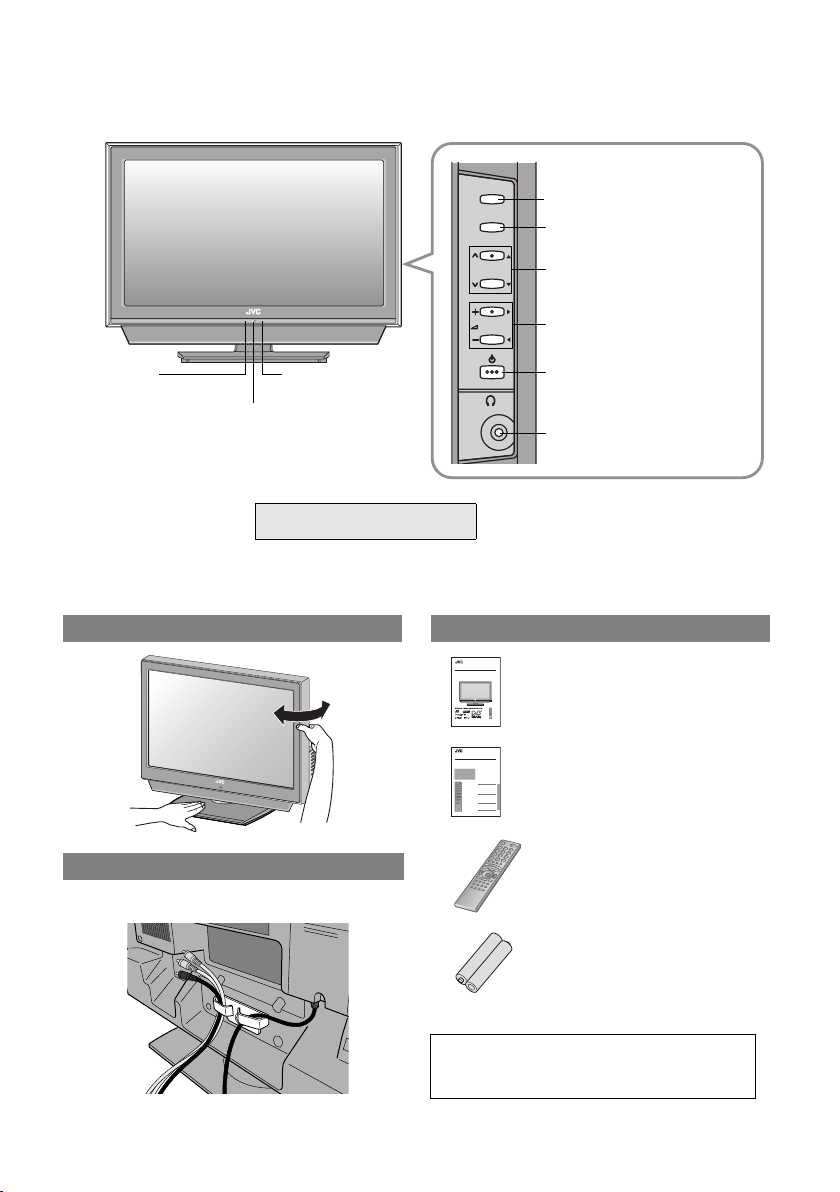
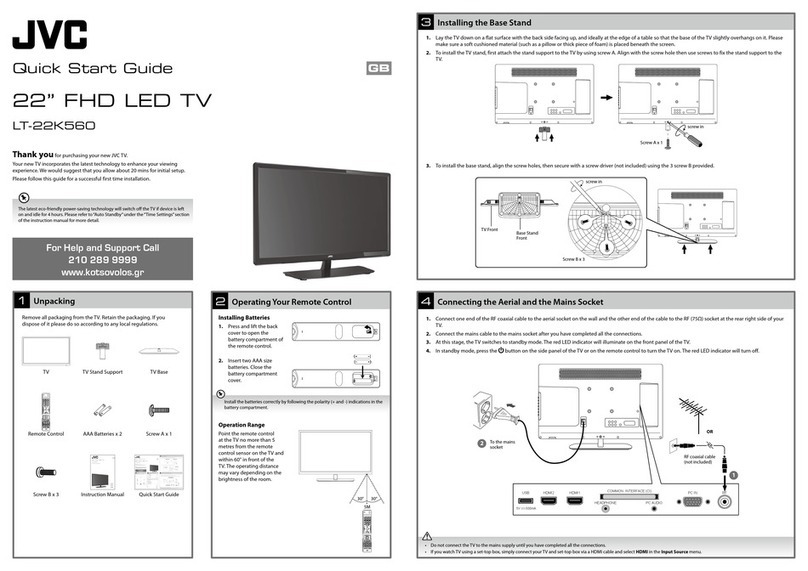
Names of all the parts
TV/AV
MENU/OK
P
Remote control
sensor
Power lamp
ON: Lit (Green)
OFF: Unlit
zThe power lamp will light in
green or orange during
recording. g
zWhen “Power Lamp” is set to “Off”, the
Power lamp will not light up.
g“Power Lamp” (P. 36)
WATCHING DIGITAL CHANNELS
“Timer” (P. 10)
Switch between TV
(digital / analogue channels)
and AV devices (P. 24)
Display on-screen menu /
set
Change channel / page
Volume
Power On / Off
To headphones (P. 9)
Eco Sensor
g“What is “Eco
Mode”?” (P. 43)
Change the direction of TV Check accessories
WARNING:
Batteries shall not be exposed to excessive
heat such as direct sunshine, fire or the like.
TradeMarkof the DVB Digital Video Broadcasting
Project(1991to 1996) Number : 4820, 4821, 4822
INSTRUCTIONS
WIDELCD PANEL TV
LT-42DP8BJ
LT-37DP8BJ
LT-32DP8BJ
LCT2288-001A-U
Remote control
(RM-C1911)
“AAA/R03” Batteries
(For confirming the TV works)
User manual
“INSTRUCTIONS”
(this book)
Beforereading this manual
Readthe separate user manual (INSTRUCTIONS), “IMPORTANT”section (P. 3 - 4),
andunderstand how to use the TV safely. After that follow the instructions in the
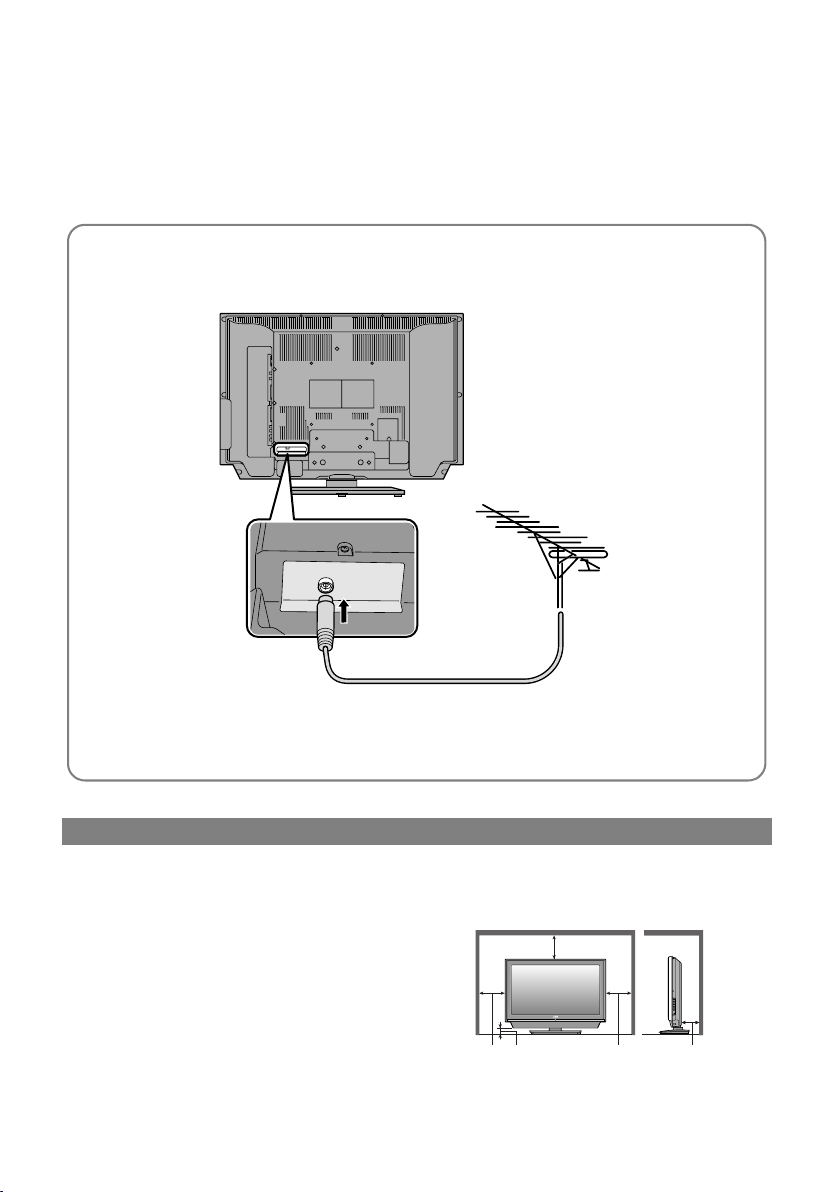
“PREPARE”section (P.5 - 16) to connect the aerial and other external devices to
theTV, and configure thesettings for the TV.
LCT2289-001A-U
Digitalterrestrial broadcasting (DVB-T)
gDigitalchannels
Analogueterrestrial broadcasting
(VHF/ UHF) and analogue cable TV
gAnaloguechannels
Contents
Watchingdigitalchannels ................................. 1
Displaythe programme information .............. 3
Viewsubtitles................................................ 3
Selectaudiolanguage .. ................................ 4
Viewteletext information............................... 4
UsingEPG........................................ ................ 5
CustomisingyourTV ............... .........................7
Timer ................ ......................... .................... 9
EditPR (Edit PR List)............ ..................... 11
Configuration .................. ............................13
Setup ..................... ..................................... 15
Installation .................... .............................. 17
Troubleshooting..............................................19
TechnicalInformation......................................21
USE SETTING TROUBLE?
Thismanual only provides
informationon watching digital
channels.Other information is
explainedin the
“INSTRUCTIONS”.Please read
boththis manual and the
“INSTRUCTIONS”manual.
WATCHINGDIGITAL CHANNELS Separate manual
“WATCHING DIGITAL
CHANNELS”
Tidying the cables
LT-37DP8BJ / LT-42DP8BJ
zLT-32DP8BJ is not equipped with cable clamp.
LT-42DP8BJ.book Page 5 Tuesday, September 4, 2007 11:51 AM