6| Kaden Owners Manual
Optimal performance for the COOL, HEAT, and DRY modes can be achieved in the following temperature ranges.
When your air conditioner is used outside of these ranges, certain safety protection features will activate and cause
the unit to perform less than optimally.
• Auto-Restart
If the unit loses power, it will automatically restart with the
prior settings once power has been restored.
• Mute Operation
Press the LED button on the remote control can turn off the
indoor screen display, and also turn off the air conditioner
buzzer, which creates a comfortable and quiet environment.
• Wireless Control
Wireless control allows you to control your air conditioner
using your mobile phone and a Wireless connection.
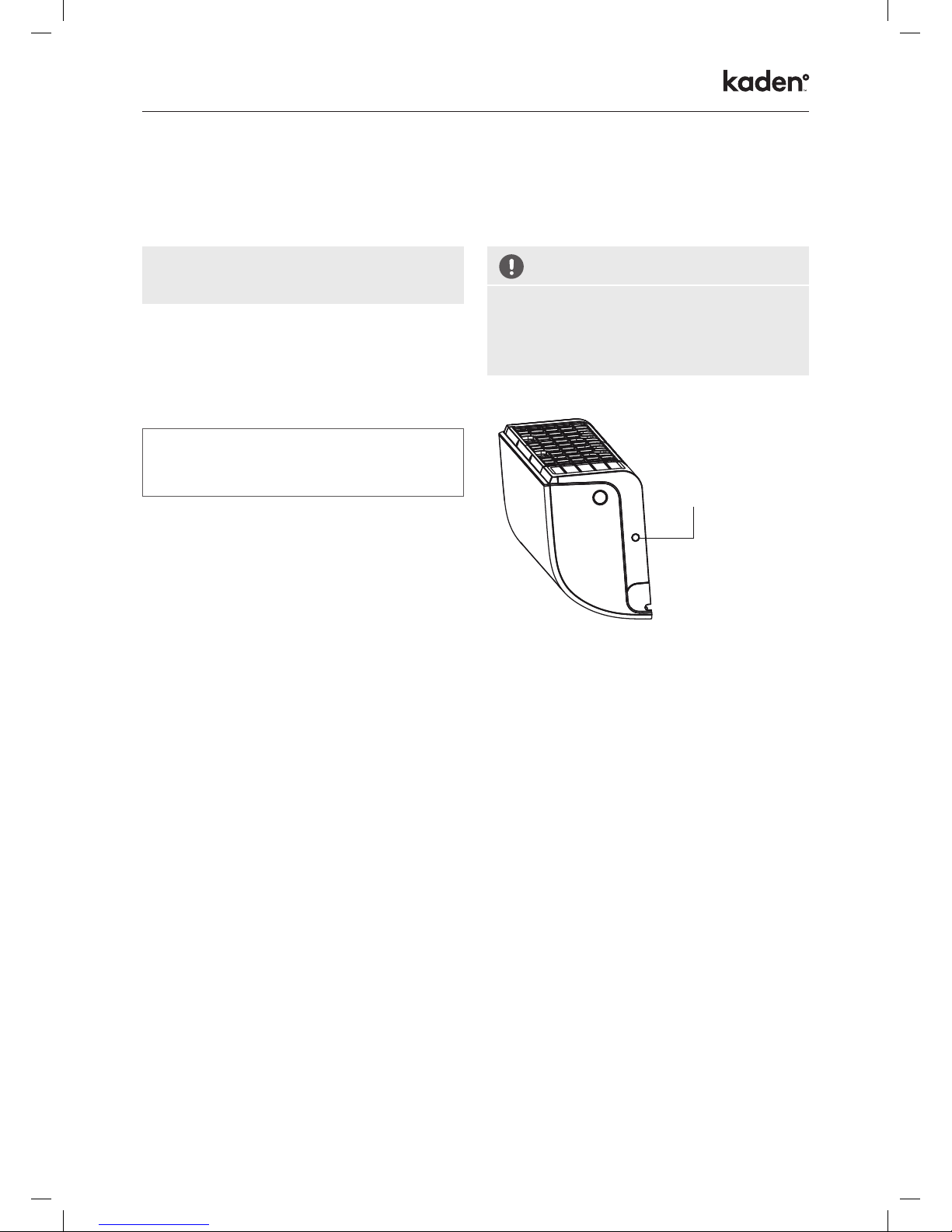
For the USB device access, replacement, maintenance
operations must be carried out by a professional.
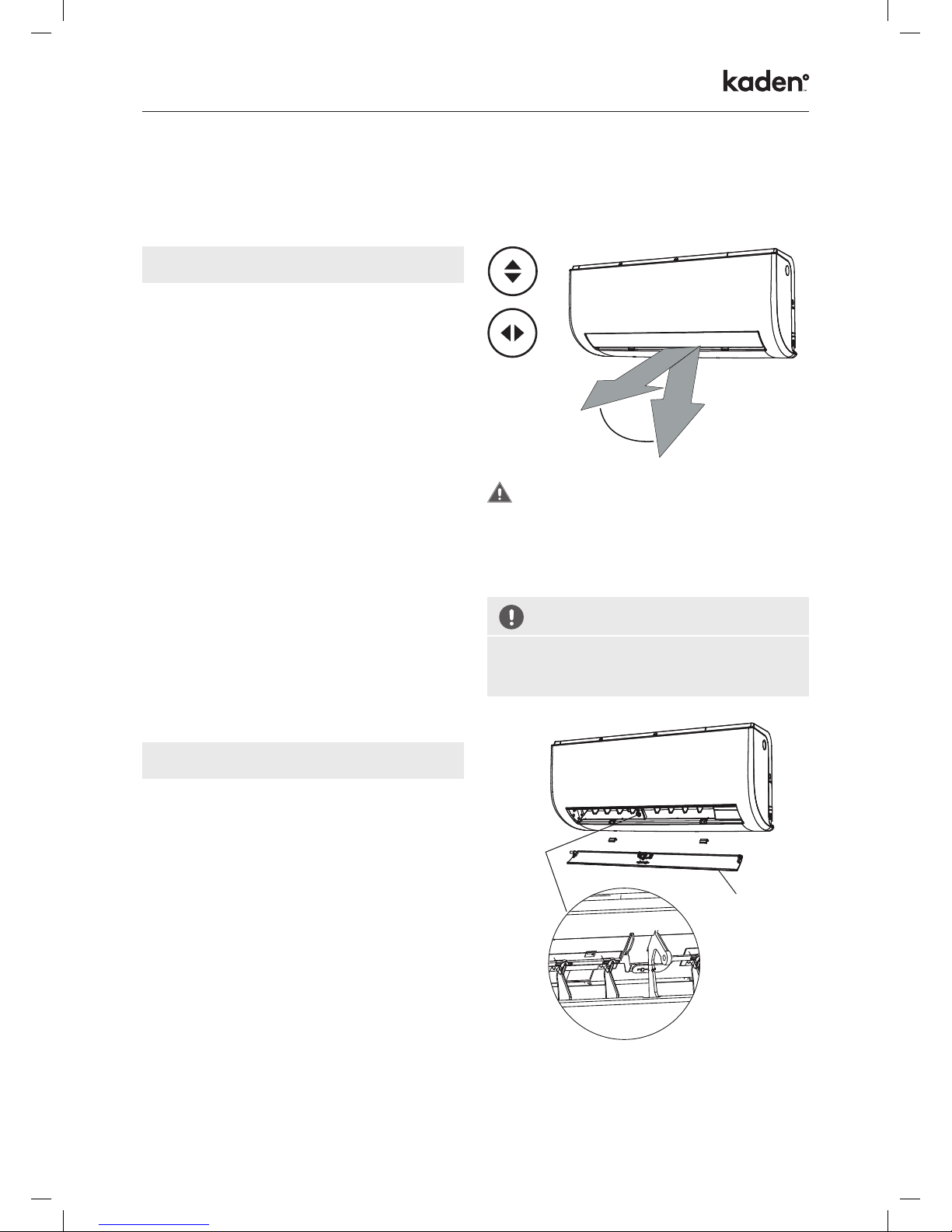
• Louver Angle Memory
When turning on your unit, the louver will automatically
resume its former angle.
• Refrigerant Leakage Detection
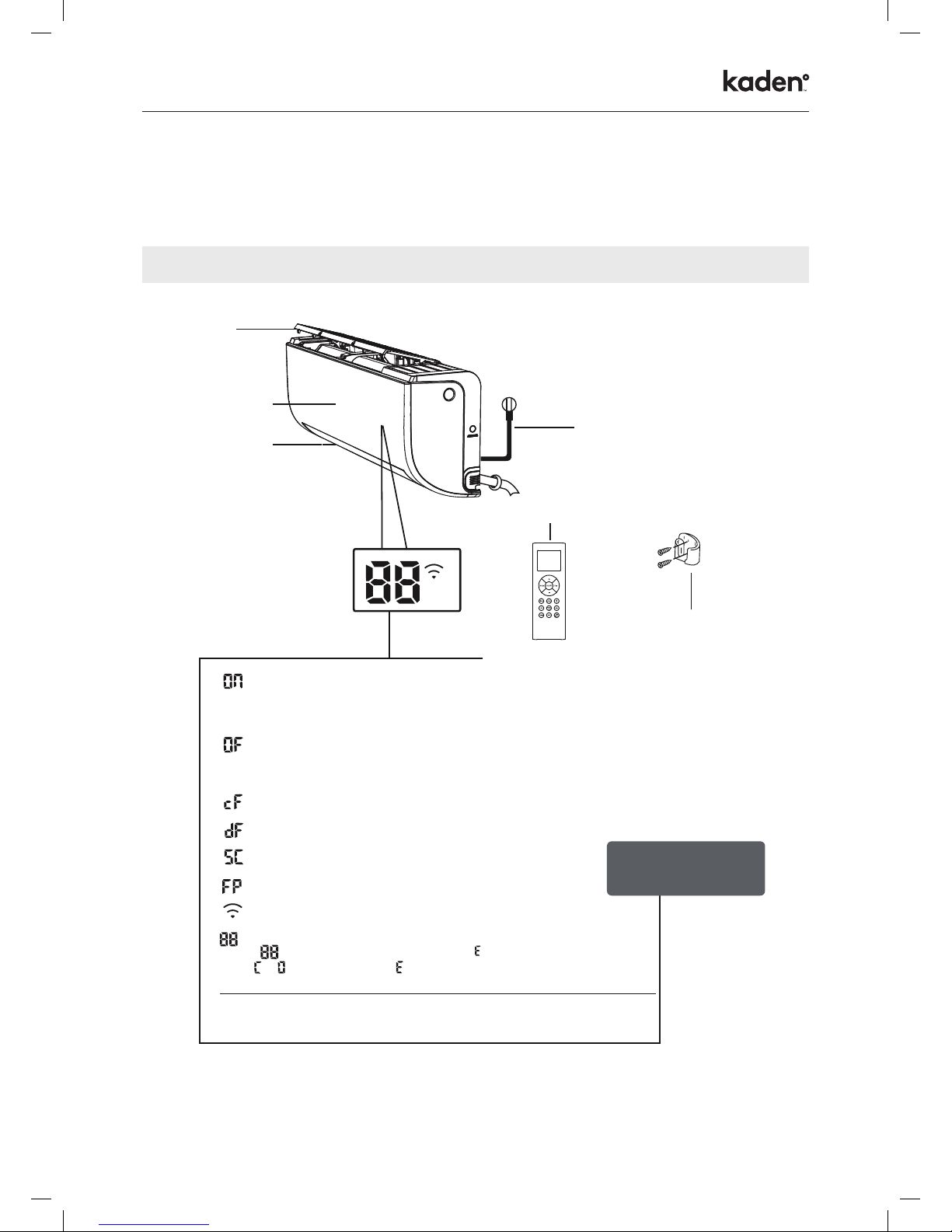
The indoor unit will automatically display “EC”
when it detects refrigerant leakage.
COOL mode HEAT mode DRY mode
Room Temperature 17°C – 32°C 0°C – 30°C 10°C – 32°C
Outdoor Temperature -15°C – 50°C -15°C – 30°C 0°C – 50°C
To further optimize the performance of your unit, do the following:
• Keep doors and windows closed.
• Limit energy usage by using TIMER ON and TIMER OFF functions.
• Do not block air inlets or outlets.
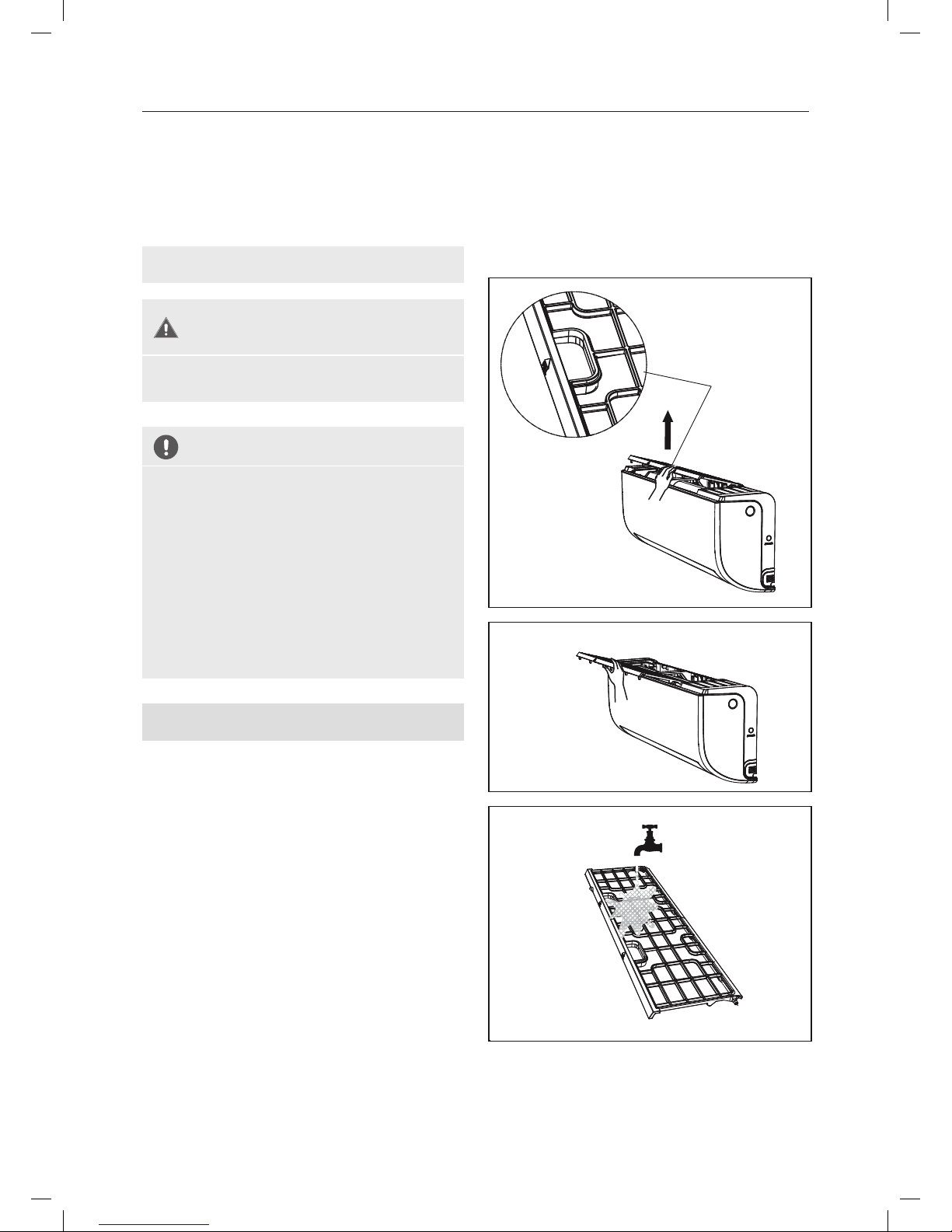
• Regularly inspect and clean air filters.
For a detailed explanation of each function, refer to the Remote Control Manual.
For a detailed explanation of your unit’s
advanced functionality (such as TURBO mode
and its self-cleaning functions), refer to the
Remote Control Manual.
Achieving Optimal Performance
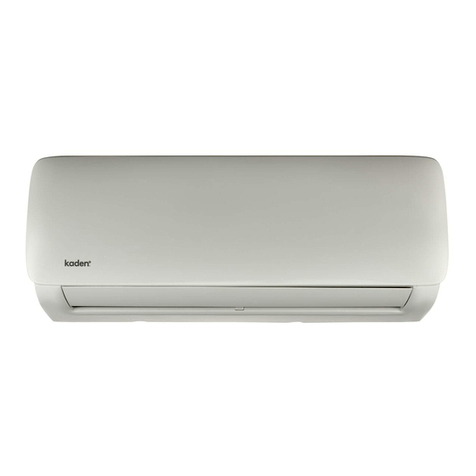
Inverter Split Type
Other Features
J3499_Kaden_Owners Manual_240817_V3.indd 6 28/08/2017 8:59 AM