manuals.online logo
Brands
  1. Home
  2. •
  3. Brands
  4. •
  5. Kellyco
  6. •
  7. Metal Detector
  8. •
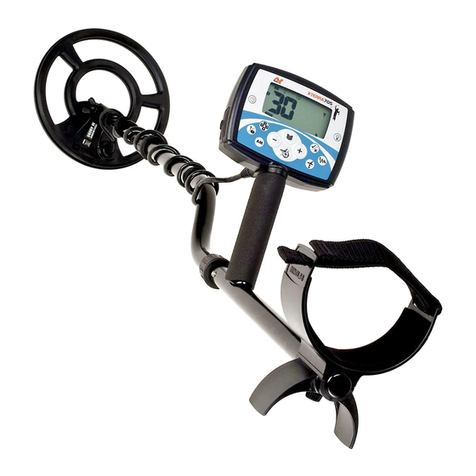
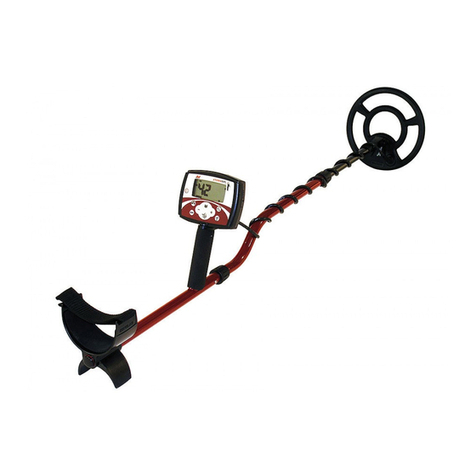
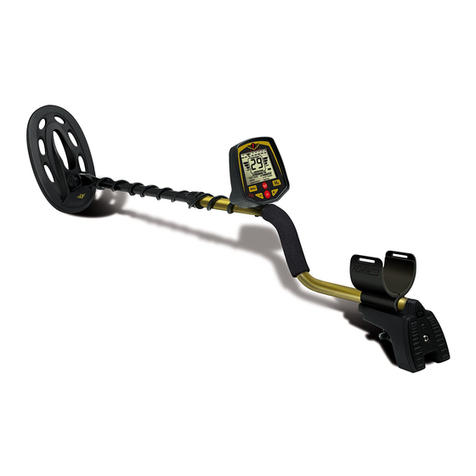
  9. Kellyco Minelab X-Terra User manual

Kellyco Minelab X-Terra User manual

Other Kellyco Metal Detector manuals

Kellyco M6 User manual

Kellyco

Kellyco M6 User manual

Kellyco DFX User manual

Kellyco

Kellyco DFX User manual

Kellyco Cobra beach magnet User manual

Kellyco

Kellyco Cobra beach magnet User manual

Kellyco MPX Digital User manual

Kellyco

Kellyco MPX Digital User manual

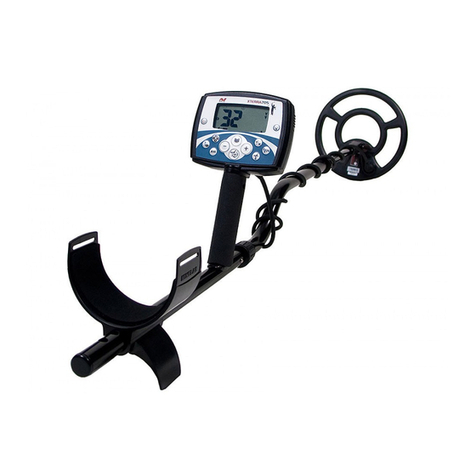
Kellyco X-TERRA 705 User manual

Kellyco

Kellyco X-TERRA 705 User manual

Kellyco Excalibur II Operating instructions

Kellyco

Kellyco Excalibur II Operating instructions

Kellyco X-TERRA 305 User manual

Kellyco

Kellyco X-TERRA 305 User manual

Kellyco Minelab X-Terra 70 User manual

Kellyco

Kellyco Minelab X-Terra 70 User manual

Kellyco Explorer SE User manual

Kellyco

Kellyco Explorer SE User manual

Kellyco Mini Master User manual

Kellyco

Kellyco Mini Master User manual

Kellyco SOVEREIGN GT User manual

Kellyco

Kellyco SOVEREIGN GT User manual

Kellyco PULSE STAR II PRO User manual

Kellyco

Kellyco PULSE STAR II PRO User manual

Kellyco Classic ID User manual

Kellyco

Kellyco Classic ID User manual

Kellyco Surf P.I. Pro User manual

Kellyco

Kellyco Surf P.I. Pro User manual

Kellyco GOLD FINDER User manual

Kellyco

Kellyco GOLD FINDER User manual

Kellyco MP5 PRO User manual

Kellyco

Kellyco MP5 PRO User manual

Kellyco BeachHunter ID User manual

Kellyco

Kellyco BeachHunter ID User manual

Kellyco Titan 9000 User manual

Kellyco

Kellyco Titan 9000 User manual

Kellyco Titan 2000XD User manual

Kellyco

Kellyco Titan 2000XD User manual

Kellyco XLT User manual

Kellyco

Kellyco XLT User manual

Popular Metal Detector manuals by other brands

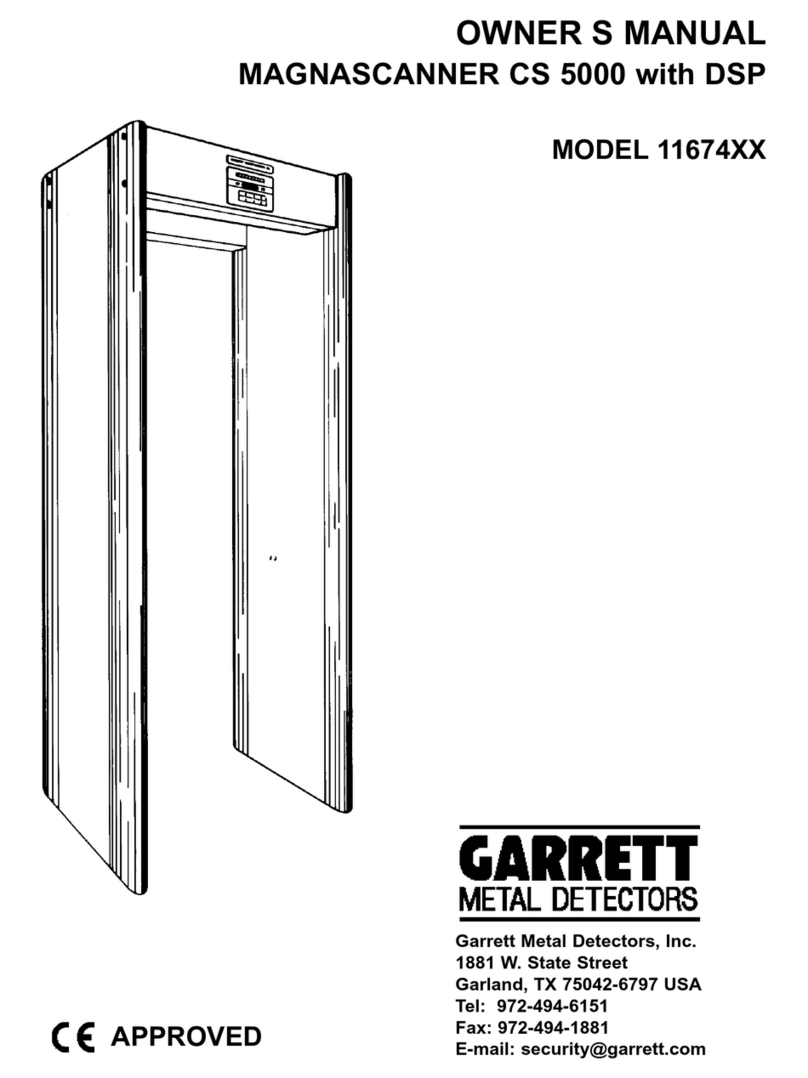
Garrett MAGNASCANNER CS 5000 owner's manual

Garrett

Garrett MAGNASCANNER CS 5000 owner's manual

Valex 1800200 Use and maintenance manual

Valex

Valex 1800200 Use and maintenance manual

Velleman CS130 user manual

Velleman

Velleman CS130 user manual

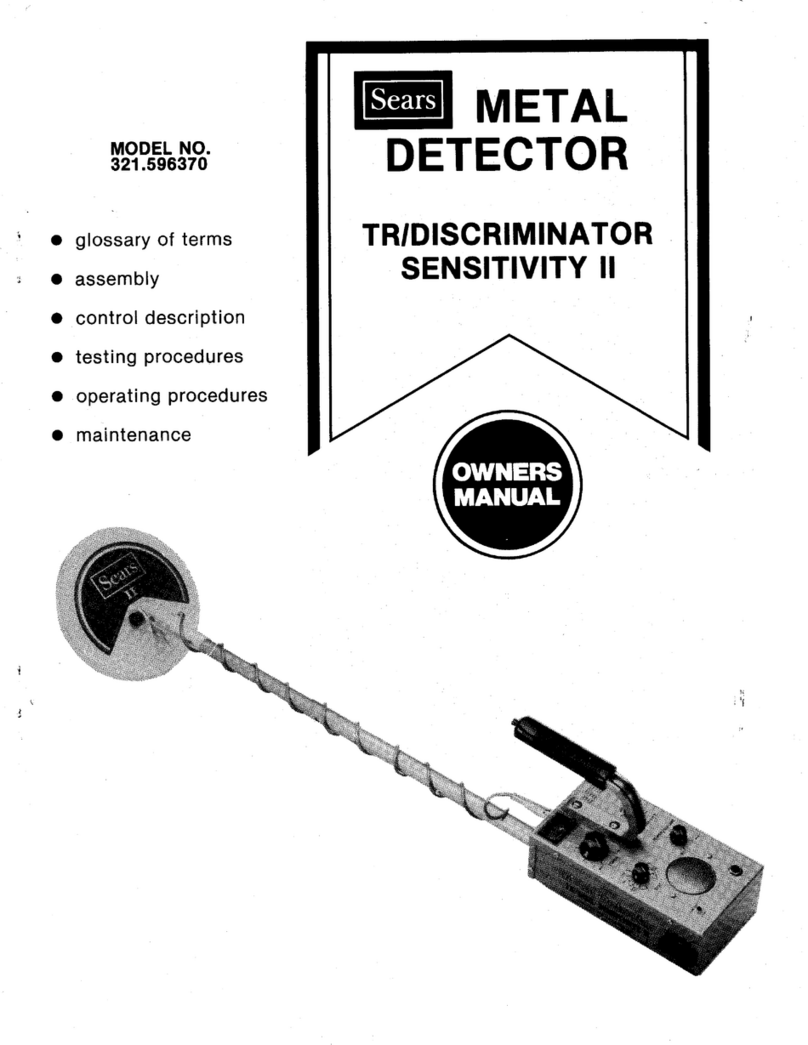
Sears 321.596370 owner's manual

Sears

Sears 321.596370 owner's manual

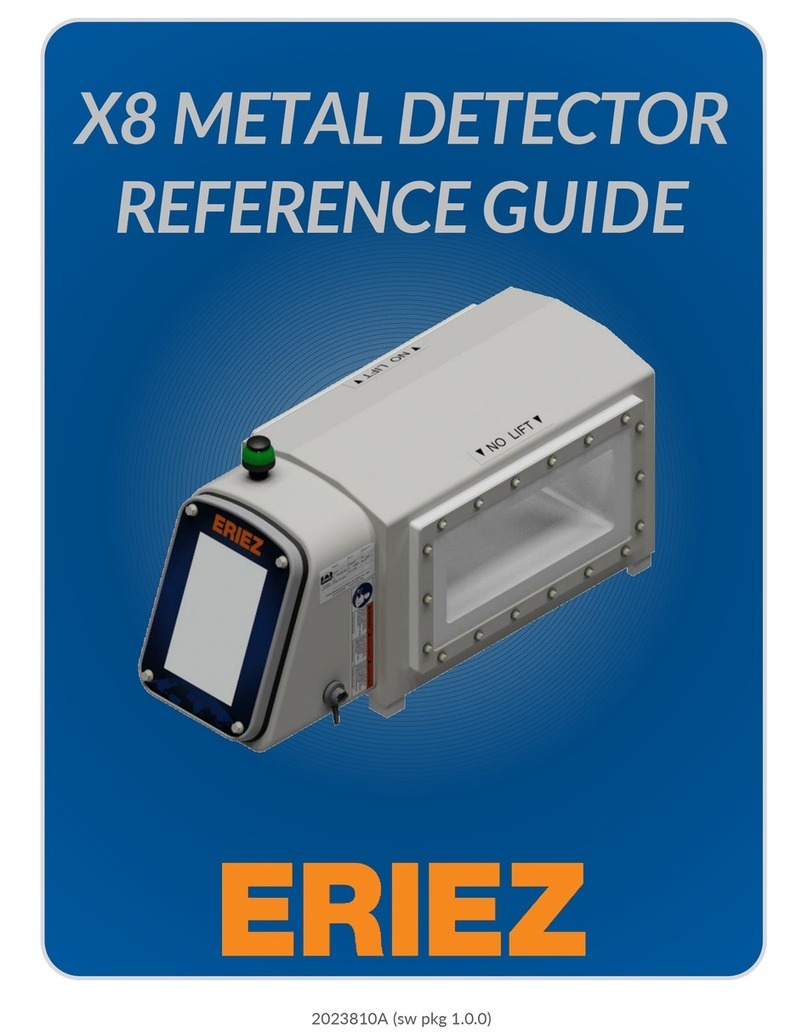
Eriez X8 reference guide

Eriez

Eriez X8 reference guide

Steinberg Systems SBS-MD-22 user manual

Steinberg Systems

Steinberg Systems SBS-MD-22 user manual

REV Ritter CB-7005 instruction manual

REV Ritter

REV Ritter CB-7005 instruction manual

nalanda MD027 owner's manual

nalanda

nalanda MD027 owner's manual

Fisher Research Labs F70 user manual

Fisher Research Labs

Fisher Research Labs F70 user manual

Gauss MIL MD operating manual

Gauss

Gauss MIL MD operating manual

Steinberg Systems SBS-MD-12 user manual

Steinberg Systems

Steinberg Systems SBS-MD-12 user manual

GOLDEN MASK 5 user guide

GOLDEN MASK

GOLDEN MASK 5 user guide

Grizzly YM 203 manual

Grizzly

Grizzly YM 203 manual

Fisher Research Labs 1280-X Aquanaut operating manual

Fisher Research Labs

Fisher Research Labs 1280-X Aquanaut operating manual

Treasure Cove Vibra-Probe 560 quick guide

Treasure Cove

Treasure Cove Vibra-Probe 560 quick guide

Garrett GTI 2500 owner's manual

Garrett

Garrett GTI 2500 owner's manual

Mikron Stinger 2 User's operating manual

Mikron

Mikron Stinger 2 User's operating manual

Mylek MYMD1061 user manual

Mylek

Mylek MYMD1061 user manual

manuals.online logo
manuals.online logoBrands
  • About & Mission
  • Contact us
  • Privacy Policy
  • Terms and Conditions

Copyright 2025 Manuals.Online. All Rights Reserved.

Turn on (pg. 20)
Choose a discrimination pattern (pg. 32, 33)
Adjust sensitivity (pg. 45) and volume (pg. 47)
Choose a noise cancel* channel (pg. 49)
Adjust ground balance* (pg. 52)
Begin detecting! (pg. 24)
These quick start instructions allow you to begin
detecting straight away and find important
reference information for setting up your X-Terra.
Minelab however encourages all users to read the
entire manual to ensure a complete understanding
of all features and functions your X-Terra offers.
* Available on X-Terra 50 model only.
The World Leader in Metal Sensing Technology
From our origins in 1985, Minelab have specialised in
advanced electronics technologies. Our competitive
advantage was created almost immediately with a highly
competent and innovative Research and Development
team, inspired by the genius of Mr. Bruce Candy.
This commitment to innovation has enabled us to
successfully market feature-packed Consumer coin and
treasure detectors enjoyed by hobbyists worldwide as well
as high quality gold detectors used by both professionals
and amateurs. Minelab’s advanced technology is also
incorporated in detection equipment designed for military
and humanitarian de-mining projects throughout the world.
Today Minelab has manufacturing, distribution and
customer service operations in Australia, Europe
and the United States, and is an ISO 9001 Quality Endorsed
Company. ISO 9001 is a worldwide quality standard
certification that ensures the highest level of product
quality for our customers.
For further product information
and detecting tips, refer to:
Operation is subject to the following two
conditions: (1) this device may not cause
harmful interference, and (2) this device
must accept any interference received,
including interference that may cause
undesired operation.
Item Number: 4901 - 0055
Revision: 1.1
Please note:
Since there may be a variety of options
available for this detector, equipment
may vary according to the model or
items ordered with your detector. Certain
descriptions and illustrations may also
differ (in this manual) from the exact model
that you purchased. In addition, Minelab
reserves the right to respond to ongoing
technical progress by introducing changes
in design, equipment and technical
features at any time.
For Consumers within the European Union:
Do not dispose of this equipment in general
household waste.
The crossed out wheeled bin indicated
on this equipment is an indicator that
this unit should not be disposed of in
general household waste, but recycled
in compliance with local government
regulations or environmental requirements.
Please dispose of this equipment via a
recycling service or centre, or by returning
the unit to the respective Minelab or Halcro
outlet as appropriate for your unit. This will
enable the equipment to be disposed of
in an environmentally safe manner.
Disposal of unwanted electronic equipment
in landfilled waste may contribute to
adverse long term environmental effect
due to the leaching of contaminating and
toxic substances contained within some
electronic equipment.
Working for a Cleaner,
Greener Future
THIS DEVICE COMPLIES WITH
PART 15 OF THE FCC RULES
Disclaimer: The Minelab metal detector
discussed in this operating manual has been
expressly designed and manufactured as
a quality hobbyist metal detector and is
recommended for use in coin, treasure and
general metal detection in non-hazardous
environments. This metal detector has not
been designed for use as a mine detector or
as a live munitions detection tool.
Please return the
tear off section
of your warranty
card to Minelab
as soon as possible.

3
Metal detecting is a fascinating and rewarding activity
enjoyed by people all over the world. By getting to know
your X-Terra you can become one of the many who find
valuable coins, relics and jewellery on a regular basis.
The X-Terra is a high-precision instrument incorporating
Minelab’s latest single frequency technology, VFLEX.
VFLEX processes a pure single frequency, ensuring
that you can enjoy the hobby at all times, confident
that you are using a highly-tuned and dependable
detector. In other words, a SERIOUS detector.
This pocket sized manual is designed to help both
the beginner and expert treasure hunter get the best
performance out of the X-Terra 30 or X-Terra 50.
*This asterisk will appear
throughout the manual,
indicating features available
on the X-Terra 50 model only.
1
23
4
6
8
9
10
11
12
13
14
Back Cover
VFLEX Technology
Assembling Your X-Terra
Connecting the Coil
Shaft Assembly
Armrest Assembly
Connecting the Control Box
Coil Cable Assembly
Inserting Batteries
Ready for Use
Quick Start Reference
Detecting Basics
Holding the Detector
Sweeping the Coil
Introducing the Control Panel
Keypad Layout
Turning on the Detector
LCD Layout
Detecting Exercise
Example Detections
How Detectors Work
Target ID
Discrimination Scale
Preset Discrimination Patterns
Choosing a Discrimination Pattern
X-Terra 30
X-Terra 50 / All Metal Shortcut
Pinpointing
Recovering the Target
Detailed Detector Operation
LCD Icons
Operation
Selecting Menu Settings
Sensitivity
Adjusting Sensitivity
Volume
Adjusting Volume
Noise Cancel*
Choosing a Noise Cancel Channel*
Ground Balance*
Adjusting Ground Balance*
Editing Discrimination Patterns
Method 1
Method 2
Erasing Patterns
Factory Presets
Reference Information
Sounds
Error Messages
Battery Behaviour
Care of your X-Terra
Accessory Headphones
Protective Accessories
Accessory Coils
X-Terra Specifications
X-Terra Model Features
User Preferences
38
42
43
44
45
46
47
48
49
50
52
54
55
56
57
58
60
62
64
66
68
69
70
71
72
15
17
18
19
20
21
22
24
26
27
28
30
32
33
34
36
Power
Supply Audio Transmit
LCD ReceiveKeypad
PRIMARY MICRO
(IN CONTROL BOX)
DIGITAL SIGNAL PROCESSING
(DSP)
CODEC SIGNAL CONVERSION
The X-Terra detectors are Minelab’s first products
to incorporate VFLEX Technology.
VFLEX uses state of the art digital and mixed-signal
components to enhance standard single frequency
technology by replacing most of the analogue
circuitry with digital signal processing. The small
amount of analogue circuitry still employed has
been very carefully designed and calibrated to
obtain the outstanding sensitivity, stability and
repeatability required to match the performance
of the processing in the digital domain.
This radical departure from traditional approaches
to metal detector design has been made possible
by advances in electronics that power personal
digital assistants, cell (mobile) phones and
high-fidelity portable audio.
For the X-Terra user, this precision means
dependable performance and improved immunity
to environmental conditions such as ground
mineralization, electromagnetic interference
and temperature variations.
VFLEX requires coils that are accurately constructed
and calibrated. Every time the detector starts up,
the micro-controllers in the control box and the
coil establish communication through a digital
data link.
Information about the coil is sent to the control box,
so the detector ‘knows’ what type of coil is attached
and can set the correct operating parameters.
This optimizes the performance, and also makes
the detector ‘future proof’, in that it will be capable
of operating at different frequencies* depending
on the electronic properties of the coil.
Analog Signal
Coil
Analog Signal Precision VFLEX Signal
Standard VLF Signal
(Without VFLEX)
Transmit
Receive
SECONDARY MICRO
(IN COIL)
SENSING + TRANSMITTING
COIL TYPE, SIZE, FREQUENCY
Control Box
67
Rubber washers (2)
Plastic wing nut
Plastic bolt
Armrest screw
Armrest strap
Velcro tabs (2)
Before assembling your X-Terra please check
that the package includes these parts:
Coil
Skidplate (fitted to coil)
Control box
Armrest
Stand
Lower shaft
Middle shaft
Upper shaft
Warranty card
Instruction manual
you’re holding it
:-)
9
8
Plug the two rubber washers into the holes
on either side of the lower shaft yoke.
Slide the yoke into the yoke bracket on top
of the coil. Ensure that the spring loaded
pin in the lower shaft is underneath.
Insert the plastic bolt through the yoke
and the yoke bracket.
Fasten with the plastic wing nut provided,
being careful not to damage the thread
of the bolt by over-tightening. This may
need to be loosened to adjust the coil to
a comfortable detecting angle.
The coil cable is directly wired into the
coil and is not removable. Any attempt to
disconnect this cable will void your warranty.
Ensure that the twistlocks of the shafts
are loosened by rotating them counter-
clockwise.
Compress the spring loaded pin in the
lower shaft and slide it into the middle shaft
until the pin reaches the adjustment holes.
The pin will spring out and click into place.
Attach the middle shaft to the upper
shaft in the same way.
Once shafts are assembled, lock them in
position by rotating twistlocks clockwise.
The upper shaft assembly location uses
two spring loaded pins to strengthen the
joint, one on either side of the shaft
10 11
Place the armrest onto the top of the upper
shaft, lining up the central hole in the
armrest with a hole in the aluminium shaft.
Position the armrest to suit your arm length.
(Holding the Detector, pg. 15)
Insert the screw up through the stand, upper
shaft and armrest. Tighten the screw, being
careful not to overtighten and damage the
thread.
With the velcro side facing upwards, thread
the armrest strap through both slots in the
armrest. Ensure the end of the strap will
be fastened outwards from your arm.
Connecting
With the LCD facing up, push the control
box onto the end of the handle until it
fits into place.
The X-Terra is designed to be used in both the
left and right hand. This diagram shows the
velcro strap threaded outwards for the left arm.
10
The LCD window has a protective
film affixed to prevent scratching.
This may be removed when the
detector is fully assembled.
The control box may be easily removed
for packing and transport in a carry bag.
Disconnecting
Brace the detector firmly against
yourself, grasp the control box and
pull it away from the handle.
13
Wind the coil cable around the lower
and middle shaft enough times to take
up the slack.
Use the velcro tabs to keep the coil cable
in place against the shaft. It is recommended
that one tab is used on the lower shaft close
to the coil and the other tab on the middle
shaft before the cable reaches across to
the control box.
Align the coil plug and connect into
the socket in the back of the control box,
lightly tightening the retaining ring to
hold it in place.
The X-Terra uses 4 XAA batteries which
are not included with the detector. (Battery

Behaviour, pg. 62)
Access the battery compartment via the
battery door located on the side of the
control box. Slide the battery compartment
door upwards with your thumb.
Place individual batteries into the
compartment as illustrated, ensuring
the positive (+) and negative (–) contacts
match the diagram on the control box.
Close the battery door by pushing and
sliding it downwards.
12
If the detector does not turn on check the
battery orientation. The detector will not
be damaged if the batteries are inserted
incorrectly.