7
Input Level: The RCA inputs on KICKER CX amplifiers are capable of receiving either Hi or Low-level signals
from your source unit. If the only output available from your source unit is a Hi-Level signal, simply press in the
Input Level switch on the amplifier. Refer to the wiring section of this manual for additional instructions.
Crossover Switch: Use the XOVER switch on the end panel of the amplifier to set the internal crossover to
OFF, HI or LO. When the switch is set to OFF, a full bandwidth signal will be amplified. Set the switch to HI if
you want the amplifier’s internal crossover to serve as a high-pass filter. Set the switch to LO if you want the
amplifier’s internal crossover to serve as a low-pass filter. Never change the crossover “OFF/HI/LO” switch setting
with the audio system on!
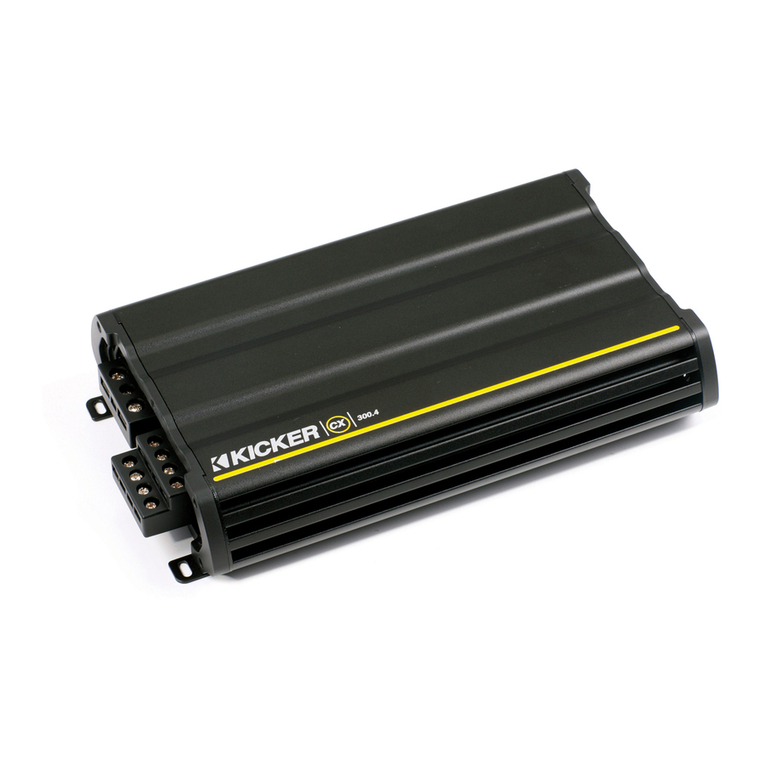
Crossover Control: The variable crossover on the front of the CXA300.4 allows you to adjust the crossover
frequency from 50–200Hz. The setting for this control is subjective; 80Hz is a good place to start.
Fader Switch: Depress the fader switch if you are running two sets of inputs (front and rear for example) to the
amplifier. Leave the fader switch OFF if you want to drive all channels from a single stereo input.
Input Gain Control: The input gain control is not a volume control. It matches the output of the source unit to
the input level of the amplifier. Turn the source unit up to about 3/4 volume (if the source unit goes to 30, turn it
to 25). Next, slowly turn (clockwise) the gain on the amplifier up until you can hear audible distortion, then turn it
down a little.
Bass Boost Control: The variable bass boost control on the side of the CXA300.4 amplifier is designed to
give you increased output, 0–12dB, at 40Hz. The setting for this control is subjective. If you turn it up, you must
readjust the input gain control to avoid clipping the amplifier.
TROUBLESHOOTING
If your amplifier does not appear to be working, check the obvious things first such as blown fuses, poor or
incorrect wiring connections, incorrect setting of crossover switch and gain controls, etc. There are Power (PWR)
& Protection (PRT) LEDs on the side panel of your Kicker CX series amplifier. Depending on the state of the
amplifier and the vehicle’s charging system, the LEDs will glow either green or red. When the green LED is lit, this
indicates the amplifier is turned on and no trouble exists.
Green LED off, no output? With a Volt Ohm Meter (VOM) check the following: +12 volt power terminal
(should read +12V to +16V) Remote turn-on terminal (should read +12V to +16V) Check for reversed
power and ground connections Ground terminal, for proper conductivity.
Green LED on, no output? Check the following: RCA connections Test speaker outputs with a
“known” good speaker. Substitute source unit with a “known” good source unit. Check for a signal in the
RCA cable feeding the amplifier with the VOM meter set to measure “AC” voltage.
Red LED flashing with loud music? The red LED indicates low battery voltage. Check all the connections in
your vehicle’s charging system. It may be necessary to replace or charge your vehicle’s battery or replace your
vehicle’s alternator.
Red LED on, no output? Amplifier is very hot = thermal protection is engaged. Test for proper impedance at
the speaker terminals with a VOM meter (see the diagrams in this manual for minimum recommended impedance
and multiple speaker wiring suggestions). Also check for adequate airflow around the amplifier. Amplifier
shuts down only while vehicle is running = voltage protection circuitry is engaged. Voltage to the amplifier is not
within the 10–16 volt operating range. Have the vehicle’s charging and electrical system inspected. Amplifier
will only play at low volume levels = short circuit protection is engaged. Check for speaker wires shorted to
each other or to the vehicle chassis. Check for damaged speakers or speaker(s) operating below the minimum
recommended impedance.
No or low output? Check the balance control on source unit Check the RCA (or speaker input) and
speaker output connections.
Alternator noise-whining sound with engine’s RPM? Check for damaged RCA (or speaker input) cable
Check the routing of RCA (or speaker input) cable Check the source unit for proper grounding Check
the gain settings and turn them down if they are set too high.
2016 CX 4-Channel Amps Rev E.indd 72016 CX 4-Channel Amps Rev E.indd 7 9/29/2015 3:16:01 PM9/29/2015 3:16:01 PM