01/02
If the user adds excessive powder, the machine will stop brewing after 2 seconds. Unnecessary
powder will be discharged, then machine will resume making coffee.
1.1 Machine components
See fig.1 above
1.2 Control panel
See fig.2 above
1.3 Safety features of the coffee machine
1.3.1 Excessive powder protection
1.3.2 Impurity filter
1.4 Specification parameters
1.5 Accessories included with the machine
1. Coffee spoon 1pc
1. Coffee machine introducton
The impurity filter in the grinder keeps unwanted sand and stones that may be contained in the
coffee beans away.These impurities may otherwise cause damage to the machine.If some
impurities still find their way into the grinder,they will cause the grinder to make unusually loud
noises and the coffee machine will shut off automatically after 20 seconds.If the grinder is
blocked by stone or sand,never try to take out the impurity yourself,please contact an authorized
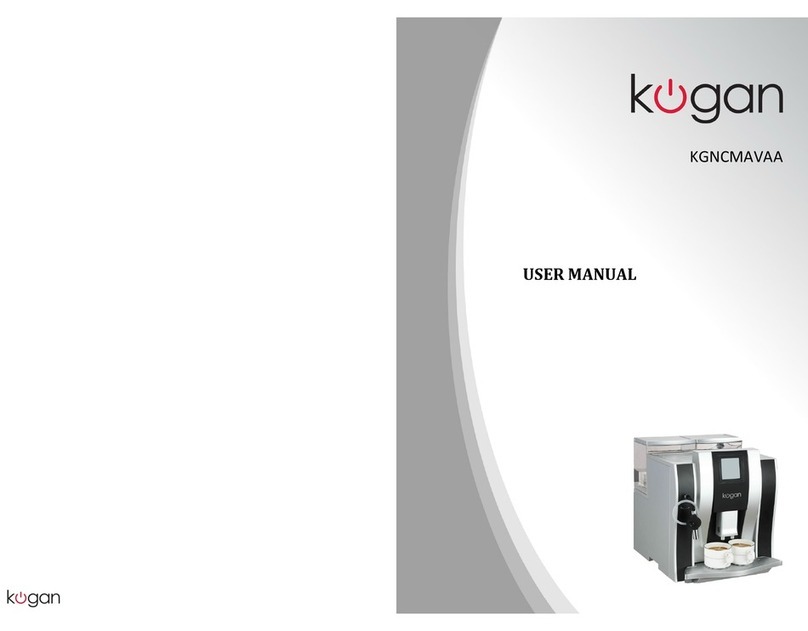
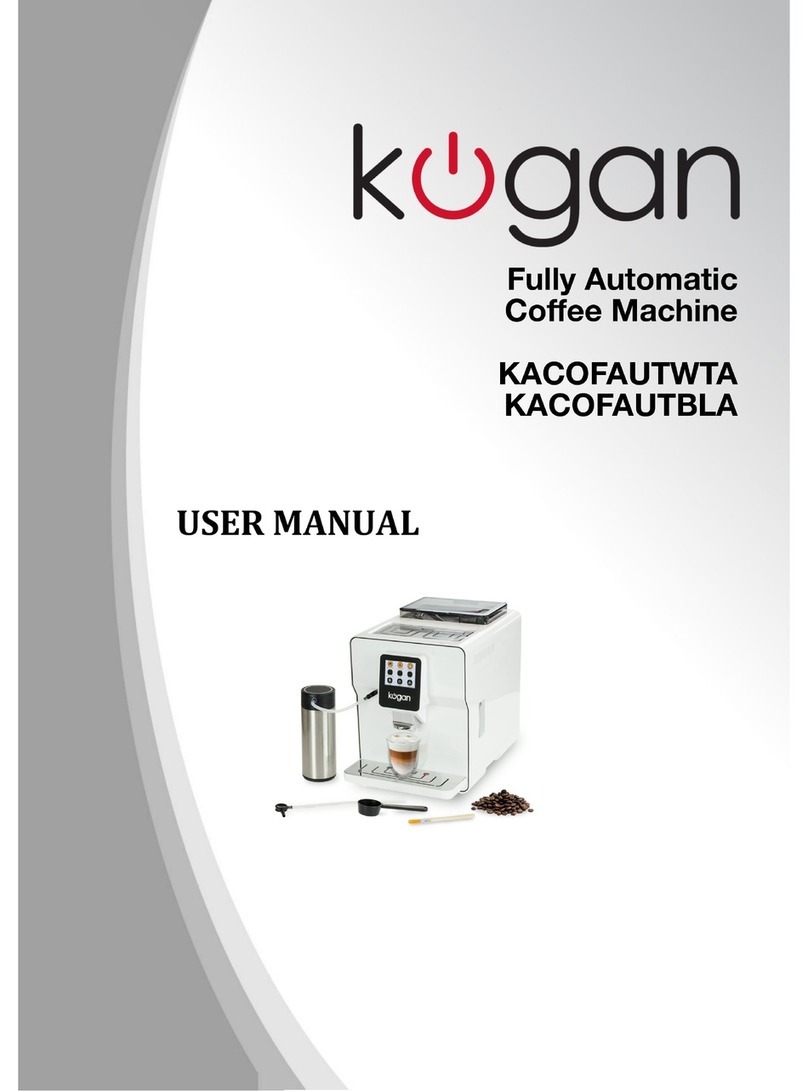
USER MANUAL
Fully-automatic Coffee Machine
Rated voltage
Rated power
Size(L*W*H)
Net weight
Dreg cake
Exterior power cord
Temperature control
Coffee powder quantity
Coffee powder thickness
Water tank capacity
Coffee bean tank capacity
Steam/hot water exhaust range
Coffee spout height range
Overheat protection
Pump pressure
Compliance with EN bylaw
220-240V AC 50-60Hz
1250-1450W
415 x 320 x 365mm
12.0Kg
8PCS
0.9m
Digital control
program adjust
Manually adjusted, 3 settings
1.6L
200g
60°-70°
80-110mm
19 bar
EN 60335-1; EN 60335-2-14 ;EN 60335-2-15; EN 62233
Dual protection:temperature fuse and temperature sensor
CALIBRATION
0ML
- OG +
CALIBRATION
- 0ML +
OG
FIG. 5
FIG.3
40ML
-+
-+
..OK ESC
..
OK ESC
..
FIG. 4
Adjust powder quantity
For additional adjustments to coffee powder quantity, use the following instructions:
Check the machine before adjusting:
First, choose the coffee grind thickness level;
Check if there is coffee powder overflowing from the brewing unit, or there is too much
coffee powder in dreg plate.
Adjust powder quantity to the maximum, if there is still too little coffee powder in brewing
unit, the coffee powder quantity needs to be increased.
Adjust method:
Active: when coffee making is finished, before the LCD display shows 'ready for use', press
'MENU’ key (see FIG 3) and hold until LCD shows FIG 4, then press 'OK’ key to enter the
coffee powder quantity adjustment option(see FIG 5), in this mode, press '-' key to reduce
coffee powder quantity, up to -9G, press '+’ key to increase coffee powder quantity, up to
+9G; after adjustment, press 'OK' key to save and return to normal working condition. If you
do not want to adjust, then press 'ESC’ key to exit.
Passive: when making coffee, if there is too much coffee powder in brewing unit causing the
coffee powder to overflow, then the LCD would show FIG 5, in this mode, press '-' key to
reduce coffee powder quantity, up to -9G, press '+' key to increase coffee powder quantity,
up to +9G; after adjustment, press 'OK' key to save and return to normal working condition,
if you do not want to adjust, then press 'ESC’ key to exit.