play the next piece of audio/video file. Press and hold
this key to fast forward.
15. Press【OK】 on pop-up window to confirm the operati on
while it has click functio n on other circu mstances like
touching.
2、Quick guide
It can make sure to normally use your device according to quick
guide as follows.
2.1 Power connection
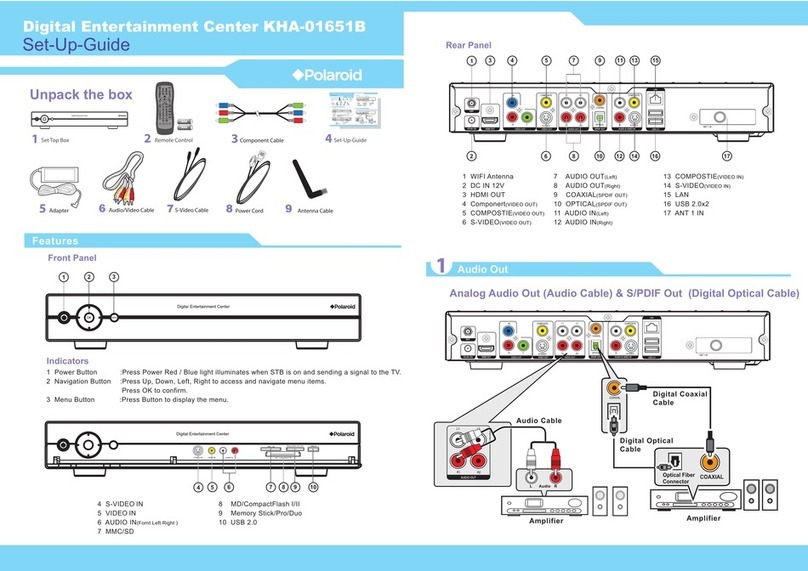
Insert the round nos e end of power adapter into rou nd DC
socket and the other end into power socket. Then the device can
start and be put into use normally.
2.2 ConnectLQJWR+'79
Connecting steps as follows:
1. Prepare a set of HDT V(480P, 720P, 1080P)and a h ost
machine of this device.
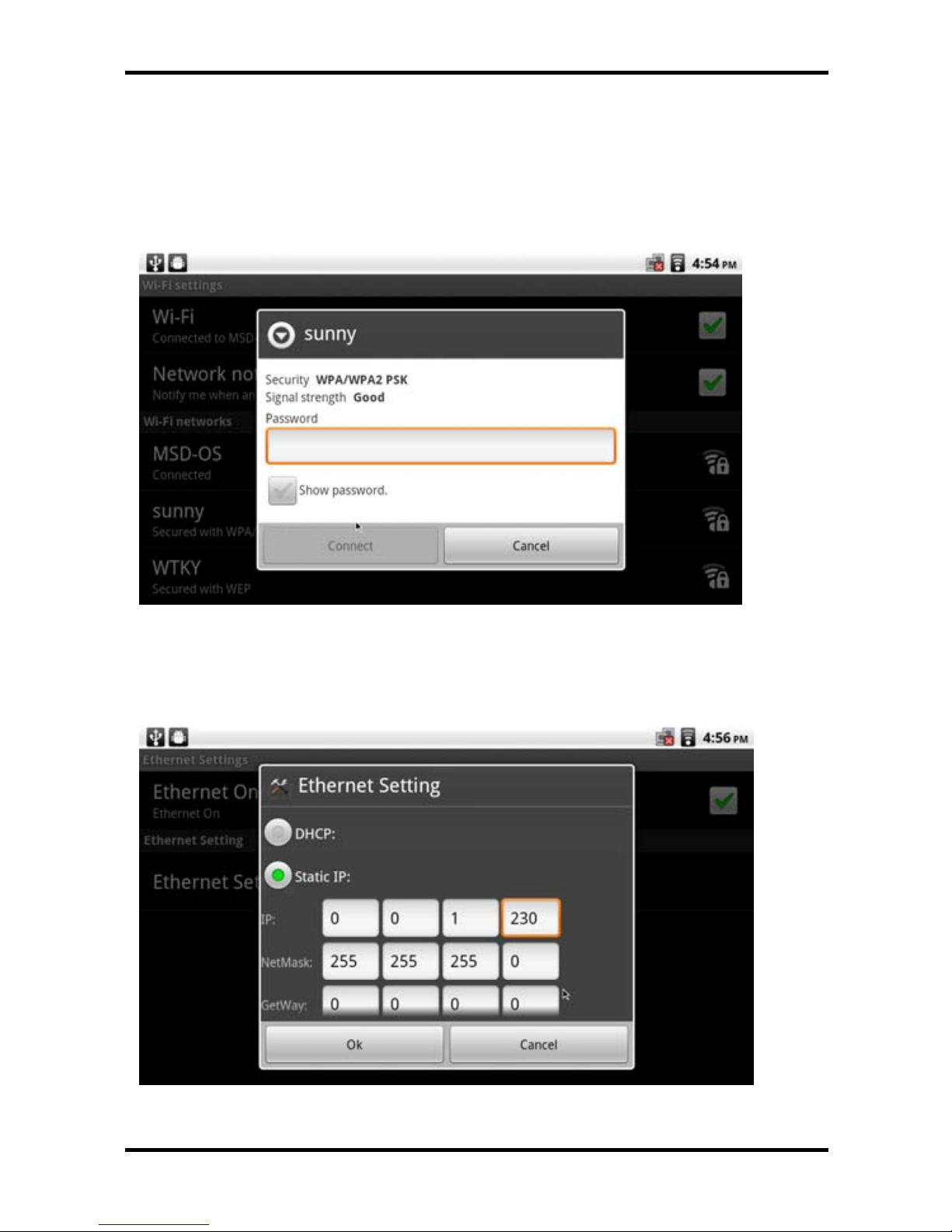
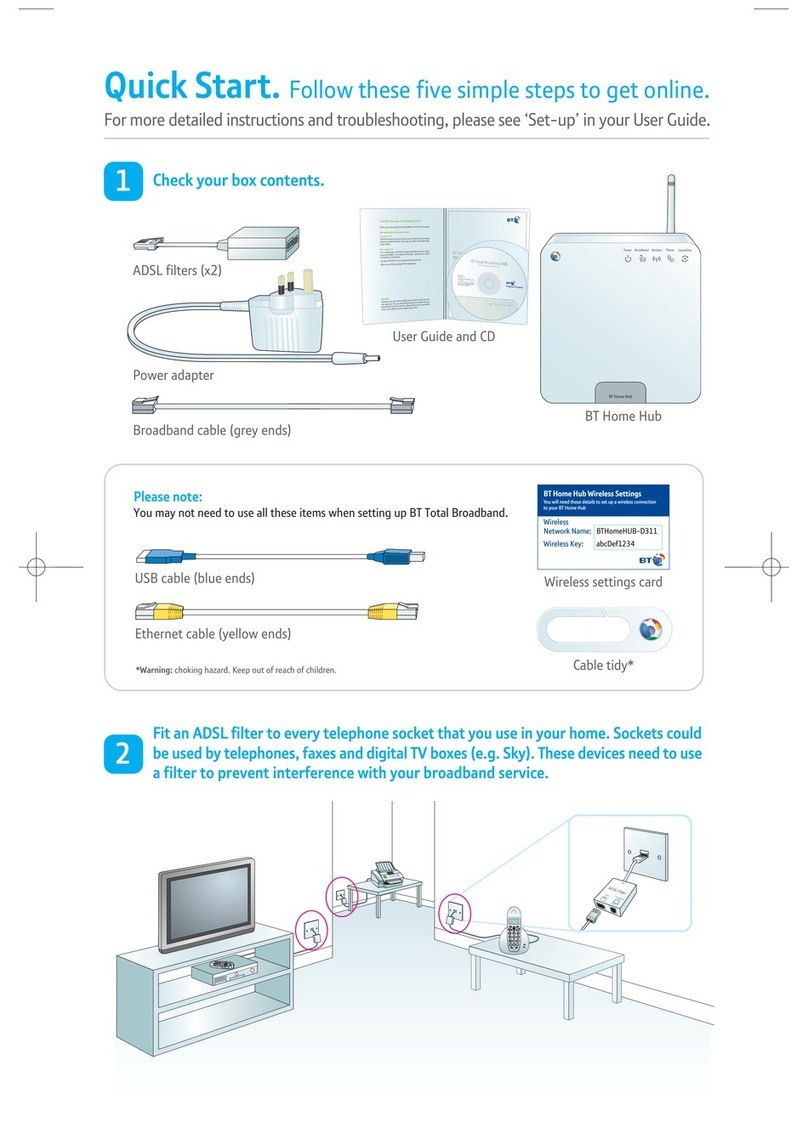
2. Prepare an Ethernet cable to conn ect with the Ethernet.
Insert two ends of the network cable into Ethernet card and
router ports.
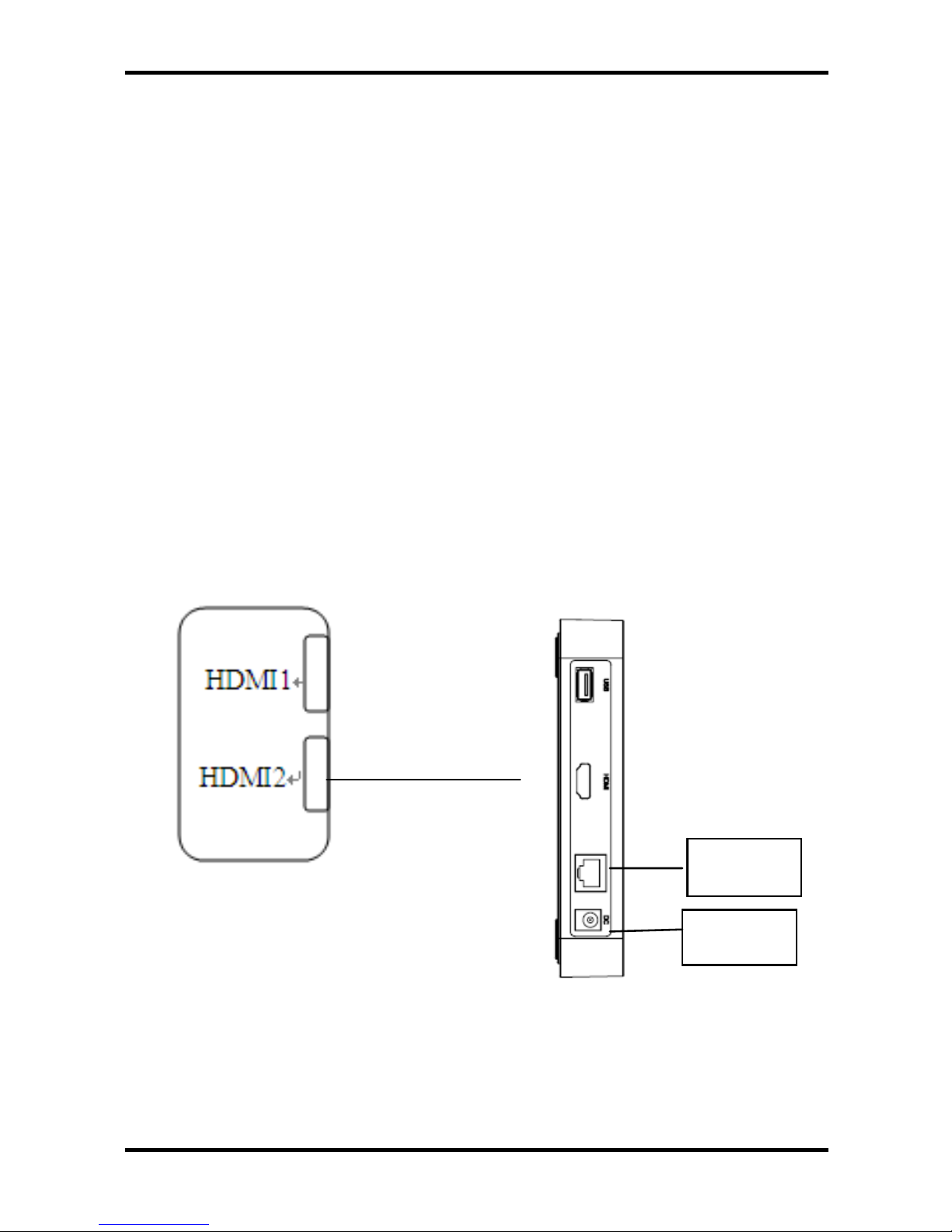
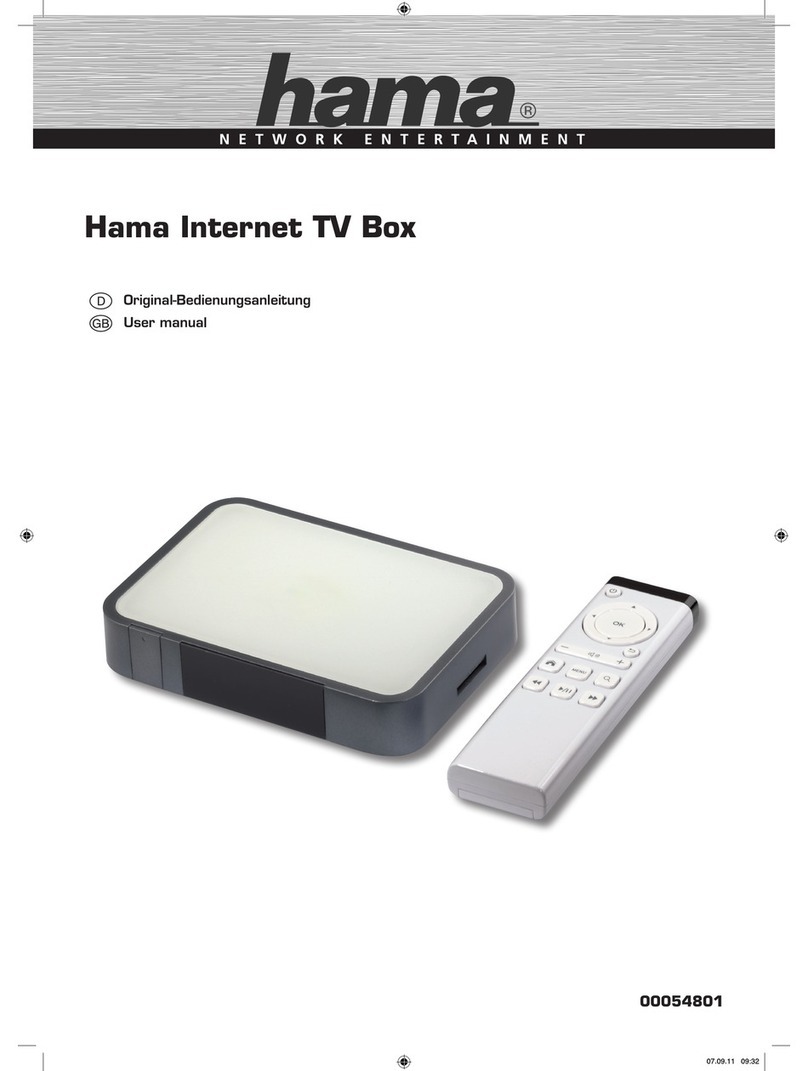
3. Make one end of HDMI connecting line insert into the HDMI
interface of the host of this device and the other end into the
HDMI interface of HDTV.
4. After connection, turn on the host machine and HDTV.
5. Set the d isplay screen of th e HDMI i nterface with remote
control of TV, Operating steps as follo ws:
Menu->input->HDMI2 (if conn ecting with the HDMI 2
interface of TV)->finish the settings of interface and display
6