manuals.online logo
Brands
  1. Home
  2. •
  3. Brands
  4. •
  5. LANDTEC
  6. •
  7. Measuring Instrument
  8. •
  9. LANDTEC FPM-2680 User manual

LANDTEC FPM-2680 User manual

Other LANDTEC Measuring Instrument manuals

LANDTEC BIOGAS 3000 User manual

LANDTEC

LANDTEC BIOGAS 3000 User manual

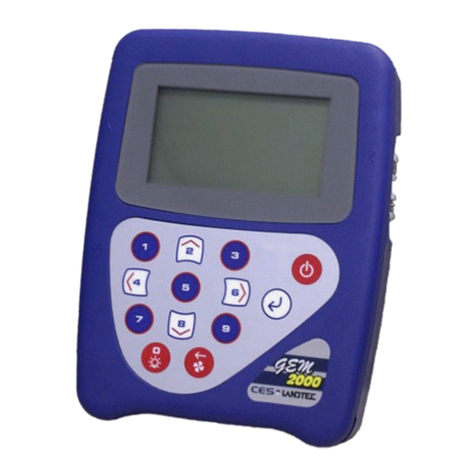
LANDTEC GEM2000 User manual

LANDTEC

LANDTEC GEM2000 User manual

LANDTEC Geotech G100 Series User manual

LANDTEC

LANDTEC Geotech G100 Series User manual

LANDTEC GEOTECH DIVEAIR 2 User manual

LANDTEC

LANDTEC GEOTECH DIVEAIR 2 User manual

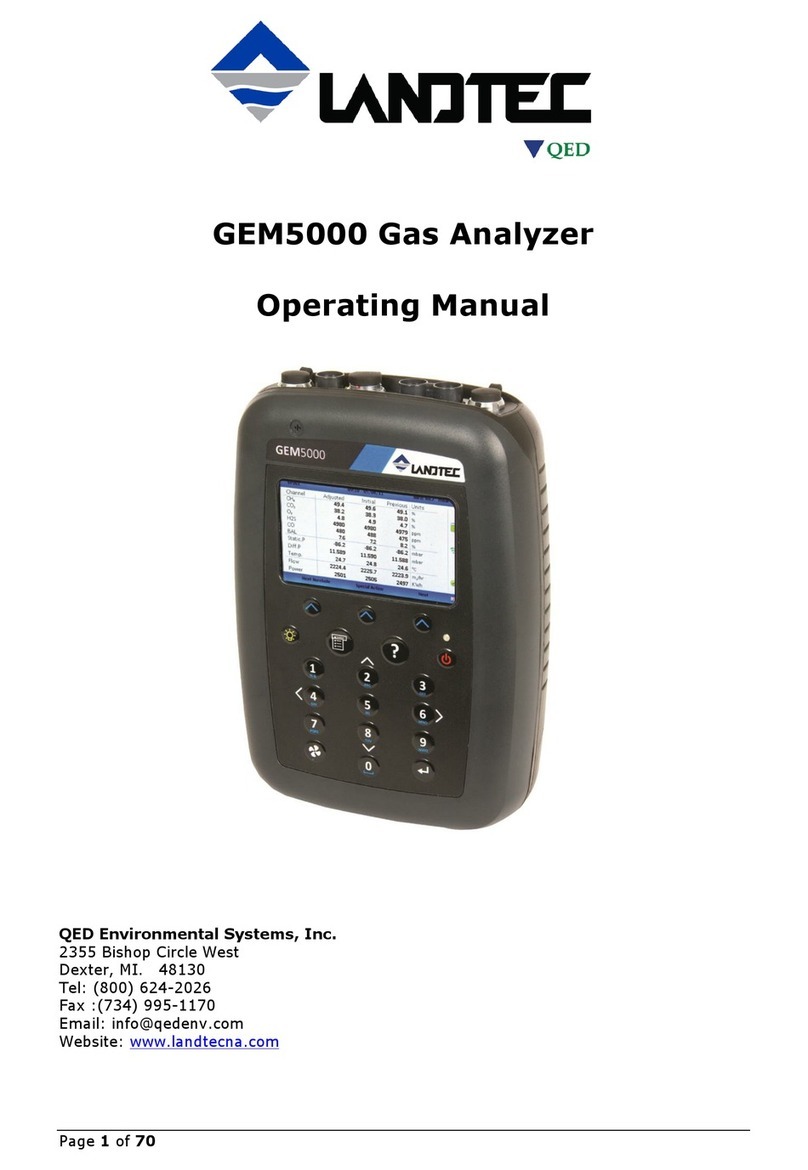
LANDTEC GEM5000 User manual

LANDTEC

LANDTEC GEM5000 User manual

LANDTEC BIOGAS 5000 User manual

LANDTEC

LANDTEC BIOGAS 5000 User manual

LANDTEC GEM5000 User manual

LANDTEC

LANDTEC GEM5000 User manual

LANDTEC GEM2000 User manual

LANDTEC

LANDTEC GEM2000 User manual

Popular Measuring Instrument manuals by other brands

Powerfix Profi 278296 Operation and safety notes

Powerfix Profi

Powerfix Profi 278296 Operation and safety notes

Test Equipment Depot GVT-427B user manual

Test Equipment Depot

Test Equipment Depot GVT-427B user manual

Fieldpiece ACH Operator's manual

Fieldpiece

Fieldpiece ACH Operator's manual

FLYSURFER VIRON3 user manual

FLYSURFER

FLYSURFER VIRON3 user manual

GMW TG uni 1 operating manual

GMW

GMW TG uni 1 operating manual

Downeaster Wind & Weather Medallion Series instruction manual

Downeaster

Downeaster Wind & Weather Medallion Series instruction manual

Hanna Instruments HI96725C instruction manual

Hanna Instruments

Hanna Instruments HI96725C instruction manual

Nokeval KMR260 quick guide

Nokeval

Nokeval KMR260 quick guide

HOKUYO AUTOMATIC UBG-05LN instruction manual

HOKUYO AUTOMATIC

HOKUYO AUTOMATIC UBG-05LN instruction manual

Fluke 96000 Series Operator's manual

Fluke

Fluke 96000 Series Operator's manual

Test Products International SP565 user manual

Test Products International

Test Products International SP565 user manual

General Sleep Zmachine Insight+ DT-200 Service manual

General Sleep

General Sleep Zmachine Insight+ DT-200 Service manual

Sensa Core Lacto Spark user manual

Sensa Core

Sensa Core Lacto Spark user manual

VOLTCRAFT UTS-1980 operating instructions

VOLTCRAFT

VOLTCRAFT UTS-1980 operating instructions

EBCHQ 94915 Operation manual

EBCHQ

EBCHQ 94915 Operation manual

Balluff BIP LD2-T017-01-EP-S4 Series user guide

Balluff

Balluff BIP LD2-T017-01-EP-S4 Series user guide

Pulsar IMP Lite Series instruction manual

Pulsar

Pulsar IMP Lite Series instruction manual

ETCR 6800 user manual

ETCR

ETCR 6800 user manual

manuals.online logo
manuals.online logoBrands
  • About & Mission
  • Contact us
  • Privacy Policy
  • Terms and Conditions

Copyright 2025 Manuals.Online. All Rights Reserved.

www.landtek.com.cn
www.landteknet.com
DIGITAL FUEL
PRESSURE METER
This Digital Fuel Pressure meter
meter is small in size, light in weight, easy
to carry. Although complex and advanced, it
is convenient to use and operate. Its
ruggedness will allow many years of use if
proper operating techniques are followed.
Please read the following instructions
carefully and always keep this manual
within easy reach.
pressure
FPM-2680
PLEASE READ THESE INSTRUCTIONS
C A R E F U L L Y . N O T E T H E S A F E
OPERATIONAL REQUIREMENTS,
WARNINGS, AND CAUTIONS.USE THIS
PRODUCT CORRECTLY, AND WITH
CARE FOR THE PURPOSE FOR WHICH
IT IS INTENDED. FAILURE TO DO SO
MAY CAUSE DAMAGE, OR PERSONAL
INJURY, AND WILL INVALIDATE THE
WARRANTY.
IMPORTANT
!
3.
3.1 Battery Connection.
Note: Check the battery is 12VDC. Do Not use
with a 24V battery.
3.1 .1 Ensure the battery terminals are clean.
If necessary clean away any corrosion.
3.1.2 Clip the red (+) crocodile clip to the red
(+) terminal post on the battery.
3.1.3 Clip the black (-) crocodile clip to the
black (-) terminal post on the battery.
OPERATION
4
IMPORTANT:
No liability is accepted for incorrect use of
product.
6
1
Max Button Display Test Clip
www.landtek.com.cn
www.landteknet.com
√
procedures when using .
▲
generate explosive gases during normal
battery operation.
√ Keep the work area clean, uncluttered and
ensure there is adequate lighting. Keep
tools and other items away from the engine,
and ensure you can see the battery and
working parts of engine clearly.
√ If the battery terminals are corroded or
dirty, clean them before attaching this
meter clips.
√ Maintain correct balance and footing.
Ensure the floor is not slippery and wear
non-slip shoes.
√ Remove ill fitting clothing. Remove ties,
watches, rings and other loose jewellery.
Contain, or tie back, long hair.
√ Keep children and unauthorised persons
away from the working area.
▲ WARNING! DO NOT use this meter on any
vehicles other than those with 12 Volt DC
systems.
× DO NOT dis-assemble this meter. This meter
Observe standard workshop safety
this meter
DANGER! Beware, lead-acid batteries
1. SAFETY INSTRUCTIONS must be checked by qualified service
personnel only.
× DO NOT get this meter wet or use in damp
or wet locations or areas where there is
condensation.
× DO NOT use this meter for any purpose
other than for which it is designed.
× DO NOT pull the cables or clips from the
battery terminals.
× DO NOT operate this meter if damaged.
√ When not in use store this meter in a safe,
dry, childproof location.
2. INTRODUCTION
Simple-to-use digital meter indicates diesel
fuel pressure. Connect to battery terminals
and fuel pressure sensor signal wire and
digital display will show current fuel pressure
and, if required, maximum pressure detected.
Supplied in foam lined storage case.
TABLE OF CONTENTS
WARNING····························
1. SAFETY INSTRUCTIONS····
2. INTRODUCTION·················
3. OPERATION·······················
IMPORTANT·······················
1
2
3
4
6
23
3.2 Test Clip Connection.
3.2.1 Connect the test clip to the SIGNAL wire
from the fuel pressure sensor unit.
Note: Refer to the owner’s handbook to ensure
the correct wire is selected.
3.3 Usage.
3.3.1 By pushing and releasing the MAX
button, the display will toggle between
cu r re nt p r e s su r e r e ad i n g a nd t h e
maximum pressure reading obtained.
The maximum reading is indicated by
the display flashing slowly.
3.3.2 To reset the maximum reading push and
hold the MAX button until the display
indicates three lines.
3.3.3 Should the display indicate ”Err” an out
of range voltage has been applied to the
input. Check all connections.
3.3.4 The readings will be reset when the
power is removed from the unit.
5