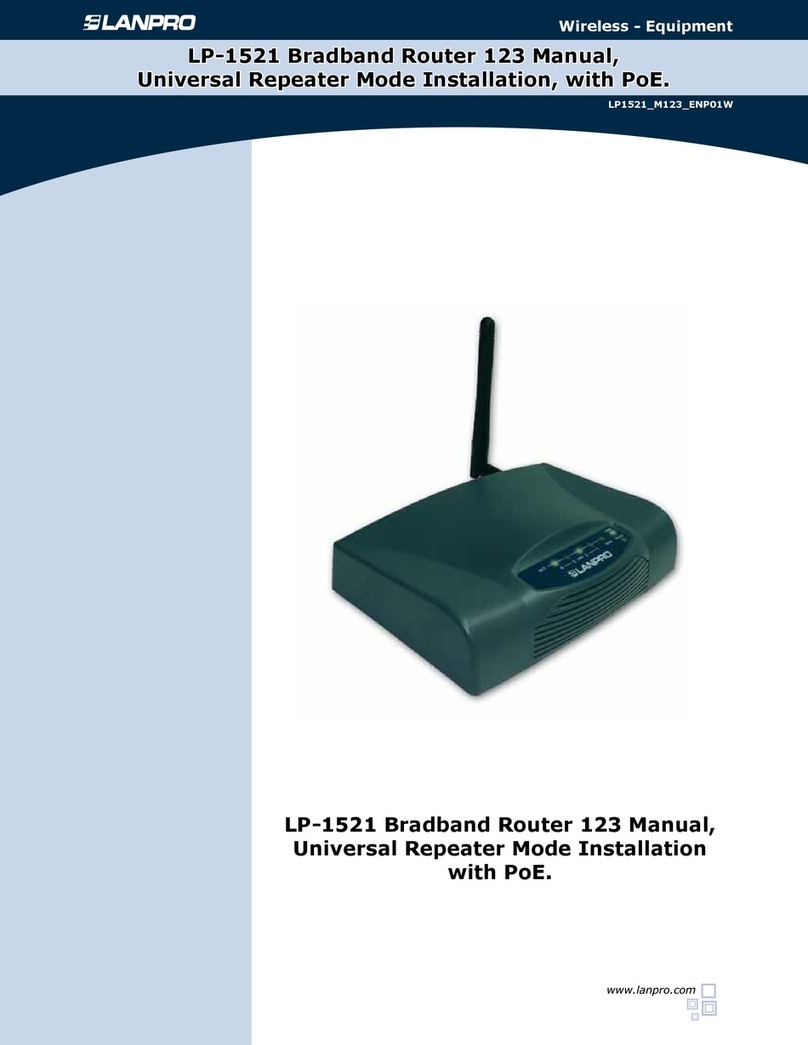
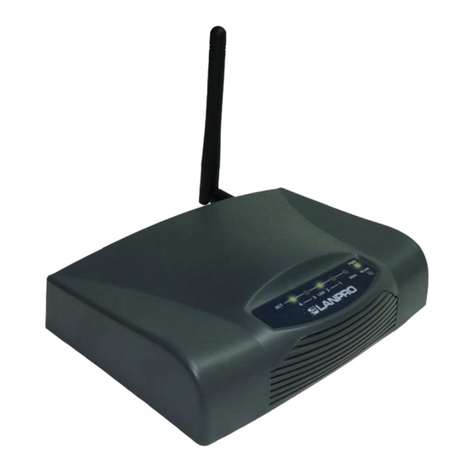
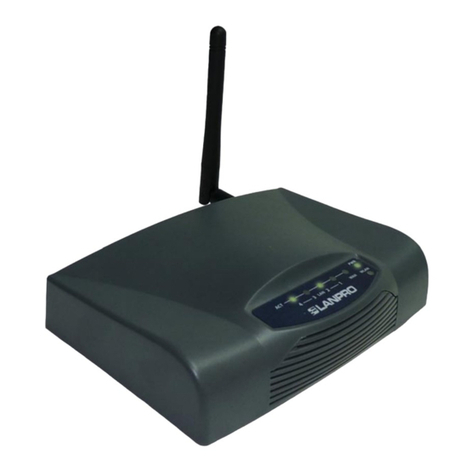
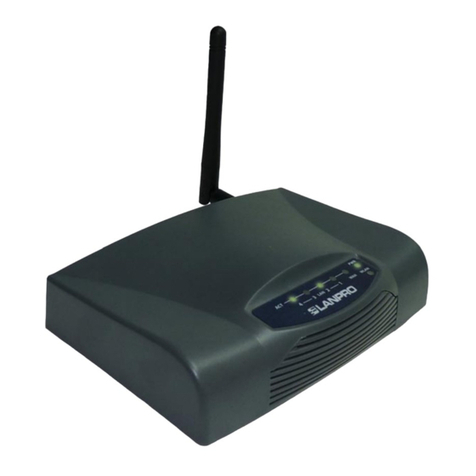
Lanpro LP-1521 User manual

Wireless - Equipment
www.lanpro.com
123 Manual, LP-1521 Broadband AP Router.
Conguration of DHCP Service.
LP1521_M123_ENS01W
123 Manual, LP-1521
Broadband AP Router.
Conguration of DHCP Service.

www.lanpro.com
Wireless - Equipments - 2.4 GHz - 123 Manual - LP-1521 Broadband AP Router.
Conguration of DHCP Service.
2
This document explains how the service of DHCP Server can be enabled in LP-1521 routers, including those that do not
come with the option by default as well as the routers with this option enabled but disabled by the user.
In case you cannot access the WEB management of your LP-1521, it is possible that such router does not have the delivery
service of dynamic addresses enabled (DHCP Server). Some unlocked LP-1521 equipment does not come with this option
enabled by default so that you initially shall assign a xed address to your network card in the same segment in order to
manage it.
To do so, please follow these steps:
Figure 1
Figure 2
Go to the properties of your network card, select Internet
Protocol/Properties as shown in Figure 1.
Select Use the following IP address and type an
IP address in the LP-1521 IP range by default; for
this example we have selected the 192.168.1.201
address. The LP-1521 has the 192.168.1.254 address
by default. In Subnet mask type 255.255.255.0, in
DNS you shall enter the DNS of your provider or the
destination router IP, which is providing the Internet
service (in this case 192.168.1.254) as shown in
Figure 2.
Once you have nished, select OK twice.
1
2

www.lanpro.com
Wireless - Equipments - 2.4 GHz - 123 Manual - LP-1521 Broadband AP Router.
Conguration of DHCP Service.
3
Figure 5
Enable the address delivery in the LP-1521 by
selecting TCP/IP Settings, LAN Interface. In
DHCP select Server and then Apply Changes
in order for the equipment to deliver addresses
to the clients connecting to it, as shown
in Figure 3.
Figure 3
Wait for the equipment to reboot (2 min) and
select OK, as shown in Figure 4.
Close the browser and enter the values of
your network card once again automatically.
Select OK twice as shown in Figure 5.
Figure 4
3
4
5
Other manuals for LP-1521
8
Table of contents
Other Lanpro Wireless Router manuals
Lanpro
Lanpro LP-5a User guide
Lanpro
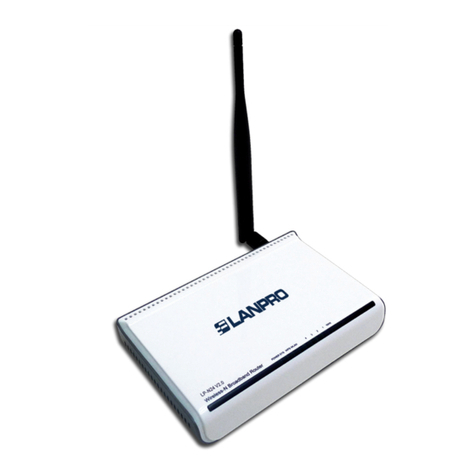
Lanpro LP-N24 V2.0 User manual

Lanpro
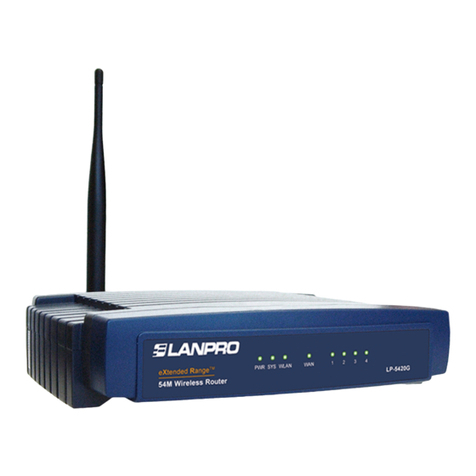
Lanpro LP-5420G User manual
Lanpro
Lanpro LP-5420G User manual
Lanpro
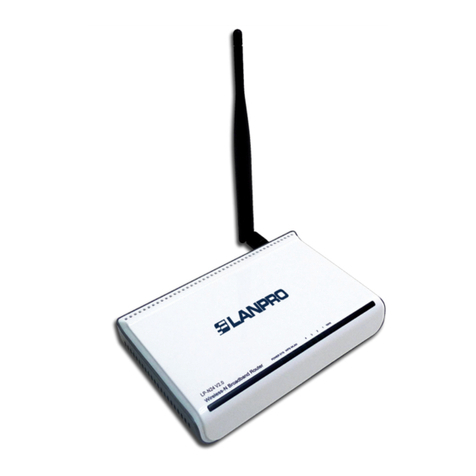
Lanpro LP-N24 User manual
Lanpro
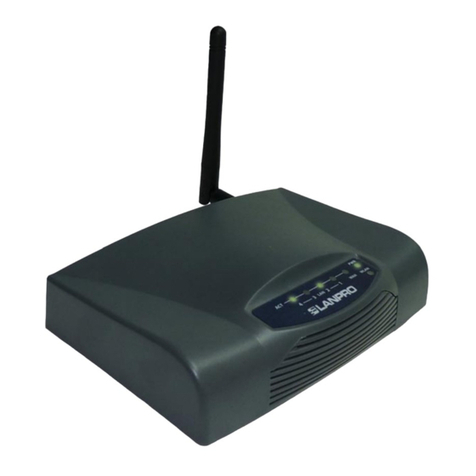
Lanpro LP-1521 User manual

Lanpro
Lanpro LP-1521 User manual

Lanpro
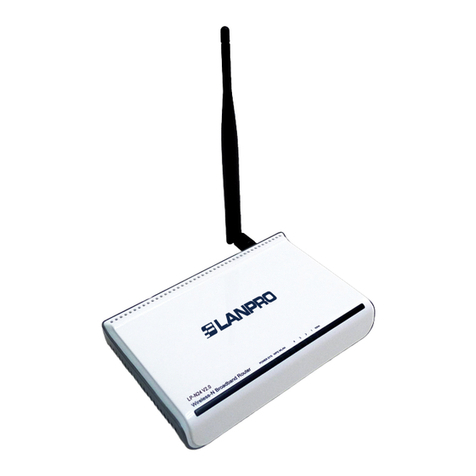
Lanpro LP-1522 User manual
Lanpro
Lanpro LP-N24 V2.0 User manual
Lanpro
Lanpro LP-N24 User manual