manuals.online logo
Brands
  1. Home
  2. •
  3. Brands
  4. •
  5. LeMaitre
  6. •
  7. Fog Machine
  8. •
  9. LeMaitre DMX Interface User manual

LeMaitre DMX Interface User manual

This manual suits for next models

1

Other LeMaitre Fog Machine manuals

LeMaitre G300-Smart User manual

LeMaitre

LeMaitre G300-Smart User manual

LeMaitre G300 User manual

LeMaitre

LeMaitre G300 User manual

LeMaitre Show Fogger Pro User manual

LeMaitre

LeMaitre Show Fogger Pro User manual

LeMaitre Peasouper User manual

LeMaitre

LeMaitre Peasouper User manual

LeMaitre G300 User manual

LeMaitre

LeMaitre G300 User manual

LeMaitre LSX User manual

LeMaitre

LeMaitre LSX User manual

LeMaitre Stadium Hazer User manual

LeMaitre

LeMaitre Stadium Hazer User manual

LeMaitre TINY-FOGGER User manual

LeMaitre

LeMaitre TINY-FOGGER User manual

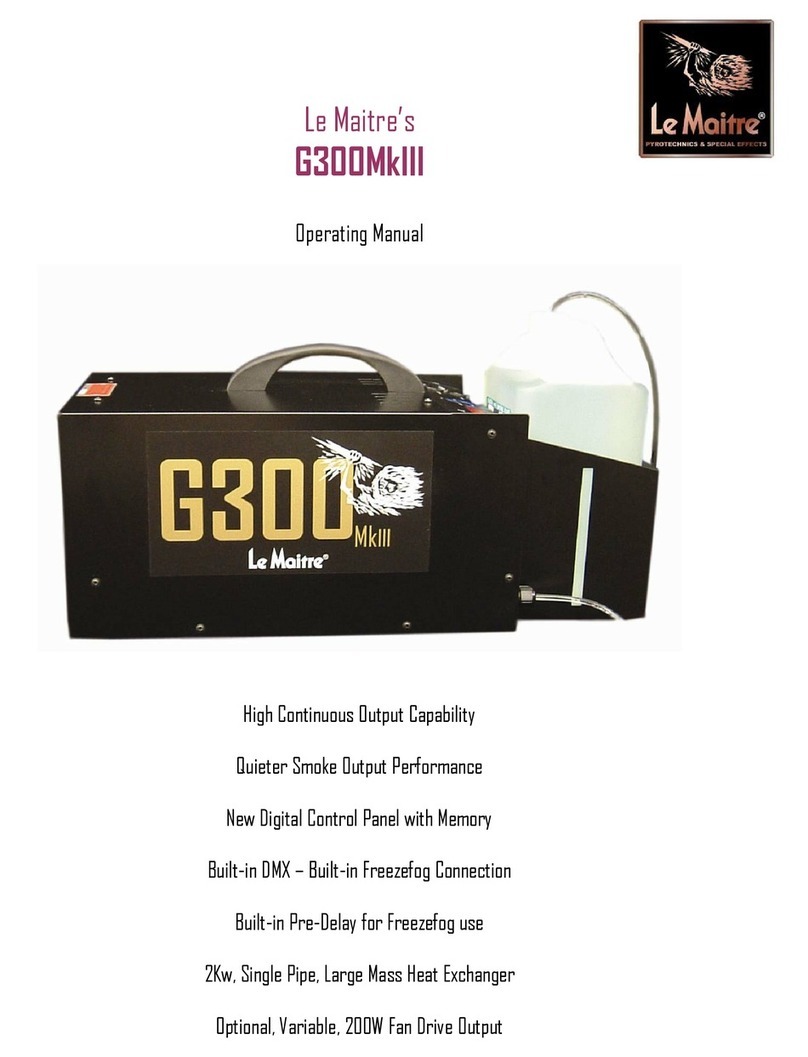
LeMaitre G300MkIII User manual

LeMaitre

LeMaitre G300MkIII User manual

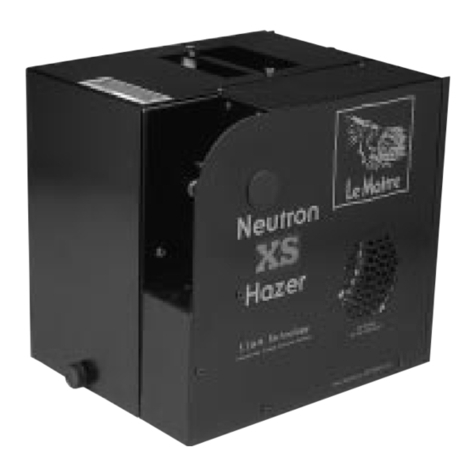
LeMaitre Neutron XS Hazer User manual

LeMaitre

LeMaitre Neutron XS Hazer User manual

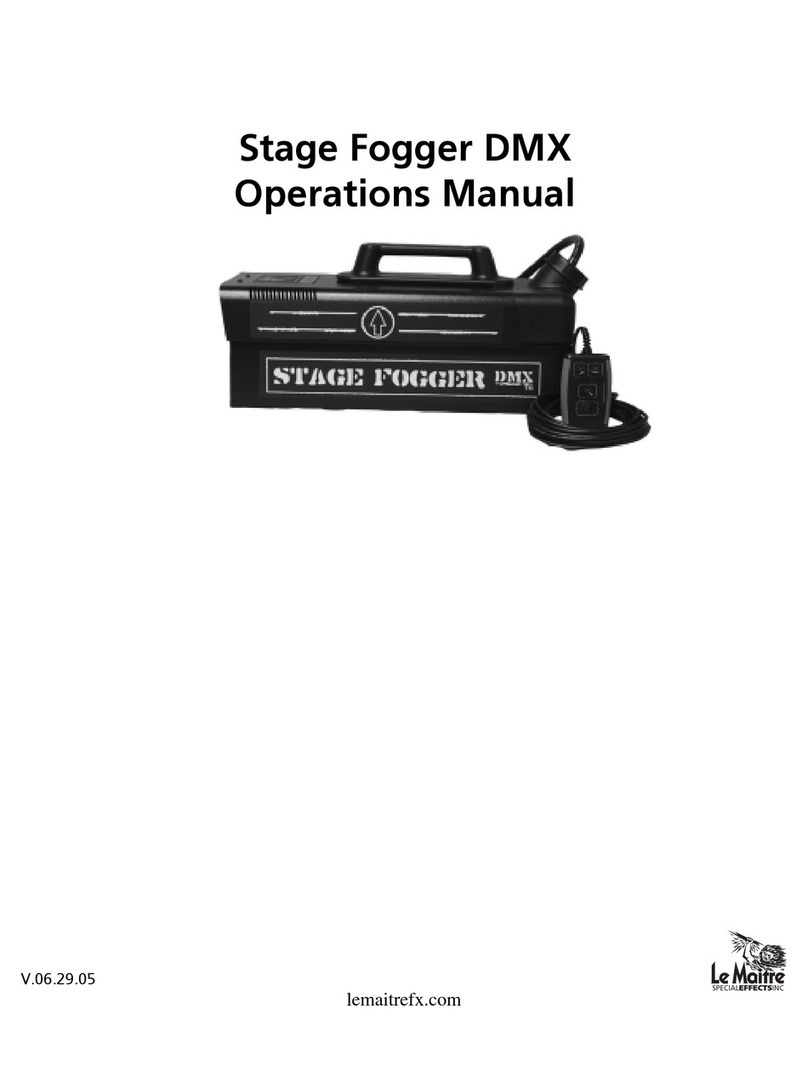
LeMaitre Stage Fogger DMX User manual

LeMaitre

LeMaitre Stage Fogger DMX User manual

LeMaitre Show Mist Pro User manual

LeMaitre

LeMaitre Show Mist Pro User manual

LeMaitre Battle Fogger User manual

LeMaitre

LeMaitre Battle Fogger User manual

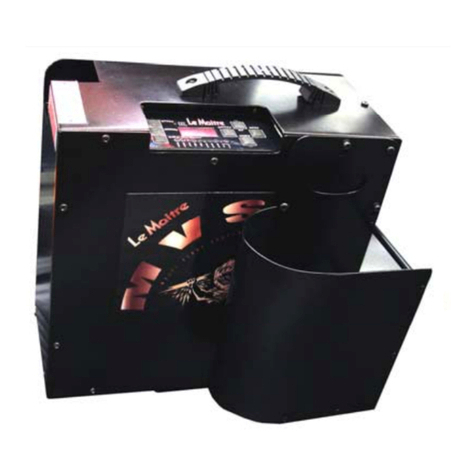
LeMaitre MVS User manual

LeMaitre

LeMaitre MVS User manual

LeMaitre G300 User manual

LeMaitre

LeMaitre G300 User manual

Popular Fog Machine manuals by other brands

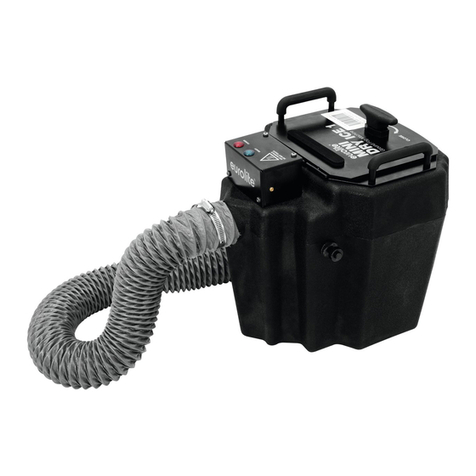
EuroLite MINI DRY ICE 1 user manual

EuroLite

EuroLite MINI DRY ICE 1 user manual

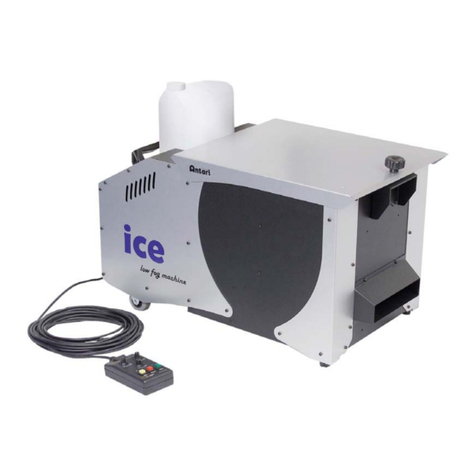
Antari ICE Product guide

Antari

Antari ICE Product guide

Boost BOOST-FOG400LED-BK instruction manual

Boost

Boost BOOST-FOG400LED-BK instruction manual

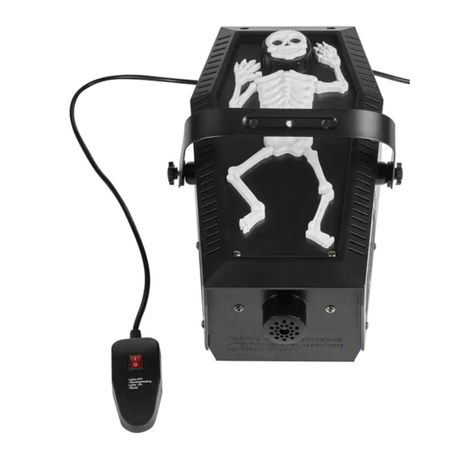
Home Accents Holiday FM1000-ASH user manual

Home Accents Holiday

Home Accents Holiday FM1000-ASH user manual

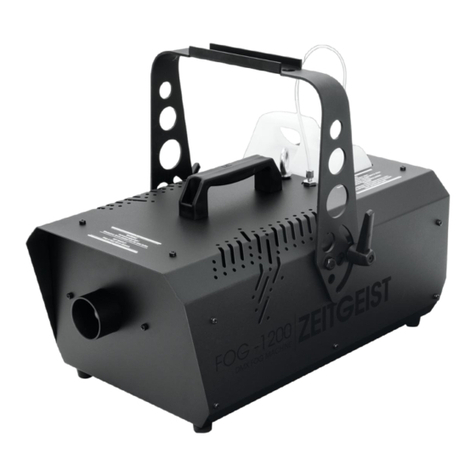
EuroLite ZEITGEIST FOG-1200 user manual

EuroLite

EuroLite ZEITGEIST FOG-1200 user manual

Dyna-Fog CYCLONE ULTRA 2734 Operation and maintenance manual

Dyna-Fog

Dyna-Fog CYCLONE ULTRA 2734 Operation and maintenance manual

PROEL DRAGO HEAVY PLFD150HY manual

PROEL

PROEL DRAGO HEAVY PLFD150HY manual

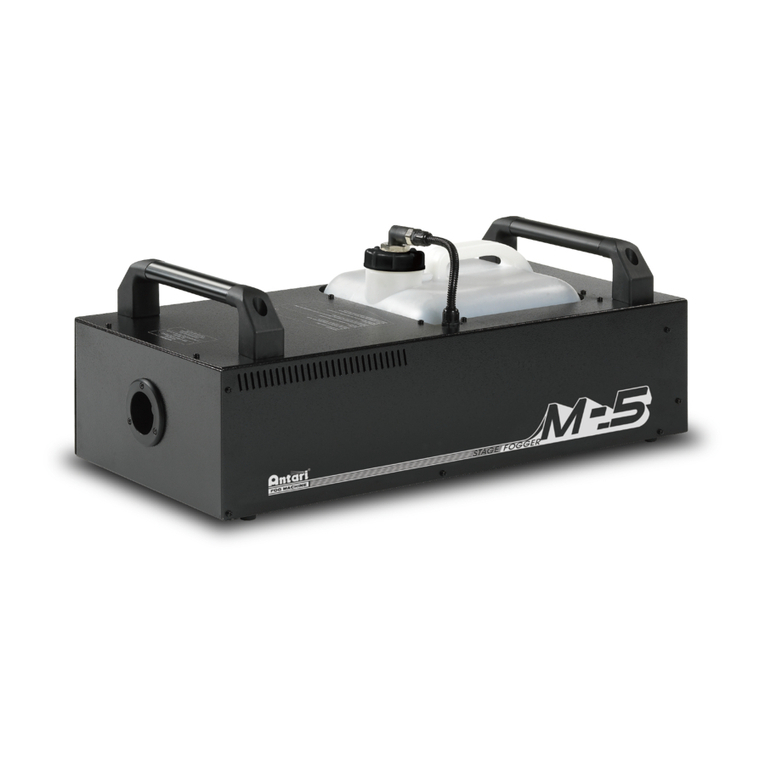
Antari M-5 user manual

Antari

Antari M-5 user manual

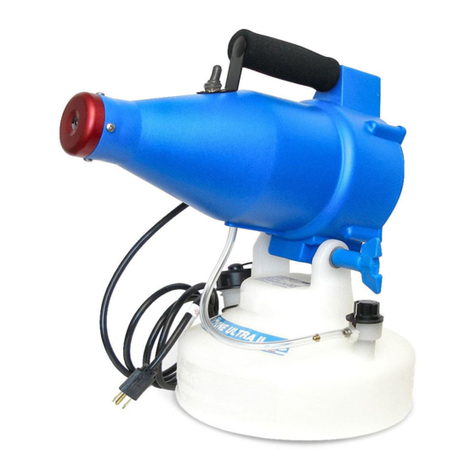
Venue Lighting Effects ULTRA MINI-FOGGER user manual

Venue Lighting Effects

Venue Lighting Effects ULTRA MINI-FOGGER user manual

High End F-100 user guide

High End

High End F-100 user guide

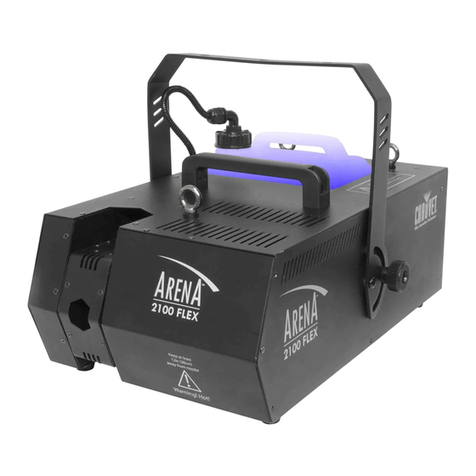
Chauvet ARENA 2100 FLEX user manual

Chauvet

Chauvet ARENA 2100 FLEX user manual

Sparklyn Y846 user manual

Sparklyn

Sparklyn Y846 user manual

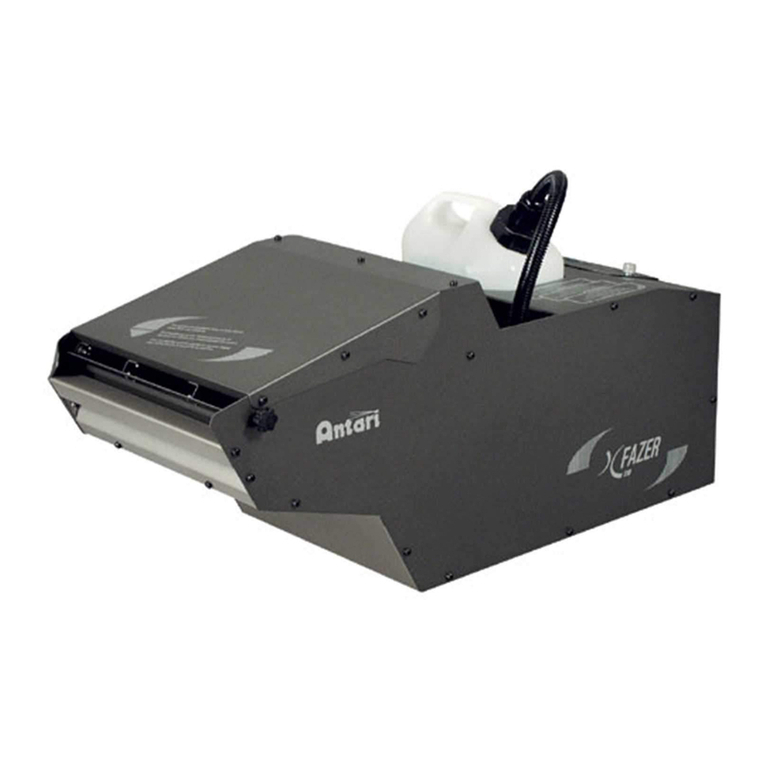
Antari X FAZER user manual

Antari

Antari X FAZER user manual

JB Systems FX 1700 Operation manual

JB Systems

JB Systems FX 1700 Operation manual

Magicfx CO2 Gun manual

Magicfx

Magicfx CO2 Gun manual

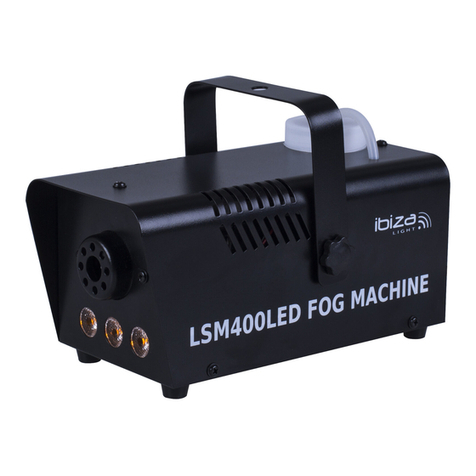
Ibiza LSM400LED-BK instruction manual

Ibiza

Ibiza LSM400LED-BK instruction manual

Martin Magnum 1200 user manual

Martin

Martin Magnum 1200 user manual

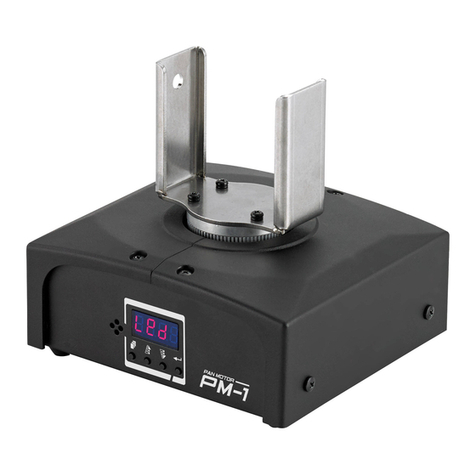
Antari PM-1 manual

Antari

Antari PM-1 manual

manuals.online logo
manuals.online logoBrands
  • About & Mission
  • Contact us
  • Privacy Policy
  • Terms and Conditions

Copyright 2025 Manuals.Online. All Rights Reserved.

LSG/D.M.X Interface
Users Guide
Using The LSG/DMX Interface ........................................ Page 1
XLR Pin Assignments ................................................ Page 2
D.M.X. Addressing Example ...................................... Page 3
D.M.X. Binary Address Table ....................................... Page 4
Table of Contents
Specifications
Model : LSG/DMX Interface
Uses DMX 512 Protocol to switch on or off 115 Volt 10 Amp loads.
Size: 190.50mm x 190.50mm x 88.9mm high
7.50 x 7.50 x 3.50 high
Weight: 1.92 Kgs.
4.20 Lbs.
Power: Input :115 Volts A/C 12 Amps.
Power Output Switched: 10 Amps Maximum switched per auxilliary output
12 Amps Maximum total switched load.
1
The LSG/DMX Interface will allow the user to control the LSG, or any other 115
Volt load that is 10 Amps or less, using a standard 512 DMX signal.
Using The LSG/DMX Interface
Auxiliary Output # 1& 2
Main Power Switch
Manual Override
DMX Data In / Out
These outputs are 115 Volts and are switched on and off using the DMX Signal.
Each Output is 10 Amps Maximum, with a Maximum combined load of 12
Amps .
Output 1 is DMX Channel (n). Output 2 is DMX Channel (n+1). Output 2 is
always the next consecutive higher channel than Output 1.
This switch is used to turn on the Main Power.The switch is illuminated when in
the On position
This switch is used to manually activate Auxiliary Output #1. When switch is
turned on the switch will be illuminated and there will be 115 volts power
present at Auxiliary Output #1
Green Led
Yellow Led
DMX Addressing Dip Switch
These two 5- pin connectors recieve, and throughput the DMX Data. They are
wired per the DMX 512 Protocol, and the pinouts are available on page two.
The green led will indicate if power is present at the DMX circuit board.
Uses binary addressing to address
both DMX channels used on
Auxilliary Outputs 1 & 2.
DMX setting n is the first output.
DMX setting n+1 is the second
output.
The yellow LED indicates the pres-
ence of DMX signal. A solid Yellow
LED indicates that the unit is
recieving the DMX signal.

Pin 1.Ground/Return
Pin 2.Compliment(-)
Pin 3. DataTrue(+)
Pin 4.Spare
Pin 5.Spare
Auxilliary Output 1 & 2
D.M.X. Interface
D.M.X. Data In/ Out
L.= 115 VAC Line
N.= 115 VAC Neutral
XLR Pin Assignments:
2
DMX Addressing Example
The following is a scenario on how to properly address and use the LSG/DMX
Interface.
Two fans are required ( Fan1, Fan2) to start and stop using a DMX signal. These

two fans have a combined Amperage load of less than 12 Amps.
The DMX address of the first fan is channel #440.
1.) Plug Fan 1 power into Auxilliary Output #1, and plug Fan 2 power into
Auxilliary Output #2.
2.) Plug main power of the LSG/DMX Interface into a 115 VAC source with a
minimum load rating of 12 Amps.
3.) Turn on Main power switch of the LSG/DMX Interface as well as the main
power to the 2 fans.
4.) To address the proper DMX channel on the DMX Addressing Dipswitch, we
must refer to the Binary Addressing Table located further in the manual.
The address table notes that channel # 440 is entered into the dipswitch as
follows: 000111011. the DMX Addressing Dip Switch should look like this:
5.) When channel #440 is activated at the DMX control source, Fan 1 will turn
on. By default, when Channel 441 is activated ( 440+1=441) at the DMX control
source, Fan 2 will turn on.
3
DMX Flow
Dip Switch No. 123456789Control Channel (n)
1000000001 1
0100000002 2
1100000003 3
0010000004 4
1010000005 5
0110000006 6
1110000007 7
0001000008 8
1001000009 9
01010000010 10
11010000011 11
00110000012 12
10110000013 13
01110000014 14
11110000015 15
00001000016 16
10001000017 17
01001000018 18
11001000019 19
00101000020 20
10101000021 21
01101000022 22
11101000023 23
00011000024 24
10011000025 25
01011000026 26
11011000027 27
00111000028 28
10111000029 29
01111000030 30
11111000031 31
00000100032 32
10000100033 33
01000100034 34
DMX Flow
Dip Switch No. 123456789Control Channel (n)
11000100035 35
00100100036 36
10100100037 37
01100100038 38
11100100039 39
00010100040 40
10010100041 41
01010100042 42
11010100043 43
00110100044 44
10110100045 45
01110100046 46
11110100047 47
00001100048 48
10001100049 49
01001100050 50
11001100051 51
00101100052 52
10101100053 53
01101100054 54
11101100055 55
00011100056 56
10011100057 57
01011100058 58
11011100059 59
00111100060 60
10111100061 61
01111100062 62
11111100063 63
00000000064 64
10000010065 65
01000010066 66
11000010067 67
00100010068 68
DMX Flow
Dip Switch No. 123456789Controll Channel(n)
10100010069 69
01100010070 70
11100010071 71
00010010072 72
10010010073 73
01010010074 74
01010010075 75
00110010076 76
00110010077 77
01110010078 78
01110010079 79
00001010080 80
10001010081 81
01001010082 82
11001010083 83
00101010084 84
10101010085 85
01101010086 86
11101010087 87
00011010088 88
10011010089 89
01011010090 90
11011010091 91
00111010092 92
10111010093 93
01111010094 94
11111010095 95
00000110096 96
10000110097 97
01000110098 98
11000110099 99
001001100100 100
101001100101 101
011001100102 102
DMX Flow
Dip Switch No. 123456789Control Channel(n)
000101100104 104
100101100105 105
010101100106 106
110101100107 107
001101100108 108
101101100109 109
011101100110 110
111101100111 111
000011100112 112
100011100113 113
010011100114 114
110011100115 115
001011100116 116
101011100117 117
011011100118 118
111011100119 119
000111100120 120
100 111100121 121
010111100122 122
110111100123 123
001111100124 124
101111100125 125
011111100126 126
111111100127 127
000000010128 128
100000010129 129
010000010130 130
110000010131 131
001000010132 132
101000010133 133
011000010134 134
111000010135 135
000100010136 136
100100010137 137
DMX Flow
Dip Switch No. 123456789Control Channel(n)
010100010138 138
110100010139 139
001100010140 140
101100010141 141
011100010142 142
111100010143 143
000010010144 144
100010010145 145
010010010146 146
110010010147 147
001010010148 148
101010010149 149
011010010150 150
111010010151 151
000110010152 152
100110010153 153
010110010154 154
110110010155 155
001110010156 156
101110010157 157
011110010158 158
111110010159 159
000001010160 160
100001010161 161
010001010162 162
110001010163 163
001001010164 164
101001010165 165
011001010166 166
111001010167 167
000101010168 168
100101010169 169
010101010170 170
110101010171 171
001101010172 172