5
CONTENTS
WARNING / CAUTION 1
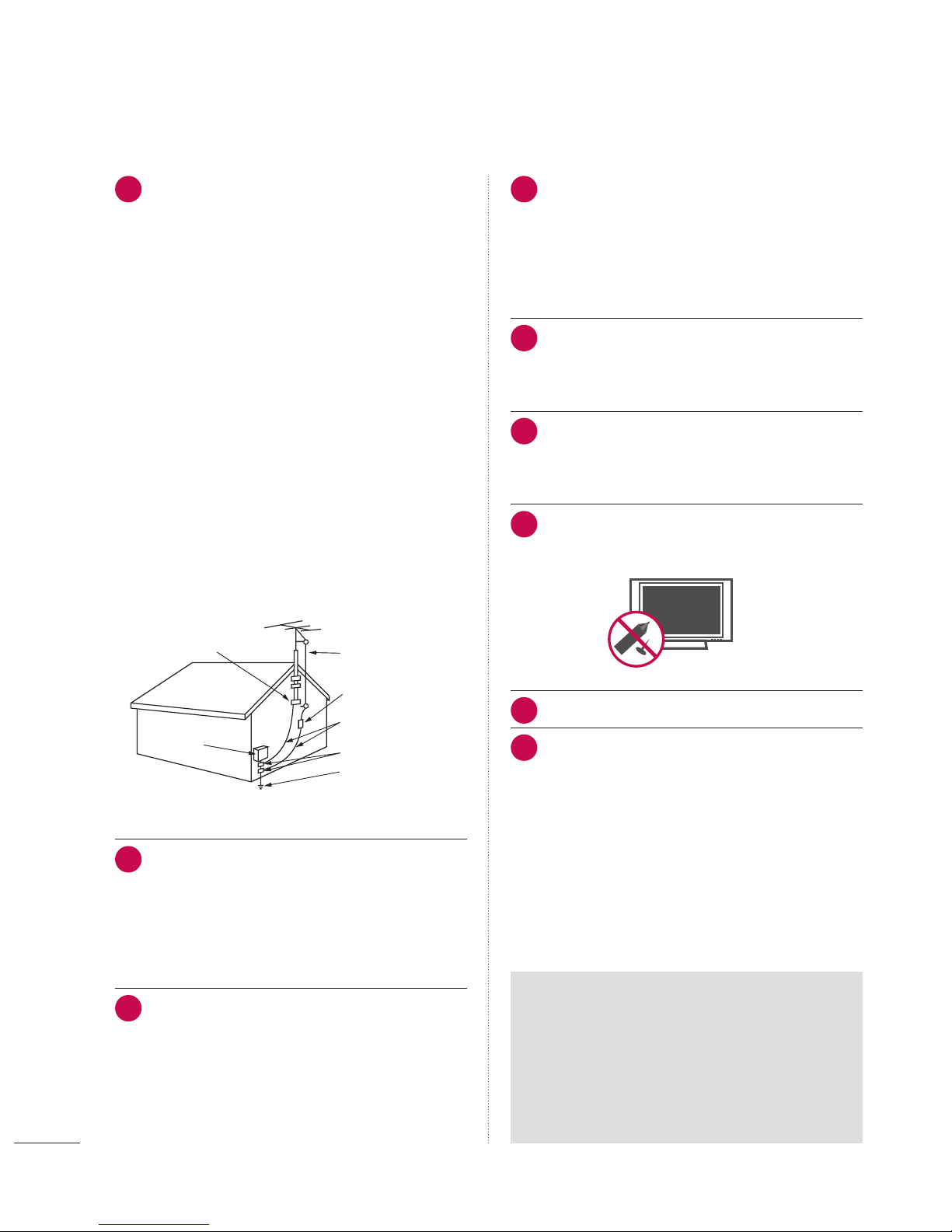
SAFETY INSTRUCTIONS 2
FEATURES OF THIS TV 6
PREPARATION
Accessories 7
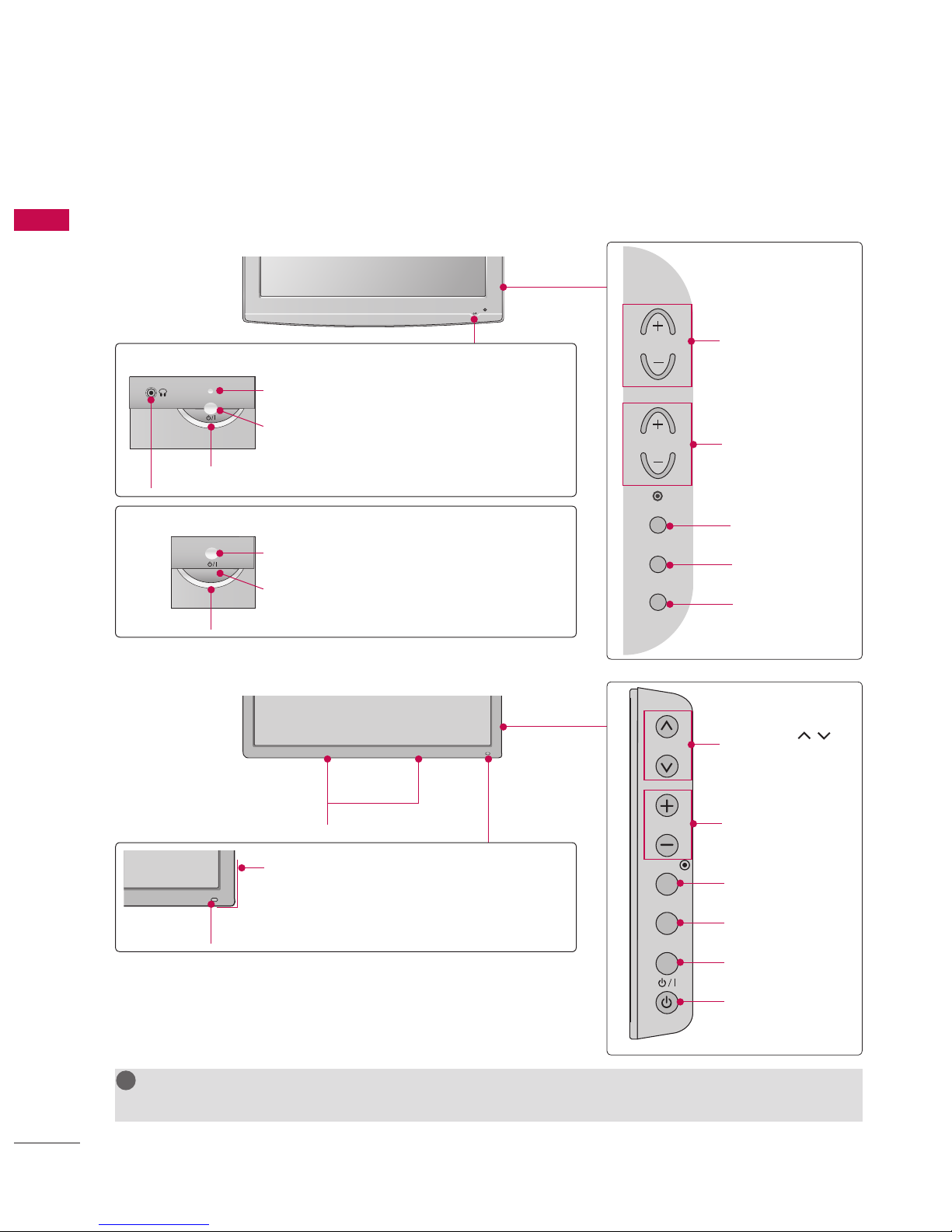
Front Panel Information 8
Back Panel Information 9
Protection Cover 11
Cable Management 12
Desktop Pedestal Installation 13
Kensington Security System 13
VESA Wall Mounting 14
Securing the TV to the wall to prevent falling
When the TV is used on a stand 15
Antenna or Cable Connection 16
EXTERNAL EQUIPMENT SETUP
HD Receiver Setup 17
DVD Setup 20
VCR Setup 22
Other A/V Source Setup 24
Pillow Speaker Setup 25
PC Setup 26
WATCHING TV / CHANNEL CONTROL
Turning On TV 32
Channel Selection 32
Volume Adjustment 32
Initial Setting 33
On-Screen Menus Selection 35
Channel Setup
- Auto Scan (Auto Tuning) 36
- Add / Delete Channel (Manual Tuning) 37
- Channel Editing 38
Channel Label 39
Input List 40
PICTURE CONTROL
Picture Size (Aspect Ratio) Control 41
Preset Picture Settings 43
Manual Picture Adjustment - User Mode 44
Picture Improvement Technology 45
Picture Reset 47
Demo Mode 48
SOUND & LANGUAGE CONTROL
Auto Volume Leveler (Auto Volume) 49
Clear Voice II 50
Balance 51
Preset Sound Settings (Sound Mode) 52
Sound Setting Adjustment - User Mode 53
Infinite Sound 54
TV Speakers On/Off Setup 55
Audio Reset 56
Stereo/SAP Broadcast Setup 57
Audio Language 58
On-Screen Menus Language Selection 59
Caption Mode
- Analog Broadcasting System Captions 60
- Digital Broadcasting System Captions 61
- Caption Option 62
TIME SETTING
Clock Setting
- Auto Clock Setup 63
- Manual Clock Setup 64
Auto On/Off Time Setting 65
Sleep Timer Setting 66
Auto Shut-Off Setting 66
PARENTAL CONTROL / RATINGS
Set Password & Lock System 67
Channel Blocking 70
Movie & TV Rating 71
Downloadable Rating 74
External Input Blocking 75
APPENDIX
Troubleshooting 76
Maintenance 77
Product Specifications 79
Open Source License 80