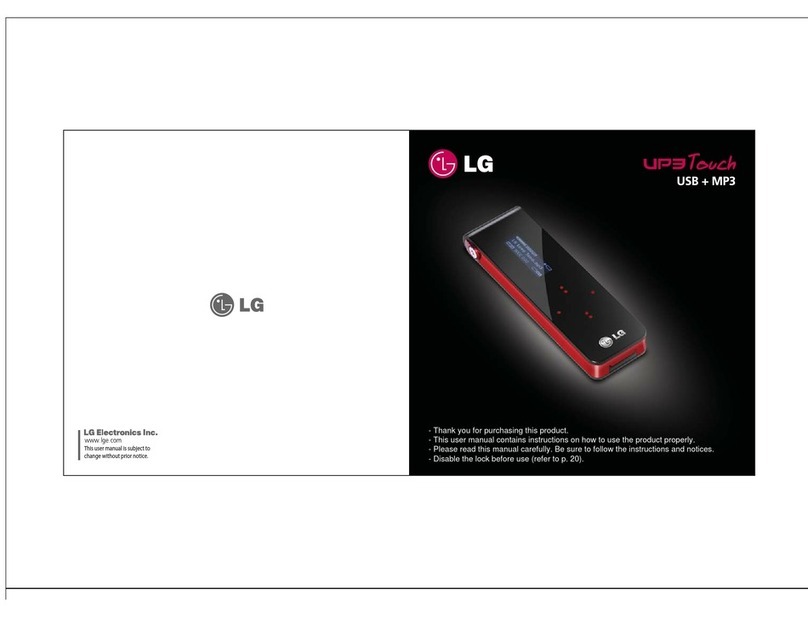
User's Manual
4. UP3 FLAT doesn't respond or won't turn on.
5. How much will my in-warranty service be ?
6. Will the data on my UP3 FLAT be preserved ?
7. How I can record voice and playback ?
Check the switch on the back.
* If you can not turn UP3 FLAT on, the switch is in the locked position.
* Move it to the unlocked position, and UP3 FLAT will turn on.
If the switch is not in the locked position, battery may be low.
Please charge UP3 FLAT and turn it on again.
Do not use the USB port on a keyboard or non-powered USB hub with UP3 FLAT,
as these low-powered ports will not be able to charge it.
If your UP3 FLAT doesn't respond or won't turn on, check for these possible causes
Service is performed at no charge for twelve(12) months on repairs that are covered
under the LG Electronics one-year limited warranty.
No. Songs and files will not be transferred to your replacement UP3 FLAT.
Make sure to back up important files, and remove all data from your UP3 FLAT
before sending it to LG Electronics.
LG Electronics is not responsible for any data sent in connection with service.
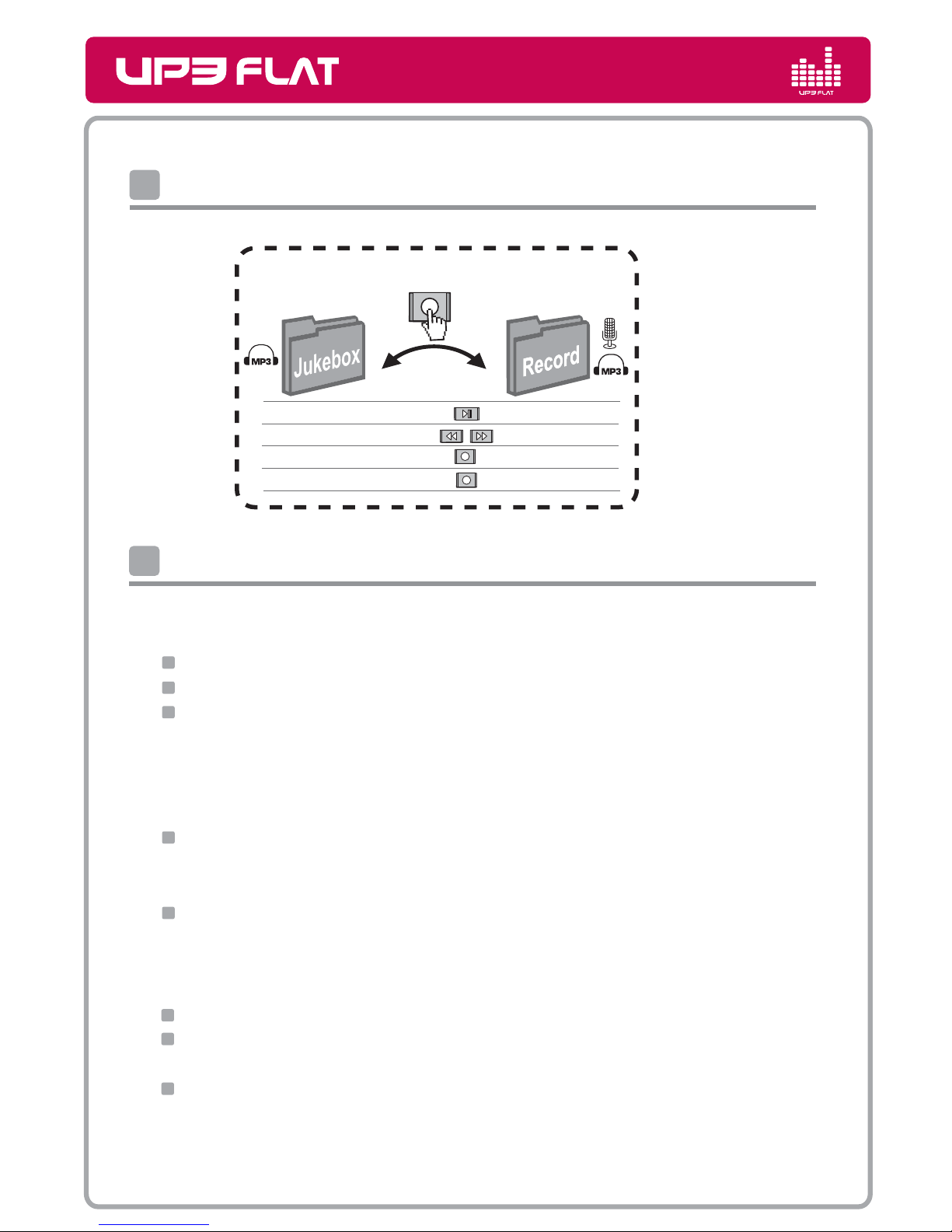
Hold REC button more than 2seconds. The mode will be changed to Voice recording
and playback mode. The mode LED indicator will blink green.
When you press REC again, you can start recording.
Press play button if you need to listen to the voice recorded file.
Caution
Too high volume while walking the street can be caused traffic accident.
Too high volume in long time can make ear problem.
Please avoid direct exposure to the magnetic, fire and chemical.
Make sure of USB port's correct polarity of your PC. Serious damage of USB Device
or even fire can be taken place by wrong polarity connection.
Please remove earphone from
UP3 FLAT
before connecting to USB port.
Makers are free from data loss you have created. Please keep your data safely
to prevent sudden losses or damage.