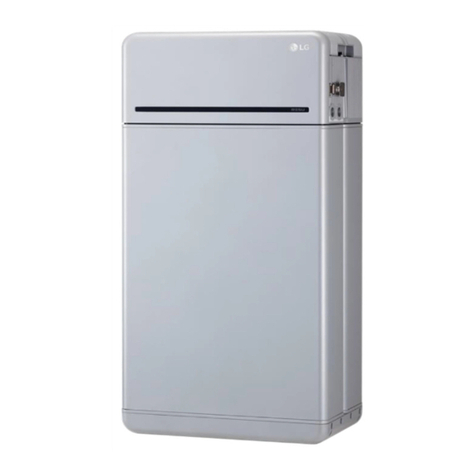
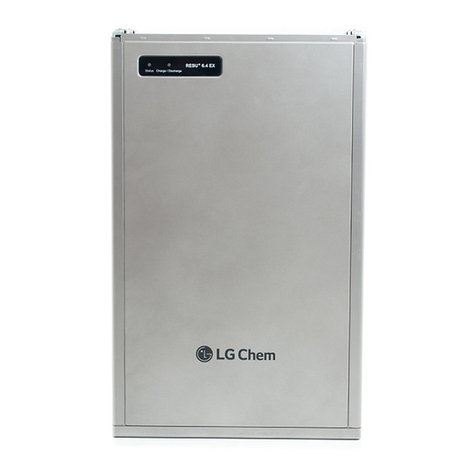
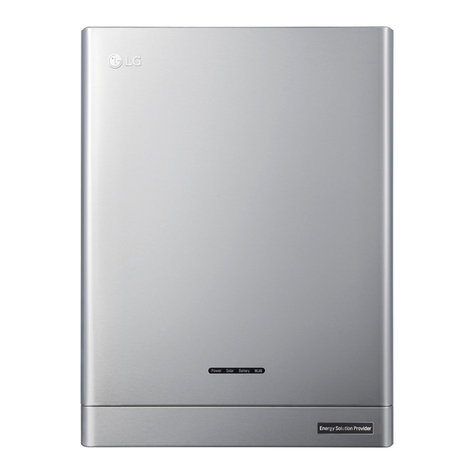
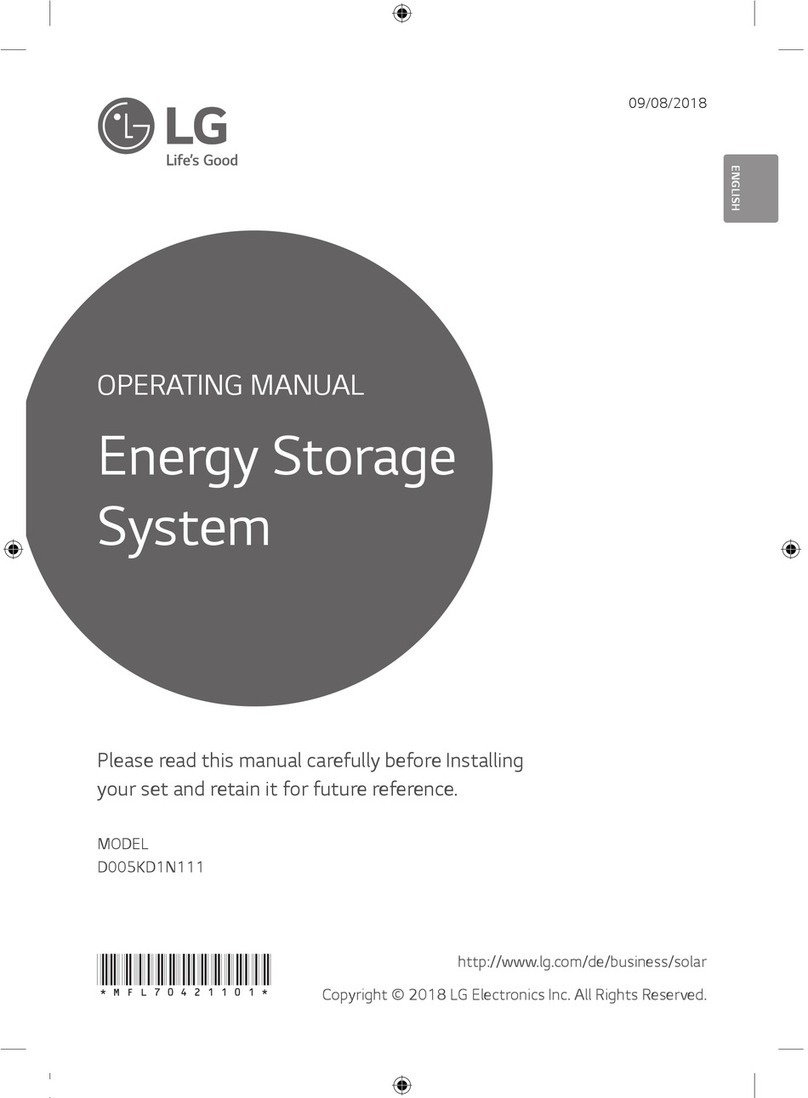
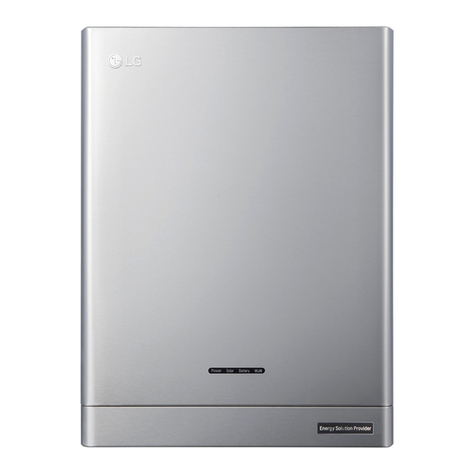
LG RESU13 User manual

Installation Manual for RESU13
RESU13 (EH048252P3S1)
LG Chem strongly advises to take due care in following LGC’s product
installation manual. A warranty claim is invalid if damage is caused
by human error, inconsistent with the installation manual.
Version 1.2
Scan the QR code
[Installation Guide]

2
About this manual
This manual describes how to install LG Chem’s RESU®battery pack. Read this
manual before you attempt to install the product, and follow the instructions
throughout the installation process. If you are uncertain about any of the
requirements, recommendations, or safety procedures described in this manual,
contact LG Chem immediately for advice and clarication.
The information included in this manual is accurate at the time of publication.
However, the product specications are subject to change without prior notice.
In addition, the illustrations in this manual are meant to help explain system
conguration concepts and installation instructions. The illustrated items may differ
from the actual items at the installation location.

3
Contents
About this manual.............................................................................................................. 2
1 Safety................................................................................................................................. 5
1.1 Symbols on product labels.......................................................................................................5
1.2 Safety Instructions...................................................................................................................6
1.2.1 General Safety Precautions..........................................................................................................6
1.2.2 Battery Handling Guide...............................................................................................................7
1.3 Response to emergency situations...........................................................................................7
1.3.1 Leaking batteries..........................................................................................................................8
1.3.2 Fire ................................................................................................................................................8
1.3.3 Wet batteries.................................................................................................................................8
1.3.4 Damaged batteries........................................................................................................................9
1.4 Qualied installers...................................................................................................................9
1.5 Contact information.................................................................................................................9
2 Product Introduction..................................................................................................... 10
2.1 Technical Data ....................................................................................................................... 10
2.1.1 Dimensions and weight ..............................................................................................................10
2.1.2 Performance ...............................................................................................................................11
2.1.3 Charging cable requirements..................................................................................................... 11
2.1.4 Network cable requirements ......................................................................................................11
2.1.5 Environmental requirements .....................................................................................................11
2.2 Feature....................................................................................................................................13
2.3 RESU lineup .......................................................................................................................... 14
2.4 RESU Plus.............................................................................................................................. 14
3 Installation Prerequisites .............................................................................................. 16
3.1 Installation materials ............................................................................................................. 16
3.2 Installation location ............................................................................................................... 16
3.3 Tools ....................................................................................................................................... 17
3.4 Safety gear ............................................................................................................................. 17
3.5 Making network cable ........................................................................................................... 18
4 Battery Pack Installation .............................................................................................. 19
4.1 Unpacking .............................................................................................................................. 19
4.2 Package items.........................................................................................................................20
4.3 Optional accessories .............................................................................................................. 21
4.4 Checks before installation ..................................................................................................... 21
4.5 Installation clearance .............................................................................................................23
4.6 Securing battery pack to wall................................................................................................24
4.7 Cable connections..................................................................................................................25

4
4.7.1 Environmental requirements .....................................................................................................25
4.7.2 Connecting network cable..........................................................................................................26
4.7.3 Connecting charging cables.......................................................................................................27
4.8 Finalizing installation............................................................................................................28
5 RESU Plus Installation.................................................................................................. 29
5.1 Unpacking ..............................................................................................................................29
5.2 Package items.........................................................................................................................29
5.3 Securing RESU Plus to wall..................................................................................................30
5.4 Cable connections.................................................................................................................. 31
5.4.1 Connecting charging cables......................................................................................................32
5.4.2 Connecting ground wires..........................................................................................................33
5.4.3 Connecting power cables ...........................................................................................................33
5.4.4 Connecting network cables........................................................................................................34
5.5 Finalizing installation............................................................................................................35
6 CongurationSwitches ................................................................................................. 36
6.1 Conguring Battery pack ......................................................................................................36
6.1.1 Setting for communication interface.........................................................................................36
6.1.2 Setting for battery cell type .......................................................................................................37
6.1.3 Settings for CAN bus pins .........................................................................................................37
6.1.4 Setting for terminal resistors .....................................................................................................37
6.2 Conguring RESU Plus.........................................................................................................38
6.2.1 Setting for communication interface.........................................................................................38
6.2.2 Settings for CAN bus pins .........................................................................................................38
6.2.3 Setting for terminal resistors .....................................................................................................38
7 Commissioning ............................................................................................................... 39
7.1 Status indicators..................................................................................................................... 39
7.1.1 Batter y pack................................................................................................................................39
7.1.2 RESU Plus ..................................................................................................................................40
7.2 Commissioning battery pack.................................................................................................40
7.3 Shutting down battery pack................................................................................................... 41
8 Troubleshooting.............................................................................................................. 42
9 FirmwareUpdate ........................................................................................................... 43
9.1 Updating battery pack rmware............................................................................................43
10 Warranty......................................................................................................................... 45
11 Certications .................................................................................................................. 46
A CompatibleInverters..................................................................................................... 47
B SupportedMemoryCards ............................................................................................ 48
Contents

5
1 Safety
NOTE
To use rechargeable batteries, installers are required to comply with standard AS
4086.2 in Australia, VDE-AR-E2510-2 in Germany, and the domestic legislation in
other countries.
1.1 Symbolsonproductlabels
The nameplate is attached to the left side of the battery pack, and the warning label
is attached to the top.
The voltage of this battery pack is strong enough to cause electric shock.
Make sure that the battery polarity is connected correctly.
Keep the battery pack away from open amer or ignition sources.
Keep the battery pack away from children.

6
Safety
Read the manual before installing and operating the battery pack.
The battery pack is heavy enough to cause severe injury.
The battery pack may leak corrosive electrolyte.
The battery pack may explode.
The battery pack should not be disposed of with household waste at the
end o s working life.
The battery pack should be disposed of at a proper facility for environmentally
safe recycling.
1.2 Safety Instructions
For safety reasons, installers are responsible for familiarizing themselves with the
contents of this manual and all warnings before performing installation.
1.2.1 General Safety Precautions
WARNING
Failure to observe the precautions described in this section can cause serious
injury to persons or damage to property.
Observe the following precautions:
• Risks of explosion
-Do not subject the battery pack to strong impacts.
-Do not crush or puncture the battery pack.
-Do not dispose of the battery pack in a re.
• Risks of re
-Do not expose the battery pack to temperatures in excess of 60°C.
-Do not place the battery pack near a heat source, such as a replace.
-Do not expose the battery pack to direct sunlight.
-Do not allow the battery connectors to touch conductive objects such as wires.

7
Safety
• Risks of electric shock
-Do not disassemble the battery pack.
-Do not touch the battery pack with wet hands.
-Do not expose the battery pack to moisture or liquids.
-Keep the battery pack away from children and animals.
• Risks of damage to the battery pack
-Do not allow the battery pack to get in contact with liquids.
-Do not subject the battery pack to high pressures.
-Do not place any objects on top of the battery pack.
1.2.2 BatteryHandlingGuide
• Use the battery pack only as directed.
• Do not use the battery pack if it is defective, appears cracked, broken or otherwise
damaged, or fails to operate.
• Do not attempt to open, disassemble, repair, tamper with, or modify the battery pack.
The battery pack is not user serviceable.
• To protect the battery pack and its components from damage when transporting,
handle with care.
• Do not impact, pull, drag or step on the battery pack. Do not subject it to any strong force.
• Do not insert foreign objects into any part of the battery pack.
• Do not use cleaning solvents to clean the battery pack.
1.3 Responsetoemergencysituations
The RESU battery pack comprises multiple batteries that are designed to prevent hazards
resulting from failures. However, LG Chem cannot guarantee their absolute safety.

8
1.3.1 Leakingbatteries
If the battery pack leaks electrolyte, avoid contact with the leaking liquid or gas.
Electrolyte is corrosive and contact may cause skin irritation and chemical burns.
If one is exposed to the leaked substance, do these actions:
Inhalation : Evacuate the contaminated area, and seek medical attention immediately.
Eye contact : Rinse eyes with owing water for 15 minutes, and seek medical attention
immediately.
Skin contact : Wash the affected area thoroughly with soap and water, and seek medical
attention immediately.
Ingestion: Induce vomiting, and seek medical attention immediately.
1.3.2 Fire
In case of a re, make sure that an ABC or carbon dioxide extinguisher is
nearby.
WARNING
The battery pack may catch re when heated above 150°C.
If a re breaks out where the battery pack is installed, do these actions:
1. Extinguish the re before the battery pack catches re.
2. If the battery pack has caught re, do not try to extinguish the re. Evacuate people
immediately.
WARNING
If the battery catches re, it will produce noxious and poisonous gases.
Do not approach.
1.3.3 Wet batteries
If the battery pack is wet or submerged in water, do not try to access it. Contact LG Chem or
your distributor for technical assistance.
Safety

9
1.3.4 Damagedbatteries
Damaged batteries are dangerous and must be handled with extreme caution. They are not
t for use and may pose a danger to people or property. If the battery pack seems to be
damaged, pack it in its original container, and then return it to LG Chem or your distributor.
CAUTION
Damaged batteries may leak electrolyte or produce ammable gas, If you suspect such
damage, immediately contact LG Chem for advice and information.
1.4 Qualiedinstallers
This manual and the tasks and procedures described herein are intended for use by skilled
workers only. A skilled workers is dened as a trained and qualied electrician or installer
who has all of the following skills and experience:
• Knowledge of the functional principles and operation of on-grid systems.
• Knowledge of the dangers and risks associated with installing and using electrical devices
and acceptable mitigation methods.
• Knowledge of the installation of electrical devices
• Knowledge of and adherence to this manual and all safety precautions and best practices.
1.5 Contact information
Use the contacts below for technical assistance. These phone numbers are available only
during business hours on weekdays.
Telephone Email
Europe +49 6196 5719 660 [email protected]
USA +1 888 375 8044 [email protected]
Australia +61 1300 178 064 [email protected]
Koreaandotherregions [email protected]
Safety

10
2 Product Introduction
2.1 Technical Data
2.1.1 Dimensionsandweight
RESU13
Width 452 mm (17.80 in)
Height 625.8 mm (24.65 in)
Depth 227 mm (8.94 in)
Weight 198.5 kg (217.2 lb)
1A battery pack’s weight varies slightly depending on its battery cells’ weight.
This manual suits for next models
1
Table of contents
Other LG Storage manuals