e
C. Product Specifications
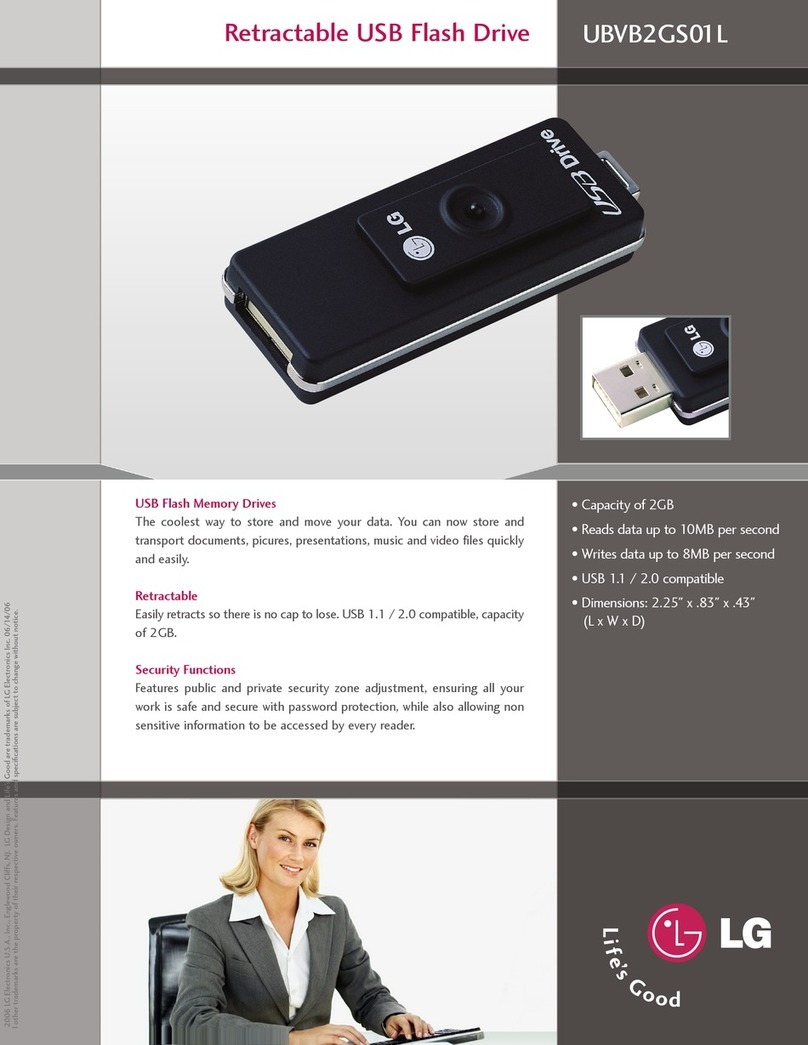
Product Specifications
PC system with USB ports IBM PC / AT & Notebook & Sub-Notebook
Operating System *Win98SE, Me, 2000, XP
Memory 16, 32, 64, 128, 256, 512MB, 1GB, 2GB
Interface USB 2.0 Compliant and USB 1.1 Compatible
Data Retention Up to 10 Years
Suspend Current <300uA, compliant to USB spec. of <500uA
Operating Current <40mA
LED built-in Active LED
Data Read/Write speed Up to 7MB/sec (read)** - Up to 6MB/sec (write)**
Storage Temperature -10°C - 70°C
Operating Temperature 0°C - 60°C
Relative Humidity under storage 5% - 95%
Weight 1 ounce
EMI Compliance FCC, CE, MIC
Power Supply USB bus-powered (2.7V - 3.3V)
*Drivers required for Windows 98SE
**Performance varies depending on testing environment and flash memory
How to Use Hi-Speed USB Drive
To use Hi-Speed USB Drive, all you need to do is to connect the product to a USB port of
your PC; you don’t need to restart your computer, as it automatically detect and identify
this drive (Windows ME, 2000, XP and versions above these support USB-based mass
storage devices). You have to install a driver whenever your operating system is Windows
98.
A. Connecting Hi-Speed USB Drive
After you plugged Hi-Speed USB Drive into your PC, Windows automatically creates a
letter for your drive and indicates that it is a removable drive. Then, you may begin using
the drive just like you use the other drives or floppy disk drive.