manuals.online logo
Brands
  1. Home
  2. •
  3. Brands
  4. •
  5. Linksys
  6. •
  7. Gateway
  8. •
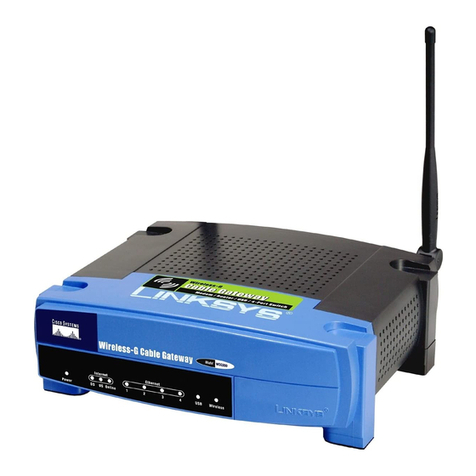
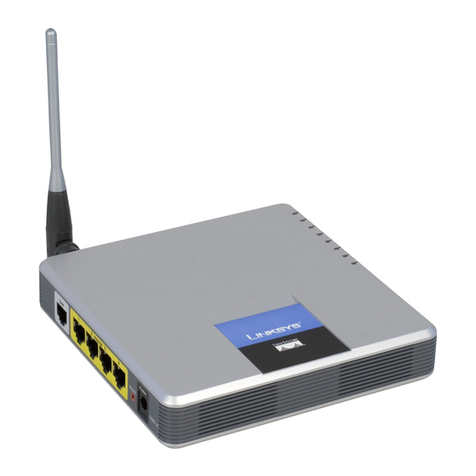
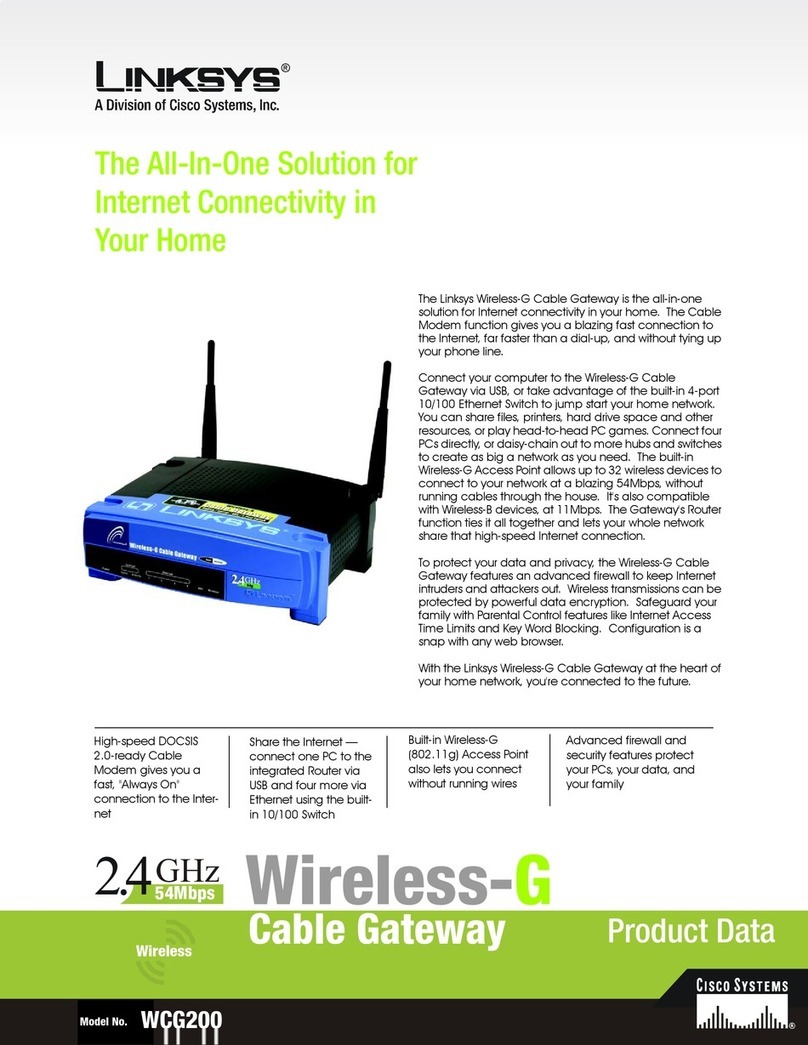
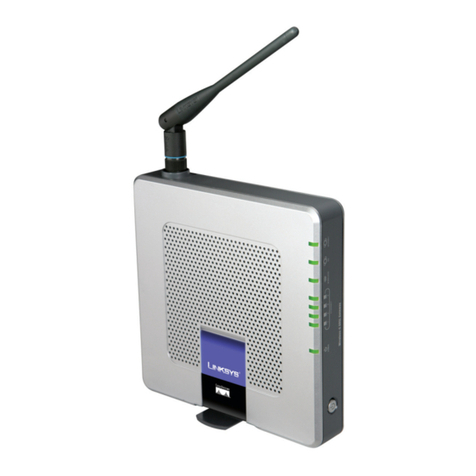
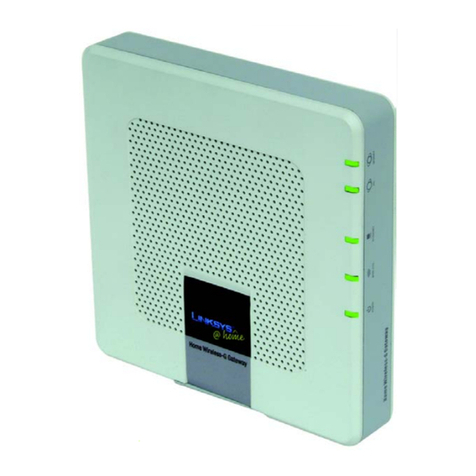
  9. Linksys WAG54G - Wireless-G ADSL Gateway Wireless... User manual

Linksys WAG54G - Wireless-G ADSL Gateway Wireless... User manual

Other manuals for WAG54G - Wireless-G ADSL Gateway Wireless...

5

Other Linksys Gateway manuals

Linksys WAG54G - Wireless-G ADSL Gateway Wireless... User manual

Linksys

Linksys WAG54G - Wireless-G ADSL Gateway Wireless... User manual

Linksys WCG200 - Wireless-G Cable Gateway Wireless... Original operating instructions

Linksys

Linksys WCG200 - Wireless-G Cable Gateway Wireless... Original operating instructions

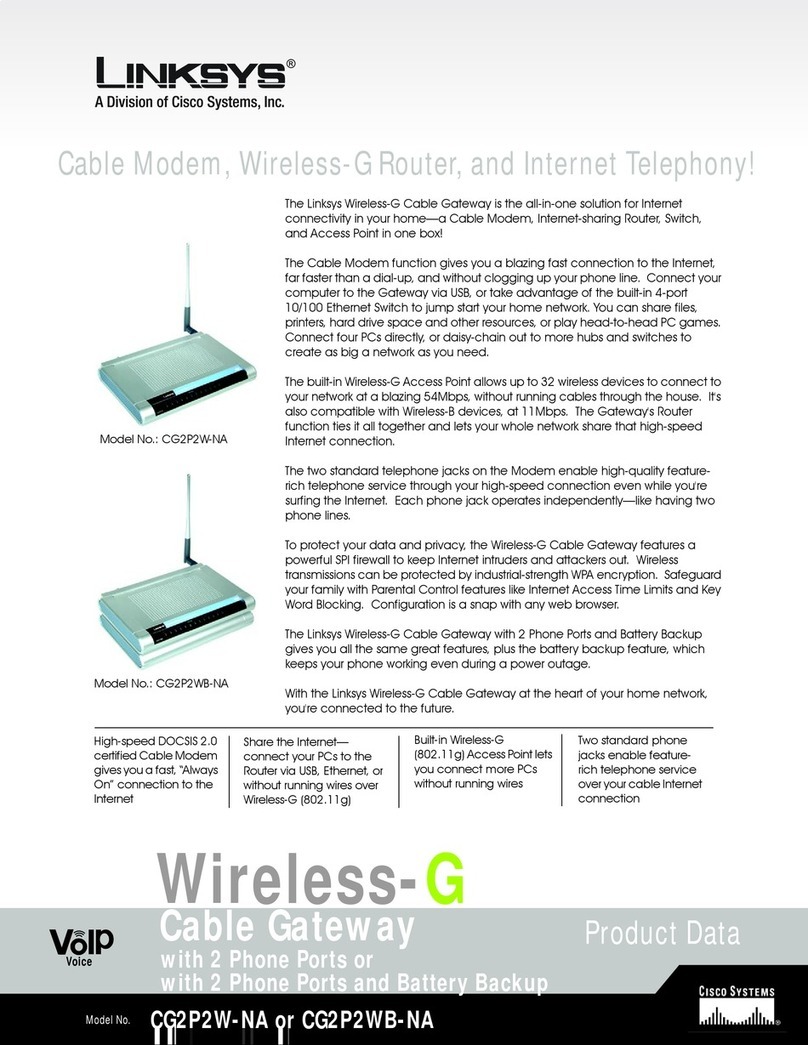
Linksys CG2P2WB Operation manual

Linksys

Linksys CG2P2WB Operation manual

Linksys WAG200G User manual

Linksys

Linksys WAG200G User manual

Linksys WPG11 User manual

Linksys

Linksys WPG11 User manual

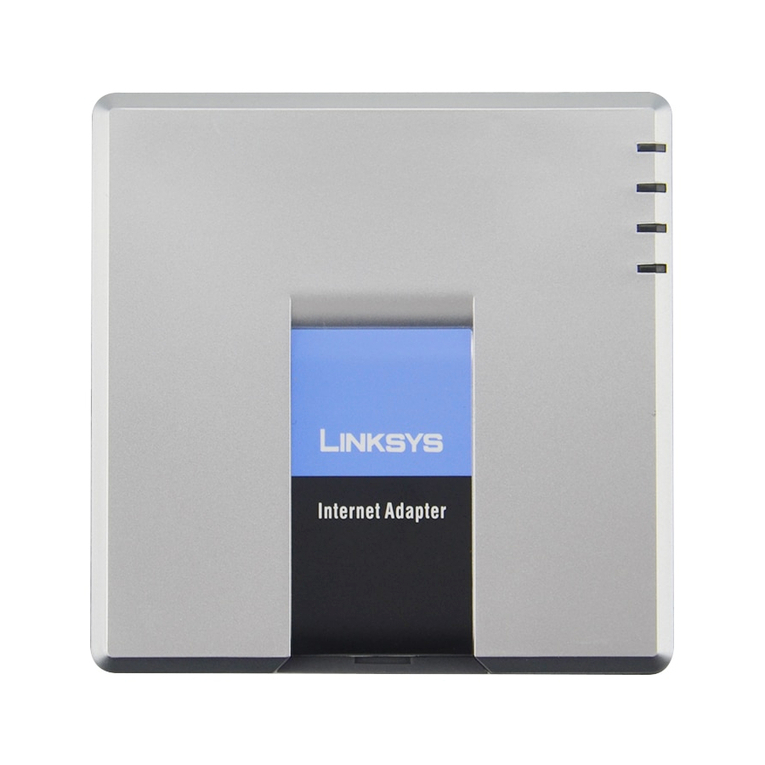
Linksys SPA2102-R3 User manual

Linksys

Linksys SPA2102-R3 User manual

Linksys SPA8000 Operation manual

Linksys

Linksys SPA8000 Operation manual

Linksys Mediatrix 440 series User manual

Linksys

Linksys Mediatrix 440 series User manual

Linksys SPA3102 Operation manual

Linksys

Linksys SPA3102 Operation manual

Linksys WCG200 - Wireless-G Cable Gateway Wireless... User manual
Linksys

Linksys WCG200 - Wireless-G Cable Gateway Wireless... User manual

Linksys WAG200G User manual

Linksys

Linksys WAG200G User manual
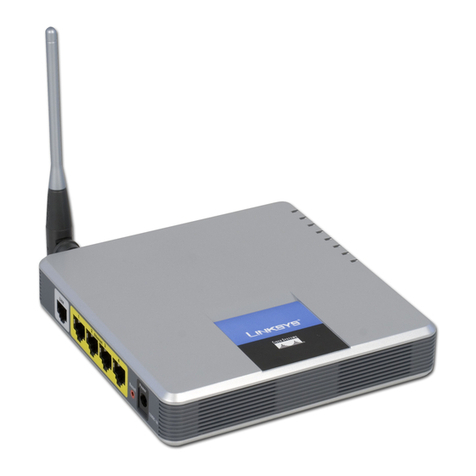
Linksys AG241 User manual

Linksys

Linksys AG241 User manual

Linksys WCG200 - Wireless-G Cable Gateway Wireless... Operation manual
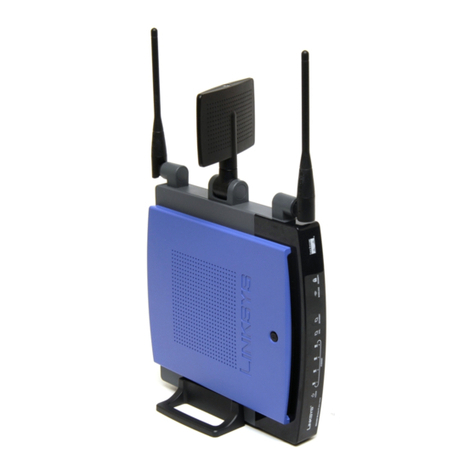
Linksys

Linksys WCG200 - Wireless-G Cable Gateway Wireless... Operation manual

Linksys WPG11 Original operating instructions

Linksys

Linksys WPG11 Original operating instructions

Linksys SPA3102 User manual

Linksys

Linksys SPA3102 User manual

Linksys WAG325N User manual

Linksys

Linksys WAG325N User manual
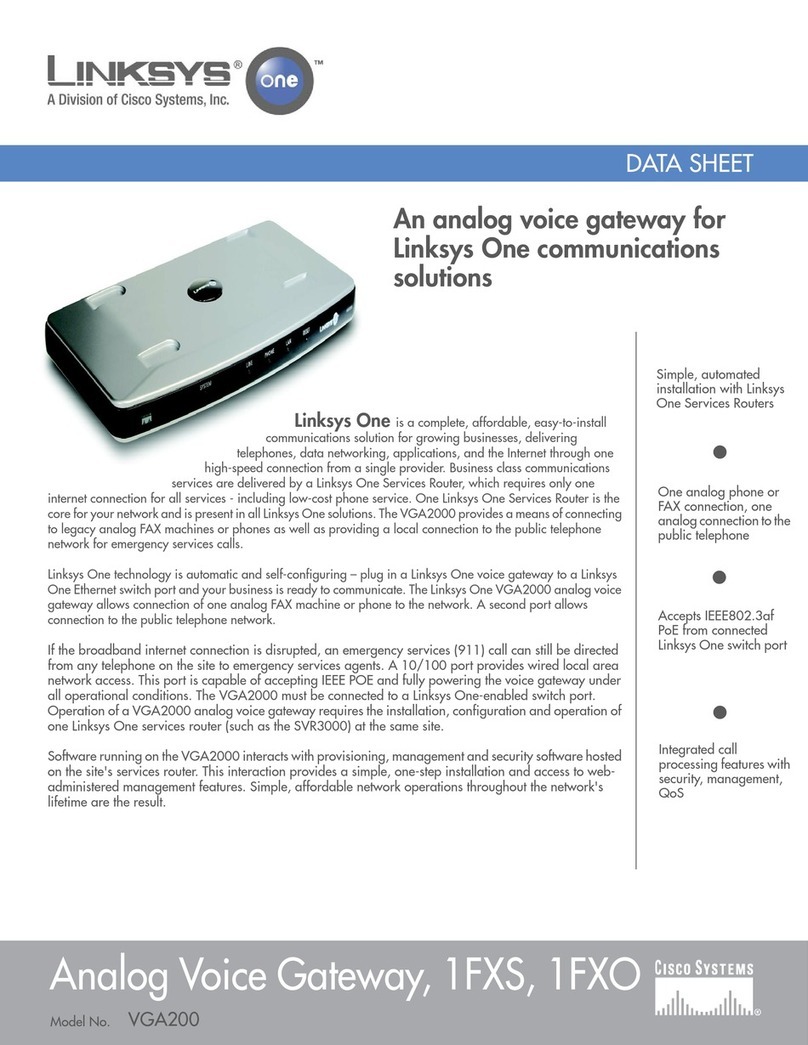
Linksys Wireless-N ADSL2+ Gateway WAG160N User manual

Linksys

Linksys Wireless-N ADSL2+ Gateway WAG160N User manual

Linksys SPA400 User manual

Linksys

Linksys SPA400 User manual

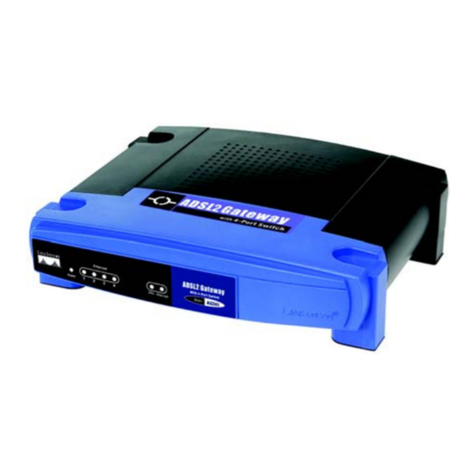
Linksys BEFDSR41W - ADSL Modem + Router Guide

Linksys

Linksys BEFDSR41W - ADSL Modem + Router Guide

Linksys AG241 Operation manual

Linksys

Linksys AG241 Operation manual

Linksys AG300 User manual

Linksys

Linksys AG300 User manual

Linksys VGA2000 User manual

Linksys

Linksys VGA2000 User manual
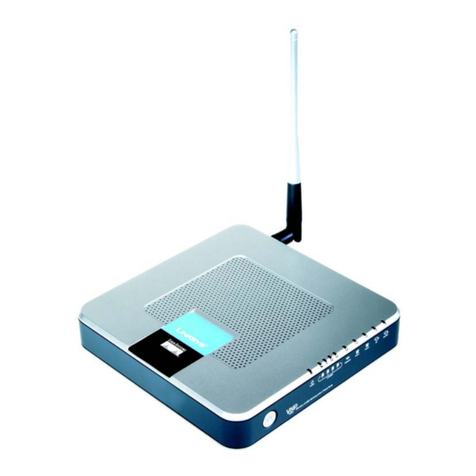
Linksys WAG200G User manual

Linksys

Linksys WAG200G User manual

Linksys SPA3102 User manual

Linksys

Linksys SPA3102 User manual

Popular Gateway manuals by other brands

Telecom FM onestream gfx Programming guide

Telecom FM

Telecom FM onestream gfx Programming guide

UfiSpace LoRa GPE810U Quick setup guide

UfiSpace

UfiSpace LoRa GPE810U Quick setup guide

Merak MMk-736F Quick setup guide

Merak

Merak MMk-736F Quick setup guide

Robustel R3010 user guide

Robustel

Robustel R3010 user guide

turck BL20-PG-EN-V3 user manual

turck

turck BL20-PG-EN-V3 user manual

IBM Security Web Gateway Appliance quick start guide

IBM

IBM Security Web Gateway Appliance quick start guide

SSS Siedle Smart Gateway Commissioning instructions

SSS Siedle

SSS Siedle Smart Gateway Commissioning instructions

ADTRAN 424RG Installation

ADTRAN

ADTRAN 424RG Installation

Chorus Hyperfibre XGS-250WX-A user guide

Chorus

Chorus Hyperfibre XGS-250WX-A user guide

Dragino G308 user manual

Dragino

Dragino G308 user manual

Data Domain DD690g Installation and setup guide

Data Domain

Data Domain DD690g Installation and setup guide

Raritan Laptop Release notes

Raritan

Raritan Laptop Release notes

Haivision Torpedo quick start guide

Haivision

Haivision Torpedo quick start guide

ATCOM AG-268 user manual

ATCOM

ATCOM AG-268 user manual

LST M500RFE-AS Specification sheet

LST

LST M500RFE-AS Specification sheet

Vega VEGA BS-3 user manual

Vega

Vega VEGA BS-3 user manual

Kinnex Media Gateway quick start guide

Kinnex

Kinnex Media Gateway quick start guide

2N Telekomunikace 2N StarGate user manual

2N Telekomunikace

2N Telekomunikace 2N StarGate user manual

manuals.online logo
manuals.online logoBrands
  • About & Mission
  • Contact us
  • Privacy Policy
  • Terms and Conditions

Copyright 2025 Manuals.Online. All Rights Reserved.

Model No.
Product Data
Wireless
WAG54G
The All-In-One Solution for Internet
Connectivity in Your Home
High-speed ADSL
Modem gives you a
fast, "Always On"
connection to the
Internet
Advanced firewall
and security features
protect your PCs,
your data, and your
family
Connect your PCs via the
built-in Router and 4-port
Switch to jump start your
Ethernet network and share
the Internet throughout your
household
Built-in Wireless-G
(802.11g) Access
Point also lets you
connect without
running wires
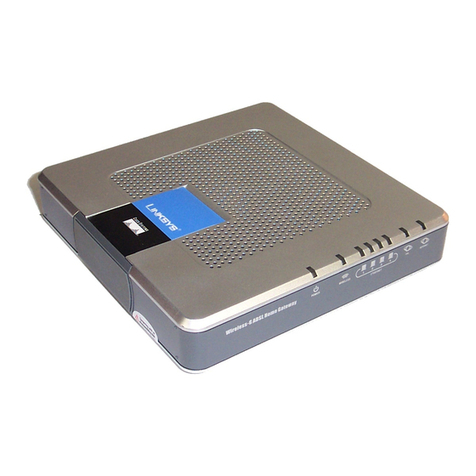
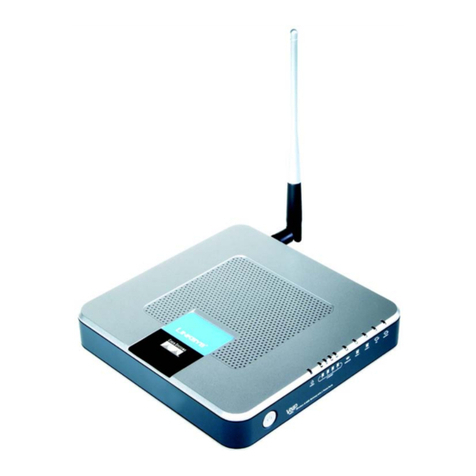
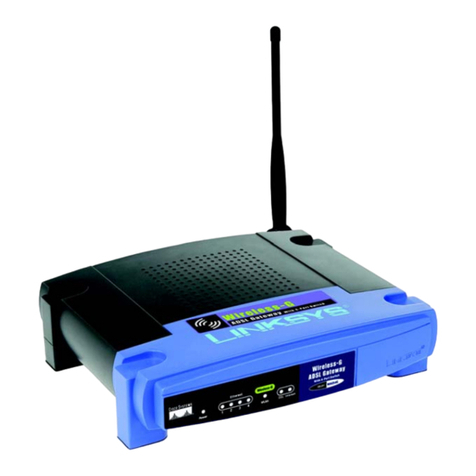
The Linksys Wireless-G ADSL Gateway is the all-in-one
solution for Internet connectivity in your home. The
ADSL Modem function gives you a blazing fast
connection to the Internet, far faster than a dial-up,
and without tying up your phone line.
Connect your computers to the Gateway via the built-
in 4-port 10/100 Ethernet Switch to jump start your
home network. You can share files, printers, hard drive
space and other resources, or play head-to-head PC
games. Attach four PCs directly, or connect more
hubs and switches to create as big a network as you
need. The built-in Wireless-G (802.11g) Access Point
allows up to 32 wireless devices to connect to your
network at a blazing 54Mbps, without running cables
through the house. It's also compatible with Wireless-B
(802.11b) devices, at 11Mbps. The Gateway's Router
function ties it all together and lets your whole network
share that high-speed Internet connection.
To protect your data and privacy, the Wireless-G ADSL
Gateway features an advanced firewall to keep
Internet intruders and attackers out. Wireless
transmissions can be protected by powerful data
encryption. Safeguard your family with Parental
Control features like Internet Access Time Limits and
Key Word Blocking. Configuration is a snap with any
web browser.
With the Linksys Wireless-G ADSL Gateway at the heart
of your home network, you're connected to the future.
ADSL Gateway
Wireless-G
Model No.
Product Data
Model No.
Linksys
A Division of Cisco Systems, Inc.
18582 Teller Avenue
Irvine, CA 92612 USA
E-mail: [email protected]
[email protected]
Web: http://www.linksys.com
Linksys products are available in more than 50
countries, supported by 12 Linksys Regional Offices
throughout the world. For a complete list of local
Linksys Sales and Technical Support contacts, visit
our Worldwide Web Site at www.linksys.com.
WAG54G
Package Contents
• Wireless-G ADSL Gateway
•PowerAdapter
• User Guide on CD-ROM
•NetworkCable
• Phone Cable
• Quick Installation
• Registration Card
Wireless-G
Minimum Requirements
• PC with a Network Adapter and the TCP/IP
Protocol installed
• 64 MB of RAM
• CD-ROM Drive
• Internet Explorer 4.0 or Netscape Navigator
4.7 or Higher for Web-based Configuration
• Activated ADSL line
Specifications
Model Number WAG54G
Standards IEEE 802.11g, IEEE 802.11b, IEEE 802.3u,
G.992.1 (G.dmt), G.992.2 (G.lite), T1.413i2
Ports Power, ADSL, LAN (1-4)
Button Reset
Cable Type CAT 5 UTP
LEDs Power, LAN (1-4), Wireless-G, ADSL, Act, Session
Transmit Power 18 dBm
Security features WEP
WEP key bits 64, 128
Environmental
Dimensions 7.32" x 1.890" x 7.40"
W x H x D (186 mm x 48 mm x 188 mm)
Unit Weight 16.93 oz. (0.48 kg)
Power 12VDC 1A
Certifications FCC Part 15B Class B, FCC Part 15C Class B,
FCC Part 68, UL 1950, CSA, CE
Operating Temp. 32ºF to 122F (0ºC to 50ºC)
Storage Temp. -4ºF to 158ºF (-20ºC to 70ºC)
Operating Humidity 10% to 85% Non-Condensing
Storage Humidity 5% to 90% Non-Condensing
WAG54G-DS-31014NC-BW
Specifications are subject to change without notice. Linksys is a registered trademark or trademark of Cisco Systems, Inc. and/or its affiliates in the U.S. and certain other countries. Copyright © 2003
Cisco Systems, Inc. All rights reserved. Other brands and product names are trademarks or registered trademarks of their respective holders.
ADSL Gateway
Features
• Supports 802.11g and
802.11b wireless LAN
• Enhanced security manage-
ment functions: Port Filtering,
MAC and IP Address Filtering,
DMZ Hosting, and NAT
Technology
• Easily configurable through
your networked PC’s Web
browser
• Supports 4 10/100 Auto MDI-X
LAN switch ports and 1 ADSL
port
• Support for RFC1483, PPPoE
and PPPoA connections
• SPI firewall with Denial of
Service attack prevention
• Wireless Access Lists to
enhance wireless security
• Email and Web-based Log-
ging of Security Events
• Supports VPN Passthrough for
IPSec, PPTP, and L2TP
Protocols
• Free technical support—24
hours a day, 7 days a week,
toll-free US calls
• 3-year limited warranty