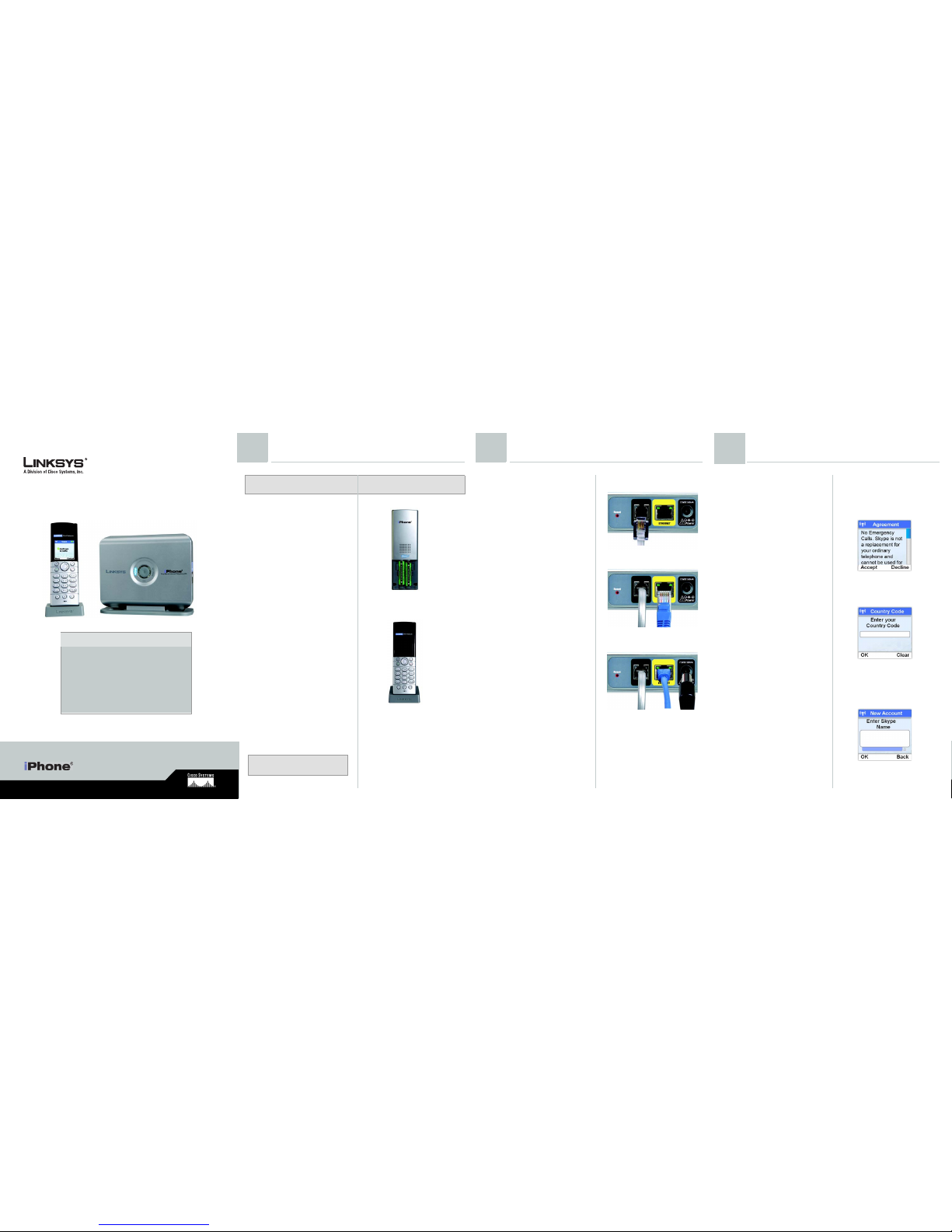
BATTERIES
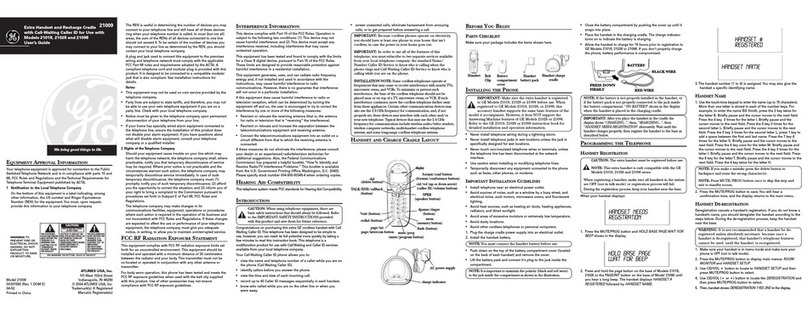
• Use only the battery type listed in the
instruction manual. Do not use lithium
batteries or non-rechargeable batteries
that may damage the handset
and charger.
• Do not dispose of the battery in a fire, as
they can explode.
• Do not open or mutilate the battery.
Released electrolyte is corrosive and can
cause damage to the eyes or skin. It can
be toxic if swallowed.
• Avoid contact with metal objects when
handling the battery. These objects could
short out the batteries or cause the
conductor to overheat resulting in burns.
• Do not attempt to recharge the battery cell
by heating it. Sudden release of battery
electrolyte can cause burns or irritation to
the eyes or skin.
• Observe the proper polarity, or direction,
of any battery. Reverse insertion of the
battery cell can result in leakage or
explosion.
• Remove the battery cells if you do not plan
to use the product for several months at
a time.
• Discard any “dead” batteries because
they are likely to leak into the product.
• Do not store this product or the battery in
a high temperature area. Battery stored in
a freezer or refrigerator should be
protected from condensation during
storage and defrosting. Battery should be
stabilized at room temperature
before using.
• Your battery is rechargeable and can be
recycled once it outlives its usefulness.
Depending upon your local and state law,
it might be illegal to dispose of this battery
into a municipal waste system. Check with
your local solid waste company for more
information on your recycling options for
the battery cells.
SAVE THESE INSTRUCTIONS
Important regulatory warnings and instructions
are listed in “Appendix C: Regulatory Information”
of the User Guide, which is on the Setup CD-ROM.
Read carefully before installing the Telephony Kit.
BEFORE USING YOUR TELEPHONE EQUIPMENT,
BASIC SAFETY PRECAUTIONS SHOULD ALWAYS BE
FOLLOWED TO REDUCE THE RISK OF FIRE,
ELECTRIC SHOCK AND INJURY, INCLUDING THE
FOLLOWING:
• Read and follow all warnings and
instructions marked on the product.
• Do not use this product near water,
laundry tub, in a wet basement, or near a
swimming pool.
• Do not place this product on an unstable
table. The product may fall and be
damaged.
• This product should never be placed near
or over a radiator or heat register.
• This product should be operated only from
the type of power source indicated on
the label.
• Do not allow anything to rest on the power
cord. Do not locate this product where the
cord will be abused by persons walking
on it.
• Do not overload wall outlets and extension
cords a s this can result in t he risk of fire or
electric shock.
• Avoid using a telephone during an
electrical storm. There may be a remote
risk of electric shock from lightning.
• Do not use this product to report a gas
leak in the vicinity of the leak.
• Do not use this product near intensive
care medical equipment or by persons
with pacemakers.
• Due to the radio signals between base
station and handset, wearers of hearing
aids may experience interference in the
form of a humming noise.
Linksys is a registered trademark or trademark of
Cisco Systems, Inc. and/or its affiliates in the U.S.
and certain other countries. Copyright © 2006
Cisco Systems, Inc. All rights reserved.
characters and can be any
combination of letters,
numbers and symbols. Your
password needs to be at least
4 characters. This password is
different from the system PIN of
the phone. Each phone user
can have their own Skype
account.
FIt is necessary to set the clock
to the correct time zone of the
location where your Skype
phone is being used before
initial phone use.
The time zone is based on
Greenwich Mean Time (GMT). If
you don’t know your time zone,
you can obtain it from http://
www.greenwichmeantime.com.
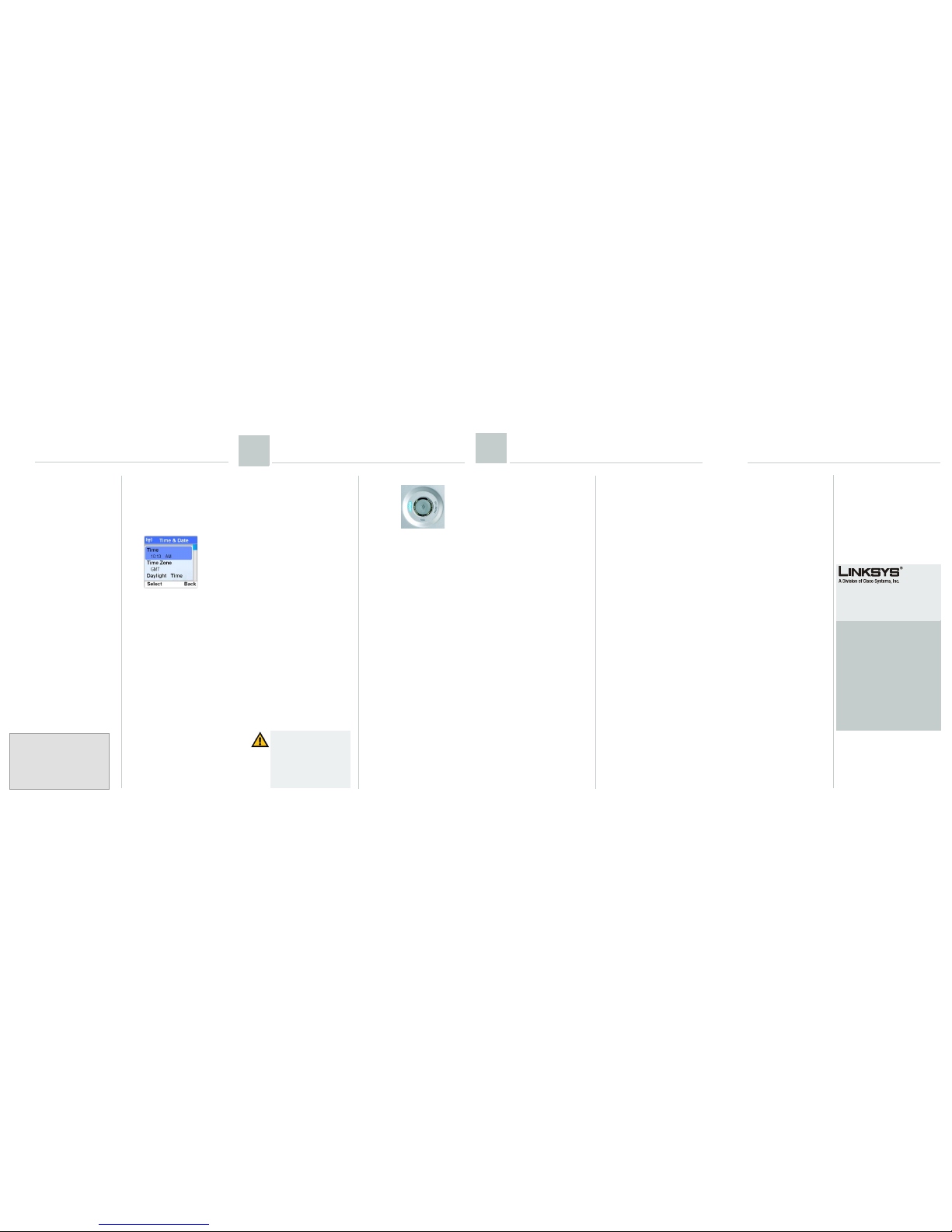
•PressMenu.
• Scroll to Settings. Press
Select.
• Scroll to Time & Date.
Press Select.
• Scroll to Time Zone. Press
Select.
• Scroll to the correct
zone. Press OK when
finished. The correct
time and date setting
will be entered.
NOTE: Your phone has been pre-
registered to its base station. However, if
you bought an extra handset or de-
registered a handset, you may see the
message Unregistered on the phone’s
LCD screen. To register the handset, refer
to Chapter 4 of the User Guide.
Skype
The Skype LED is blue and is a solid
light during a Skype call.
PHONE LINE
The PHONE LINE LED is amber and
is a solid light during a landline
call.
Page
Press this button to page your
handset. To stop the page, press
the right soft key on your handset.
Staying within Range
If you move outside of the base
station’s range during a call, an
alarm tone will sound and the
Base/Handset Link icon will flash
on the handset’s display screen.
Your call will be disconnected if
you do not move back within
range.
Base Station Front Panel Button
IMPORTANT:Emergency calls
cannot be placed through a Skype
line. If you dial an emergency
number, it will automatically be
placed through a landline if one is
available. If a landline is not
available the emergency call will
not go through.
CIT400-QI-61213 A DF
Important Safety Information
F
For additional information or troubleshooting
help, refer to the User Guide on the CD-ROM.
You can also visit the following websites for
more troubleshooting help:
SKYPE
Troubleshooting
http://support.skype.com
Website
http://www.skype.com
LINKSYS
Website
http://www.linksys.com or
http://www.linksys.com/support
FTP Site
ftp://ftp.linksys.com
Sales Information
800-546-5797 (800-LINKSYS)