manuals.online logo
Brands
  1. Home
  2. •
  3. Brands
  4. •
  5. Linksys
  6. •
  7. PCI Card
  8. •
  9. Linksys WMP54GS EU Operation manual

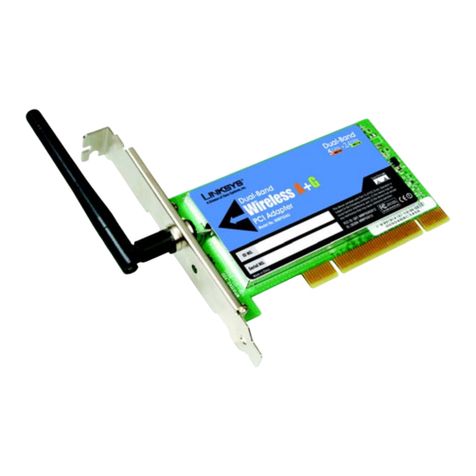
Linksys WMP54GS EU Operation manual

Other manuals for WMP54GS EU

5

Other Linksys PCI Card manuals

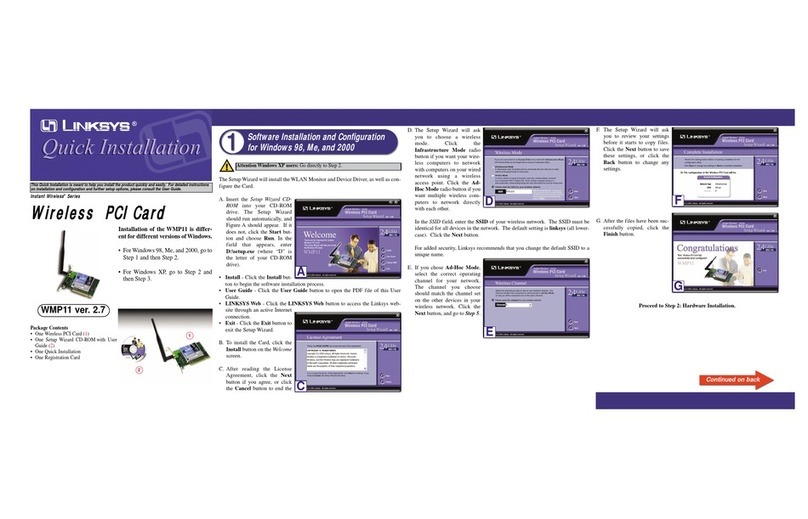
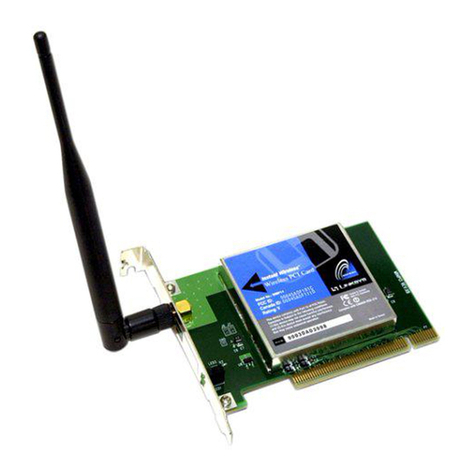
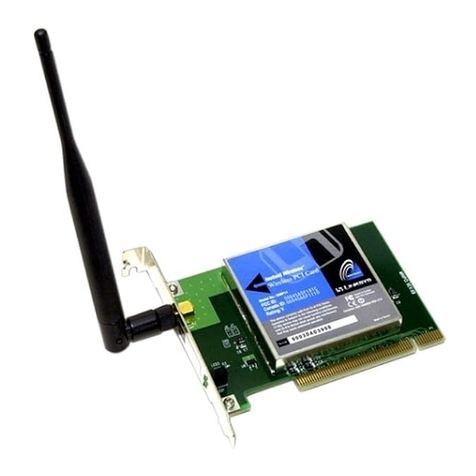
Linksys WMP11 ver. 2.7 User manual

Linksys

Linksys WMP11 ver. 2.7 User manual

Linksys WMP200 Operation manual

Linksys

Linksys WMP200 Operation manual

Linksys WMP55AG User manual

Linksys

Linksys WMP55AG User manual

Linksys WMP54G User manual

Linksys

Linksys WMP54G User manual

Linksys WMP11 ver. 2.7 User manual

Linksys

Linksys WMP11 ver. 2.7 User manual

Linksys WMP11 ver. 2.7 Original operating instructions

Linksys

Linksys WMP11 ver. 2.7 Original operating instructions

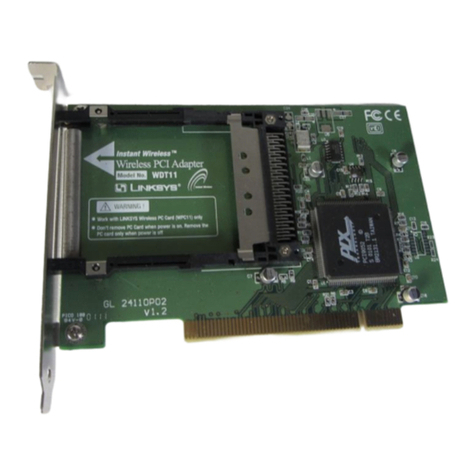
Linksys WDT11 User manual

Linksys

Linksys WDT11 User manual

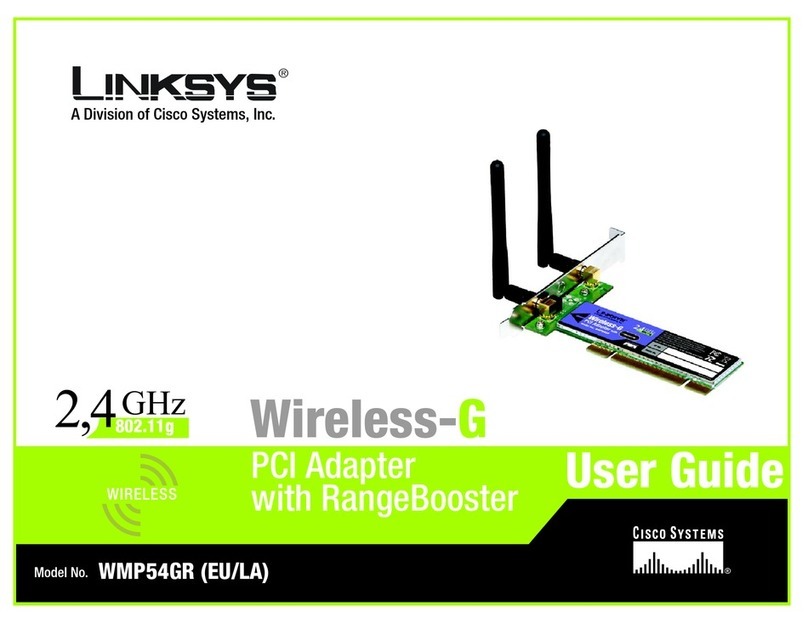
Linksys WMP54GR Original operating instructions

Linksys

Linksys WMP54GR Original operating instructions

Linksys LINKSYS WMP300N User manual

Linksys

Linksys LINKSYS WMP300N User manual

Linksys WM821-M User manual

Linksys

Linksys WM821-M User manual

Linksys WMP54G User manual

Linksys

Linksys WMP54G User manual

Linksys WMP54GR User manual

Linksys

Linksys WMP54GR User manual

Linksys WMP54GS EU Original operating instructions

Linksys

Linksys WMP54GS EU Original operating instructions

Linksys WMP55AG Original operating instructions

Linksys

Linksys WMP55AG Original operating instructions

Linksys WMP200 Original operating instructions

Linksys

Linksys WMP200 Original operating instructions

Linksys WMP11 ver. 2.7 Original operating instructions

Linksys

Linksys WMP11 ver. 2.7 Original operating instructions

Linksys RangePlus WMP110 Original operating instructions

Linksys

Linksys RangePlus WMP110 Original operating instructions

Linksys WMP54G User manual

Linksys

Linksys WMP54G User manual

Linksys WMP54G Operation manual

Linksys

Linksys WMP54G Operation manual

Linksys WMP54GS EU User manual

Linksys

Linksys WMP54GS EU User manual

Linksys LINKSYS WMP300N Original operating instructions

Linksys

Linksys LINKSYS WMP300N Original operating instructions

Linksys WMP200 User manual

Linksys

Linksys WMP200 User manual

Linksys WMP600N User manual

Linksys

Linksys WMP600N User manual

Linksys Instant Broadband Series User manual

Linksys

Linksys Instant Broadband Series User manual

Popular PCI Card manuals by other brands

Avermedia ER330 Quick installation guide

Avermedia

Avermedia ER330 Quick installation guide

ERMA SSI 1417 instruction manual

ERMA

ERMA SSI 1417 instruction manual

SIIG CyberSerial Dual PCI Software installation

SIIG

SIIG CyberSerial Dual PCI Software installation

Airlink101 AWLH3028 user manual

Airlink101

Airlink101 AWLH3028 user manual

Dolphin MXH932 user guide

Dolphin

Dolphin MXH932 user guide

I-Bus IBC2602 user guide

I-Bus

I-Bus IBC2602 user guide

ICP DAS USA PCI-1002H user manual

ICP DAS USA

ICP DAS USA PCI-1002H user manual

Exsys EX-60102 manual

Exsys

Exsys EX-60102 manual

Chelsio Communications T5 Series Installation and user guide

Chelsio Communications

Chelsio Communications T5 Series Installation and user guide

Conrad Electronic 97 46 71 operating instructions

Conrad Electronic

Conrad Electronic 97 46 71 operating instructions

Micro Innovations USB650A Quick installation guide

Micro Innovations

Micro Innovations USB650A Quick installation guide

KTI Networks KF-310 user guide

KTI Networks

KTI Networks KF-310 user guide

Intellinet 500517 user manual

Intellinet

Intellinet 500517 user manual

Asus SpaceLink WL230 user manual

Asus

Asus SpaceLink WL230 user manual

SIIG SC2475 Quick installation guide

SIIG

SIIG SC2475 Quick installation guide

TRENDnet TEW-703PI Quick installation guide

TRENDnet

TRENDnet TEW-703PI Quick installation guide

Pericom PI7C7100 manual

Pericom

Pericom PI7C7100 manual

ADLINK Technology cPCI-3548 user manual

ADLINK Technology

ADLINK Technology cPCI-3548 user manual

manuals.online logo
manuals.online logoBrands
  • About & Mission
  • Contact us
  • Privacy Policy
  • Terms and Conditions

Copyright 2025 Manuals.Online. All Rights Reserved.

Model No.
Product Data
Wireless
WMP54GS
Put your desktop PC anywhere you want —
high-speed networking without wires!
High-speed Wireless-G for
your desktop PC, now
with SpeedBooster perfor-
mance enhancement
Also interoperates
with standard Wire-
less-G and Wireless-B
networks
Put your PC wher-
ever you want, with
no cabling hassle
New SpeedBooster
technology increases
wireless network perfor-
mance by up to 35%
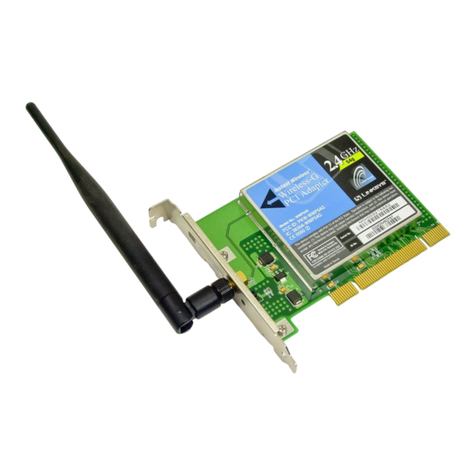
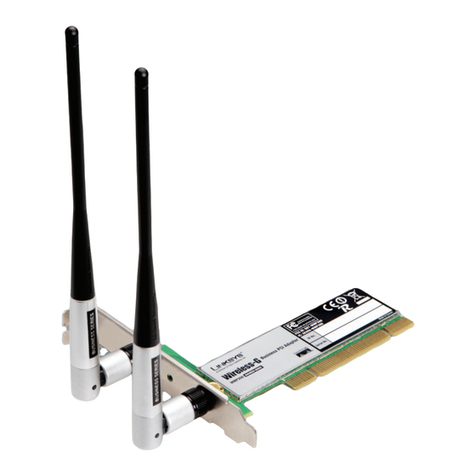
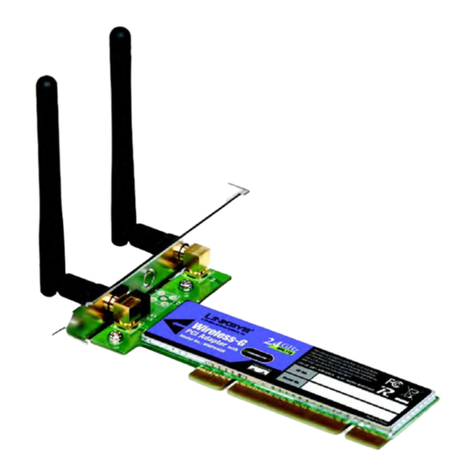
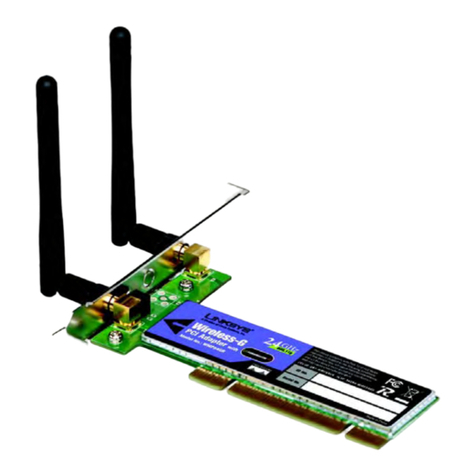
"The Linksys Wireless-G PCI Card with SpeedBooster installs in most desktop
and tower PCs, and lets you put your computer almost anywhere in the build-
ing without the cost and hassle of running network cables. Now you don't
have to drill holes in your walls and climb through the attic or cellar to get
connected to the network. Once you're connected, you can keep in touch
with your e-mail, access the Internet, use instant messaging to chat with
friends, and share files and other resources such as printers and network stor-
age with other computers on the network.
The Wireless-G PCI Card with SpeedBooster incorporates the next generation
of Wireless-G. In standard Wireless-G (802.11g) mode, the Card can connect
to wireless networks at an incredible 54Mbps. With our new SpeedBooster
technology enabled, your "real-world" wireless network performance
increases by up to 35%! Unlike other speed-enhancing technologies, Speed-
Booster is 802.11 compliant, fully compatible with standard Wireless-G, and a
"good neighbor" to other wireless devices and technologies, using a single
2.4GHz channel as specified by the official wireless standard. And, unlike
other technologies, with SpeedBooster you'll see an overall speed improve-
ment even when running a mixed network of SpeedBooster and regular Wire-
less-G devices.
For added versatility, it can also interoperate with all the 11Mbps Wireless-B
(802.11b) products found in homes, businesses, and public wireless hotspots
around the country. In any mode, your wireless communications are pro-
tected by industrial-strength Wi-Fi Protected Access (WPA) encryption, so your
data stays secure.
So don't hassle with running cables through your house -- get your desktop
connected the easy way with the Linksys Wireless-G PCI Card with Speed-
Booster.
PCI Adapter with SpeedBooster
Wireless-G

Model No.
Product Data
Model No.
Linksys
A Division of Cisco Systems, Inc.
18582 Teller Avenue
Irvine, CA 92612 USA
E-mail: [email protected]
[email protected]
Web: http://www.linksys.com
Linksys products are available in more than 50
countries, supported by 12 Linksys Regional Offices
throughout the world. For a complete list of local
Linksys Sales and Technical Support contacts, visit
our Worldwide Web Site at www.linksys.com.
WMP54GS
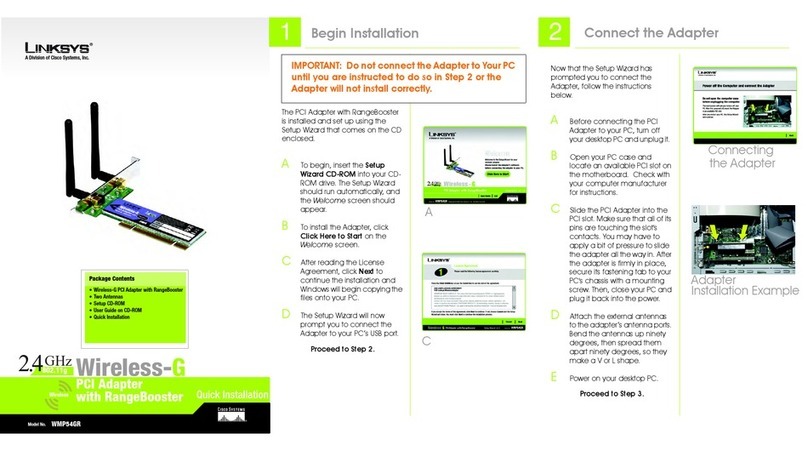
Package Contents
• Wireless-G PCI Adapter with Speed-

Booster
• External Antenna
• Setup Wizard CD-ROM
• User Guide on CD-ROM
• Quick Installation and Registration
Card
Wireless-G

Minimum Requirements
• 500 Mhz or Faster Processor
• 128 MB of RAM
• Available PCI Slot
• CD-ROM Drive
• Windows 2000 or XP
WMP54GS-DS-41119B KL
Specifications are subject to change without notice. Linksys is a registered trademark or trademark of Cisco Systems, Inc. and/or its affiliates in the U.S. and certain other countries. Copyright © 2004
Cisco Systems, Inc. All rights reserved. Other brands and product names are trademarks or registered trademarks of their respective holders.
PCI Adapter with SpeedBooster
Features
• Operates in the 2.4Ghz fre-
quency spectrum with
throughput of up to 54 Mbps
in Wireless-G mode
• SpeedBooster technology
increases wireless perfor-
mance by up to 35%
• Complies with IEEE 802.11g
standards, and backwards
compatible with IEEE 802.11b
products
• Up to 128-bit WEP or WPA
encryption
• 32-bit PCI Interface
• Compatible with Windows
2000 and XP
Specifications
Model Number WMP54GS
Standards 802.11b, IEEE 802.11g
LEDs Act: Solid when linked, flashes with traffic
Transmit Power 15dBm
Sensitivity -80dBm
Security Features WEP and WPA
Modulation 802.11b: CCK (11 Mbps), DQPSK (2 Mbps),
DBPSK (1 Mbps);
802.11g: OFDM
WEP key bits 64Bit and 128Bit
Network Protocol TCP/IP, IPX, NetBEUI
Environmental
Dimensions 6.18" x 8.66" x 0.91"
W x H x D 157 mm x 220 mm x 23 mm)
Unit Weight .22 lbs. (0.1 kg)
Certifications FCC
Operating Temp. 0°C ~ 65°C (32°F ~ 150°F)
Storage Temp. -40°C ~ 85°C (-40°F~ 185°F)
Operating Humidity 0% ~ 95% Non-Condensing
Storage Humidity 0% ~ 95% Non-Condensing