7
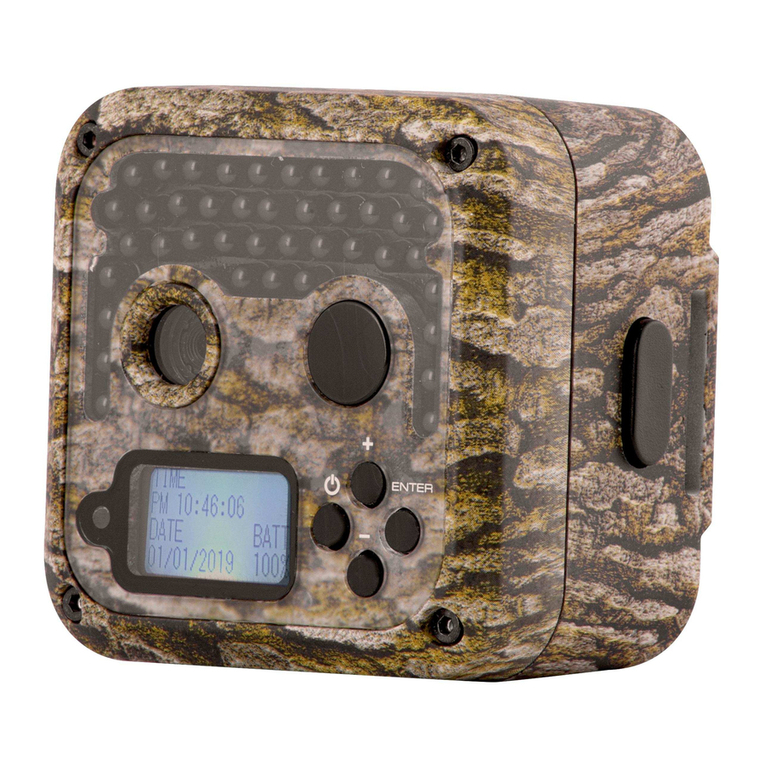
Press SHOT key to manually take picture or video and save
in SD card. Furthermore, press SHOT key to play or stop
playing video when replying.
Press REPLAY key to enter Replay mode (confirmation
function in menu mode). At this moment, press up and down
arrow key to turn page, left and right key to zoom in and restore
the picture.
Press key to enter menu, change parameters setting to
make the camera works as required. To change the camera
parameters, please refer to the Advanced Settings for better
operation.
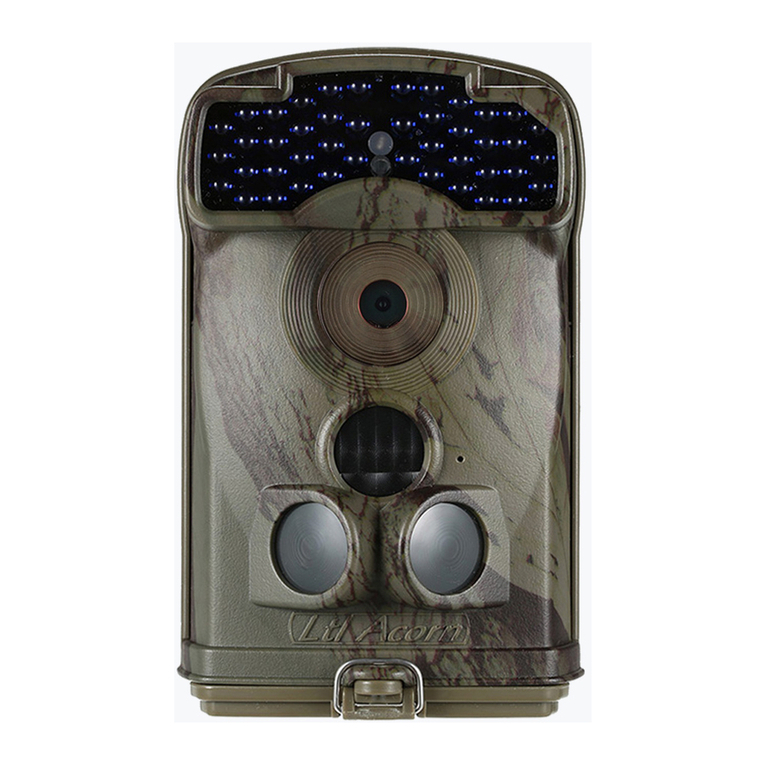
In the Test mode, you can test the working area of the IR sensor,
especially the sensing angle and the sensing distance. Do the
following:
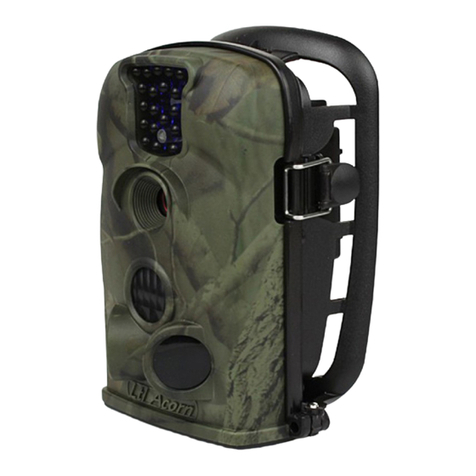
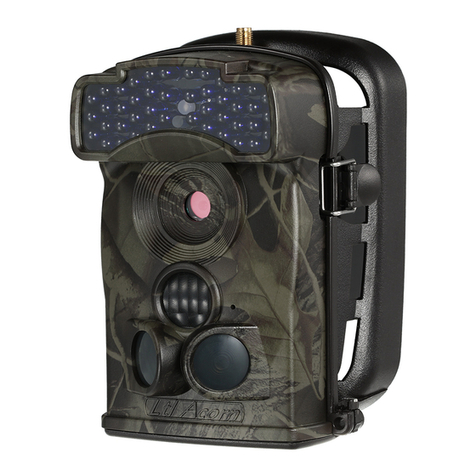
First please tie the camera to a tree with a strap and aim at the
area as needed.
Walk from one side to another side of the sensing area in front of
the camera,try different distance and angle.
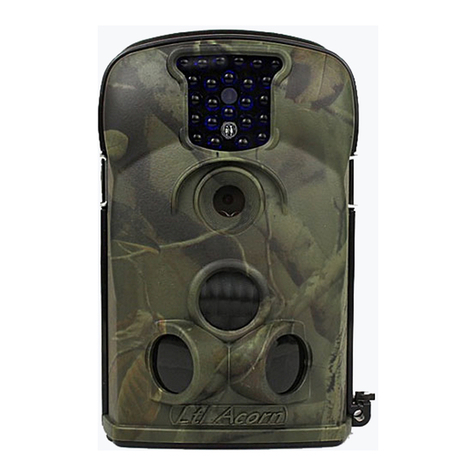
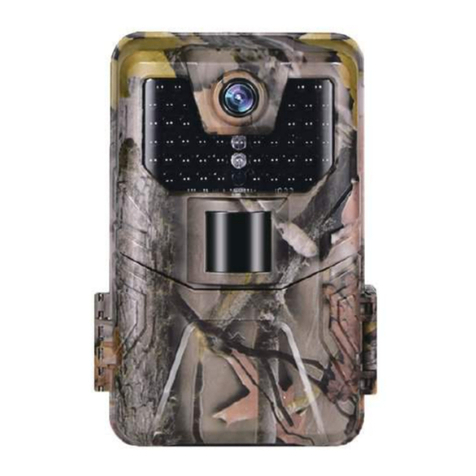
If the indicator light flashes red when moving, it indicates that the
camera will record at your location.
After doing this test, you can find the best shooting position when you
install the camera. In general, we recommend placing the camera at a
height of 3 to 6 feet (1 to 2 meters) from the ground.
2.4 Automatic Infrared Sensing Shooting
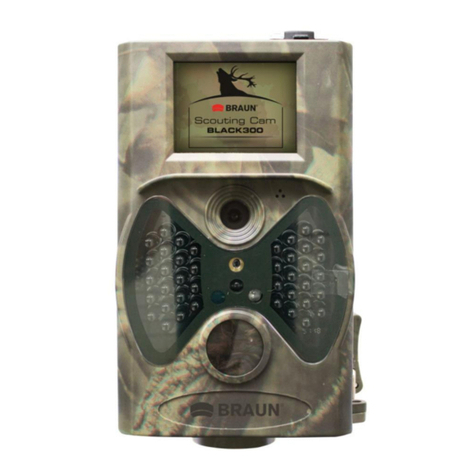
After load 6 fully charged 18650 lithium batteries, turn switch outwards to
ON mode, close the camera unit with battery box and lock the buckles, when
the working indicator light is flashing,it enters the ON mode by default to
shoot automatically. After entering this mode, the red indicator light on the
front of the camera will flash 5 times, after the red light is off, the camera
enters the automatic shooting mode. When animal or other objects enter the
sensing range of the PIR, the camera will immediately start recording picture
or video.
Caution: To avoid potential false triggers due to temperature and
motion disturbances, please do not aim the camera at a heat source
(e.g.: the sun, heated stone or metal) or nearby tree branches and
twigs. The ideal direction to aim at is the north and the open place
without heat source.