using the master power switch. The embedded green indicator will illuminate (if applicable, ensure
that the liquid light guide is inserted and secured; see below).!
The AURA Light Engine may be configured for light delivery via a liquid light guide (Figure 3) or an
SMA-terminated optical fiber. The output couplers are built into the light engine front panel and are
not field-exchangeable. The liquid light guide output coupler incorporates an electrical power
interlock switch in the back of the receptacle. The liquid light guide must be fully inserted in the
receptacle to activate the interlock. Electrical power supply to the light engine cannot be turned on
via front panel power switch until the interlock is activated. After fully inserting the liquid light guide,
lock it in position using the set screw on the side of the receptacle to prevent inadvertent
disconnection of the light guide during use.!
3.3 Operation
3.3.1 Control and Interlock Keys
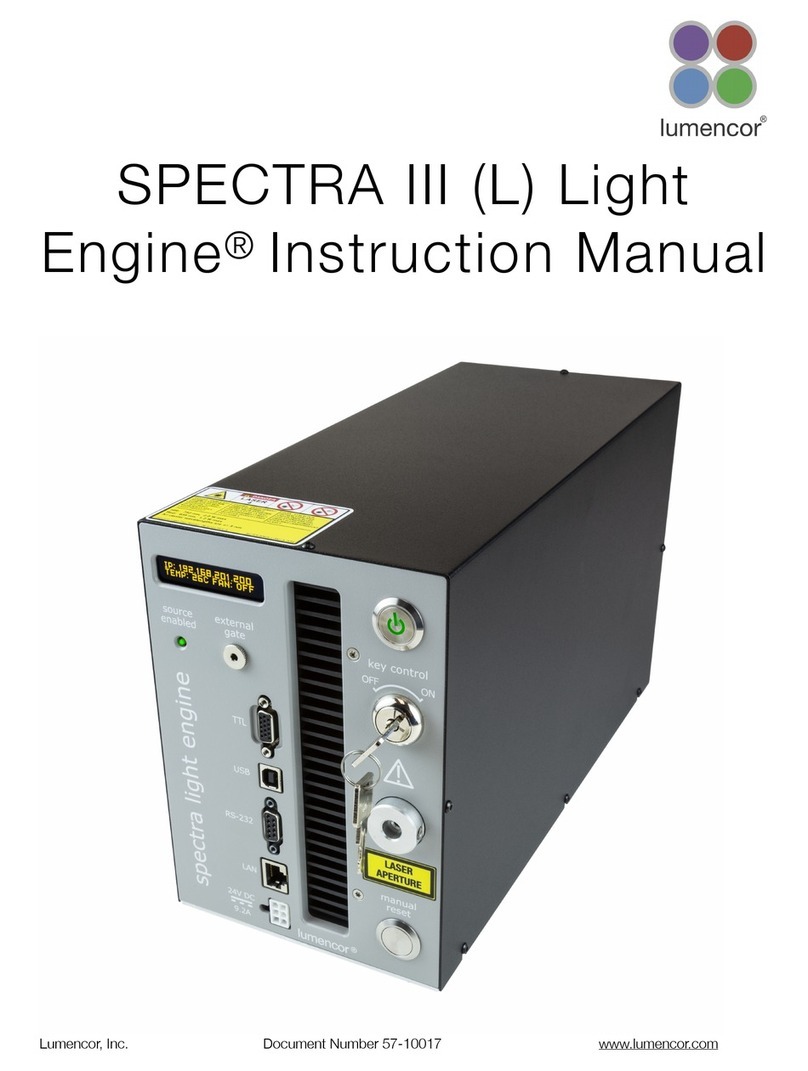
The Master Power Switch button on the front panel (Figure 3) turns the electrical power to the unit
on or off. A green power indicator embedded in the button is lit when the power supply is
connected to the light engine and the power button is in the on position. Initialization of the onboard
computer takes about 30 seconds after the master power switch is turned on. When initialization is
complete, the status indicator display (Figure 3) will activate.!
The Key Control (Figure 3) must be in the on position before light output can be turned on. The key
must be removed and stored in a secure location when the product is not in use. ONLY trained
individuals should use and have access to the key. The Master Power Switch button, Key control
and Remote interlock (Figure 2) can be used to shut offlight output.!
The Source Enabled indicator LED (below the status indicator display; Figure 3) provides a warning
indication that one or more light sources are active and emitting invisible and/or visible radiation.!
The Remote Interlock Connector: (Figure 4) is provided to allow for connection of a remote
interlock. When this interlock is open it will shut offlight output. After the interlock has been
opened, the Manual Reset button will need to be pushed to resume light output.!
WARNING:$The Remote Interlock relies on a passive continuity circuit for proper operation.$It does
not provide a voltage source for external circuitry, nor can external voltage sources be applied to it. !
UNDER NO!CIRCUMSTANCES should a voltage or voltage source be applied to the Remote
Interlock circuit.$$APPLYING A VOLTAGE OF EITHER POLARITY MAY RESULT IN ANOMALOUS
OPERATION AND/OR DAMAGE THE PRODUCT, AND COULD IMPACT SAFETY.