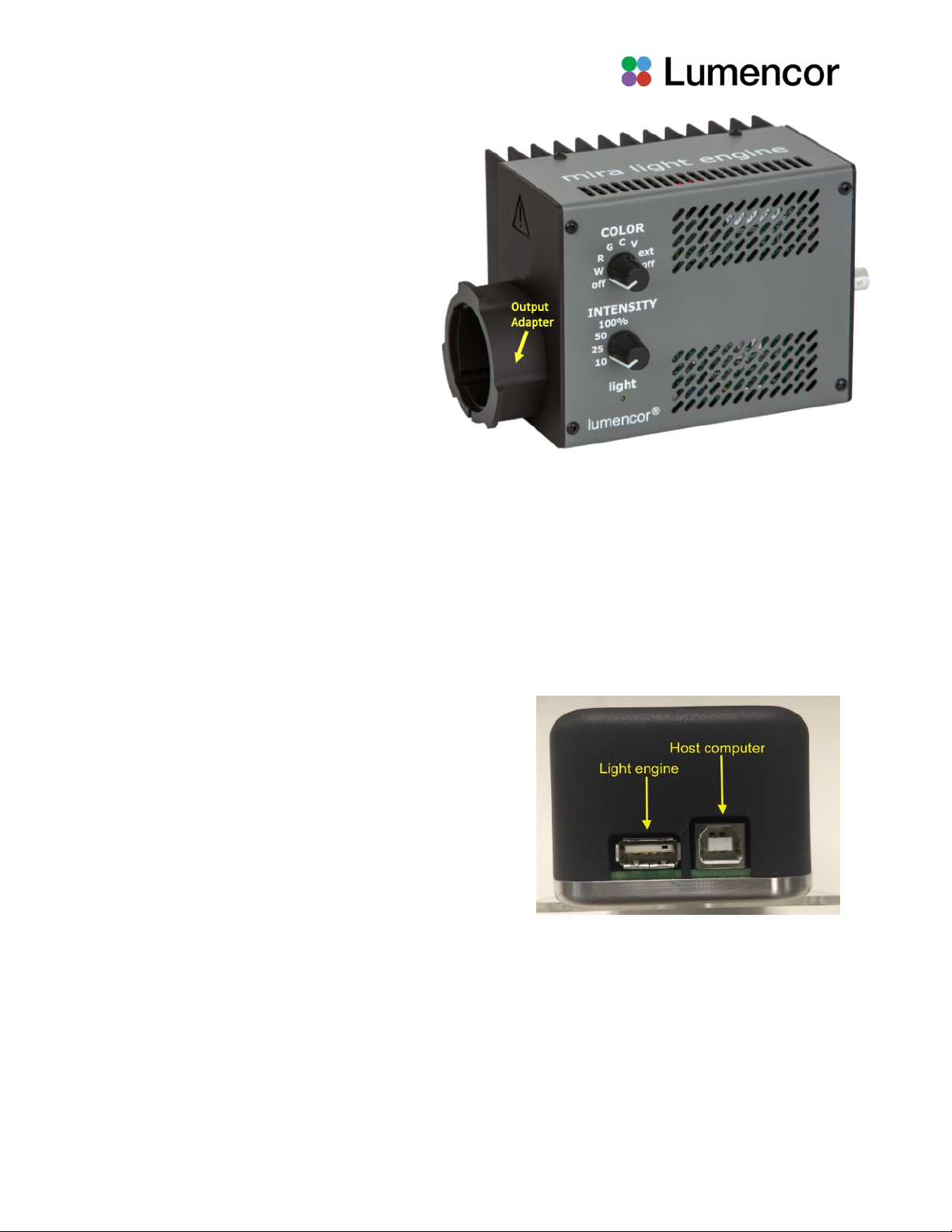
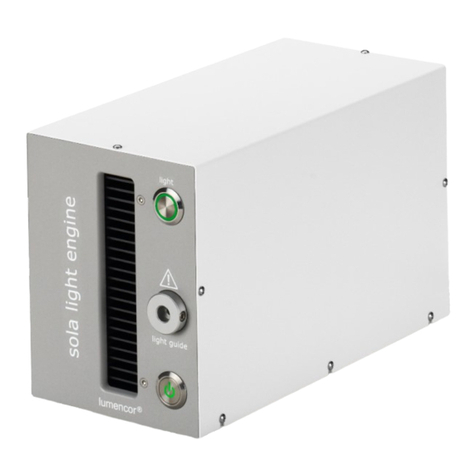
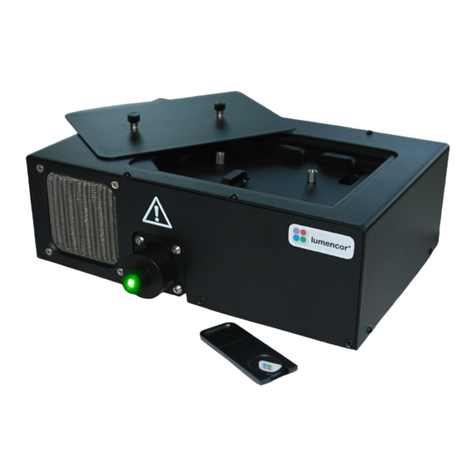
Two control knobs are located on the side panel (Figure 2). The “COLOR” knob allows the user to select light output
from any or all of the four color channels. The selections are “V” for violet, “C” for cyan, “G” for green and “R” for the red
color channel. The “W” setting is for white light, when all four color bands are simultaneously illuminated. The “ext”
setting allows the MIRA light engine to be controlled using the Light Engine Control Pod (see below). There are two “off”
settings at opposite ends of the knob range. Both of these “off” settings turn the electrical power to the light engine off.
The “INTENSITY” control knob sets four different levels of output attenuation between 100% and 10% of maximum. This
setting is applied to the current source selection according to the position of the “COLOR” knob. It is recommended that
the intensity be set to the “10%” position when a source is first turned on, and then increased as necessary. A yellow
indicator light below the INTENSITY control knob on the side panel (Figure 2) alerts the user that light output is active.
3.4 Operation Using the Light Engine Control Pod
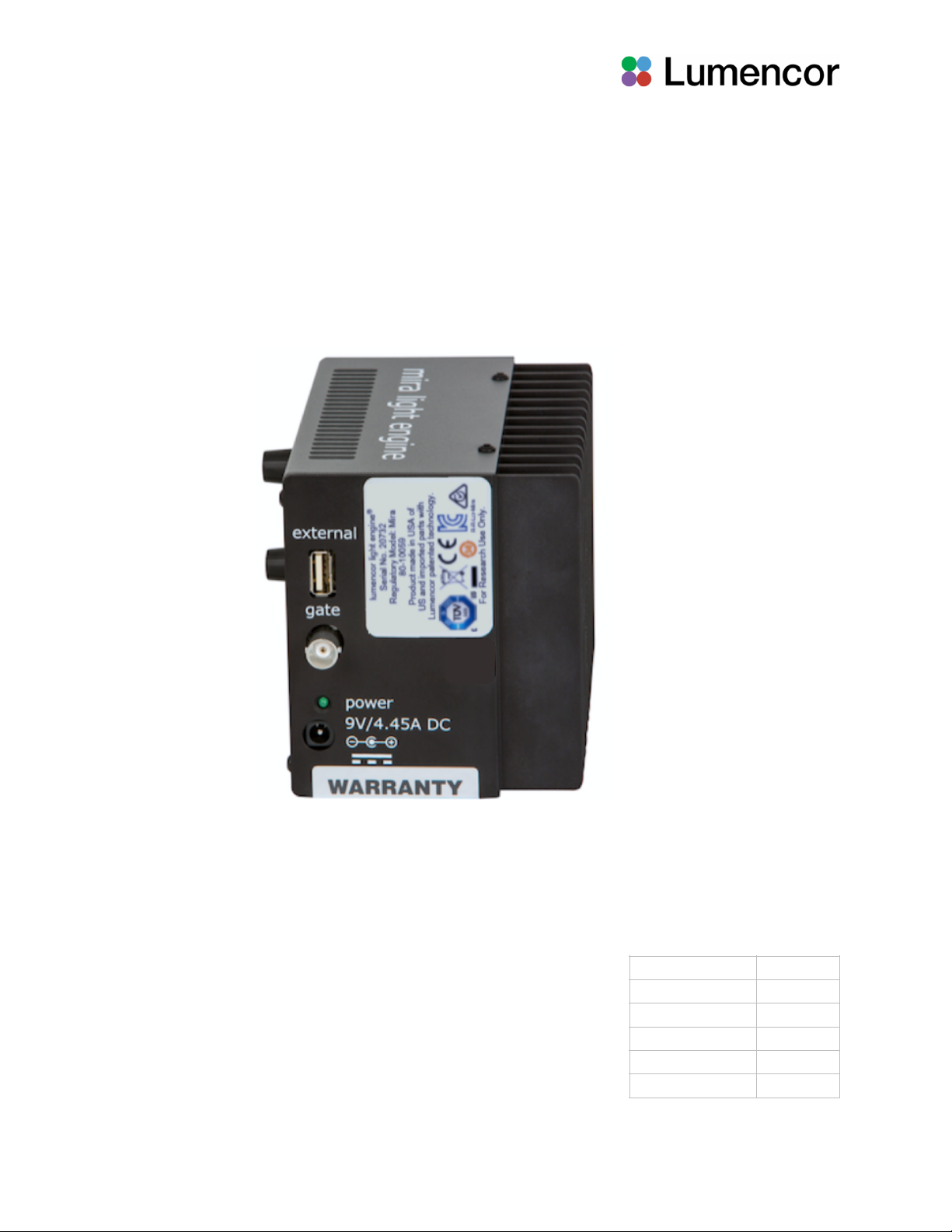
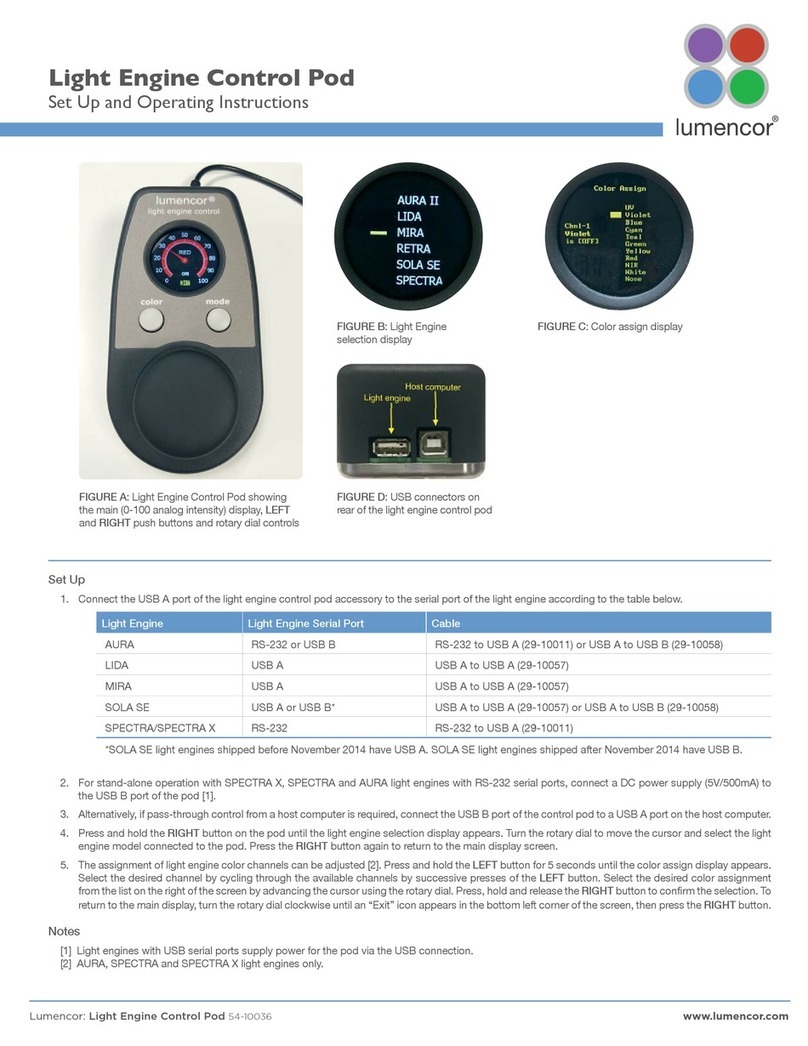
1. Connect the USB A port of the light engine control pod accessory (83-10007) to the USB A (“external”) port on the
MIRA using the USB-A to-USB A cable (29-10057) [1].
2. Move the COLOR control knob on the side panel of the MIRA) to the “ext” position [2].
3. Press and hold the right button on the pod until a menu of light engines appears. Turn the rotary dial to select “MIRA”
from the menu. Press the right button again to return to the main (0–100 analog intensity) display screen.
4. WARNING: Before turning the light output on, be sure the output port of the MIRA is safely directed into an enclosed
optical path (e.g. microscope epi-illuminator input port).
AVERTISSEMENT!:avant d'allumer la sortie de lumière, assurez-vous que le port de sortie du MIRA est dirigé en
toute sécurité dans un chemin optique fermé (par exemple, le port d'entrée de l'épi-illuminateur du microscope).!
5. Press the left button on the pod to select the desired color channel. Successive presses will cycle through the
available color channels.
6. Press the right button to turn the selected light source on [3]. The yellow ”light” indicator on the MIRA side panel
(Figure 2) alerts the user that light output is active. Adjust the output intensity using the rotary dial on the pod [4].
Press the right button again to turn the selected light source off.
7. Press and hold the left button to view a digital rendition of the intensity setting [5]. Press the right button to return to
the main display screen.
8. Further details of control pod operation are available at Lumencor’s Operating Instructions site.
Notes
[1] The MIRA does not currently support pass-through control from a host computer.
[2] This will activate electrical power supply from the MIRA to the pod.
[3] There is no warm-up time; the light engine output stabilizes less than 1 second after the light output is switched on.
Light output can be switched off during intervals when it is not required for active viewing or data collection.
[4] Output intensity can be set from 0–100% in 1% increments; however operation in the 0–5% range is not
recommended. Turning the rotary dial to zero intensity automatically turns the selected light source off. Press the right
button to turn the source back on again.
[5] The current intensity settings are internally stored. When the pod is powered down, the settings are retained and will
be restored at the next restart.
3.5 Using the Gate Connector
The MIRA light engine output can be turned on/off electronically using the electronic shutter function accessed through
the BNC “gate” connector located on the rear panel. A > 3.3 V “high” signal applied to the BNC connector will turn the
source on while a <1.5 V signal turns the source off. The MIRA light engine can support an on/off switching rate up to
approximately 1 kHz. Note that DC control levels applied to the gate connector DO NOT trigger selected color channels.
Light sources must first be enabled using the side panel COLOR control knob or the touchscreen control tablet.