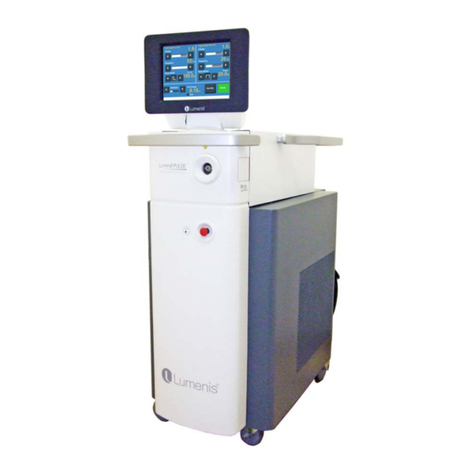
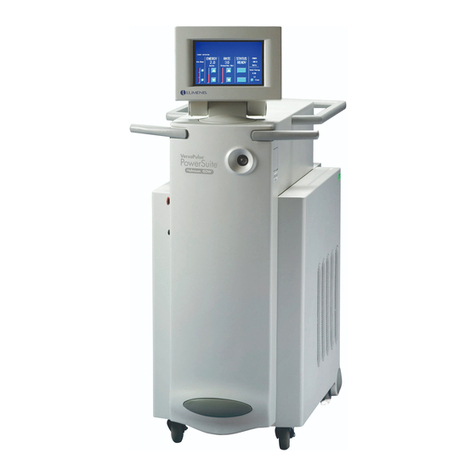
Lumenis® PulseTM 60H Laser System Table of Contents
UM-20057180EN, Rev. A Page 6
Powering Up the System ............................................................................................. 61
Restarting the Laser System ........................................................................................ 63
Setting the Treatment Parameters and Controls ......................................................... 64
Starting the Laser Treatment ....................................................................................... 67
Operating in Moses Mode with Moses Fibers .............................................................. 69
Selecting Moses Mode Treatment ............................................................................... 69
Intra-Operative Instructions .......................................................................................... 71
Post-Operative Instructions .......................................................................................... 73
Shutting Down the System ........................................................................................... 74
Advanced Operations ................................................................................................ 76
Saving Settings as Presets .......................................................................................... 76
Preset Management ..................................................................................................... 78
Introduction ..................................................................................................................78
Choosing Presets ......................................................................................................... 80
Creating New Presets .................................................................................................. 82
Editing Presets ............................................................................................................. 84
Duplicating Presets ...................................................................................................... 86
Deleting Presets ........................................................................................................... 88
Exporting Presets ......................................................................................................... 89
Favorites ...................................................................................................................... 91
Changing the Favorite Presets (Add, Remove and Reorder) ...................................... 91
Favorite: Quick Add .................................................................................................... 94
Favorite: Quick Remove .............................................................................................. 95
Reports ........................................................................................................................ 96
Exporting the Reports .................................................................................................. 97
Changing the Default Specialty .................................................................................. 100
Other Operations ....................................................................................................... 102
Turning Off the Aiming Beam ..................................................................................... 102
Changing Screen Settings ......................................................................................... 103
Adjusting Volume and Sound Indications .................................................................. 104
Changing Date and Time ........................................................................................... 107
Changing the Interface Language .............................................................................. 110