CHARGING
USING YOUR LUMI Power PRO
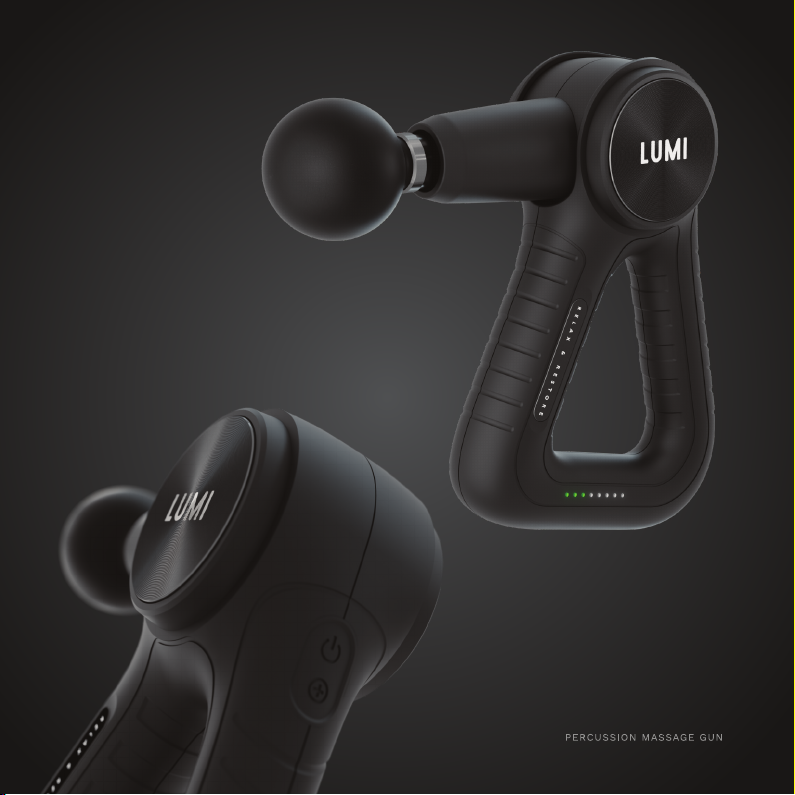
1. Press the power ( ) button on the top of your Lumi Pro to power ON, the green battery status
indicator LEDs will show the current battery level.
2. Press the speed (+) button to set the percussion speed to level 1. The white speed status indicator
LEDs (•••••) will show the current speed level.
a. Tap the speed (+) button a second time for level 2, a third time for level 3, a fourth time for
level 4 and a fth time for the maximum level 5.
b. A sixth press will reset the speed level to level 0, stopping the percussive action.
3. At the desired percussion speed, oat the massage head along your desired muscle group. Apply
pressure as needed - You shouldn’t need to push forcefully into the muscle, let the percussive
pulses do all the hard work!
4. Once you have nished your massage session and press power ( ) button to power OFF.
OPERATING INSTRUCTIONS
1. Ensure the LUMI PRO is OFF before charging.
2. Connect the charging power cable to the charging port on the bottom of the unit and then plug
the charging cable into a power supply.
3. Charge the battery fully (for up to 3 hours) before using your PRO for the rst time.
4. The green battery status indicator LEDs (•••) will blink alternately during charging. The battery
status LEDs will stop blinking and all 3 will remain lit when your Lumi Pro is fully charged.
5. The number of battery status indicator LEDs (•••) indicate the current battery level.
6. For best results, charge the battery as soon as the status indicator LEDs.
7. When the battery level is very low, the unit will switch o and enter battery protection mode. If
this occurs, power o the unit and fully charge it before using it again.
8. Average run-time on a full charge is 4-5 hours at high speed and 8-10 hours at low speed.
7