User Guide
8© Copyright 2011 Luxul. All rights reserved. Trademarks & Registered Trademarks are property of respective holders.
3.3 Safety Information
To maintain the safety of users and property, follow these safety instructions:
XThe XAP-1031/1032 wireless access point is designed for indoor use only. DO
NOT place this access point outdoors. If you require an outdoor access point,
please consider the Luxul XAP-1040.
XDO NOT install this access point in or near hot or humid places, such as a kitchen
or bathroom. Take care to minimize exposure to excessive heat or moisture.
XDO NOT pull any connected cable with force. When disconnecting cables, do so
by disconnecting first from the access point. When reconnecting, connect the AP
first and then the Power/data source.
XWhen installing the access point, be sure it is firmly secured.
XAccessories of this access point, such as mounting screws, the POE injector and
power supply may be dangerous to small children under 3 years of age. KEEP All
ACCESSORIES OUT OF THE REACH OF CHILDREN!
XThe access point may become hot when in use for extended time periods. This is
normal and is not a malfunction. DO NOT install this access point where it will
be exposed to paper, cloth or other flammable materials. If not using the electri-
cal box included with the unit, ALWAYS use a properly shielded and UL listed
electrical box for installation.
XThe XAP-1031/1032 contains no user-serviceable parts. If the access point is not
working properly, contact your dealer and ask for help. DO NOT attempt to
disassemble the access point.
4 HARDWARE FEATURES AND INSTALLATION
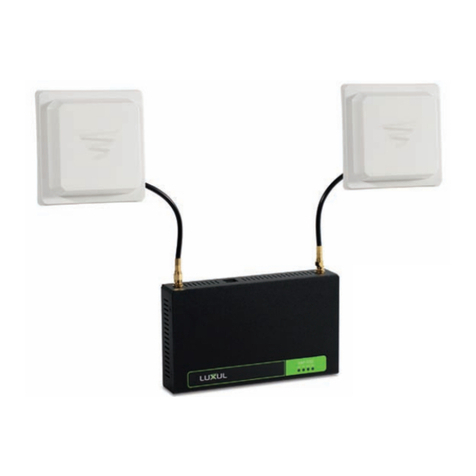
The XAP-1031/1032 high powered access point is designed for optimal perfor-
mance as well as for simple and efficient installation and setup. It implements two
Luxul circular polarized directional antennas. For optimal performance, antennas
should be placed in a location that allows the antennas to be “pointed” towards
the desired coverage areas and in such a way that signal overlap between the two
antennas is minimal. Installation can be directly on a wall or discreetly in an attic,
above ceiling tiles or other non-public area. The XAP-1031/1032 is ideal for use in
L-shaped, multi-wing or very large residential or commercial installations.
4.1 Front View
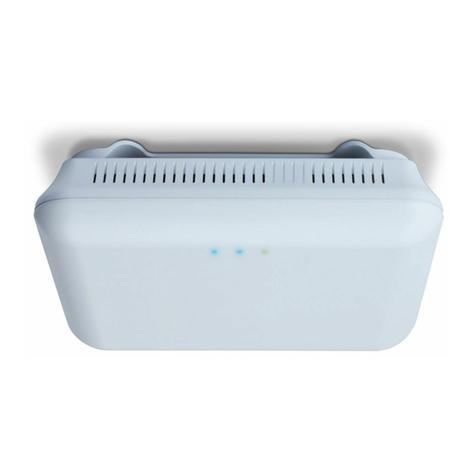
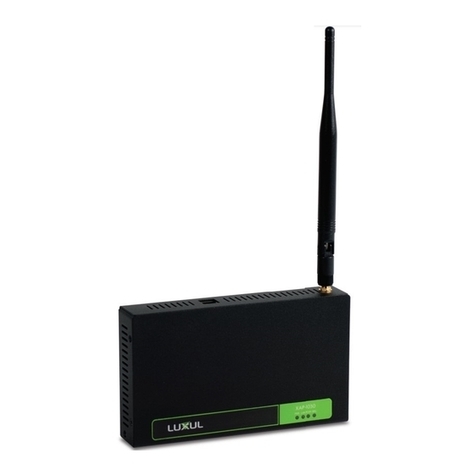
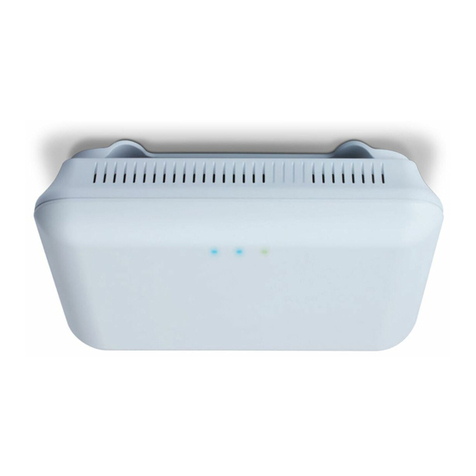
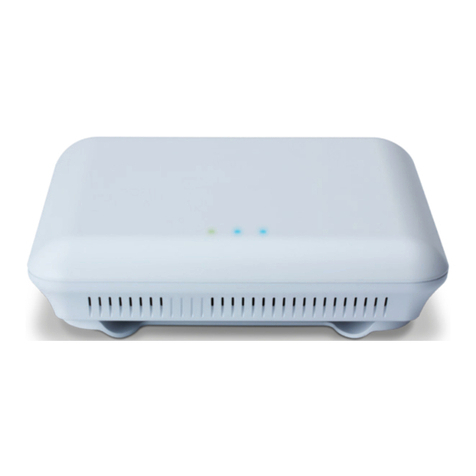
On the front of the XAP-1031/1032 are 4 LEDs. LEDs indicate 1) Power, 2) LAN Link/
Activity, 3) WLAN Status and 4) Bridge Mode.