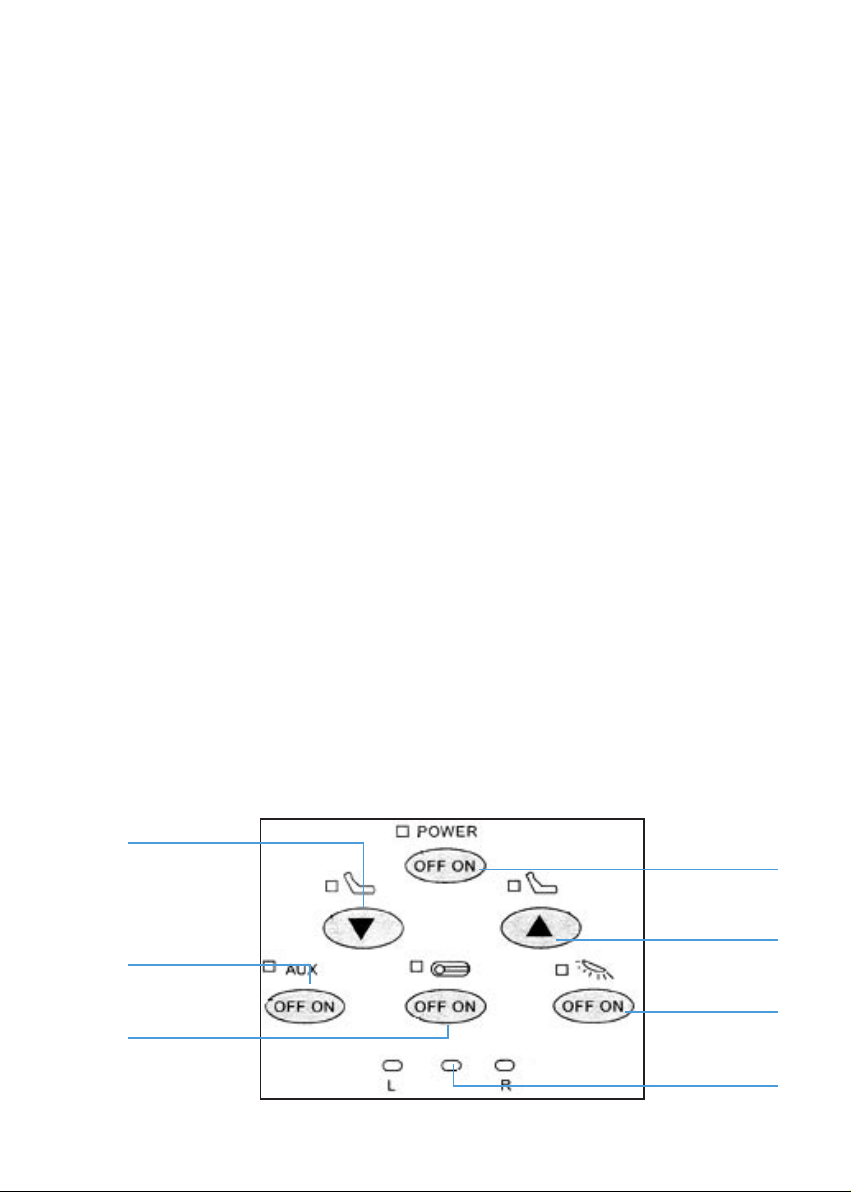
3. Push “On” button of “Power” switch, the indicator lights and indicates the power
supply is on.
Push “Off” button of “Power” switch, the indicator turns off indicates the power
supply is off.
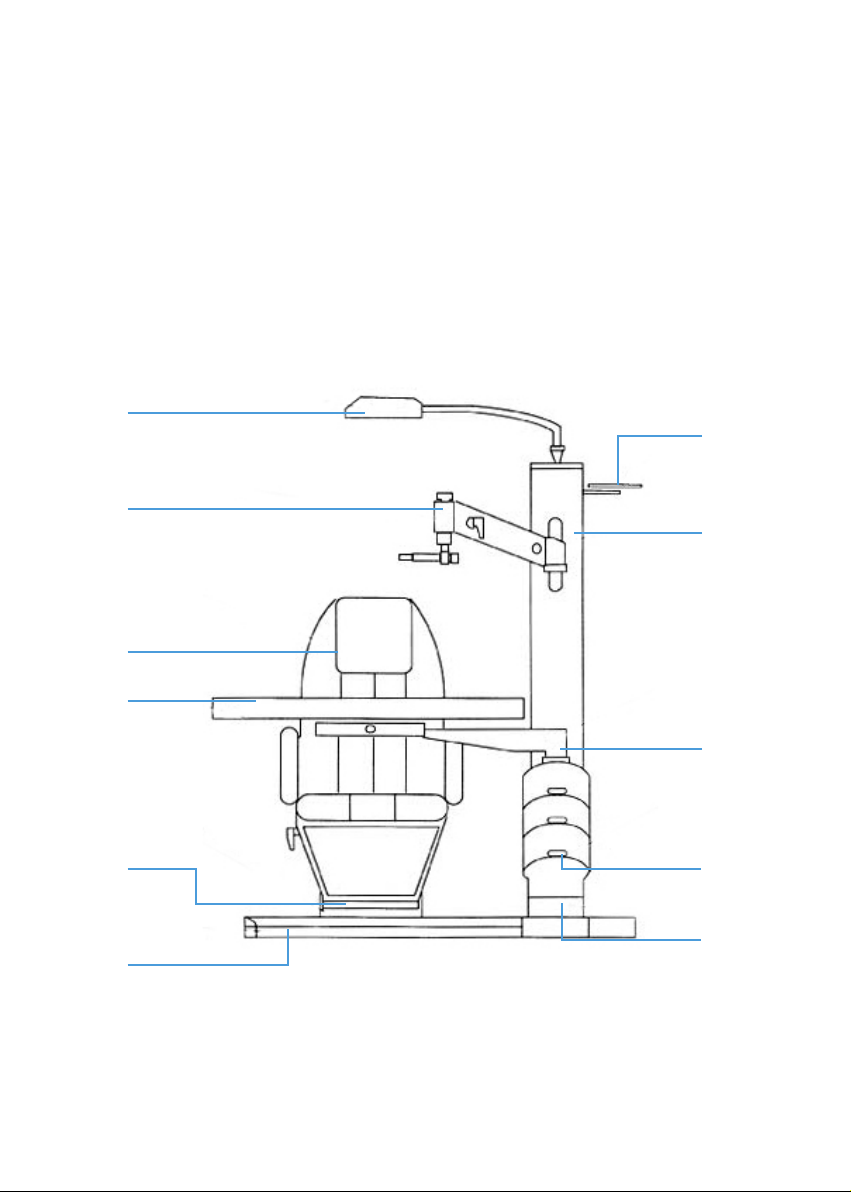
4. Use of the Chair
1. Push the “Up” chair button continuously so that the chair go up slowly; push
the “Down” chair button continuously so that the chair go down. There is
a limit switch for below the sliding table for preventing personal accidents.
2. The chair can be rotated horizontally to an angle of 90°. Please, loose the
locking lever the chair, then rotate the chair to an ideal angle, and lock it
up again.
3. It should be careful that operation of the chair for “Up” and “Down”can not
last continuously over on minute.
5. Projector
1. There is a xed socket on the upper part of the post for supplying power to
the projector.
2. On the control panel of the table, there is a control button for projector,
“On” and “Off”.
6. Sliding Table
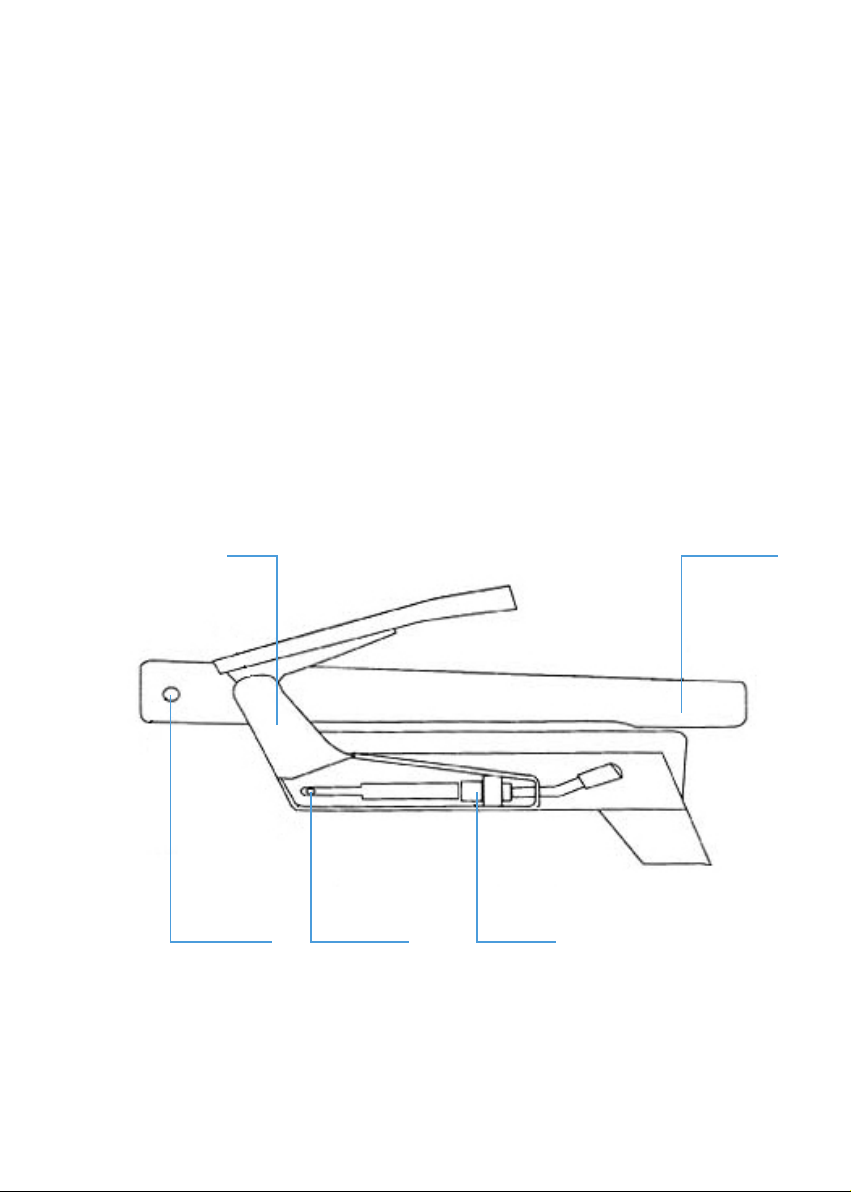
1. The sliding table is locked usually. Please loose the locking lever bellow the
table, then the table can slide horizontally.
2. The table can be rotated horizontally round the support to an angle of 90.
There is a mechanic limiting component. Please, loose the locking lever on
the support, the rotate the table to an ideal angle and lock it up again.
3. On the both sides of the table is a DC socket (3V-12V) for supplying power
to the crevice light. Please, open the control panne, there is a “Aux” button
for controlling slit lamp.
4. Below the sliding table,there is a socket for supplying power for the sight tester.
9