manuals.online logo
Brands
  1. Home
  2. •
  3. Brands
  4. •
  5. Lynx
  6. •
  7. Transmitter
  8. •
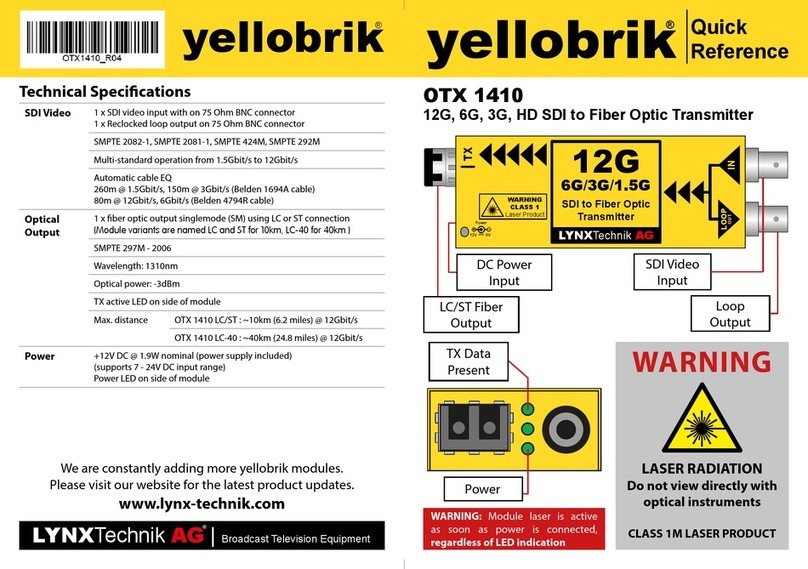
  9. Lynx yellobrik OTX 1410 User manual

Lynx yellobrik OTX 1410 User manual

Other Lynx Transmitter manuals

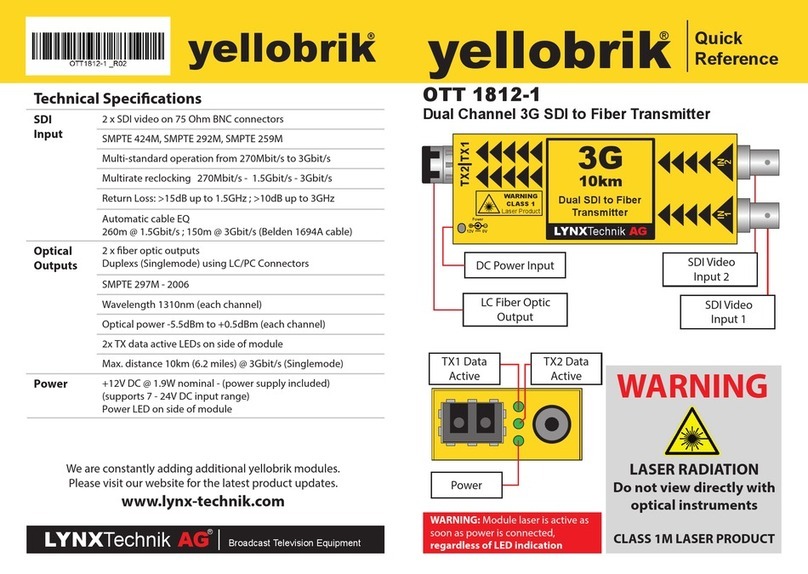
Lynx Yellobrik OTT 1812-1 User manual

Lynx

Lynx Yellobrik OTT 1812-1 User manual

Lynx yellobrik OTX 1410 User manual

Lynx

Lynx yellobrik OTX 1410 User manual

Lynx yellobrik OTT 1442 User manual

Lynx

Lynx yellobrik OTT 1442 User manual

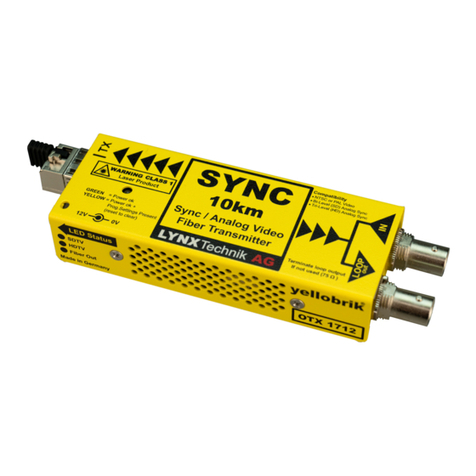
Lynx yellobrik OTX 1712-2 LC User manual

Lynx

Lynx yellobrik OTX 1712-2 LC User manual

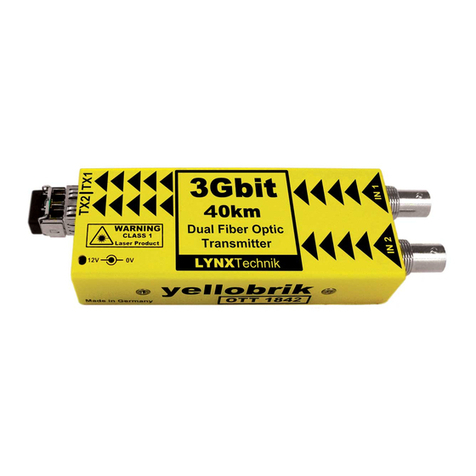
Lynx yellobrik OTT 1842-1 User manual

Lynx

Lynx yellobrik OTT 1842-1 User manual

Popular Transmitter manuals by other brands

Seneca K120RTD installation manual

Seneca

Seneca K120RTD installation manual

Nautel GV40 installation manual

Nautel

Nautel GV40 installation manual

HumanTechnik cm-light operating instructions

HumanTechnik

HumanTechnik cm-light operating instructions

INOR APAQ C130 TC User instructions

INOR

INOR APAQ C130 TC User instructions

Linear DXS-64 operating instructions

Linear

Linear DXS-64 operating instructions

FeinTech ABT00102 instruction manual

FeinTech

FeinTech ABT00102 instruction manual

Geo Web Pack quick start guide

Geo

Geo Web Pack quick start guide

Inovonics EchoStream EN1210W installation instructions

Inovonics

Inovonics EchoStream EN1210W installation instructions

IKONNIK KA-6 quick start guide

IKONNIK

IKONNIK KA-6 quick start guide

Rohde & Schwarz SR8000 Series System manual

Rohde & Schwarz

Rohde & Schwarz SR8000 Series System manual

Audio Technica UniPak ATW-T93 Installation and operation

Audio Technica

Audio Technica UniPak ATW-T93 Installation and operation

NIVELCO EasyTREK SCA-300 Series Programming manual

NIVELCO

NIVELCO EasyTREK SCA-300 Series Programming manual

Honeywell 5816WMBR installation instructions

Honeywell

Honeywell 5816WMBR installation instructions

Kamstrup READy MTU Installation and operation guide

Kamstrup

Kamstrup READy MTU Installation and operation guide

Omega ZW Series user guide

Omega

Omega ZW Series user guide

ABB Field 264H Instructions for installation

ABB

ABB Field 264H Instructions for installation

Dejero EnGo 3x manual

Dejero

Dejero EnGo 3x manual

Rosemount 4600 Reference manual

Rosemount

Rosemount 4600 Reference manual

manuals.online logo
manuals.online logoBrands
  • About & Mission
  • Contact us
  • Privacy Policy
  • Terms and Conditions

Copyright 2025 Manuals.Online. All Rights Reserved.

Technical Specications OTX 1410
12G, 6G, 3G, 1.5G SDI Fiber Optic Transmitter
IN LOOP
OUT
+12V 0V
TX
LYNXTechnik AG
12G
6G/3G/1.5G
SDI to Fiber Optic
Transmitter
WARNING
CLASS 1
Laser Product
WARNINGWARNING
LASER RADIATION
Do not view directly with
optical instruments
CLASS 1M LASER PRODUCT
SDI Video
Loop Output
SDI Video
Input
DC Power
Input
SFP Cage
with LC or ST
Connector
Power
Connected
Transmitting
Data
SDI Input 1 x SDI video input with 1 x SDI reclocked loop output
75 Ohm BNC connectors
SMPTE 2082-1, SMPTE 2081-1, SMPTE 424M, SMPTE 292M
Multi-standard operation from 1.5Gbit/s to 12Gbit/s
Multirate reclocking: 1.5Gbit - 3Gbit - 6Gbit - 12Gbit
Automatic cable EQ
260m @ 1.5Gbit/s, 150m @ 3Gbit/s (Belden 1694A cable)
80m @ 12Gbit/s, 6Gbit/s (Belden 4794R cable)
Optical Output 1 x fiber optic output singlemode (SM) using LC or ST connection
( Module variants are named LC and ST for 10km, LC-40 for 40km )
SMPTE 297M - 2006
Wavelength 1310nm
Optical power (typ) -3dBm
TX active LED on side of module
Max. distance ~10km (6.2 miles) @ 12Gbit/s (SM)
with OTX 1410 LC / ST
~40km (24.8 miles) @ 12Gbit/s (SM)
with OTX 1410 LC-40
Power +12VDC @ 2.2W nominal (power supply included)
(supports 7 - 24VDC input range)
Power LED on side of module
We are constantly adding more yellobrik modules.
Please visit our website for the latest product updates.
www.lynx-technik.com
yellobrik
®
Quick
Reference
yellobrik
®
LYNX
Technik
AG |
www.lynx-technik.com
Connections
The SDI video input is connected to the 75 Ohm BNC connections (up to
12G). The ber connections available are LC or ST Simplex singlemode
(SM). The 40km variant is only available with a LC connector.
The ber connection comes standard with an installed rubber plug to
prevent dust contamination. Please keep the plug for later use if the
cable is ever disconnected from the cable.
Operation
The maximum distance supported is 10km (6.2 miles) for the LC and ST
versions, 40km (24.8 miles) for the LC-40 version.
The TX LEDs indicate data transmission activity on the side of the
module.
The OTX 1410 is hot-swappable and hot-pluggable.
No user settings are provided for this module.
Note: If the TX LED is OFF, then this indicates that there is no SDI present or not a valid input.
Power
The module requires a 12V DC power input and the LED conrms when
power is connected. A power supply is provided, however if you use
your own power supply, please provide a clean power source between
7 and 24VDC.
The OTX 1410 has a power consumption of approximately 2.2W
nominal.
Power Lead Strain Relief
The module has a small hole in the case which is located above
the power connection. This prevents the power lead from being
accidentally pulled out. Use the supplied tie-wrap and secure the lead,
as shown below.
Optional Mounting Solutions
The optional RFR 1001 mounting bracket can be used to permanently
mount the module on any surface or on 19” rack rails.
The optional RFR 1000-1 rack mount can be used to mount up to 14
yellobrik modules permanently. In addition, the RFR 1000-1 can provide
full power redundancy for all mounted yellobriks.