manuals.online logo
Brands
  1. Home
  2. •
  3. Brands
  4. •
  5. M-system
  6. •
  7. Surge Protector
  8. •
  9. M-system MH-1201 User manual

M-system MH-1201 User manual

This manual suits for next models

2

Other M-system Surge Protector manuals

M-system 6SN User manual

M-system

M-system 6SN User manual

M-system MDP-PA User manual

M-system

M-system MDP-PA User manual

M-system MD7ST User manual

M-system

M-system MD7ST User manual

M-system MDP-100 User manual

M-system

M-system MDP-100 User manual

M-system MD7FB User manual

M-system

M-system MD7FB User manual

M-system MAKN User manual

M-system

M-system MAKN User manual

M-system MD7JS User manual

M-system

M-system MD7JS User manual

M-system MDP-24T User manual

M-system

M-system MDP-24T User manual

M-system MDK-LC User manual

M-system

M-system MDK-LC User manual

M-system MDP-SP User manual

M-system

M-system MDP-SP User manual

M-system MDH User manual

M-system

M-system MDH User manual

M-system MD-LC2 Service manual

M-system

M-system MD-LC2 Service manual

M-system MDP-24-1 User manual

M-system

M-system MDP-24-1 User manual

M-system MDP-65T User manual

M-system

M-system MDP-65T User manual

M-system MDP-200T User manual

M-system

M-system MDP-200T User manual

M-system MGD-24 User manual

M-system

M-system MGD-24 User manual

M-system MD6 24 Series User manual

M-system

M-system MD6 24 Series User manual

M-system MD7PL User manual

M-system

M-system MD7PL User manual

M-system MDP-4R User manual

M-system

M-system MDP-4R User manual

M-system MDR2 User manual

M-system

M-system MDR2 User manual

M-system MMA User manual

M-system

M-system MMA User manual

M-system MDCAT-SPE User manual

M-system

M-system MDCAT-SPE User manual

M-system MAL-230x User manual

M-system

M-system MAL-230x User manual

M-system MD73W User manual

M-system

M-system MD73W User manual

Popular Surge Protector manuals by other brands

Philips Theatre Director SPP4200WA/17 Owner's manual & warranty

Philips

Philips Theatre Director SPP4200WA/17 Owner's manual & warranty

CyberPower CSP600WSU user manual

CyberPower

CyberPower CSP600WSU user manual

UTP BALUN SP-VD08 user manual

UTP BALUN

UTP BALUN SP-VD08 user manual

ELAC ProteK PR91-W Setup guide

ELAC

ELAC ProteK PR91-W Setup guide

Tsubaki TSM4000M1 instruction manual

Tsubaki

Tsubaki TSM4000M1 instruction manual

CyberPower B1006T user manual

CyberPower

CyberPower B1006T user manual

QVS PP134C Specification sheet

QVS

QVS PP134C Specification sheet

Davis Instruments Radio Surge Protector user guide

Davis Instruments

Davis Instruments Radio Surge Protector user guide

CyberPower B300WRC1 user manual

CyberPower

CyberPower B300WRC1 user manual

Panamax MAX 5400-EX owner's guide

Panamax

Panamax MAX 5400-EX owner's guide

OBO Bettermann ÜSM-20-230I1PE65 installation instructions

OBO Bettermann

OBO Bettermann ÜSM-20-230I1PE65 installation instructions

CyberPower CSP604T user manual

CyberPower

CyberPower CSP604T user manual

CyberPower CSP706T user manual

CyberPower

CyberPower CSP706T user manual

Mitsubishi Electric LITOL LTM-125RF manual

Mitsubishi Electric

Mitsubishi Electric LITOL LTM-125RF manual

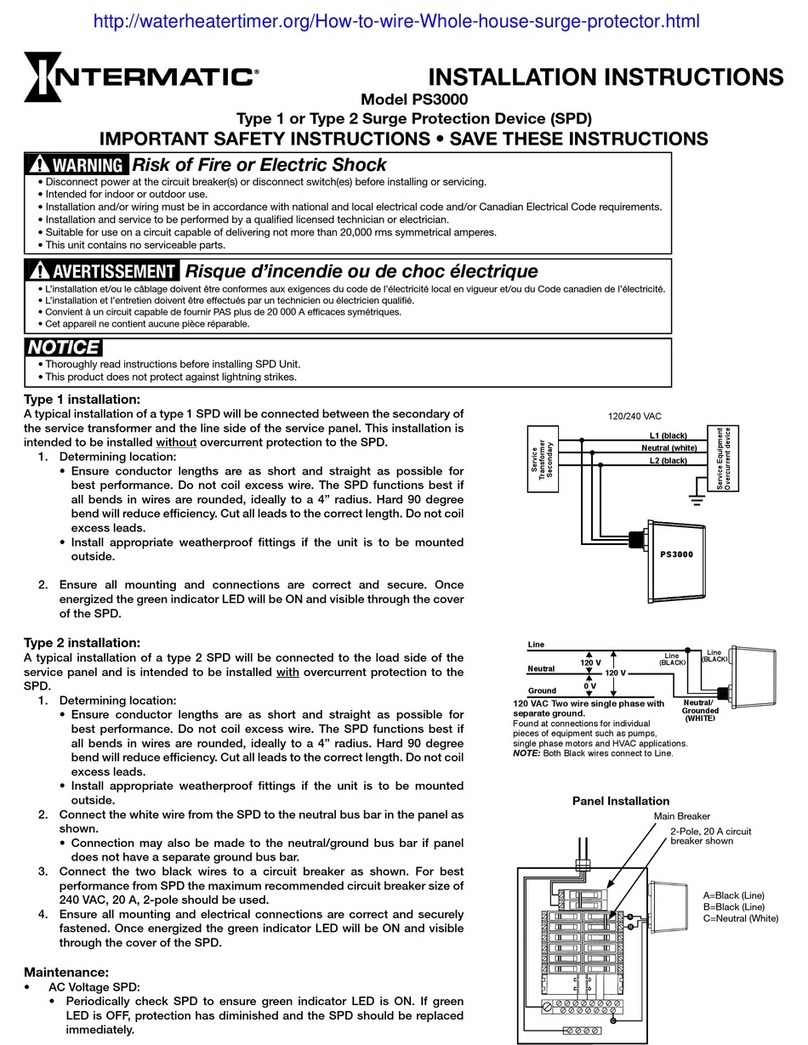
Intermatic PS3000 installation instructions

Intermatic

Intermatic PS3000 installation instructions

Siemens SICROWBAR 7VV3003 operating instructions

Siemens

Siemens SICROWBAR 7VV3003 operating instructions

Joslyn Surgitron I 1260 Installation, operation and maintenance manual

Joslyn

Joslyn Surgitron I 1260 Installation, operation and maintenance manual

Minuteman MMS7120RCT user guide

Minuteman

Minuteman MMS7120RCT user guide

manuals.online logo
manuals.online logoBrands
  • About & Mission
  • Contact us
  • Privacy Policy
  • Terms and Conditions

Copyright 2025 Manuals.Online. All Rights Reserved.

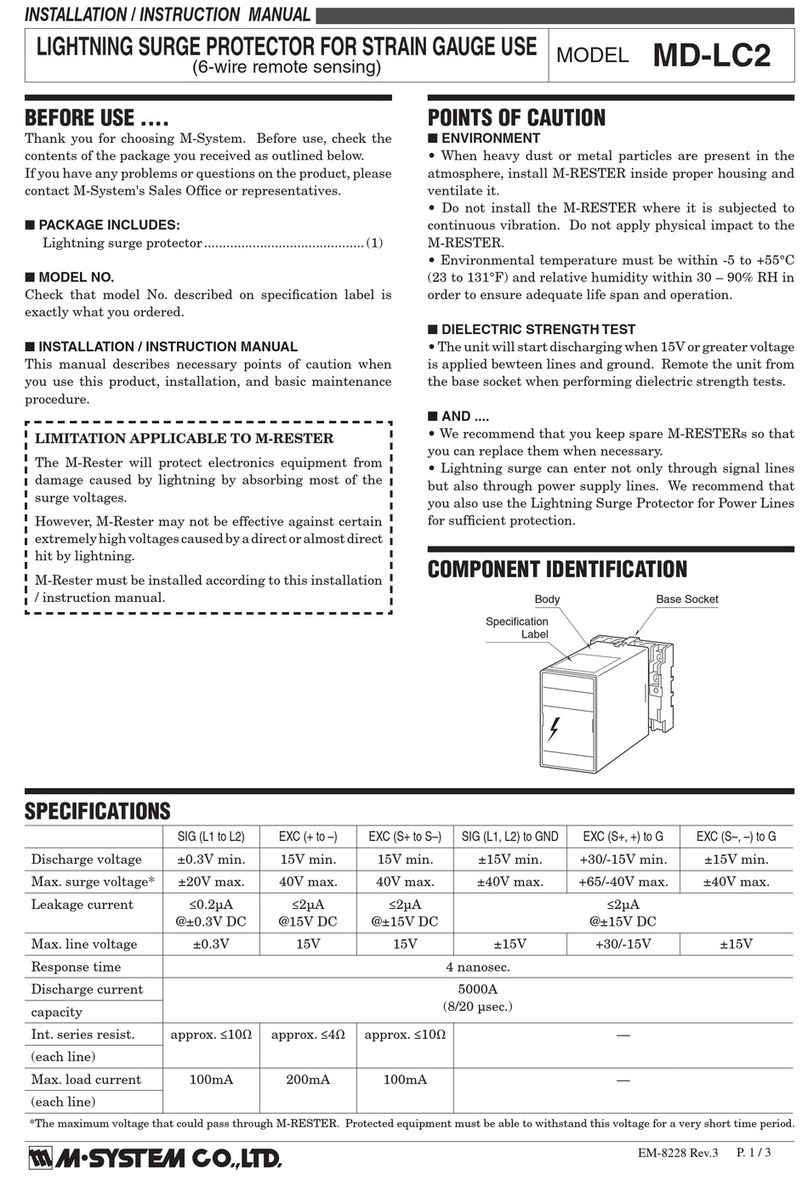
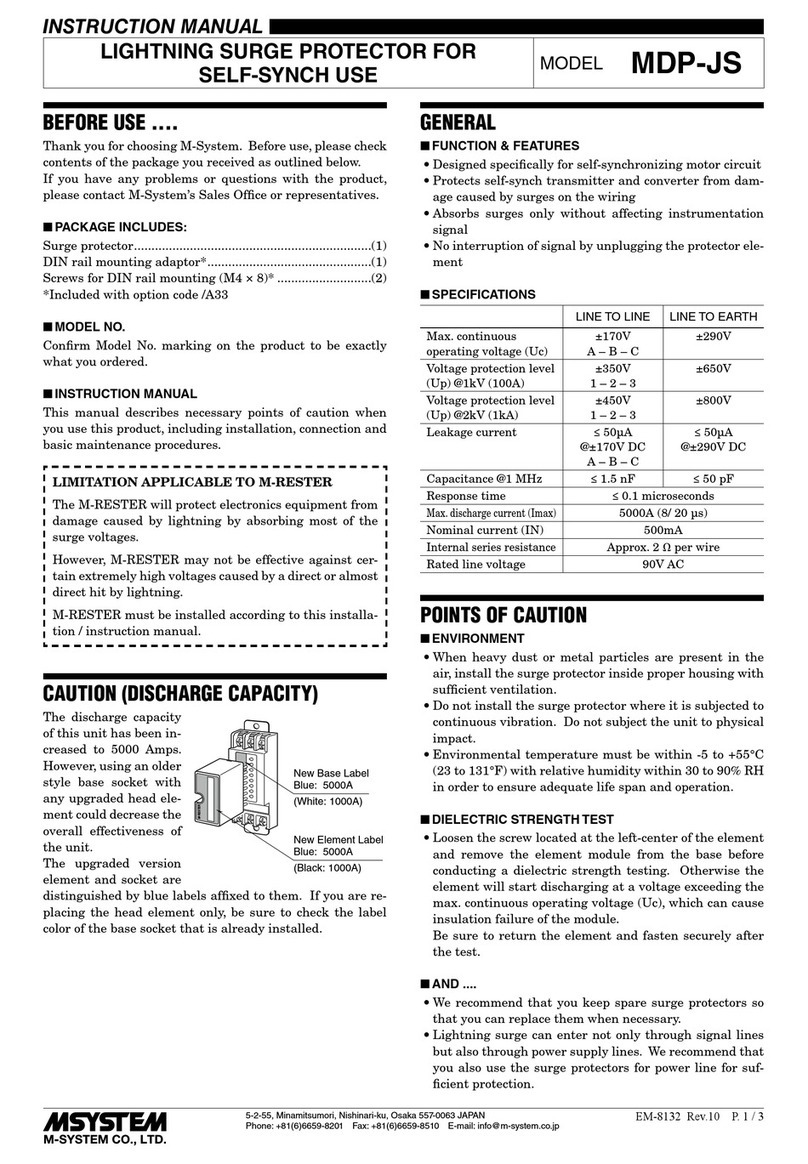
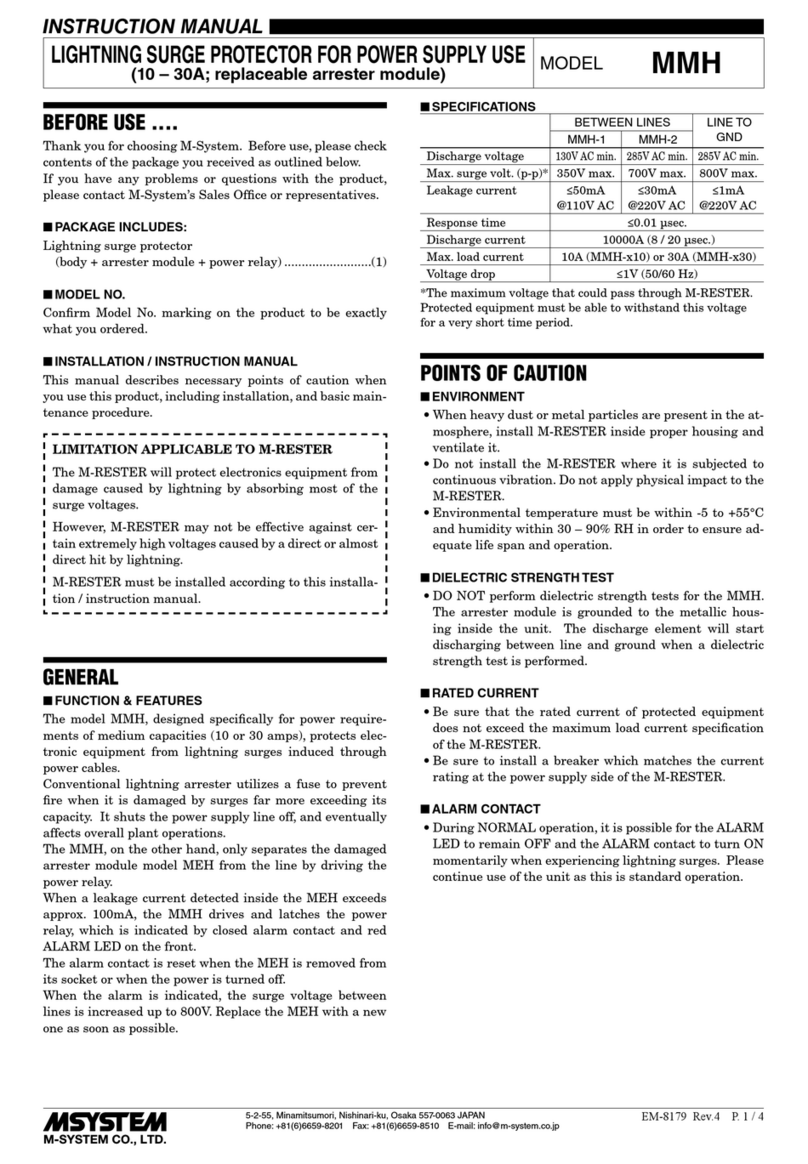
BEFORE USE ....
Thank you for choosing M-System. Before use, please check
contents of the package you received as outlined below.
If you have any problems or questions with the product,
please contact M-System’s Sales Office or representatives.
■PACKAGE INCLUDES:
Lightning surge protector...................................................(1)
■MODEL NO.
Confirm Model No. marking on the product to be exactly
what you ordered.
■INSTALLATION / INSTRUCTION MANUAL
This manual describes necessary points of caution when
you use this product, including installation, and basic main-
tenance procedure.
LIMITATION APPLICABLE TO M-RESTER
The M-RESTER will protect electronics equipment from
damage caused by lightning by absorbing most of the
surge voltages.
However, M-RESTER may not be effective against cer-
tain extremely high voltages caused by a direct or almost
direct hit by lightning.
M-RESTER must be installed according to this installa-
tion / instruction manual.
GENERALS
■FUNCTION & FEATURES
Designed for installation where AC power enters the con-
trol panel for relatively large power consuming equipment
such as large instrumentation panels, computer systems or
telemetering systems in central control rooms or operation
centers
■SPECIFICATIONS
BETWEEN LINES LINE TO GND
MH-1201
MH-2201/2203
Discharge voltage
(p-p) 190V min. 380V min. 410V min.
Max. surge voltage* 350V max. 700V max. 700V max.
Leakage current
≤1A including relay coil
current at rated voltage
≤1mA
@150V DC
(MH-1201)
@300V DC
(MH-2201/2203)
Response time ≤0.1 µsec
Discharge current 10000A (8 / 20 µsec.)
Max. load current 200A
Voltage drop ≤2V (50/60 Hz)
Rated line voltage 100V/110V/120V AC (MH-1201)
200V/220V/240V AC (MH-2201/2203)
*The maximum voltage that could pass through M-RESTER.
Protected equipment must be able to withstand this voltage
for a very short time period.
POINTS OF CAUTION
■ENVIRONMENT
• When heavy dust or metal particles are present in the at-
mosphere, install M-RESTER inside proper housing and
ventilate it.
• Do not install the M-RESTER where it is subjected to
continuous vibration. Do not apply physical impact to the
M-RESTER.
• Environmental temperature must be within -5 to +55°C
with a relative humidity within 30 to 90% RH in order to
ensure adequate life span and operation.
■DIELECTRIC STRENGTH TEST
• The MH starts discharging at 410V or more voltage ap-
plied across power supply terminals and metallic hous-
ing. DO NOT conduct a dielectric strength test with the
MH connected to a power source.
• For confirming insulation of the unit, conduct the dielec-
tric strength test WITH ALL WIRES REMOVED, or con-
duct an insulation resistance test (@250V DC).
■RATED CURRENT
• Be sure that the rated current of protected equipment
does not exceed the maximum load current specification
of the M-RESTER.
• Be sure to install a breaker which matches the current
rating at the power source side of the M-RESTER.
■AND ....
We recommend that you keep spare M-RESTERs so that
you can replace them when necessary.
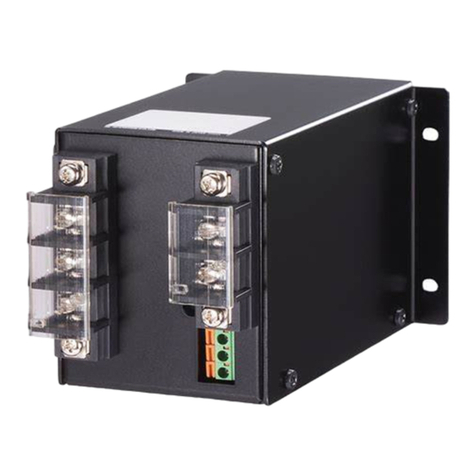
COMPONENT IDENTIFICATION
Body
Power Pilot Lamp
Grommet with Film
Nameplate
LIGHTNING SURGE PROTECTOR FOR POWER SUPPLY USE
(200A) MODEL
MH-1201
MH-2201
MH-2203
5-2-55, Minamitsumori, Nishinari-ku, Osaka 557-0063 JAPAN
Phone: +81(6)6659-8201 Fax: +81(6)6659-8510 E-mail: inf[email protected].jp
EM-8181 Rev.6 P. 1 / 4
INSTRUCTION MANUAL

INSTALLATION
Refer to the drawings below.
■EXTERNAL DIMENSIONS mm (inch)
PL
NP
250 (9.84)
300 (11.81)
250 (9.84) 6 (.24)
550 (21.65)
590 (23.23)
630 (24.80)
50 (1.97)50 (1.97) 135 (5.31)
4–8.5 (.33) dia.
MTG HOLE
GROMMET WITH FILM
SG–32A
(32 mm or 1.26" dia.)
PL
NP
: POWER PILOT LAMP
: NAMEPLATE
■MOUNTING REQUIREMENTS mm (inch)
250 (9.84)
590 (23.23)
4–8.5 (.33) dia.
MTG HOLE
MH-1201 / MH-2201 / MH-2203
5-2-55, Minamitsumori, Nishinari-ku, Osaka 557-0063 JAPAN
Phone: +81(6)6659-8201 Fax: +81(6)6659-8510 E-mail: inf[email protected].jp
EM-8181 Rev.6 P. 2 / 4
TERMINAL CONNECTIONS
Connect the unit as in the diagram below.
Be sure to cross-wire between the Ground terminal (4) and metallic housing of the protected equipment. (100Ω max.)
W
PROTECTED
SYSTEM
MH-1201
MH-2201
UR
EB
BREAKER
FOR
LEAKAGE
BREAKER
FOR
WIRING
AC POWER
SUPPLY
Be sure to install
T
CROSSOVER WIRE
G G
W
PROTECTED
SYSTEM
MH-2203
UR
EB
BREAKER
FOR
LEAKAGE
BREAKER
FOR
WIRING
AC POWER
SUPPLY
T
VS
Be sure to install CROSSOVER WIRE
G G
■GROUNDING
M-RESTER PROTECTED
EQUIPMENT
G
G
CROSSOVER WIRE
GROUNDING
(100 ohms or less)
A crossover wire between M-RESTER ground and ground or metallic
housing of equipment is required for protection.
If the protected equipment has no ground terminal, ground the
M-RESTER only.
MH-1201 / MH-2201 / MH-2203
5-2-55, Minamitsumori, Nishinari-ku, Osaka 557-0063 JAPAN
Phone: +81(6)6659-8201 Fax: +81(6)6659-8510 E-mail: inf[email protected].jp
EM-8181 Rev.6 P. 3 / 4
MAINTENANCE
Check M-RESTER periodically. Many cases of lightning are
ignored, and even lightning at a far distance often causes
inductive surges.
We recommend that you check your M-RESTER about twice
a year, before and after the rainy season. Check whenever
you experience a strong lightning occurrence.
Checking procedure is explained in the following:
■CHECKING
WIRING
• Make sure that wiring is done as instructed in the con-
nection diagram.
• Make sure that the Ground terminal (G) is connected to
the metallic housing of protected equipment.
• Make sure that the Ground terminal (G) is grounded to
earth.
POWER PILOT LAMP
• Supply appropriate AC voltage through the M-RESTER
and check the LEDs. When the LED is off despite that
power is supplied, replace the M-RESTER.
DISCHARGE FUNCTION
Turn off the power supply and remove all wiring connected
to MRESTER before testing its discharge capability as fol-
lows:
• Check resistance across the following terminals on the
high resistance range of multimeter (infinite standard).
MH-1201, MH-2201: Terminals U-W, U-G, W-G
MH-2203: Terminals U-V, U-W, U-G, V-W, V-G, W-G
• Check that discharging occurs across the same terminals
with a 500V DC megger. (Indicator of the megger reaches
over-scale.)
• If any of the above tests shows negative, replace the M-
RESTER.
MH-1201 / MH-2201 / MH-2203
5-2-55, Minamitsumori, Nishinari-ku, Osaka 557-0063 JAPAN
Phone: +81(6)6659-8201 Fax: +81(6)6659-8510 E-mail: inf[email protected].jp
EM-8181 Rev.6 P. 4 / 4