Installing
or
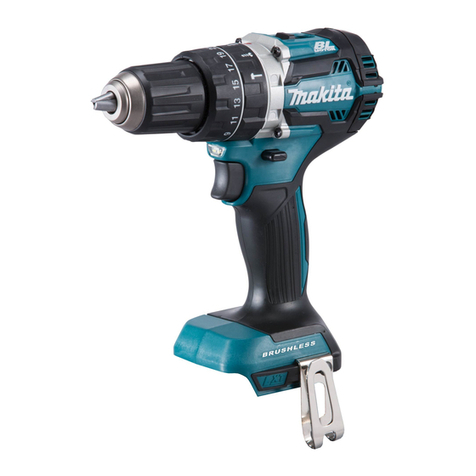
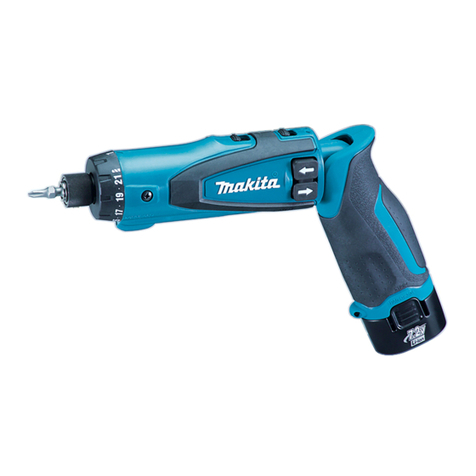
removingbattery cartridge
*Always switchoff the tool before insertion
or removalof the battery cartridge.
*To remove the battery cartridge, withdraw
it from the tool while pressing the buttons
on both sides of the cartridge.
*To
insert the battery cartridge, align the
tongue on the battery cartridge with the
groove inthe housingand slip it into place.
Always insert it all the way until it locks in
place with a little click. If not, it may acci-
dentally fall out of the tool, causing injury
to you or someone aroundyou.
Button
Battery cartridge
*Do
not use force when inserting the battery cartridge.
If
the cartridge does not slide in
easily, it is not being inserted correctly
Charging
*Your newbattery cartridge is not charged.
You will need to charge it before use. Use
the fast charger Model DC1410 to charge
the batterycartridge.
*Plug the fast charger into the proper A.C.
voltage source.The charginglight will flash
in green color.
*Insert the battery cartridge
so
that the plus
and minus terminals on the battery car-
tridge are on the same sides as their
respective markings on the fast charger.
Insert the cartridge fully intothe port
so
that it restson the chargerport floor.
redand chargingwill begin.The charginglight will remain lit steadily during charging.
chargingtime is approximatelyone hour.
*When the battery cartridge is inserted, the charginglight color will changefrom green to
*When charging
is
completed, the charging light color will change from red to green. The
*After charging, unplugthe chargerfrom the power source.
CAUTION:
*The fast charger Model DC1410 is for charging Makita battery cartridge. Never use it for
other purposesor for other manufacturer’s batteries.
*When you chargea newbatterycartridge or a battery cartridge which has not been used
for
a
long period of time, it may not accept
a
full charge.This is
a
normal condition and
does not indicatea problem. You can rechargethe battery cartridgefully after discharging
it completely and recharging
a
coupleof times.
8