www.mcohome.com User Manual
MCOHome Technology Co., Ltd 2
Operation
INCLUDING the device into Z-Wave network:
1. Set the controller into INCLUSION mode. Follow instructions provided by controller
manufacturer.
2. Press the key on the panel 3 times in quick succession (within approx 1.5sec).
Note: Check the controller or gateway to see whether inclusion is successful.
EXCLUDING the device from Z-Wave network:
1. Set the controller into EXCLUSION mode. Follow instructions provided by controller
manufacturer.
2. Press the key on the panel 3 times in quick succession (within approx 1.5sec).
Note: Check the controller or gateway to see whether exclusion is successful.
The exclusion will delete all association data.
Turning on/off/Dimming the device:
The device can be controlled by:
function are Basic Command Class, Multilevel Switch Command Class, and Scene
Activation Command Class)
Association Group:
The device supports 3 association groups(AG):
1st AG: reports device’s dimming state. It supports only one Node ID. A
controller/gateway SHOULD be associated to this AG.
2nd AG: to control the associated devices synchronously. When S1’s state changes, it
will send “Basic Set Command” to these devices. It supports upto 5 Node IDs.
3rd AG: to control the associated devices synchronously. When S1’s state changes, it
will send “Multi-level Set Command” to these devices. It supports upto 5 Node IDs.
Note:
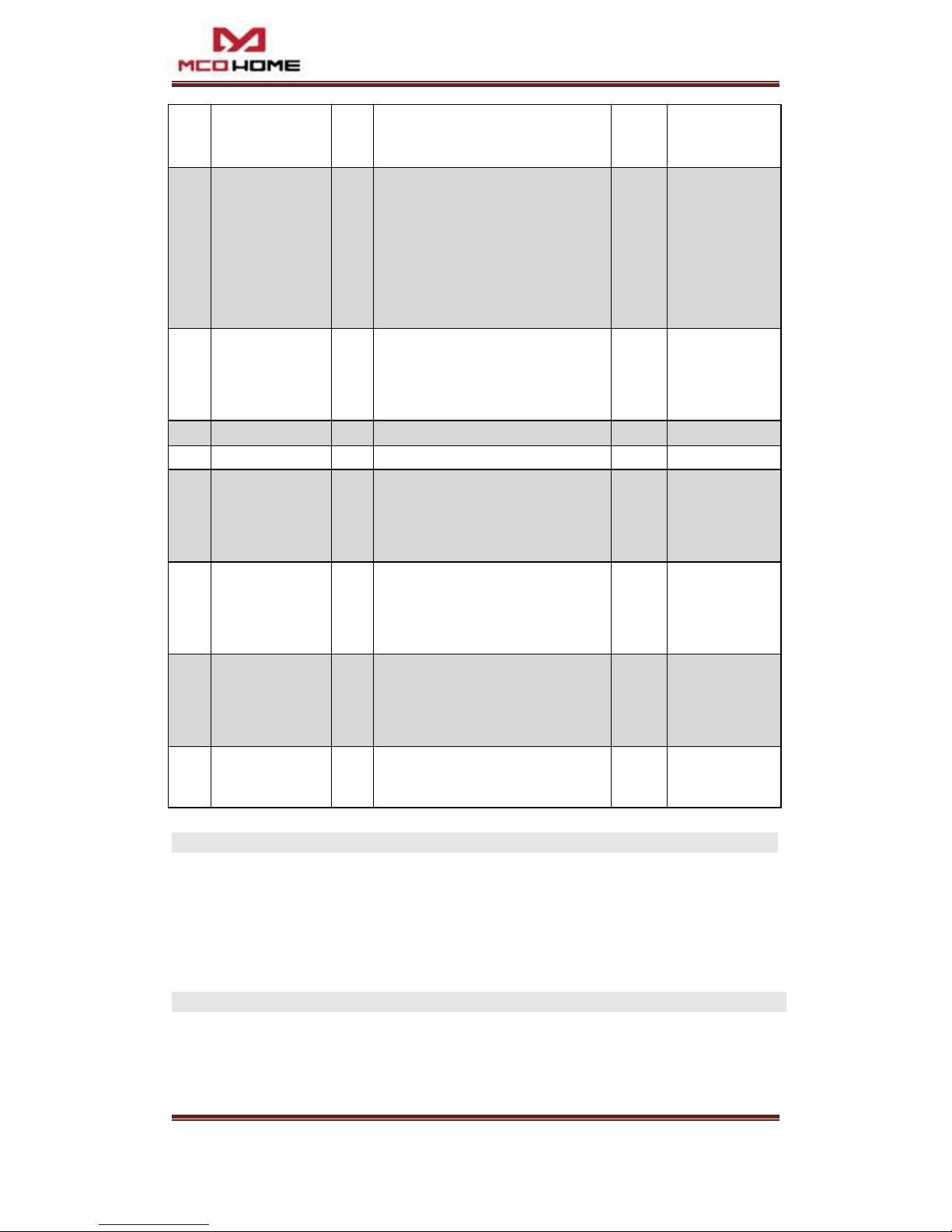
Please refer to table “Parameters Setting” for the detail configurations for AGs.
Setting & Activating Scene:
As a Scene device, it supports “Scene Activation CC” and “Scene Actuator Conf
CC” ,which make the device can be added into any scene , and supports 255 Scene ID.
Meanwhile, it can work as a scene controller to activate Scenes. By configuring the
parameters of S1, 3 different scenarios can be realized. The “Scene Activation CC” can be
sent to AG1 (gateway) by “one click”, “double click” or “hold” external button S1. Pls refer
to the following table items 19, 20&21 for more details in configuration.