manuals.online logo
Brands
  1. Home
  2. •
  3. Brands
  4. •
  5. Milwaukee
  6. •
  7. Measuring Instrument
  8. •
  9. Milwaukee MI 411 User manual

Milwaukee MI 411 User manual

Other Milwaukee Measuring Instrument manuals

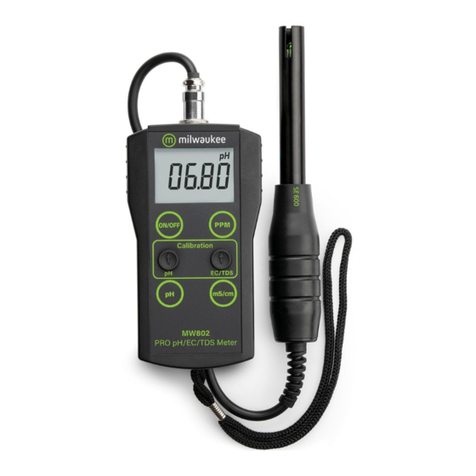
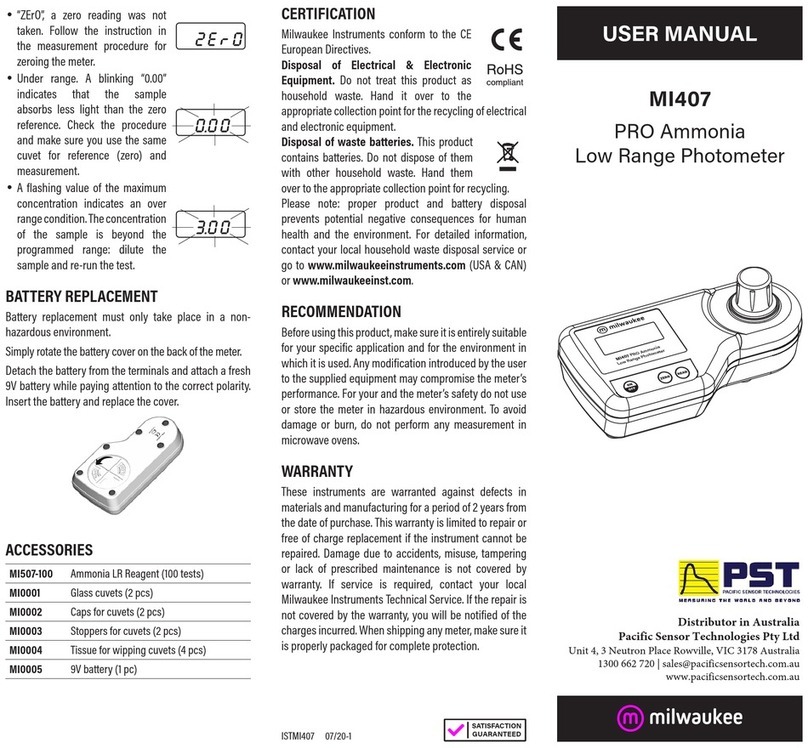
Milwaukee 3712 User manual

Milwaukee

Milwaukee 3712 User manual

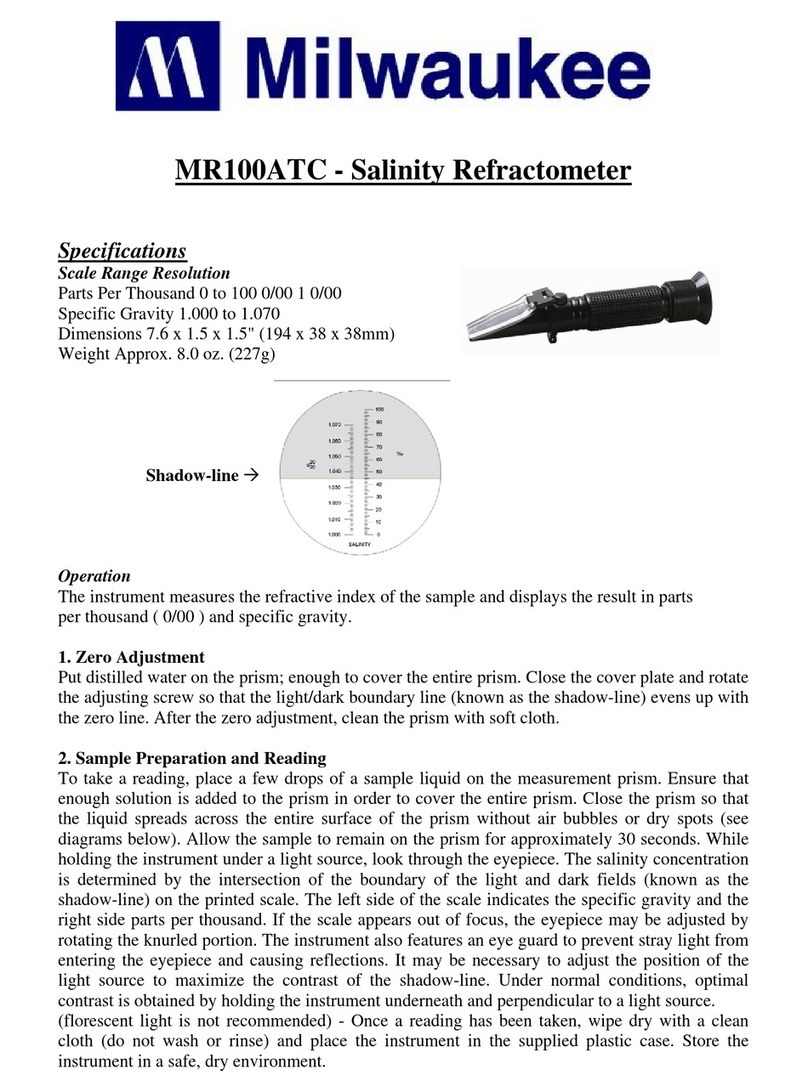
Milwaukee MR100ATC User manual

Milwaukee

Milwaukee MR100ATC User manual

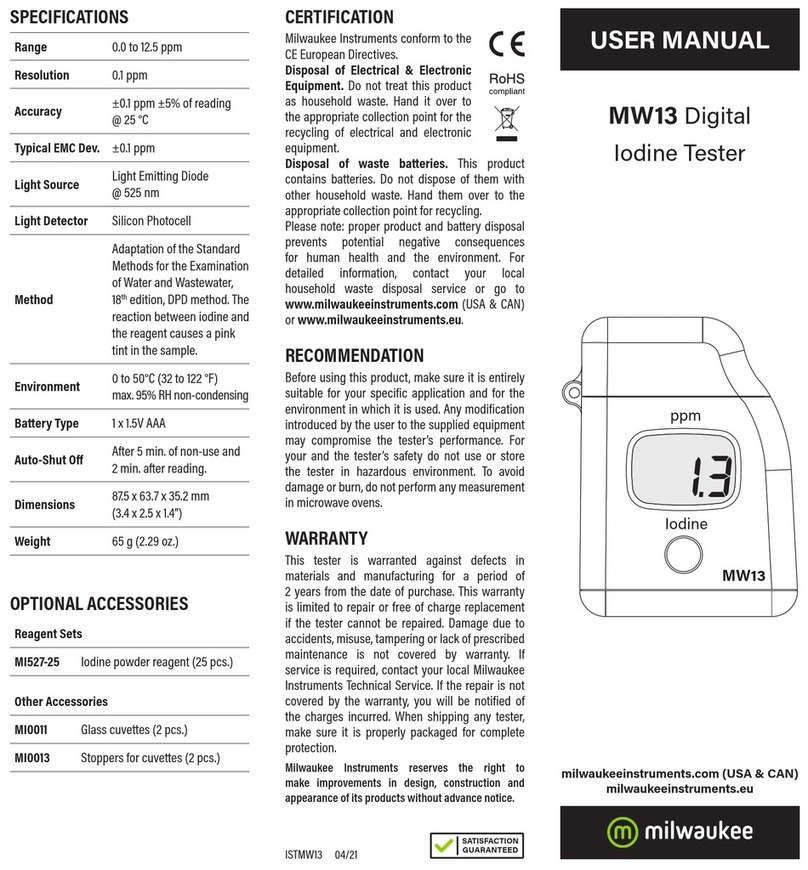
Milwaukee MW13 User manual

Milwaukee

Milwaukee MW13 User manual

Milwaukee CALIBRATION 2238-20 User manual

Milwaukee

Milwaukee CALIBRATION 2238-20 User manual

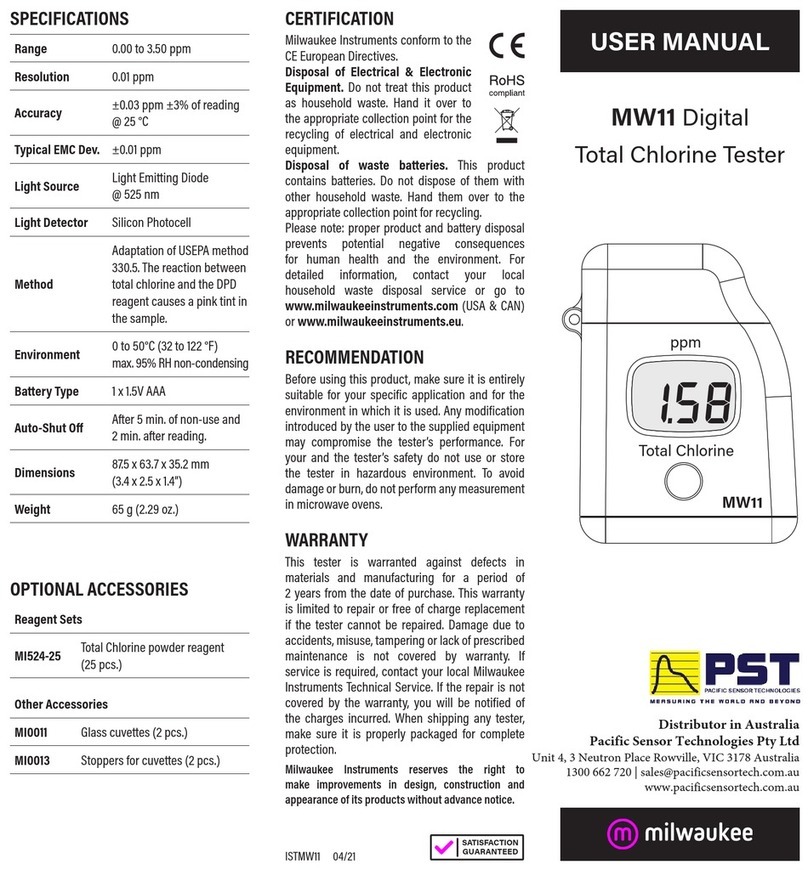
Milwaukee MW11 User manual

Milwaukee

Milwaukee MW11 User manual

Milwaukee MW801 User manual

Milwaukee

Milwaukee MW801 User manual

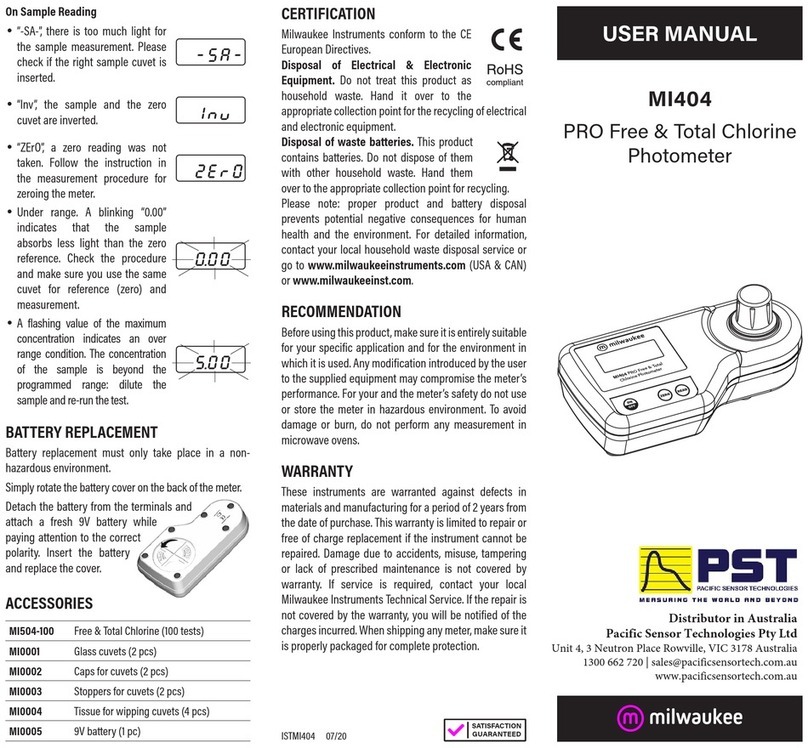
Milwaukee MI404 User manual

Milwaukee

Milwaukee MI404 User manual

Milwaukee 2205-40 User manual

Milwaukee

Milwaukee 2205-40 User manual

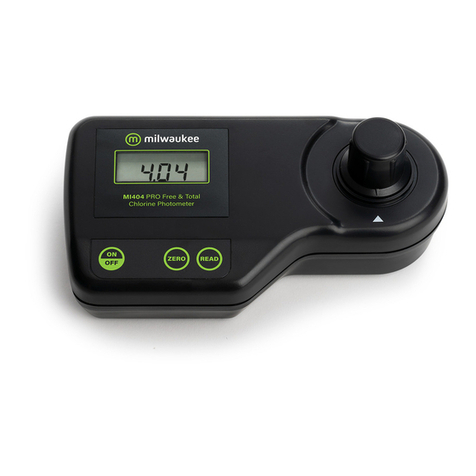
Milwaukee MI404 User manual

Milwaukee

Milwaukee MI404 User manual

Milwaukee EC40 User manual

Milwaukee

Milwaukee EC40 User manual

Milwaukee MR32ATC User manual

Milwaukee

Milwaukee MR32ATC User manual

Milwaukee MW805 MAX User manual

Milwaukee

Milwaukee MW805 MAX User manual

Milwaukee MW10 User manual

Milwaukee

Milwaukee MW10 User manual

Milwaukee MW101 User manual

Milwaukee

Milwaukee MW101 User manual

Milwaukee REDLITHIUM User manual

Milwaukee

Milwaukee REDLITHIUM User manual

Milwaukee MI407 User manual

Milwaukee

Milwaukee MI407 User manual

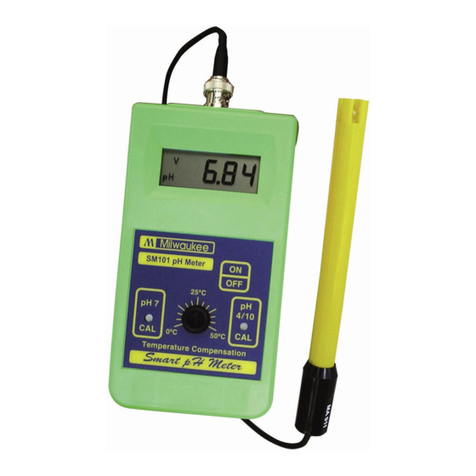
Milwaukee SM101 User manual

Milwaukee

Milwaukee SM101 User manual

Milwaukee 2217-40 User manual

Milwaukee

Milwaukee 2217-40 User manual

Milwaukee Mi 150 User manual

Milwaukee

Milwaukee Mi 150 User manual

Milwaukee MI 106 User manual

Milwaukee

Milwaukee MI 106 User manual

Milwaukee MA887 User manual

Milwaukee

Milwaukee MA887 User manual

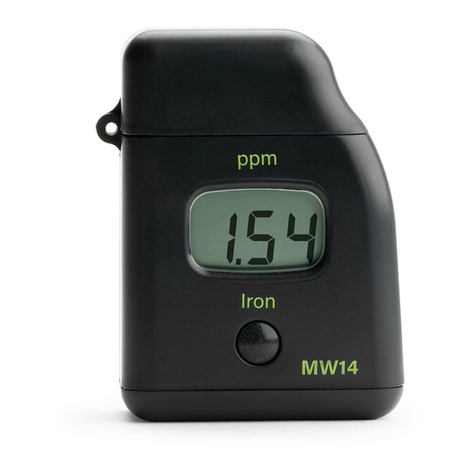
Milwaukee MW14 User manual

Milwaukee

Milwaukee MW14 User manual

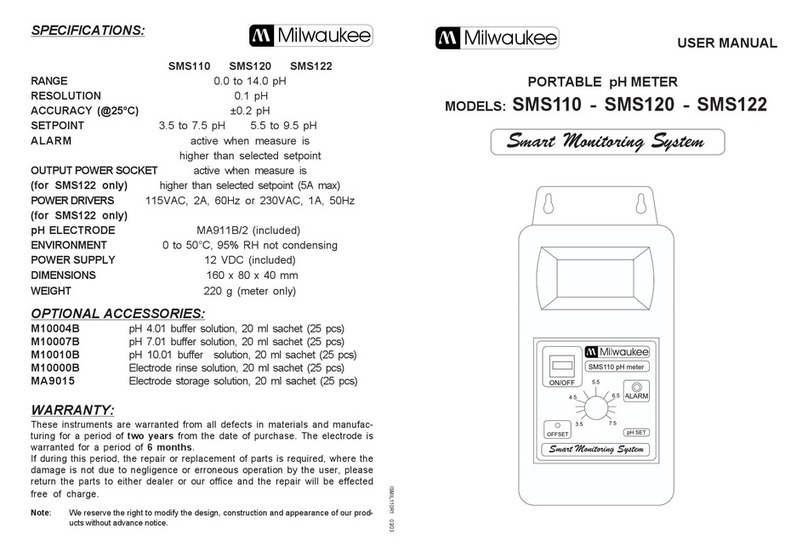
Milwaukee Smart Monitoring System SMS110 User manual

Milwaukee

Milwaukee Smart Monitoring System SMS110 User manual

Milwaukee MI806 User manual

Milwaukee

Milwaukee MI806 User manual

Popular Measuring Instrument manuals by other brands

Suaoki D40 user manual

Suaoki

Suaoki D40 user manual

Elster BK-G1.6 operating instructions

Elster

Elster BK-G1.6 operating instructions

Endress+Hauser Deltabar FMD71 technical information

Endress+Hauser

Endress+Hauser Deltabar FMD71 technical information

Duratool D03128 manual

Duratool

Duratool D03128 manual

Vega VEGAPULS 65 Quick setup guide

Vega

Vega VEGAPULS 65 Quick setup guide

Tonghui TH2618B Operation manual

Tonghui

Tonghui TH2618B Operation manual

Tenmars TM-801 user manual

Tenmars

Tenmars TM-801 user manual

MSR 145 user manual

MSR

MSR 145 user manual

TPS WP-82 manual

TPS

TPS WP-82 manual

PCB Piezotronics 003C30 Installation and operating manual

PCB Piezotronics

PCB Piezotronics 003C30 Installation and operating manual

Tenma 72-10465 manual

Tenma

Tenma 72-10465 manual

Endress+Hauser Proline Promag 50 Brief operating instructions

Endress+Hauser

Endress+Hauser Proline Promag 50 Brief operating instructions

Siemens SITRANS F Coriolis FCT030 Function manual

Siemens

Siemens SITRANS F Coriolis FCT030 Function manual

KLINGER CMF V Series instruction manual

KLINGER

KLINGER CMF V Series instruction manual

Keysight M8290A Getting started guide

Keysight

Keysight M8290A Getting started guide

Acterna MS1400 Operation manual

Acterna

Acterna MS1400 Operation manual

R&S ZPH manual

R&S

R&S ZPH manual

Datacolor ColorReader DC10-2 user guide

Datacolor

Datacolor ColorReader DC10-2 user guide

manuals.online logo
manuals.online logoBrands
  • About & Mission
  • Contact us
  • Privacy Policy
  • Terms and Conditions

Copyright 2025 Manuals.Online. All Rights Reserved.

USER MANUAL
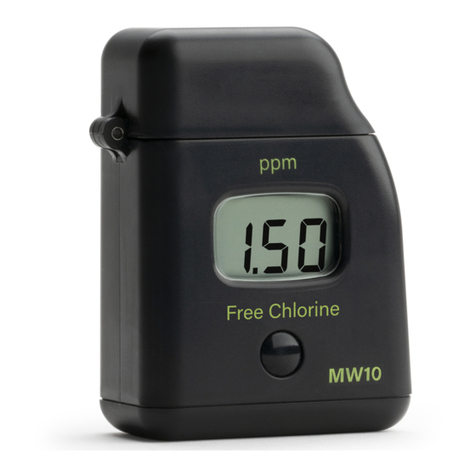
MI 411
Free & Total Chlorine
and pH Meter
Dear Customer,
Thank you for choosing a Martini product. This
manual will provide you with the necessary
information for the correct use of the instrument.
Please read it carefully before using the meter.
This instrument is in compliance with
directives.
SPECIFICATIONS:
Free & Total Chlorine
Range 0.00 to 5.00 mg/L Cl2
Resolution 0.01 mg/L (0.00-3.50 mg/L);
0.10 mg/L (above 3.50 mg/L)
Precision ±0.04 mg/L @ 1.50 mg/L
Method Adaptation of the USEPA
method 330.5 and Standard
Method 4500-Cl G.
pH
Range 6.5 to 8.0 pH
Resolution 0.1 pH
Precision ±0.1 pH @ 7.2 pH
Method Adaptation of the phenol red
method.
Other
Light Source Tungsten lamp
Light Detector Silicon Photocell and 525 nm
narrow band interference
filter
Environment 0 to 50°C (32 to 122°F);
100% RH max.
Battery Type 1 x 9 volt
Auto-Shut off After 10' of non-use
Dimensions 192 x 104 x 52 mm
(7.5 x 4.1 x 2”)
Weight 380 g
CHANGE PARAMETER
To change parameter
between
Free &Total Chlorine and pH,
press and hold for 3 seconds,
the ZERO key. The selected
parameter will be displayed as “Cl”
(chlorine) or “PH” on the display.
MEASUREMENT PROCEDURE:
1• Turn the meter on by
pressing ON/OFF. The last
selected parameter is
displayed on the Liquid
Crystal Display (“Cl” or “PH”).
2• Choose the parameter that
you want to measure.
3• Fill the cuvet with 10 mL of
unreacted sample, up to the
mark, and replace the cap.
4• Place the cuvet into the
holder and ensure that the
notch on the cap is
positioned securely into the
groove.
5• Press ZERO and “SIP” will blink
on the display.
6• After a few seconds the display will
show “-0.0-”. The meter is now
zeroed and ready for measurement.
For Free Chlorine measurement
7 •Add 3 drops of DPD 1 reagent and 3
drops of DPD 2 reagent to an empty cuvet.
8• Immediately add 10 mL of unreacted
sample. Replace the cap and shake gently.
9• Immediately reinsert the cuvet into the
holder and ensure that the notch on the
cap is positioned securely on the groove
10• Press READ and “SIP“ will blink during
measurement.
11• The instrument directly displays
concentration in mg/L of free or total
chlorine.
Interferences:
• Bromine (positive error)
• Chlorine dioxide (positive error)
• Iodine (positive error)
• Oxidized Manganese (positive error)
• Chromium (positive error)
• Ozone (positive error)
For Total Chlorine measurement
12• Remove the the cuvet and add to
the reacted sample 3 drops of
DPD 3 reagent. Replace the cap
and swirl gently.
13• Reinsert the cuvet into the holder and
position securely into the groove.
14• Wait for 2 minutes 30 seconds then press
READ and “SIP” will blink during
measurement.
15• The instrument dirrectly displays
concentration in mg/L of total chlorine.
For pH measurement
16• Fill a cuvet with 10 mL of
unreacted sample up to the
mark.
17• Add 5 drops of pH-0 reagent.
Replace the cap and shake
gently.
18• Insert the cuvet into the holder
and ensure that the notch of
the cap is positioned securely into the
groove.
19• Pres READ and “SIP” will
blink during measurement.
20• The instrument dirrectly
display the pH value.
GUIDE TO DISPLAY CODES:
This prompt appears for 1
second each time the
instrument is turned on.
Sampling In Progress.
Flashing “SIP” prompt
appears each time
the meter is performing a measurement.
“-0.0-”, the meter is in
a zeroed state and
measurement can
beperformed.
The blinking “BAT” indicates
thatb the battery voltage is
getting low and the battery
needs to be replaced.
“-bA-”, the battery is dead
and must be replaced. Once
this indication is displayed,
the meter will lock up.
Change the battery and restart the meter.
“Conf”, the meter has lost
its configuration. Contact
your dealer or the nearest
Martini Customer Service
Center.
ERROR MESSAGES
On zero reading
• Blinking “-0.0-” indicates
that the zeroing procedure
failed due to a low signal-
tonoise ratio. In this case
press ZERO again.
• “no L”, the instrument
cannot adjust the light
level. Please check that
the sample does not contain any debris.
• “L Lo”, there is not enough light to perform a
measurement. Please check the preparation
of the zerocuvet.
• “L Hi”, there is too much
light to perform a
measurement. Please
check the preparation of the zero cuvet.
On sample reading
•“-SA-”, there is too much
light for the sample
measurement. Please
check if the right sample
cuvet is inserted.
• “Inv”, the sample and
the zerocuvet are inverted.
• “ZErO”, a zero reading was
not taken. Follow the
instruction in the
measurement procedure
for zeroing themeter.
• Under range. A blinking “0.00”
indicates that the sample absorbs
less light than the
zero reference. Check the
procedure and make sure
you use the same cuvet for
reference (zero) and measurement.
• A flashing value of the
maximum concentration
indicates an over range
condition. The concentration
of the sample is beyond the
programmed range: dilute the
sample and re-run the test.
BATTERY REPLACEMENT
Battery replacement must only take place in a
non-hazardous environment. Simply rotate the
battery cover on the back of
the meter. Detach
the battery from
the terminals and
attach
a fresh 9V battery
while paying
attention to
the correct polarity.
Insert the battery
and replace the cover.
ACCESSORIES:
MI504-100 Free & Total Chlorine reagent set (100
tests)
MI509-100 pH reagent (100 tests)
MI511-100 Free & Total Chlorine and pH reagent
set (100 tests)
MI0001 Glass cuvets (2 pcs)
MI0002 Caps for cuvets (2 pcs)
MI0003 Stoppers for cuvets (2 pcs)
MI0004 Tissue for wipping cuvets (4 pcs)
MI0005 9V battery (1 pc)
WARRANTY
This instrument is warranted against defects in materials
and manufacturing for a period of two years from the date
of purchase.
If during this period the repair or replacement of parts is
required, where the damage is not due to negligence or
erroneous operation by the user, please return the meter
to either distributor or our office in the original packing and

the repair will be free of charge.
Damages due to accidents, misuse, tampering or lack of
prescribed maintenance are not covered.