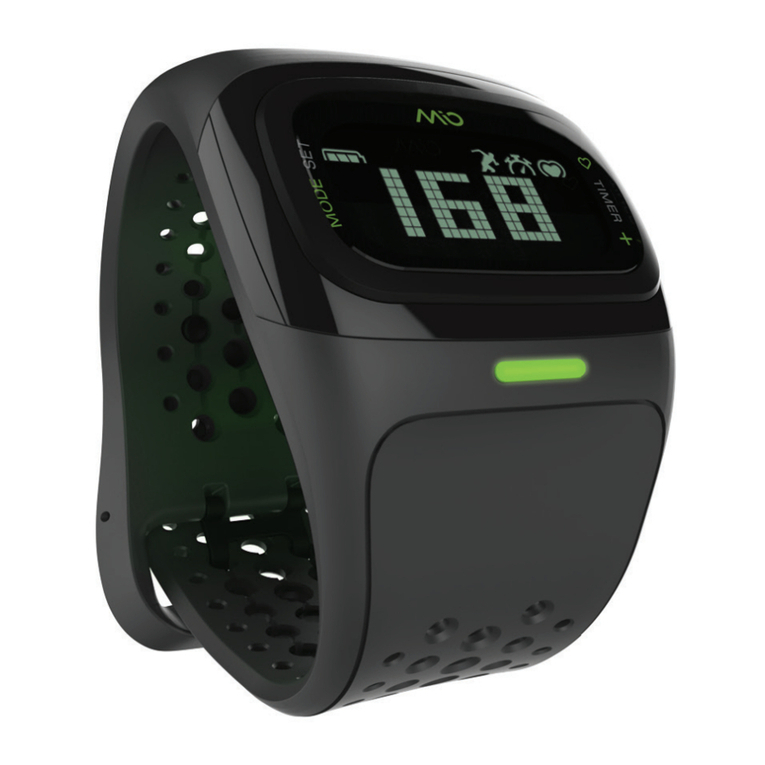
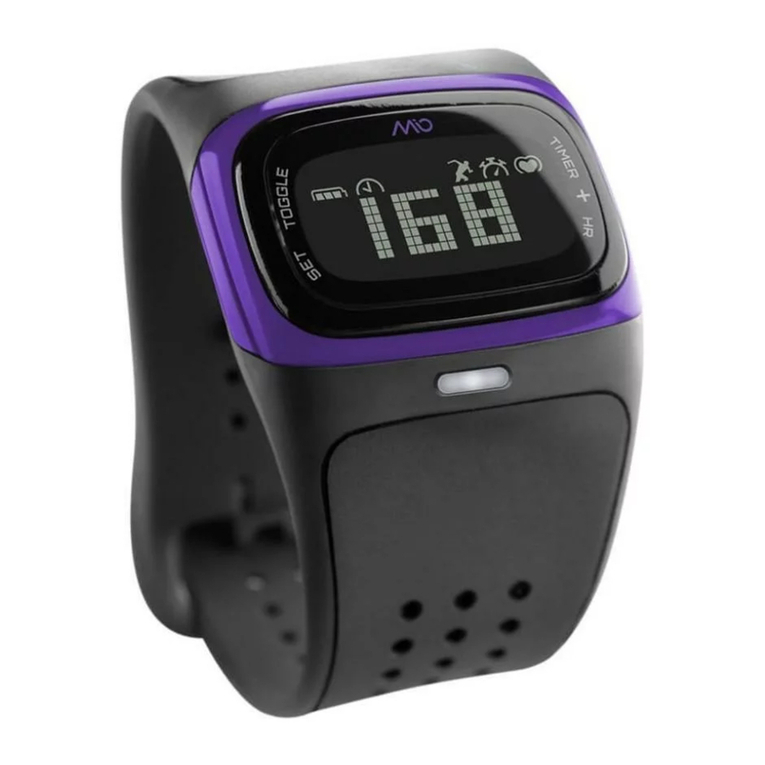
MIO Alpha User Guide 08
Reviewing Your Exercise Session
Your MIO Alpha exercise log shows:
• The length of time of your last exercise session (assuming that the timer was running for your
entire session).
• Your average heart rate during the last exercise session.
• The amount of time you spent in your target heart rate zone in the last exercise session.
TO REVIEW THE STATISTICS FROM YOUR LAST EXERCISE SESSION
1. In TIME mode (with EXERCISE mode off), press the TOGGLE button. The display says LAST
RUN followed by the length of time of your last session.
2. Press the TOGGLE button again. The display says AVG followed by your average heart rate.
3. Press the TOGGLE button again. The display says IN ZONE followed by the amount of time you
spent exercising in your target heart rate zone.
4. Press the TOGGLE button to return to TIME mode.
Note: Once you start the timer, the data from your last exercise will be replaced by the new data.
Using MIO Alpha With Your Smartphone
You can transmit your real-time heart rate data to a wide range of fitness apps on Bluetooth®
Smart Ready or Bluetooth®4.0 smartphones, including iPhone 4s and iPhone 5. For a complete
list of compatible devices please refer to mioglobal.com/AlphaInfo.
Compatible devices will only capture Alpha’s heart rate data in real time. This requires you to have
the device with you while you are tracking your heart rate.
PAIRING WITH SMARTPHONE APPS
1. MIO Alpha must be in EXERCISE mode, reading your heart rate, before pairing.
2. Turn on the Bluetooth function of your phone. You may need to stay 10 metres (30 feet) from
other Bluetooth sensors and devices.
3. Open the fitness app you would like to pair with. Instructions vary for each app, but typically
you add or scan for the heart rate sensor using the app’s Settings or Sensors mode.
Note: You must pair with the app itself; pairing with just the phone will not work. Once you have
paired with an app, it will automatically recognize Alpha each time you use that app.
4. Repeat for each app that you want to pair with.
EXERCISING WITH YOUR SMARTPHONE
• Wear the receiving device on your arm, in your front pocket, or in front of you on a belt or bike
handlebar. Do not position the device behind you (e.g. in a back pocket or backpack).
• The Alpha heart rate calculation is not based on instant R-R interval, and will not work for apps
that require heart rate variability (HRV) data.