manuals.online logo
Brands
  1. Home
  2. •
  3. Brands
  4. •
  5. Mircom
  6. •
  7. Control Unit
  8. •
  9. Mircom RB-MD-950 Guide

Mircom RB-MD-950 Guide

Other Mircom Control Unit manuals
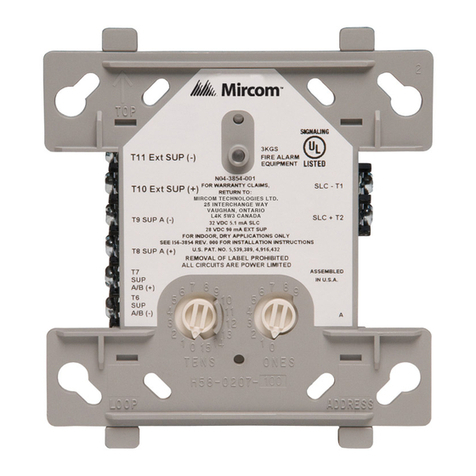
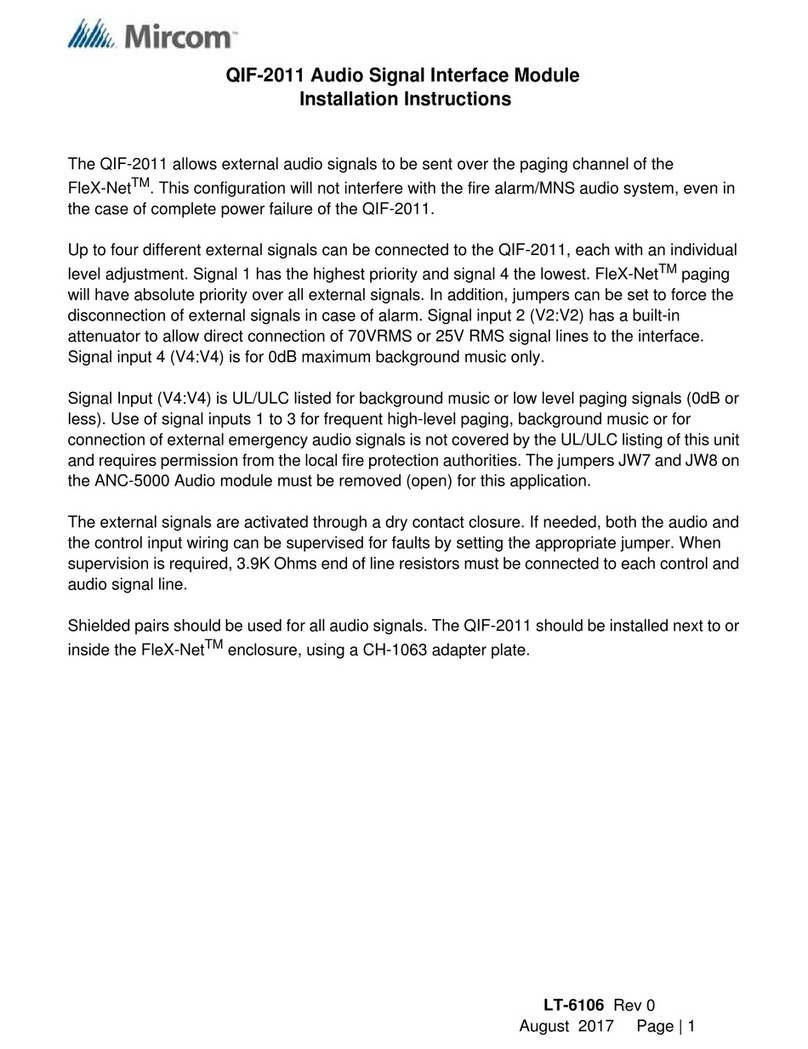
Mircom QIF-2011 User manual

Mircom

Mircom QIF-2011 User manual

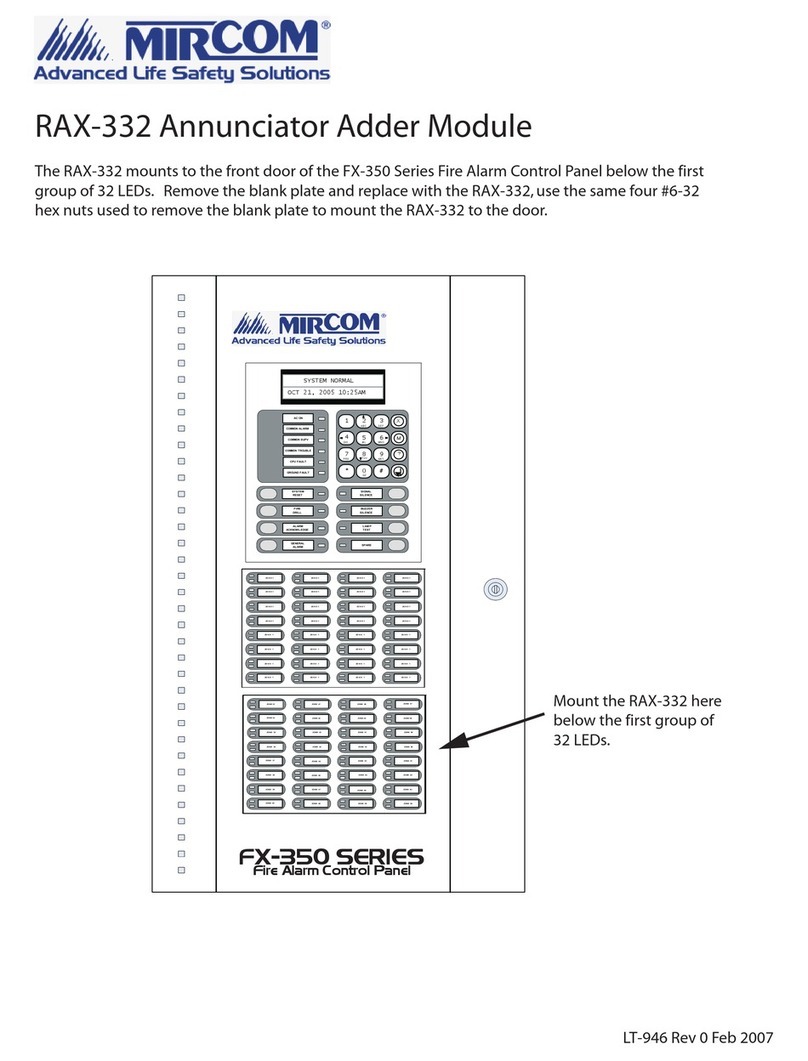
Mircom RAX-332 User manual

Mircom

Mircom RAX-332 User manual

Mircom QMP-5100AX User manual

Mircom

Mircom QMP-5100AX User manual

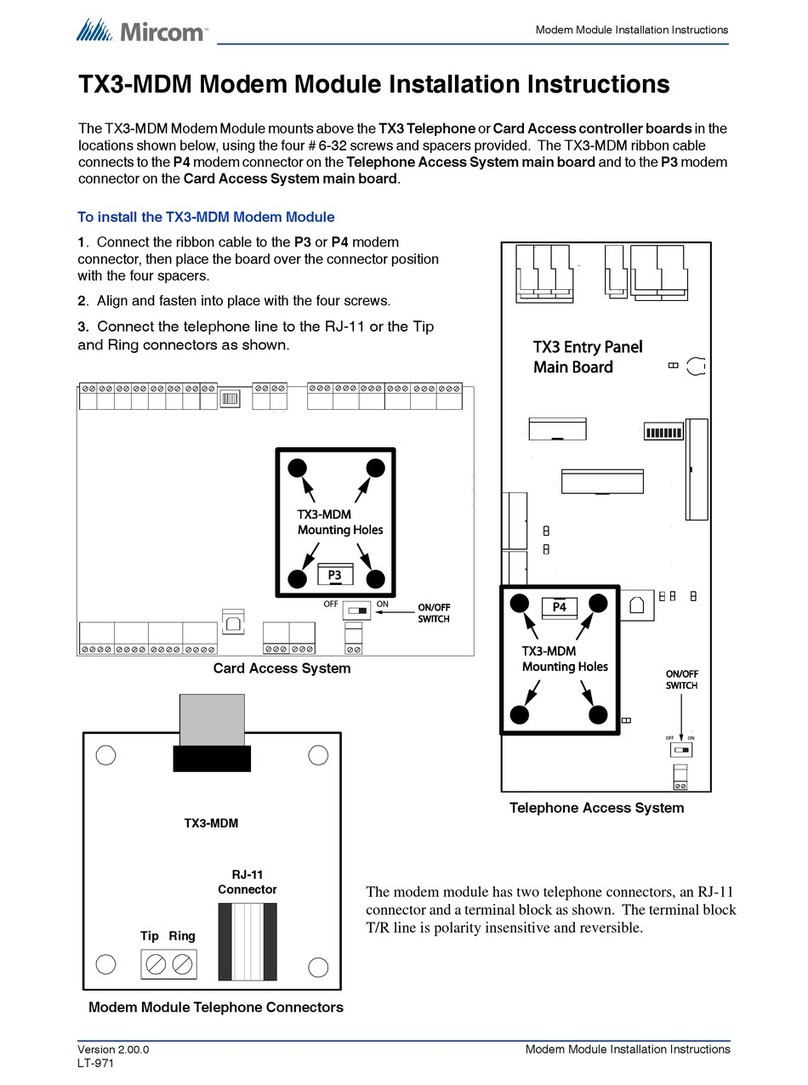
Mircom TX3-MDM User manual

Mircom

Mircom TX3-MDM User manual

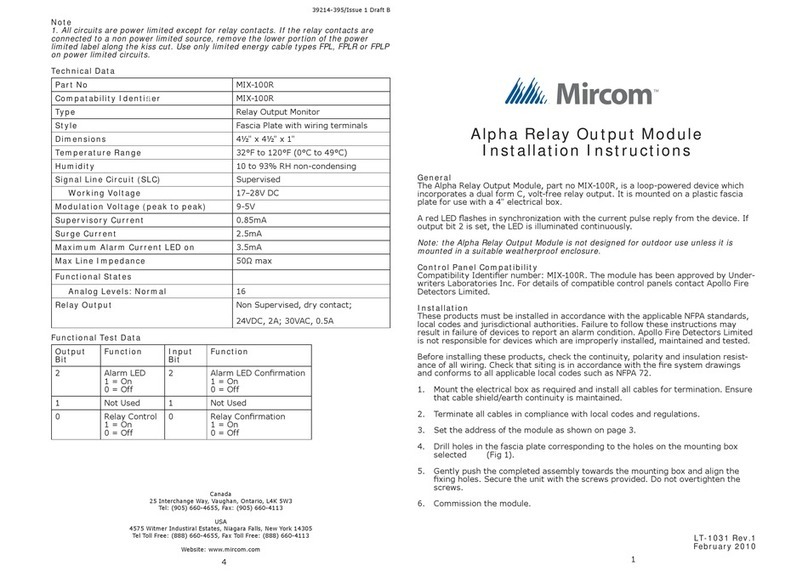
Mircom MIX-100R User manual

Mircom

Mircom MIX-100R User manual

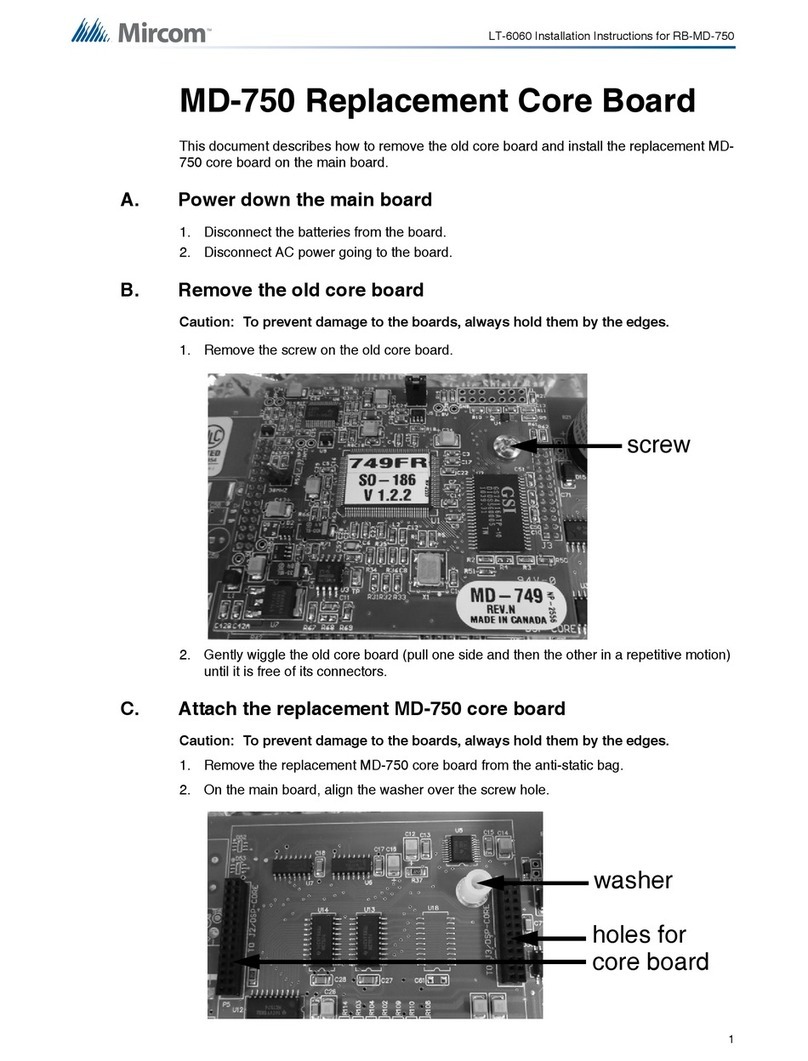
Mircom RB-MD-750 User manual

Mircom

Mircom RB-MD-750 User manual

Mircom MIX-M500MAP User manual

Mircom

Mircom MIX-M500MAP User manual
Mircom RB-MD-1113 User manual

Mircom

Mircom RB-MD-1113 User manual

Mircom QDV-1000 User manual

Mircom

Mircom QDV-1000 User manual

Mircom BBX-2000 User manual

Mircom

Mircom BBX-2000 User manual
Popular Control Unit manuals by other brands

Seitz 14A80 user manual

Seitz

Seitz 14A80 user manual

Wilo RS485 Installation and operating instructions

Wilo

Wilo RS485 Installation and operating instructions

Becker CentralControl CC41 Commissioning Instruction

Becker

Becker CentralControl CC41 Commissioning Instruction

SICK CDB650 operating instructions

SICK

SICK CDB650 operating instructions

Panduit NetKey NKP5E88M Series installation instructions

Panduit

Panduit NetKey NKP5E88M Series installation instructions

MX Options Concentric Petite Fitting instructions

MX

MX Options Concentric Petite Fitting instructions

Clean Water Systems Fleck 2510 Installation & start?up guide

Clean Water Systems

Clean Water Systems Fleck 2510 Installation & start?up guide

Fairchild FSB44104A user guide

Fairchild

Fairchild FSB44104A user guide

LEGRAND Wattstopper LMIN-104 installation instructions

LEGRAND

LEGRAND Wattstopper LMIN-104 installation instructions

PMK ATT10BNCS instruction manual

PMK

PMK ATT10BNCS instruction manual

Tektronix TDS3FFT user manual

Tektronix

Tektronix TDS3FFT user manual

Woodward easYgen Technical manual

Woodward

Woodward easYgen Technical manual

Balluff BNI EIP-502-105-R015 user guide

Balluff

Balluff BNI EIP-502-105-R015 user guide

NXP Semiconductors TWR-LS1021A Getting started

NXP Semiconductors

NXP Semiconductors TWR-LS1021A Getting started

Advantech PCM-3117 Startup manual

Advantech

Advantech PCM-3117 Startup manual

Danfoss MCO 101 manual

Danfoss

Danfoss MCO 101 manual

Moons' Lin Engineering R701P user manual

Moons'

Moons' Lin Engineering R701P user manual

Aventics RV1 operating instructions

Aventics

Aventics RV1 operating instructions

manuals.online logo
manuals.online logoBrands
  • About & Mission
  • Contact us
  • Privacy Policy
  • Terms and Conditions

Copyright 2025 Manuals.Online. All Rights Reserved.

RB-MD-950 Replacement Instructions
In no event shall Mircom be liable for any direct, indirect or
consequential damages, loss of anticipated profits, loss of time or
any other losses incurred by the buyer in connection with the
purchase, installation or operation or failure of this product.
Important:
Mircom recommends that the entire system be completely tested
on a regular basis. However, despite frequent testing, and due to
but not limited to criminal tampering or electrical disruption, it is
possible for this product to fail to perform as expected.
RB-MD-950 Replacement Instructions
Parts List
• 1 x RB-MD-950 Replacement Main Board Chassis Assembly
• 4 x #6-32 Hex Nut Lockwashers
Installing the RB-MD-950 Replacement Main Board Chassis
Assembly
1. Power down the INX-10A
2. Disconnect the power leads from the bottom of the main board.
3. Unplug any wired terminal blocks from the top of the main
board.
4. Remove the 4, #6-32 Hex Nut Lockwashers securing the MD-
950 to the enclosure from the locations shown in Figure 1 and
Figure 2.
5. Remove the damaged Main Board Chassis Assembly from the
enclosure.
6. Secure the RB-MD-950 Replacement Main Board Chassis
Assembly to the enclosure with 4, #6-32 Hex Nut Lockwashers.
7. Replace the terminal blocks on the RB-MD-950 with the
existing wired terminal blocks as required.
8. Reconnect the power leads.
Canada - Main Office
25 Interchange Way
Vaughan, ON, L4K 5W3
Tel: (888) 660-4655
(905) 660-4655
Fax: (905) 660-4113
USA
4575 Witmer Industrial Estates
Niagara Falls, NY 14305
Tel: (888) 660-4655
(905) 660-4655
Fax: (905) 660-4113
TECHNICAL SUPPORT
North America
Tel: (888) Mircom5
(888) 647-2665
International
Tel: (905) 647-2665
LT-1095 Rev.0 May 2011
RB-MD-950 Replacement Instructions
Figure 1 Hex Nut Locations
Figure 2 Removing the Hex Nuts