EnglishDeutsch
 logo
Brands
  1. Home
  2. •
  3. Brands
  4. •
  5. Motorola
  6. •
  7. Cell Phone
  8. •
  9. Motorola Defy+ User manual

Motorola Defy+ User manual

Other manuals for Defy+

4

This manual suits for next models

1

Other Motorola Cell Phone manuals

Motorola C123 User manual

Motorola

Motorola C123 User manual

Motorola MOTORIZR Z3 User manual

Motorola

Motorola MOTORIZR Z3 User manual

Motorola Droid ULTRA User manual

Motorola

Motorola Droid ULTRA User manual

Motorola V265 Instruction Manual

Motorola

Motorola V265 Instruction Manual

Motorola 6809505A83-A User manual

Motorola

Motorola 6809505A83-A User manual

Motorola DROID by Technical manual

Motorola

Motorola DROID by Technical manual

Motorola Moto G8 Play Instruction sheet

Motorola

Motorola Moto G8 Play Instruction sheet

Motorola MPx User manual

Motorola

Motorola MPx User manual

Motorola 900 series User manual

Motorola

Motorola 900 series User manual

Motorola Boost Mobile i290 User manual

Motorola

Motorola Boost Mobile i290 User manual

Motorola C341 User manual

Motorola

Motorola C341 User manual

Motorola CLIQ User manual

Motorola

Motorola CLIQ User manual

Motorola Motorazr2 User manual

Motorola

Motorola Motorazr2 User manual

Motorola C650 - Cell Phone - GSM User manual

Motorola

Motorola C650 - Cell Phone - GSM User manual

Motorola MOTOSLVR L7I User manual

Motorola

Motorola MOTOSLVR L7I User manual

Motorola MOTORAZR MOTORAZR V9m User manual

Motorola

Motorola MOTORAZR MOTORAZR V9m User manual

Motorola BRAVO User manual

Motorola

Motorola BRAVO User manual

Motorola moto g4 plus User manual

Motorola

Motorola moto g4 plus User manual

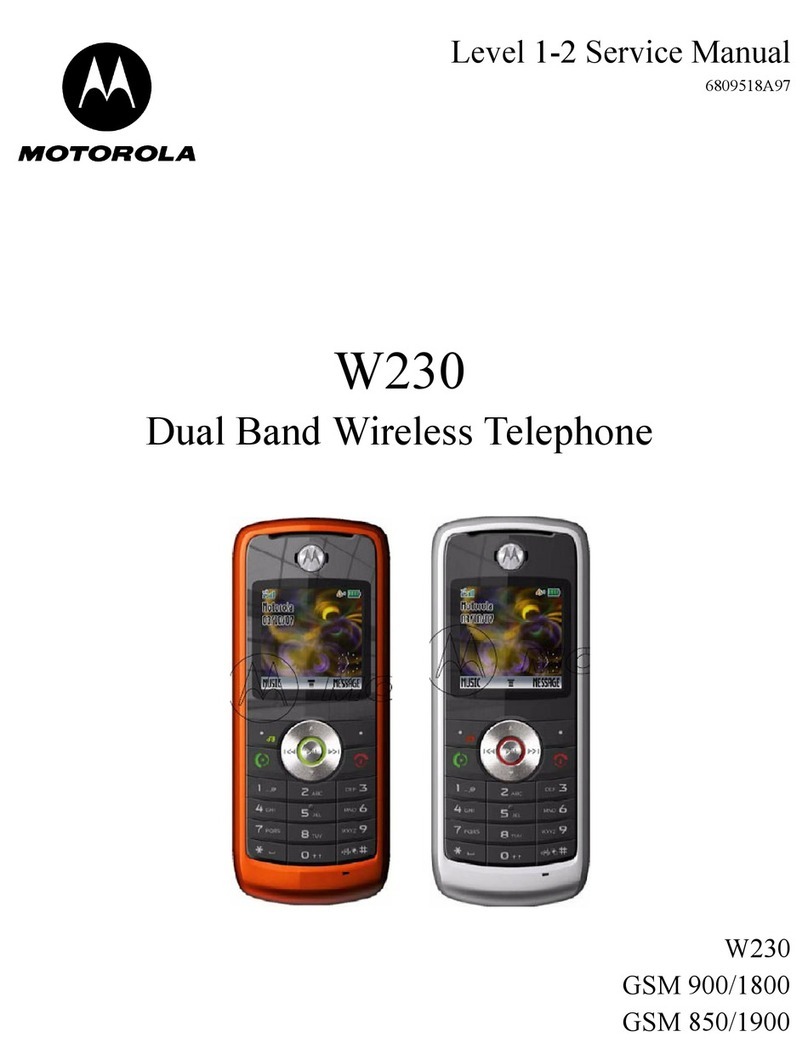
Motorola W230 User manual

Motorola

Motorola W230 User manual

Motorola Stature i9 User manual

Motorola

Motorola Stature i9 User manual

Motorola C168 GSM User manual

Motorola

Motorola C168 GSM User manual

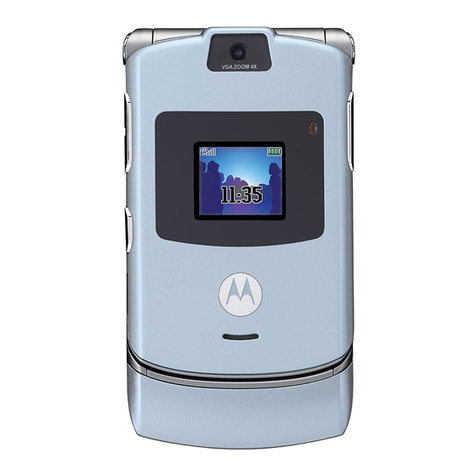
Motorola V3 User manual

Motorola

Motorola V3 User manual

Motorola M800 User manual

Motorola

Motorola M800 User manual

Motorola iDEN i265 Quick start guide

Motorola

Motorola iDEN i265 Quick start guide

Popular Cell Phone manuals by other brands

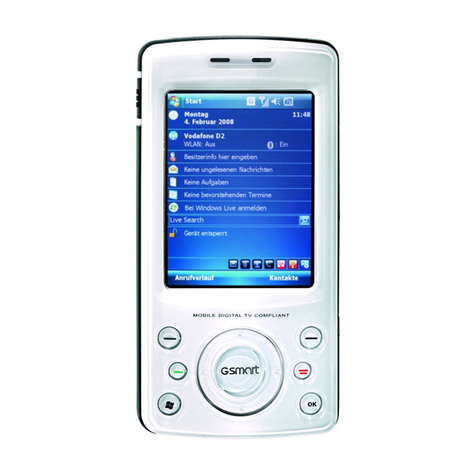
Gigabyte GSmart t600 null

Gigabyte

Gigabyte GSmart t600 null

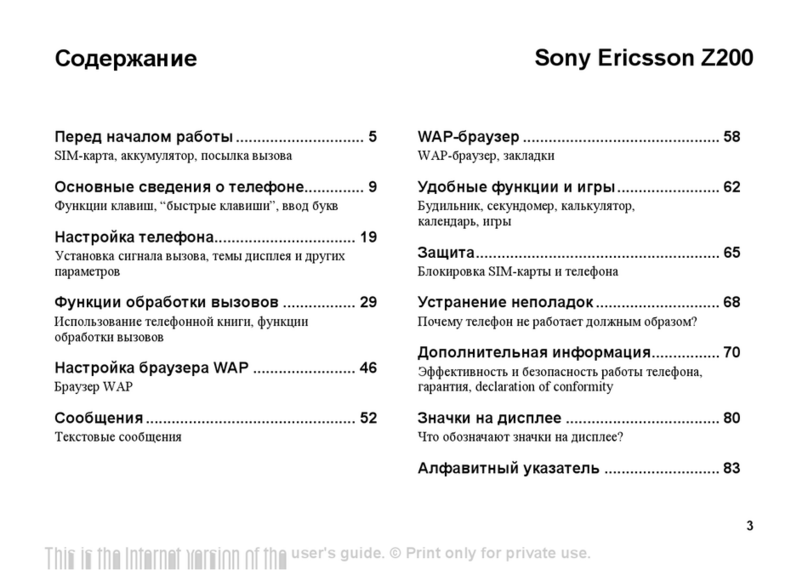
Sony Ericsson Z200 null

Sony Ericsson

Sony Ericsson Z200 null

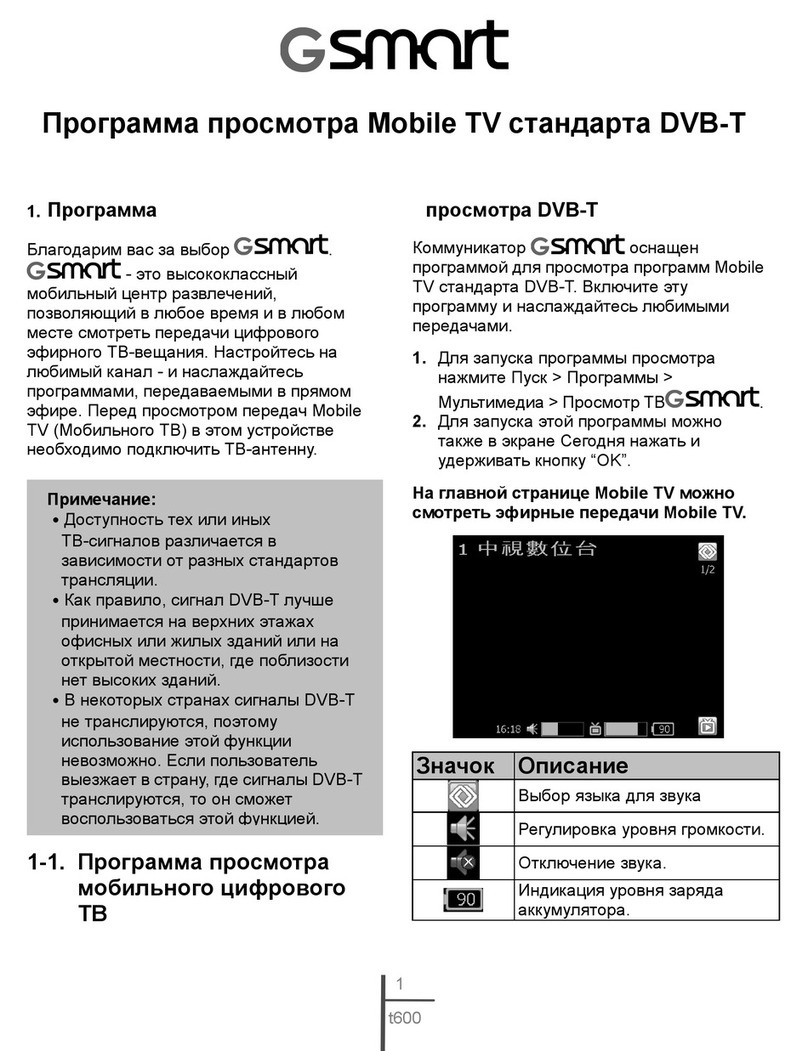
Gigabyte GSmart t600 null

Gigabyte

Gigabyte GSmart t600 null

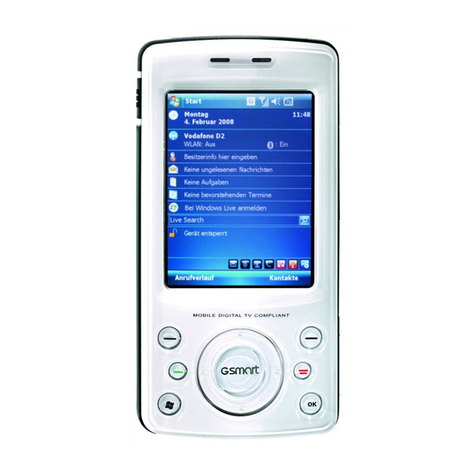
Gigabyte GSmart t600 null

Gigabyte

Gigabyte GSmart t600 null

Sony Ericsson K700i null

Sony Ericsson

Sony Ericsson K700i null

Zte BLADE A520 quick start guide

Zte

Zte BLADE A520 quick start guide

Nokia Lumia 620 user guide

Nokia

Nokia Lumia 620 user guide

Blackbe;rry KEYone Safety and product information

Blackbe;rry

Blackbe;rry KEYone Safety and product information

Bea-fon X5 Premium quick guide

Bea-fon

Bea-fon X5 Premium quick guide

Blackbe;rry 8707 Series user guide

Blackbe;rry

Blackbe;rry 8707 Series user guide

Blackbe;rry Storm Troubleshooting

Blackbe;rry

Blackbe;rry Storm Troubleshooting

LG LM-X420QN user guide

LG

LG LM-X420QN user guide

LifeWatch V user guide

LifeWatch

LifeWatch V user guide

Bea-fon SILVER LINE SL860 user guide

Bea-fon

Bea-fon SILVER LINE SL860 user guide

IKI Mobile KF4.5i user manual

IKI Mobile

IKI Mobile KF4.5i user manual

Hitech HT-850 user guide

Hitech

Hitech HT-850 user guide

Yezz Fashion F10 user manual

Yezz

Yezz Fashion F10 user manual

Point Mobile PM60 user manual

Point Mobile

Point Mobile PM60 user manual

https://manuals.online logo
https://manuals.online logoBrands
  • About & Mission
  • Contact us
  • Privacy Policy
  • Terms and Conditions

Copyright 2026 Manuals.Online. All Rights Reserved.

Touch tipsWelcome AppsHome screenStart hereYour phone
MOTODEFY +
TM
Certain features, services and applications are network-dependent and may
not be available in all areas; additional terms, conditions and/or charges
may apply. Contact your service provider for details.
All features, functionality and other product specifications, as well as the
information contained in this guide, are based upon the latest available
information and believed to be accurate at the time of printing. Motorola
reserves the right to change or modify any information or specifications
without notice or obligation.
Note: The images in this guide are examples only.
MOTOROLA and the Stylised M Logo are trademarks or registered
trademarks of Motorola Trademark Holdings, LLC. Google, the Google logo,
Google Maps, Google Talk, Google Latitude, Gmail, YouTube, Picasa,
Android and Android Market are trademarks of Google, Inc. All other
product or service names are the property of their respective owners.
© 2011 Motorola Mobility Inc. All rights reserved.
Product ID: MOTODEFY™+
Manual Number: 68004153004
Welcome
Because life is full of challenges, we've designed a phone
that handles ever ything life throws your way.
•Life proo f. Water resistant, dustproof and a
scratch-resistant screen.
•Faster web browsing and more entertainment. 25%
faster 1 GHz processor than MOTOROLA DEFY™.
Enjoy more entertainment by streaming your favourite
movies and videos from the web.
9:2
9:2
2
2P
2P
2P
M
M
M
Thr
Thr
Thr
ee
ee
ee
min
min
min
ute
ute
ute
sa
sa
sa
go
go
JohnRenaldi
11:35
Seeall of your apps.
1of 6
Touchthe Launcher icon.
Ihave one extra ticket for the...
Workweek done! Dance floor
hereI come!
n.
ke
e
ke
t
t
fo
r
r
th
th
t
e.
e
..
aEskridge
Yourphone
Most of what you need is on the touchscreen and four
simple keys on the front:
•Menu: Open menu options.
•Home: Go to the home screen.
•Back: Go back a screen.
•Search: Touch for text search, hold for voice search.
Note: Certain apps and features may not be available in
all countries.
9:2
9:2
2
2P
2P
2P
M
M
M
Thr
Thr
Thr
ee
ee
ee
min
min
min
ute
ute
ute
sa
sa
sa
go
go
go
JohnRenaldi
11:35
Seeall of your apps.
1of 6
Ihave one extra ticket for the...
Workweek done! Dance floor
hereI come!
Touchthe Launcher icon.
Back key
Menu key
Volume keys
Microphone
Home key
Power key
Micro USB
connector
Search key
3.5 mm
headset jackPress = sleep/wake up.
Hold = turn on/off.
Sensor
Charge or
connect to PC.
Use the touchscreen keypad for texting, emailing or
searching.
To open the display keypad, touch a text field. To close the
keypad, touch Back .
Tip: To lock the screen/phone,press the Power key . To
unlock, press the Power key , then drag right.
Note: Your touchscreen might stay dark if the sensor just
above it is covered. Don't use covers or screen protectors
(even clear ones) that cover this sensor.
11:35
as
zxcvbnm
dfghjkl
we r t y u i o p
SYM
.
,
q
Next
.
'
Delete
Symbols/
Numbers
Shift
Next line
Space
Starthere
Let's get you up and running.
Note: To help protect your phone, always make sure that
the battery cover and any connector covers are closed and
secure.
Caution: Before assembling, charging or using your
phone for the first time, please read the important
safety, regulatory and legal information packaged
with your product.
Cover on.
1
2
4
SIM in.
5
Lock cover.
Charge.
Battery in.
C
3
3H
Create or log into a MOTOBLUR account. Use an existing
email account and a memorable password—these will
become your MOTOBLUR account ID and password.
Registration is secure and should only take a few minutes.
Note: Before you use MOTOBLUR, please read the terms
and conditions during registration and, if you agree, touch
Agree.
Tip: Your phone comes with a microSD memory card
already installed.
:2
:2
2
2P
2P
2P
M
M
M
hr
hr
hr
ee
ee
ee
min
min
min
ute
ute
ute
Workweek done! Dance floor
hereI come!
JohnRenaldi
11:35
Seeall of your apps.
Touchthe Launcher icon.
1of 6
.
i
i
c
c
c
co
o
9:
9:
Th
Th
Th
W
h
J
Turn on.
T
u
1
Select a
language.
Add accounts.
Ad
4
S
l
a
2
Pleasechoose a language
English
NextEmergencycall
Tomake an emergency call during setup,
pressthe "Menu" key.
PhotobucketPicasa Bebo
Corporatesync
Facebook
MySpace
Ifyou use any of the services below,
tapthe icon to set it up.
Setup accounts
LastFM
Twitter Email
Yahoo!MailSkyrock Google
PhotobucketPicasa Bebo
Corporatesync
Facebook
MySpace
Setup accounts
LastFM
Twitter Email
Ihave one extra ticket
e
e
s
s
s
o
o
n
ek
m
a
e
Register or log in.
MOTOBLUR™ID:
Enteremail address
Password:
NextBack
Creating your
MOTOBLUR account
3
3
Ifyou use any of the services below,
tapthe icon to set it up.
Touchtips
It's all in the touch:
•Touch: Choose an icon or option.
•Touch & hold: Open options.
•Drag: Scroll or move slowly.
•Flick: Scroll or move quickly.
•Pinch: To zoom maps, webpages or photos, slide
fingers apart or together.
11:35
Cameraroll 134items
Touch to open.
Touch & hold
to show options.
Drag or flick to
scroll.
Zoomin or out.
Homescreen
The home screen gives you all your latest information in
one place. It's what you see when you turn on the phone
or touch Home from a menu. Add widgets and
shortcuts to your home screen to see what's important to
you. To make the home screen yours, see “Personalise”
Note: This phone supports data-intensive apps and
services. It is strongly recommended that you purchase a
data plan that meets your needs. Contact your service
provider for details.
9:
9:
22
22
2
P
P
P
M
M
M
Th
Th
Th
re
e
re
e
e
e
mi
mi
mi
nu
nu
nu
te
te
te
s
s
s
ag
ag
o
o
Work week done! Dance floor
here I come!
John Renaldi
11:35
See all of your apps.
1of 6
I have one extra ticket for
the...
Touch the Launcher icon.
Widgets
Flick left or right to see more panels.
Shortcuts
Open the app menu.
Phone status &
notifications
Touch to open.
See your latest updates,
and more.
Flick down to see details.
Apps
All your apps, all together:
•App menu: To open the app menu, touch on the
home screen. To close the app menu, touch Home
or Back .
•More: Touch >
Market
.
Tip: Choose your apps carefully, from trusted sites like
Market
, as some may impact your phone's
performance.
Market
Featured
Google Goggles FREE
Google Inc.
Google Maps FREE
Google Inc.
FREE
Finance
Google Inc.
Search My apps
Settings Help
Open the app menu
and touch Market
Touch for a menu where
you can open search,
downloads or help
Touch an app to open its
details or install it
68004153004.fm Page 1 Friday, July 22, 2011 2: 10 PM
Wireless MoreTipsWeb & mapsMediaMESSAGESUpdatesCONTACTSCALLSPersonalise
Personalise
Go ahead, add your personal touch. Change your
widgets, wallpaper, ringtone and more—make it yours.
•Home screen: Touch and hold an empty spot until
you see the
Add to Home screen
menu.
Tip: To move or delete something, touch and hold it
to drag to a new location or tothe bin at the top of the
screen.
•Ringtones & sounds: Touch Menu >
Settings
>
Sound
.
.
.
.
.
e
h
h
e
e
e
e
e
e
11
:
3
5
11:35
Sound settings
Only in Silent mode
Vibrate
Silence all sounds except media &
alarms
Volume
General
Silent mode
Motorola widgets
Android widgets
Shortcuts
Folders
Wallpapers
Addto Home screen
Touch the Menu key to
open the Settings menu.
Touch and hold an empty
spot to open the home
screen menu.
Calls
Your dial pad, call lists, contacts and favourites are just a
touch or two away—no menus needed. Just
touch
Dialler
on the home screen.
Tip: During a call, touch Home or Back to hide the
active call display and use other apps. To reopen it,
touch
Dialler
.
TUVPQRS WXYZ
8
79
*+#
0
GHI MNO
465JKL
ABC DEF
123
Mostrecent
Active call
ColleenPham
FavouritesContactsRecentDialler Call timer
ActiveCall
Conference call
Open a list.
Add contactVoicemail
10mins ago Colleen Pham
555-555-2505
Add call Endcall Dial pad
Bluetooth Mute Speaker
00:03
11:30
555-555-2505
11:30
Contacts
Contacts like you've never had before, downloaded from
your accounts and ba cked up on MOTOBLUR.
Touch >
Contacts
or
Dialler
>
Contacts
.
•Scroll: Flick or drag the list. Touch a letter on the right
(A - Z) to jump to entries.
•Search: Touch to open a keypad, then type the
contact name.
•More: To transfer your contacts to your phone, or
organise your contacts, go to
www.motorola.com/mymotoblur
.
11:30
Andrew Luis
Andy Fanning
Anna Fui
Amber Mathews
Ab Richie
Angelique Tuller
#
A
B
C
D
E
F
G
H
I
J
K
L
M

N
O
P
Q
R
S
T
U
V
W
X
Y
Z
Displaying214 contacts
A
FavouritesContactsRecentDialler
u
Contacts list
Touch to
import/export, show display
options and more.
Add contact
Groups
Search contacts
Select group to show.
Touchto call or
text.Touch &
hold to edit,
delete and
more.
Updates
Find out what everyone is doing. Touch your
Social
networking
or
Messages
widgets to see the newest update,
then:
•See more: Flick left to see more updates or messages.
•See details: Touch
Social networking
, then touch the
social network's icon for more access.
Tip: To add social network or email accounts,
touch Menu >
Settings
>
Accounts
>
Add account
.
Kristine Kelley
Status update
Not even ready to go back to
school.
Alex Pico likes this.
Set status Social networking
KristineKelley
Noteven ready to
goback to school
10minutes ago
K
r
i
st
i
neKe
ll
e
y
Noteven ready to
goback t
go
b
ac
k
t
e
sag
o
n
rea
d
y
t
o
toschoo
l
to
s
ch
oo
l
11:30
17-May-2007:12AM
Messages
All of your messages stay in one place—text, IM, email,
Facebook and more. Touch >
Messaging
>
Universal
inbox
.
Tip: To edit the message types shown in the Universal
inbox, touch Menu >
Edit universal inbox
.
To view and manage messages by type (
Text messaging
,
Facebook
or
Email
), remove them from your Universal inbox.
Greatnews, congratulations!
7May
6May
4May
4May
2May
Universal inbox
Alex Pico
Hi.Meet at my house at...
John Harris
Let'sget a bite to eat.
Brendan Asnell
Areyou watching the game?
Tom Smith
Gameat the park. Meet in. . .
Martin Cairney
11:30
Message list
Touchto select multiple messages to move or
delete. Or, touchMenu > Select all or
Unselect all.
Create a
message
Refresh.
Touchto open a
message.Touch
& hold to delete.
Media
See it, capture it, share it! You'll even have time to relax to
some music.
•Photos: Touch
Camera
. To take the photo, touch .
•Videos: Touch >
Camcor der
. To start the video,
touch . Touch to stop the video.
•To see the photos and videos you've taken,
touch >
Gallery
.
•Music: Touch >
Music
, then touch a category.
11:30
Songtitle
Searchingfor
location
Open options.
Artist and song details.
Music controls.
See song lyrics in real time.
Open last photo.
Capture.
Zoom.
Song lyrics...
Web& maps
Browse, download and search (of course). And if you need
to know where you are or where you're going, we've got
that covered too.
•Browser: Touch >
Browser
and surf to your
heart's content.
•Rich web content: With Adobe® Flash® Player 10.1
support you can access your favourite websites.
•Maps: Touch >
Maps
to use the Google Maps™
you know and love. With built-in GPS, you'll have
pinpoint turn-by-turn navigation all the way.
Messaging
NClark St
WackerDr
M
EOhio St
NRush St
NWabash Ave
NDearborn St
EGrand A
v
NMichigan Ave
NMichigan Ave
WLake St WLake St
EWacker Pl
State/lake
GrandRed
Lake
Randolp
h
StMetra
Randolph/
Wabash
Washington-Blue
ES Water S
M
M
M
M
ERandolph St
OntarioSt E Ontario St
Press to open options.
Connection
Search
ClearMap Join Latitude More
Directions StarredPlaces
Newwindow
Images Places News more
Guildford
Instant(beta) is off:
Web
Refresh
Bookmarks
Forward
Windows
More
http://www.google.c..
11:00
Turnon
update
Mobile network: , ,
Wi-Fi:
Wireless
Lose the wires—touch Menu >
Settings
>
Wireless &
networks
.
•Bluetooth: For hands-free calls and wireless music,
touch Bluetooth settings and connect to your
accessory.
•Wi-Fi: For fast Internet access, touch Wi-Fi settings and
connect to a home, office or hotspot network. For
connection details, touch Menu >
Advanced
.
Bluetoothsettings
Bluetoothdevices
Bluetooth
Device name
MB526
Make device discoverable
Pair with this device
Discoverable
Scan for devices
(found device name)
Connectedto Moto
Wi-Fisettings
Networknotification
Wi-Finetwork
Wireless
Open network
Secure network
Connected
Your network
Add Wi-Fi network
Manage networks
Notifyme when a secure network is
available
Notifyme when an open network
isavailable
Turn on & scan.
Connect.
Tips
Here are some good things to know:
•Set lock screen: Touch Menu >
Settings
>
Location
& security
>
Set up screen loc k
.
•Control Bluetooth™, Wi-Fi & GPS: Touch and hold an
empty spot on your home screen, then touch
Motoro la
widgets
>
Bluetooth toggle
,
Wi-Fi toggle
or
GPS toggle
.
•Change profiles: Touch Menu >
Profiles
to design
different home screens for
Work
,
Home
or
Weekend
.
•Voice dialling & voice commands: Touch >
Voice commands
.
Alex Pico
Meeting
What time are we going out?
10:32
10:30 10:32
10:30
Clear
Notifications
Notifications
Alex Pico
Meeting
What time are we going out?
08 September 2010
08 September 2010
On the home screen:
To access a notification, drag the status bar downand touch it.
Text search
Voice search
Choose what you search. Touch, then speak.
Type, then touch.
Wantmore?
Want more? You got it:
•Answers: Touch >
Help centre
.
You can also flick your home screen left or right to see
the Getting started and Tips & tricks widgets.
•Support: Phone updates, PC software, user guides,
online help and more at
www.motorola.com/mydefyplus
.
•MOTOBLUR: After you create a MOTOBLUR
account, open it at
www.motorola.com/mymotoblur
.
•Accessories: Find optional accessories for your
phone at
www.motoro la.com/prod ucts
.
This product meets the applicable SAR limits of 1.6 W/kg (FCC) and2. 0 W/kg
(ICNIRP). The limits and guidelines include a substantial safety margin designed
to assure the safety of all persons, regardless of age and health. The highest
SAR values measured for this device are listed in the legal and safety
information packaged with your product.
Note:
When carrying the productor using it while worn on your body, eitheruse an approved
accessory such as a holster or otherwise maintain a distance of 2.5 cm (1 inch) from the body
to ensure compliance with RF exposure requirements.Note that the product may be
transmitting even if you are not making a phone call.
68004153004.fm Page 2 Friday, July 22, 2011 2: 10 PM