EnglishDeutsch
 logo
Brands
  1. Home
  2. •
  3. Brands
  4. •
  5. Motorola
  6. •
  7. Cell Phone
  8. •
  9. Motorola moto g4 plus User manual

Motorola moto g4 plus User manual

Other manuals for moto g4 plus

1

Other Motorola Cell Phone manuals

Motorola moto G6 PLUS Instruction sheet

Motorola

Motorola moto G6 PLUS Instruction sheet

Motorola Nextel iDEN i2000plus User manual

Motorola

Motorola Nextel iDEN i2000plus User manual

Motorola ThinkPhone XT2309-2 User manual

Motorola

Motorola ThinkPhone XT2309-2 User manual

Motorola MOTOSLVR L7 User manual

Motorola

Motorola MOTOSLVR L7 User manual

Motorola ELECTRIFY 2 User manual

Motorola

Motorola ELECTRIFY 2 User manual

Motorola CDMA User manual

Motorola

Motorola CDMA User manual

Motorola CLIQ TM1668 Guide

Motorola

Motorola CLIQ TM1668 Guide

Motorola iDEN Debut User manual

Motorola

Motorola iDEN Debut User manual

Motorola MOTOCUPE V14W User manual

Motorola

Motorola MOTOCUPE V14W User manual

Motorola Motoe6 User manual

Motorola

Motorola Motoe6 User manual

Motorola IHF1000 - Blnc Bluetooth Car User manual

Motorola

Motorola IHF1000 - Blnc Bluetooth Car User manual

Motorola IDEN I370XL-I470 User manual

Motorola

Motorola IDEN I370XL-I470 User manual

Motorola CHARM 68000202552-B User manual

Motorola

Motorola CHARM 68000202552-B User manual

Motorola MOTORIZR Z6 User manual

Motorola

Motorola MOTORIZR Z6 User manual

Motorola MOTORAZR V8 User manual

Motorola

Motorola MOTORAZR V8 User manual

Motorola i560 User manual

Motorola

Motorola i560 User manual

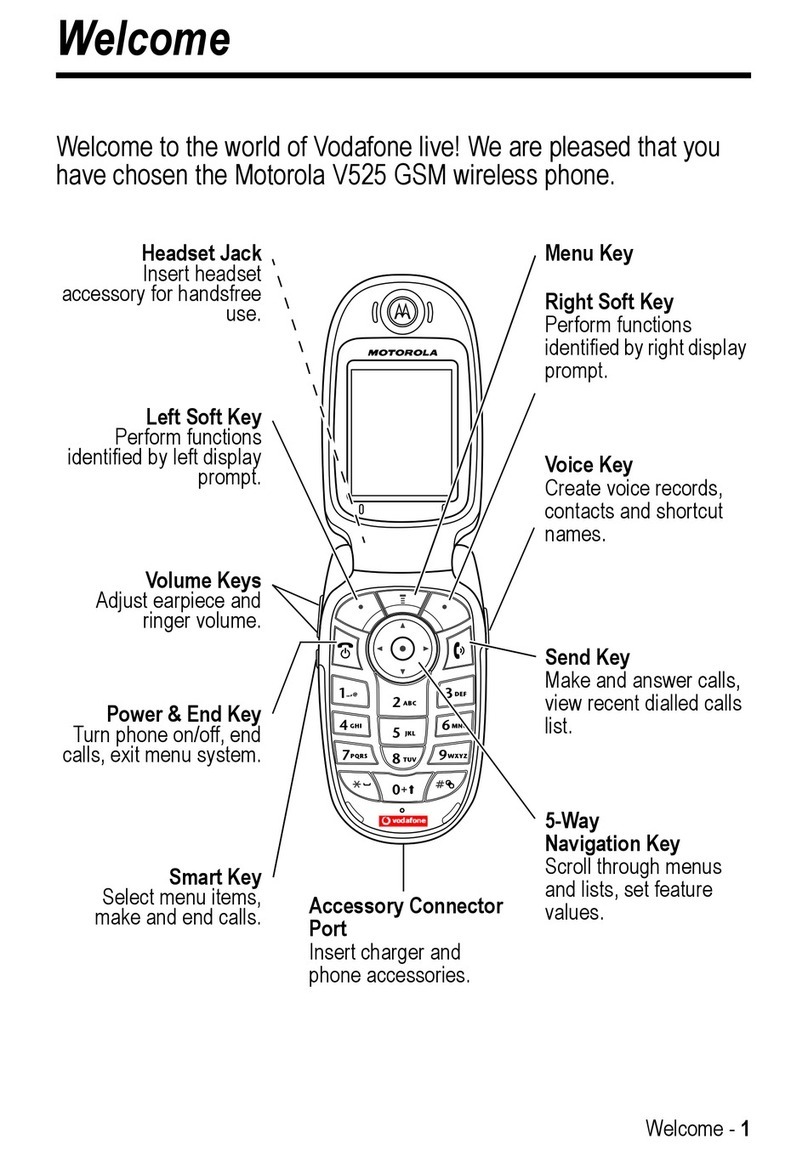
Motorola V525 User manual

Motorola

Motorola V525 User manual

Motorola TIMEPORT 280 User manual

Motorola

Motorola TIMEPORT 280 User manual

Motorola i1 User manual

Motorola

Motorola i1 User manual

Motorola A845 User manual

Motorola

Motorola A845 User manual

Motorola E680i - Smartphone - GSM User manual

Motorola

Motorola E680i - Smartphone - GSM User manual

Motorola Tundra VA76r User manual

Motorola

Motorola Tundra VA76r User manual

Motorola ic502 User manual

Motorola

Motorola ic502 User manual

Motorola RAZR User manual

Motorola

Motorola RAZR User manual

Popular Cell Phone manuals by other brands

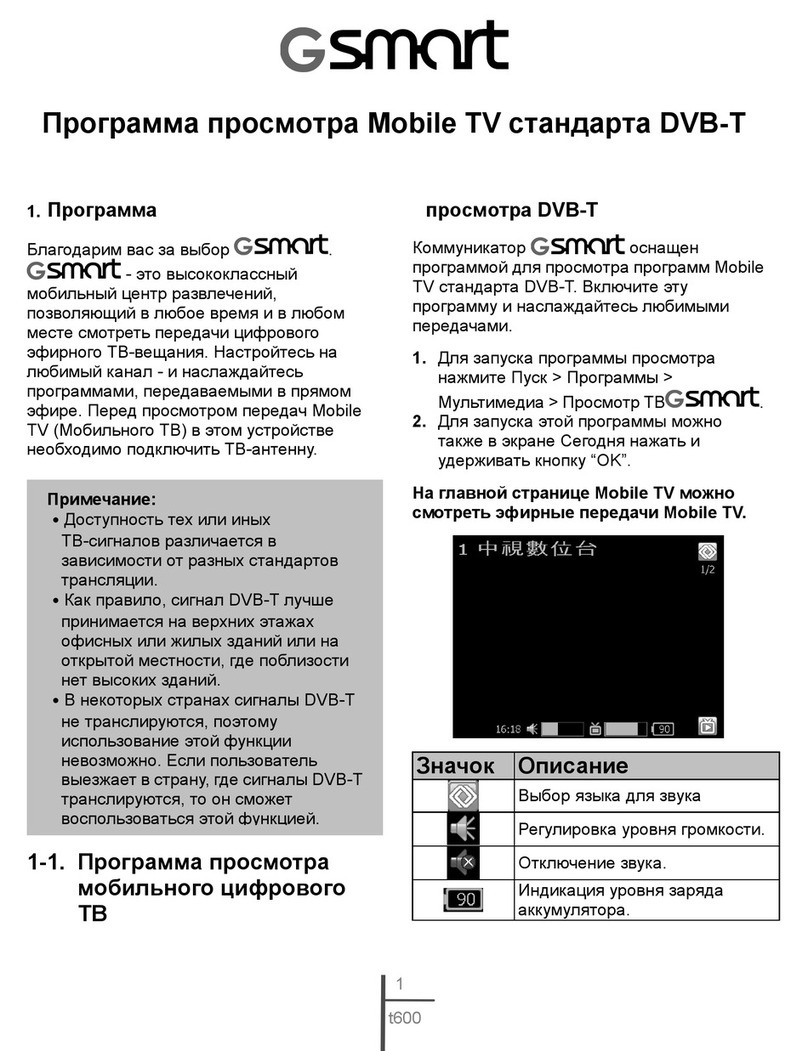
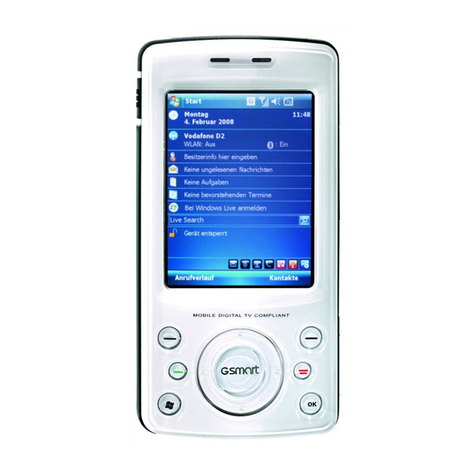
Gigabyte GSmart t600 null

Gigabyte

Gigabyte GSmart t600 null

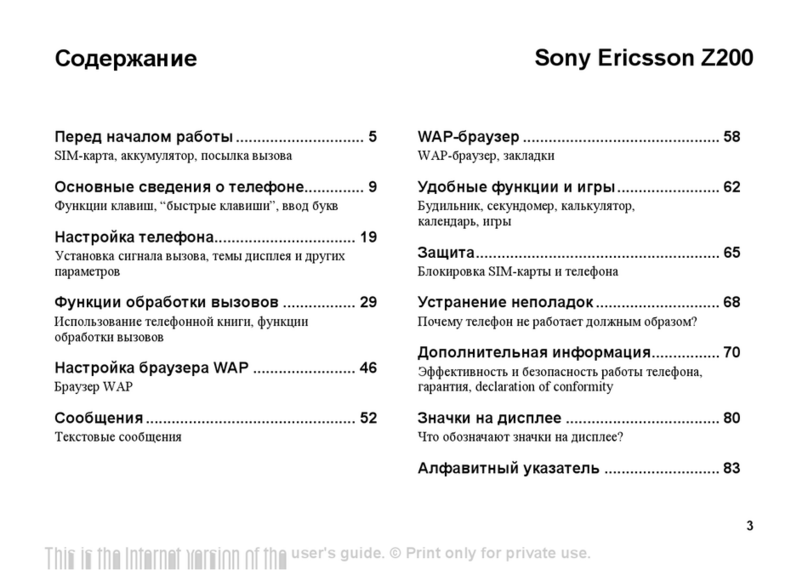
Sony Ericsson Z200 null

Sony Ericsson

Sony Ericsson Z200 null

Gigabyte GSmart t600 null

Gigabyte

Gigabyte GSmart t600 null

Gigabyte GSmart t600 null

Gigabyte

Gigabyte GSmart t600 null

Sony Ericsson K700i null

Sony Ericsson

Sony Ericsson K700i null

Zte BLADE A520 quick start guide

Zte

Zte BLADE A520 quick start guide

Nokia Lumia 620 user guide

Nokia

Nokia Lumia 620 user guide

Blackbe;rry KEYone Safety and product information

Blackbe;rry

Blackbe;rry KEYone Safety and product information

Bea-fon X5 Premium quick guide

Bea-fon

Bea-fon X5 Premium quick guide

Blackbe;rry 8707 Series user guide

Blackbe;rry

Blackbe;rry 8707 Series user guide

Blackbe;rry Storm Troubleshooting

Blackbe;rry

Blackbe;rry Storm Troubleshooting

LG LM-X420QN user guide

LG

LG LM-X420QN user guide

LifeWatch V user guide

LifeWatch

LifeWatch V user guide

Bea-fon SILVER LINE SL860 user guide

Bea-fon

Bea-fon SILVER LINE SL860 user guide

IKI Mobile KF4.5i user manual

IKI Mobile

IKI Mobile KF4.5i user manual

Hitech HT-850 user guide

Hitech

Hitech HT-850 user guide

Yezz Fashion F10 user manual

Yezz

Yezz Fashion F10 user manual

Point Mobile PM60 user manual

Point Mobile

Point Mobile PM60 user manual

https://manuals.online logo
https://manuals.online logoBrands
  • About & Mission
  • Contact us
  • Privacy Policy
  • Terms and Conditions

Copyright 2026 Manuals.Online. All Rights Reserved.

read me
Caution: before using your phone, please read the safety,
regulatory and legal information provided with your product.
en-GB
This product meets the applicable national or
international RF exposure guidance (SAR guideline)
when used normally against your ear, or when worn or
carried, at a distance of 1.5cm from the body. The SAR
guideline includes a considerable safety margin
designed to ensure the safety of all persons,
regardless of age and health.
To view the SAR values for your phone, visit
https://motorola.com/sar. To view additional SAR
information on your phone, tap Apps >Settings >
Legal information >RF information. To view the
information on the web, visit
www.motorola.com/rfhealth.
motorola.com
At a glance
Let's get started. We'll guide you through startup and
tell you about your phone.
Note:
software updates happen frequently, so your
phone may look a little different.
830°
36
12
GooglePlay Store
12:36
Volume
buttons
Power button
Micro USB/
charger
Microphone
Front camera
Headset
jack
SIM &
microSD
card slots
Press:
display on/o.
Press & hold:
phone on/o.
Back
Home
Overview
Back
camera
Fingerprint
sensor
Remove the back cover
If you need to insert SIM and memory cards, remove
the back cover.
Caution:
don't use tools to remove the cover – doing
so may damage your phone.
Take o the back cover.
Turn your phone upside down.
Put your fingernail in the
notch on the bottom corner.
Press your thumb in the
centre of the back cover.
Pry the cover o.
1.
2.
3.
Put in the SIM card
Caution:
make sure you use the correct size SIM card
and don't cut the SIM card.
Micro SIM card:
Push a micro SIM
card directly into the
slot with the gold
contacts facing
down.
Note: do not use an
adapter.
Micro SIM
Nano SIM card:
Put a nano SIM into an
adapter and flip it over.
Push the adapter into the
SIM slot with the gold
contacts facing down.
Nano SIM
Flip
over.
Your phone may come with a nano SIM adapter
inserted.
Pull out the SIM card adapter.
Note: for a micro SIM card,
you won't need an adapter.
Put in the memory card & power on
Insert an optional memory card. Put on the back cover.
Charge your phone fully and turn the power on. Then
select your language and follow the screen prompts to
get started.
Charge up & power on.
Press & hold Power
until the screen lights
up.
Put in the optional memory card.
micro SDmicro SD SIM 1SIM 1
microSD
(optional)
Note: fully charge
your phone before
using it.
Moto G4+_GSG_en-GB_68018164006B.fm Page 1 Wednesday, April 13, 2016 4:35 PM
Home screen & apps
Home screen & settings
From the Home screen, you can explore apps, check
notifications, speak commands and more.
• Add a shortcut:
tap Apps , tap and hold an app,
then drag it to your Home screen.
• Settings:
to change your Wi-Fi, display brightness
and more, swipe the status bar down with two
fingers. To open more settings, tap .
• Share your phone:
to add a guest user, swipe the
status bar down with two fingers and tap .
830°
36
12
Google Play Store
12:36
Say "OK Google"
Search by typing or
say "OK, Google".
Tap Apps to see
all your apps.
Swipe down with one
finger for notifications
or with two fingers for
profiles and settings.
Touch and hold an
empty spot to change
widgets, wallpaper and
more.
Discover your Moto app
Find it:
Apps >
Moto
•Actions:
learn how to open your camera with two
twists of your wrist using Quick Capture.
•Display:
see messages, calls and other
notifications – even if your phone is asleep.
12:36
Note: your phone may not have all features.
Browse
Photos
With two twists of the wrist and a tap on the screen,
take crisp, clear photos.
• Launch it:
even when your phone is asleep, open
your camera with two twists of your wrist.
• See it:
swipe left for your photo gallery.
•Shareit:
view a photo or video from your gallery,
then tap .
Tip:
swipe right for effects and settings, like resolution.
GALLERYSETTINGS
Switch to front camera.
Switch to video camera,
slow motion, panorama
or professional mode.
Tap anywhere to
change the focus.
Tap to take a photo.
Touch and hold to
take multiple shots.
Swipe right for
settings.
Want mor e?
Help & more
Get answers, updates and info:
•Helpishere:
tap Apps >
Help
to get
walk-through tutorials, how-tos, or FAQs, directly
on your phone.
•EverythingMotoG:
get software, user guides and
more at www.motorola.com/mymotog.
•Getapps:
tap Apps >
Play Store
to buy and
download apps.
•News:
here's how to find us:
YouTube™ www.youtube.com/motorola
Facebook™ www.facebook.com/motorola
Twitter www.twitter.com/moto
Google+™ www.google.com/+Motorola/posts
Where is my legal, safety and regulatory
information?
In order to provide you with better access to this
important information, we've made the materials
accessible from the phone's settings menu and on the
web. Review these materials prior to using your
device. To access the materials from a connected
phone, go to
Settings
>
Legal information
and select a
topic. To access the materials on the web, visit
www.motorola.com/device-legal.
For your sa fety
Battery safety
For your safety
Before assembling, charging or using your mobile device for the first time,
please read the important product safety and legal information provided
with your product.
If your mobile device becomes unresponsive, try a reboot – press and hold
the Power button until the screen goes dark and your device restarts.
for your safety, the battery in your mobile device should only be removed
by a Motorola approved service centre or independent qualified
professional. don't try to remove or replace the battery yourself – doing so
may damage the battery and could cause burning and injury. Don't crush,
bend or expose your mobile device to heat or liquid. This may damage the
battery and may cause burning and injury.
Caution about high volume usage
HighVolume
War ning:
to prevent possible hearing damage, do not listen at
high volume levels for long periods.
Disposal & recycling
Hearing aidcompatibility
Help do your part! Please don't dispose of mobile devices or
electrical accessories (such as chargers, headsets or batteries)
with your household waste. Product packaging and product
guides should only be disposed of in accordance with national
collection and recycling requirements. For details on approved
national recycling schemes and Motorola recycling activities, go
to: www.motorola.com/recycling.
Usage
This phone supports apps and services that may use a lot of data, so make
sure your data plan meets your needs. Contact your service provider for
details. Certain apps and features may not be available in all countries.
Regulatory information
To view the Regulatory ID (such as FCC ID) for this device, on the phone,
go to
Settings
>
Legal information
>
Regulatory ID/Markings
, or visit
www.motorola.com/device-legal.
Warranty
This product is covered by Motorola's limited warranty. To review the
warranty on your phone, go to
Settings
>
Legal information
>
Warranty
,
or visit motorola.com/device-legal. You may also obtain a copy of the
warranty by contacting Motorola at: Motorola Mobility LLC, Attention
Customer Service – Warranty Request, 222 West Merchandise Mart Plaza,
Suite 1800, Chicago, IL 60654.
Arbitration & opt-out
Any controversy or claim arising out of or relating to any Motorola product
will be resolved by binding arbitration, instead of in court, unless you
opt-out. To opt-out, send a written rejection notice within 30 days of
purchase that includes your name, address, phone number, device and
device serial number, and tells Motorola that you are rejecting this
Arbitration provision to: Motorola Mobility LLC, 222 West Merchandise
Mart Plaza, Suite 1800, Attn: Arbitration Provision Opt-Out, Chicago, IL
60654 or arbitrat@motorola.com. For more information on this arbitration
provision, on your phone, go to
Settings
>
Legal information
>
Arbitration
and opt-out
, or visit www.motorola.com/device-legal.
Copyright & trademarks
Copyright& trademarks
Certain features, services and applications are network-dependent and
may not be available in all areas; additional terms, conditions and/or
charges may apply. Contact your service provider for details.
All features, functionality and other product specifications, as well as the
information contained in this guide, are based upon the latest available
information and believed to be accurate at the time of printing. Motorola
reserves the right to change or modify any information or specifications
without notice or obligation.
Note:
the images in this guide are examples only.
MOTOROLA, the stylised M logo, MOTO and the MOTO family of marks are

trademarks or registered trademarks of Motorola Trademark Holdings,
LLC. Google, Android, Google Play and other marks are trademarks of
Google Inc. microSD Logo is a trademark of SD-3C, LLC. All other product
or service names are the property of their respective owners.
© 2016 Motorola Mobility LLC.
Product ID: Moto G
4
Plus (Model XT1642)
Manual number: 68018164006-B
For your language user guide please refer to: www.motorola.com/support.
Moto G4+_GSG_en-GB_68018164006B.fm Page 2 Wednesday, April 13, 2016 4:35 PM